
Preview in:
Best Alternatives to Pinterest — Our Top 5 Picks:
5. DeviantArt
4. Instagram
3. Tumblr
2. Cosmos
1. Lenso.ai
5. DeviantArt
DeviantArt was once one of the most popular platforms for online artists. While the community remains engaged with the artwork, the rise of AI-generated art has caused some users to leave the platform.
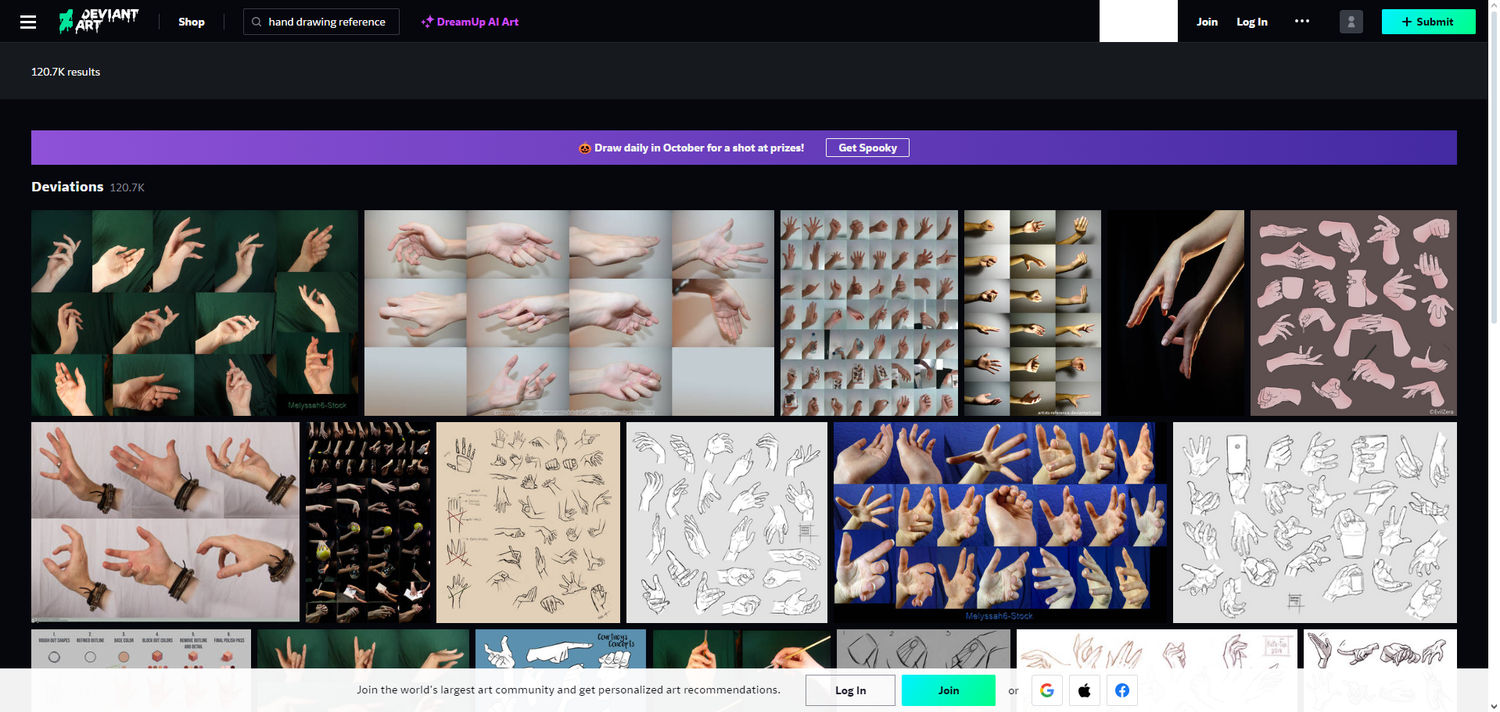
Pros:
- Active community
- Allows adult content
- Accurate tagging system
- Options to download, add to collections, and mark favorites
- Built-in shopping system
- No registration required
Cons:
- AI-generated art ranks high on the site
- Cluttered design
4. Instagram
Instagram is the leading platform for image sharing. It lets users bookmark, like, comment, and share pictures and videos. However, it faces criticism due to privacy concerns and controversial practices by its parent company, Meta.
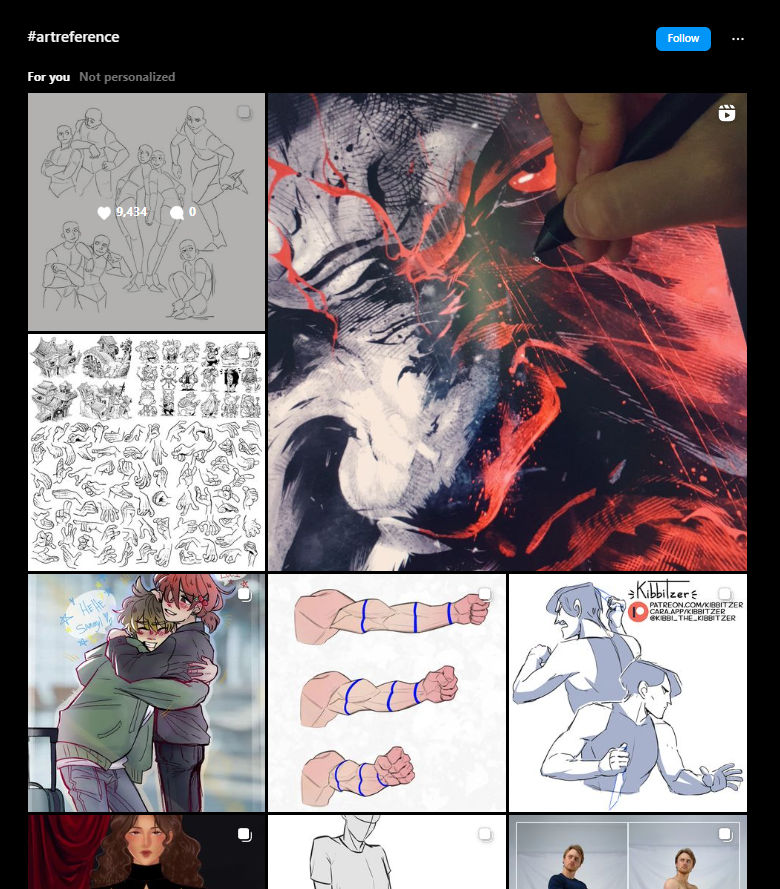
Pros:
- Highly active community
- Supports both photo and video sharing
- Built-in image editor
- Bookmarking and sharing features
- Direct messaging with artists
Cons:
- Not specifically designed for art and design
- Recommendation algorithm is less accurate than other platforms
- Heavy emphasis on reels
- No option to sort by newest in tags, limiting visibility for smaller artists
- No AI art tagging
- Limited image size and resolution
- Primarily mobile-focused
3. Tumblr
Though Tumblr has seen a decline in popularity, it still hosts a sizable community of artists who share their work. The platform allows users to post their own art and reblog others' content, functioning more like a blogging platform than a simple image-sharing site.
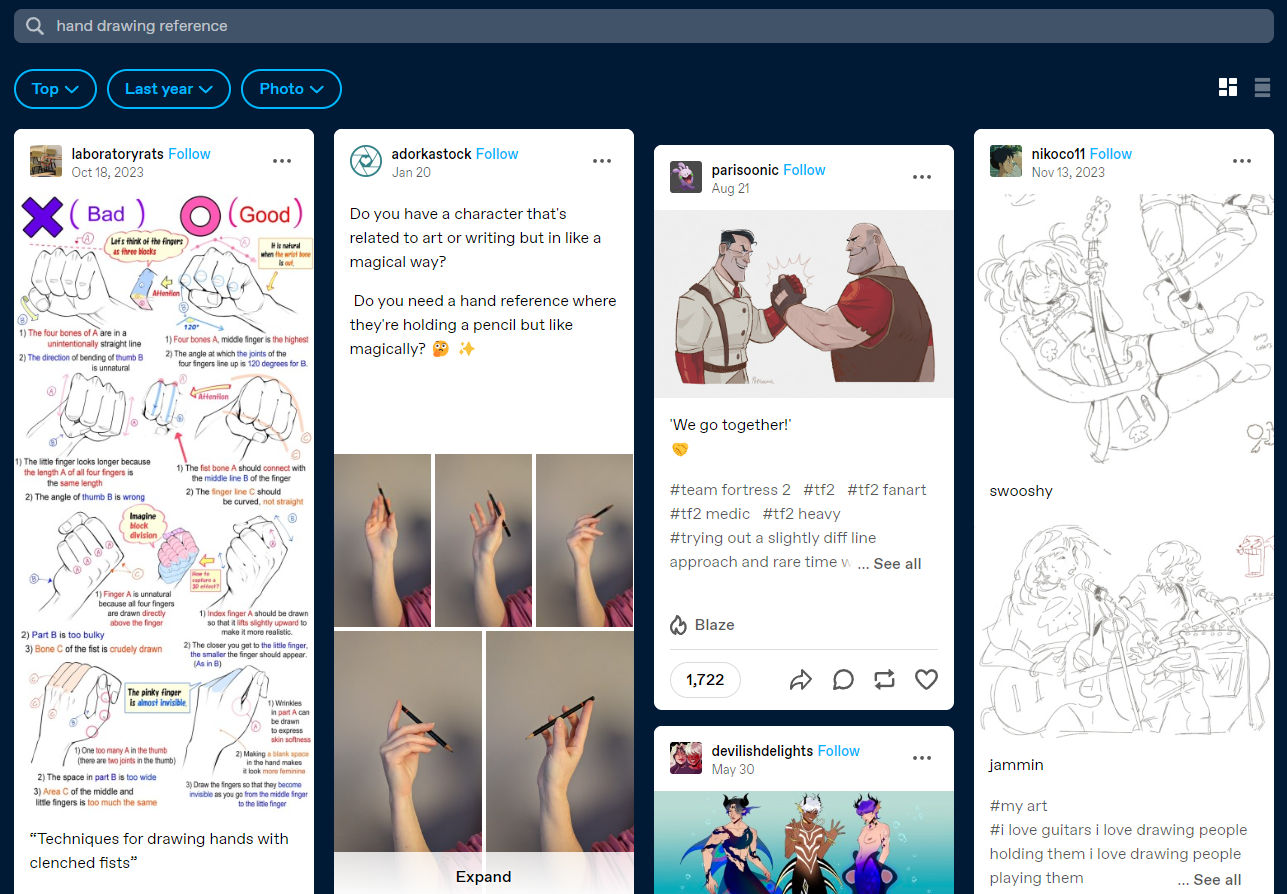
Pros:
- Customizable blogs
- Supports animations and artwork
- Less AI art compared to other platforms
- Active community
- Allows adult content
- Reblogging feature
Cons:
- Requires account creation
- Unintuitive design
- Distinctive (and sometimes controversial) community
- No private collections
- No similar image suggestions under posts
2. Cosmos
Cosmos is the platform most similar to Pinterest. Users can explore various areas of interest like art, architecture, and photography. Like Pinterest, users share images from across the web rather than posting directly to the platform. It’s less fandom-focused compared to others.
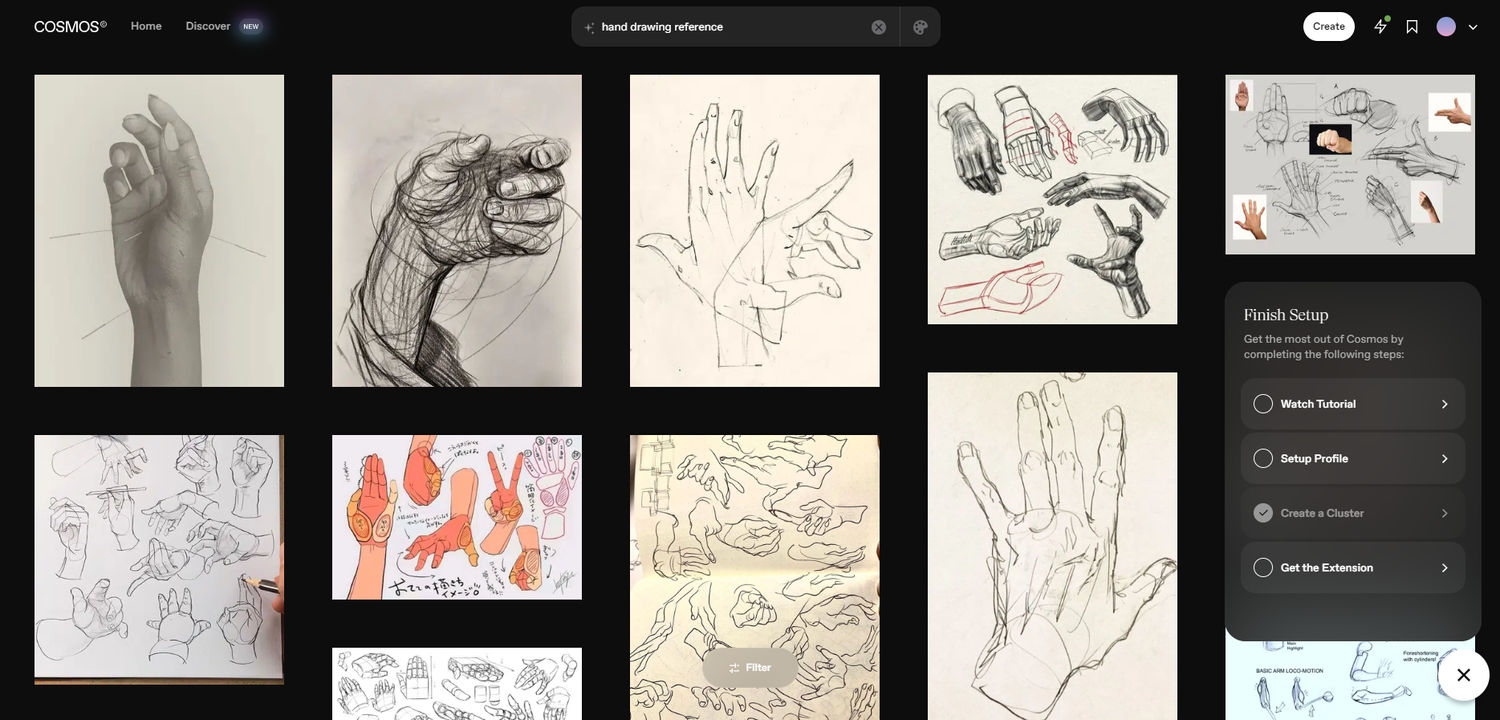
Pros:
- Easy image exploration through the Discover section
- Shows similar and related images under each post
- Very similar to Pinterest
- Ability to save images in collections (Clusters)
- Covers a wide range of art, not just digital art or paintings
Cons:
- Requires registration
- No commenting features
- Smaller, less active community
1. Lenso.ai
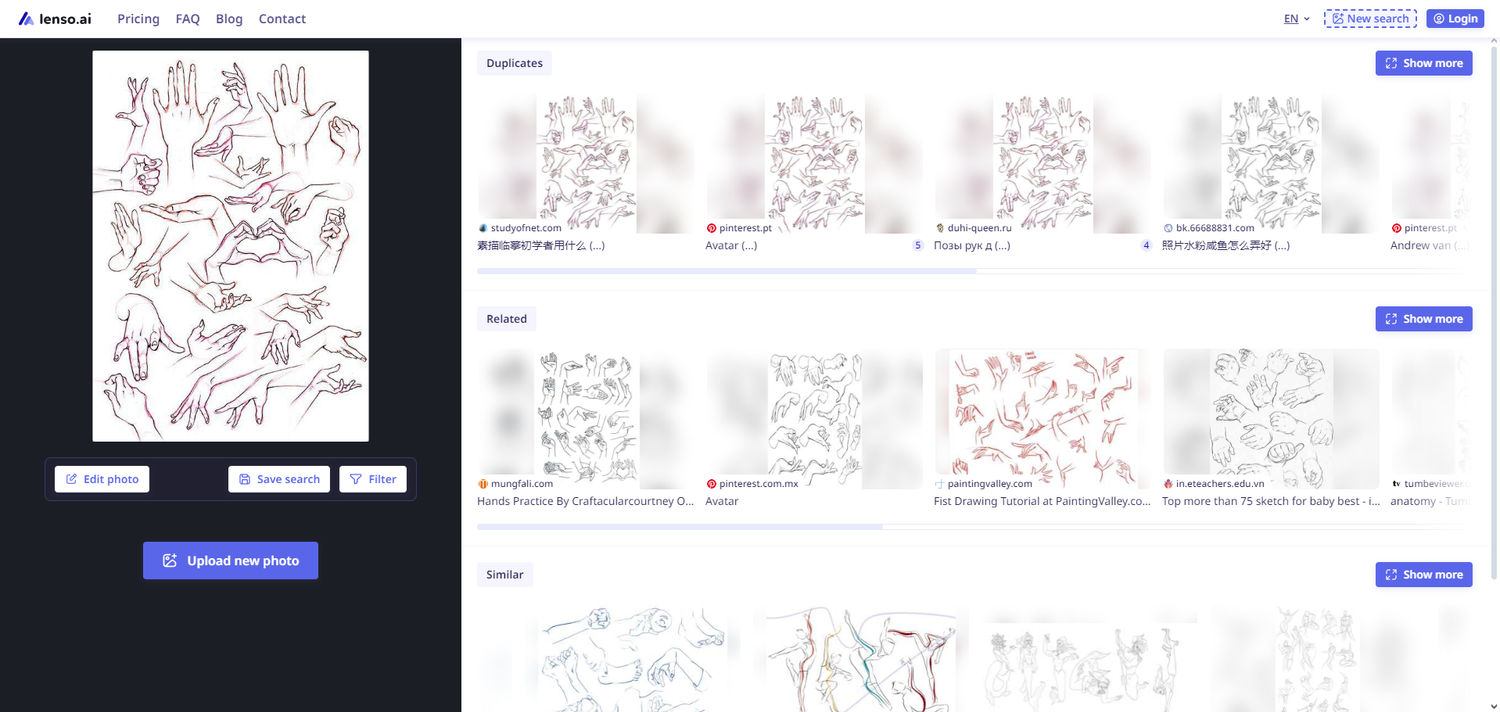
Lenso is a fantastic tool for users seeking inspiration rather than a traditional artist community. It allows users to search by image to discover similar art, reference photos, or inspiration. By clicking on an image, users can explore various related recommendations. Lenso also organizes images into categories for more diverse results.
Pros:
- No registration required
- Categorized image organization
- Save collections
- Finds a variety of art from the web
- Sort by newest/oldest or best/worst match
- Diverse result options
- Text-based and domain-specific filters
- Shows similar images when clicking on a picture
Cons:
- No personalized suggestions unless a search is made
- Lacks a community
- Users cannot upload their own images; all images are indexed
- No tagging feature
All of these platforms serve as excellent alternatives to Pinterest. Whether you're searching for art, photography, or design inspiration, each offers unique features you'll love. Give them a try and share this article to let us know which one you enjoyed the most!

Author
Kinga Jasinska
Marketing Specialist
Continue reading

General
Designing "Find Similar Products" UI Patterns for E-Commerce Websites
Every online store has the same quiet moment of truth. A shopper lands on a product that is almost right. The color is close but not quite, the price is a little high, or the size they need is sold out. What happens next decides whether they keep exploring your catalog or close the tab.
General
Best AI photo protection tools in 2026
Information, and especially photos, spreads online very quickly. And basically, you cannot control it – at least not by checking manually. The best way is to use an AI photo protection tool to prevent any potential misuse or keep an eye on where your photos appear online and in what context. Let’s check out the best AI photo protection tools.

General
7 Steps to Build a More Efficient Digital Workflow for Your Team
Every team has its own workflow. This process is usually not well thought out. It’s not created as a finished, ready-to-use item, but develops through the process of formation through spreadsheets, everyday messaging applications, informal agreements, and accumulated experience.
General
Visual Product Education: 6 Ways Ecommerce Brands Can Use Images to Build Customer Confidence
High product understanding is a direct prerequisite for high purchase intent. That’s why ensuring your target audience understands your solutions and their value is essential for guiding them toward conversion. However, communicating product benefits can be slightly more challenging online than in-store.
General
The Best Reverse Image Search for Photographers. Set Up Copyright Notifications!
If you are a photographer looking for a smart way to find your copyrighted content shared online, this is the place for you! In this article, we will explain how you can search for your photos being reposted, and the best ways you can automate the searching.