
Preview in:
Find Your Stolen Photos Online
The first step is to find the copyrighted content being shared. The best way to do it is by using Reverse Image Search.
Reverse Image Search - The Basics
Reverse image search is a technology that finds similar or identical images online. You can upload any reference image from your camera roll, and reverse image search will find all copies of the photo that were shared online.
How to Reverse Image Search?
- Open any reverse image search engine and upload your photo.
- Wait for the search to be made. It usually takes just a few seconds. The system recognizes the elements of the photograph and searches for similar images in its index.
- Check the results. Most image engines let you explore the results by clicking on them and redirect you to websites where the images were posted.
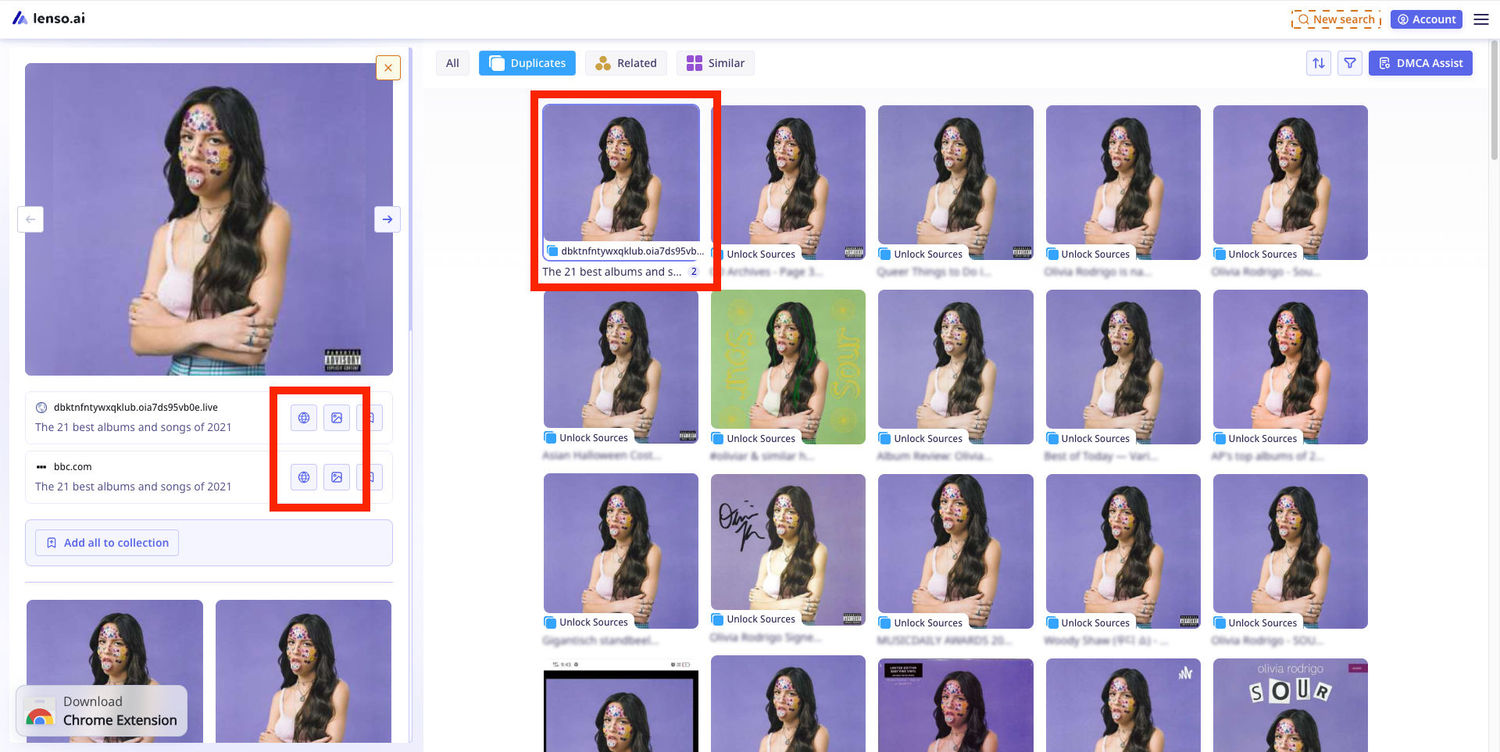
Reverse Image Search On Lenso.ai
Lenso.ai offers additional tools that make it easier for photographers to find their images on the internet. Here are some features that you can use as a photographer:
Finding More Than Just Duplicates
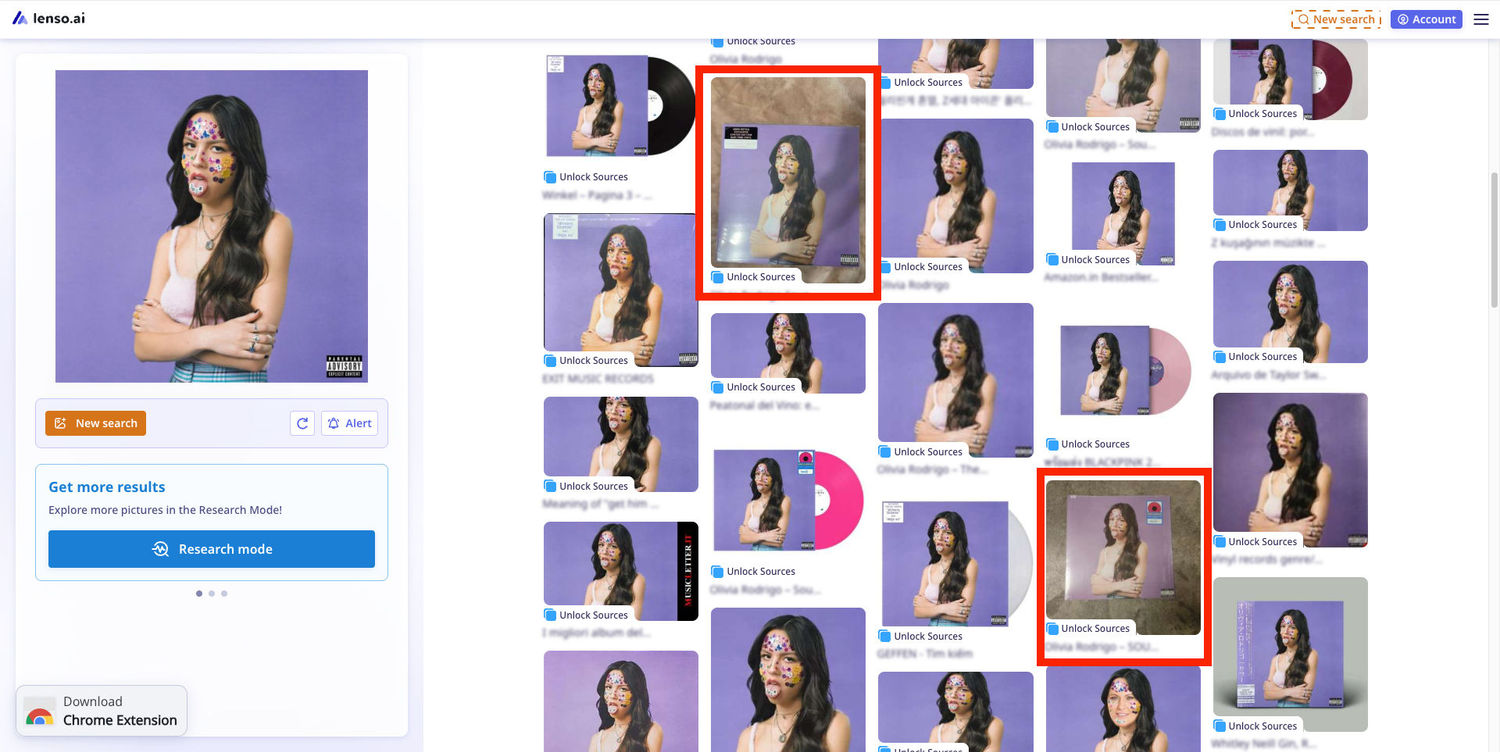
Lenso.ai is great in finding identical copies of any photo, but it goes way beyond it. For example, lenso is able to find a photo inserted into another photo, images of images, and many other less obvious cases – like in the example below:
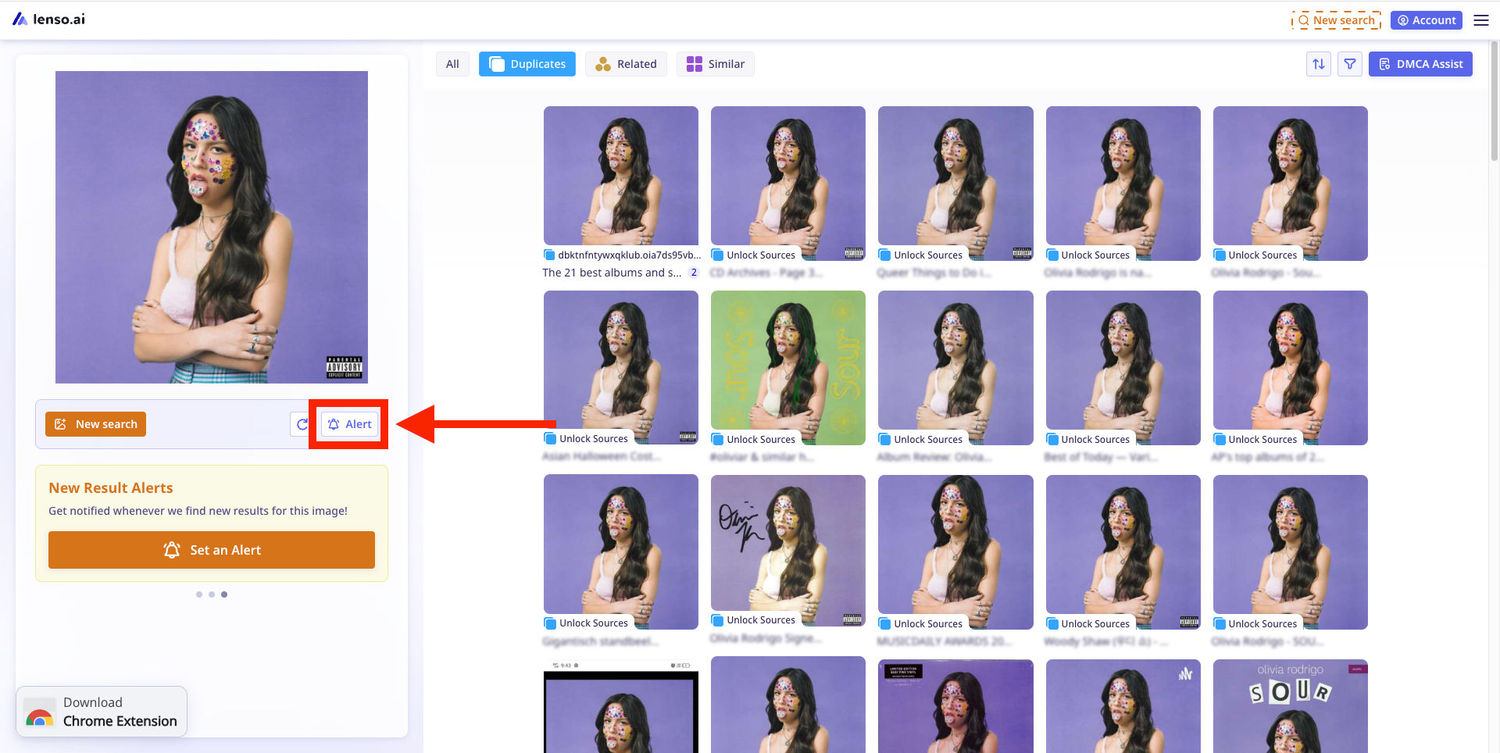
Alerts
Lenso.ai lets you set up alerts for any image that you upload. With alerts, you will get notifications every time a new match for your image is found. This is very useful for users who don’t want to manually check images.
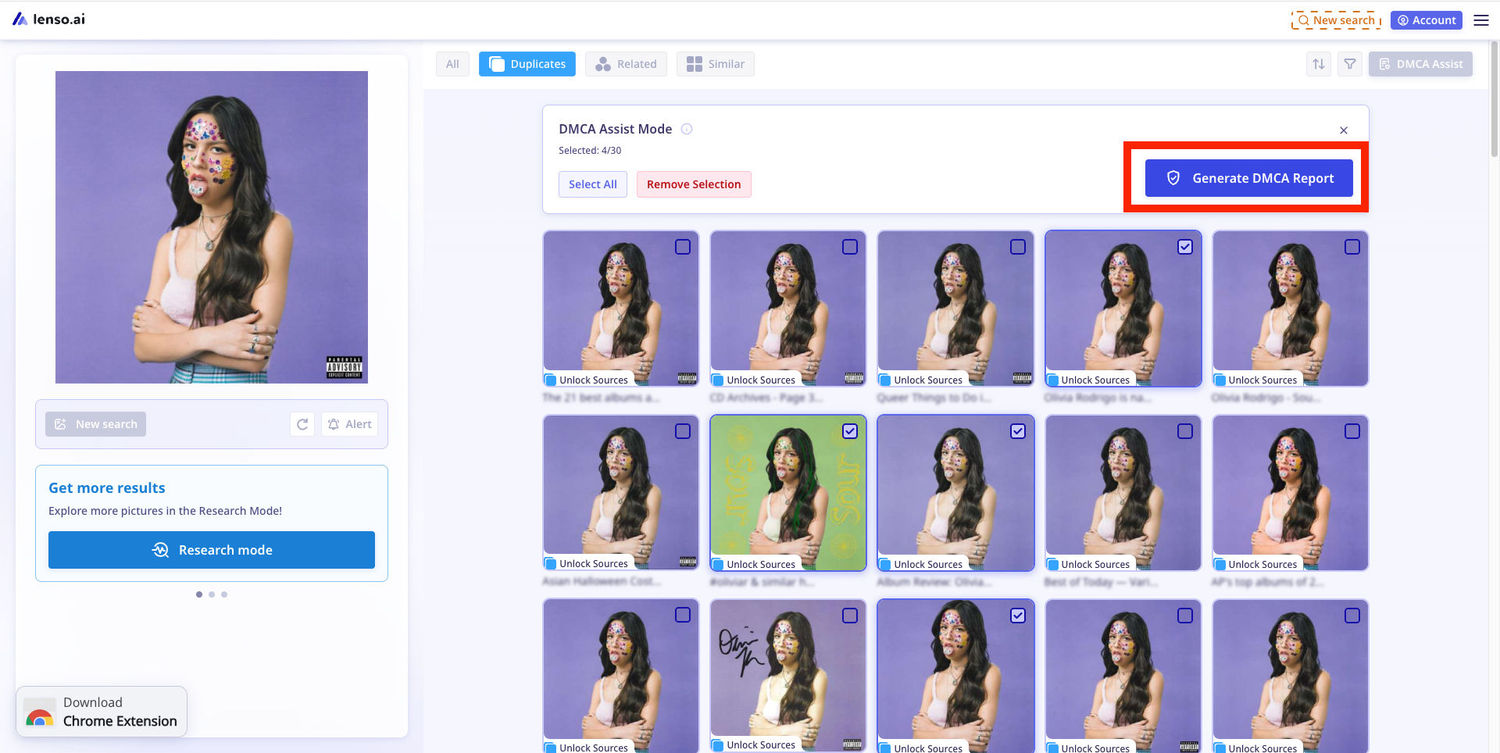
DMCA Assist
As a copyright holder, you have the right to request image takedown from any website. Here’s how you can do that using lenso.ai.
- Click on the DMCA report button
- Choose the images that violate your copyright
- Generate a takedown request using the instructions on lenso.ai
- Copy the messages generated by the DMCA assist and send them to websites that violate your copyright.
Protect Your Work With Lenso.ai
If you are a photographer, consider purchasing a subscription on lenso.ai. With a subscription, you can generate DMCA reports, create alerts for your images, and find sources and websites that violate your copyright.

Author
Kinga Jasinska
Marketing Specialist
Continue reading

General
Best AI photo protection tools in 2026
Information, and especially photos, spreads online very quickly. And basically, you cannot control it – at least not by checking manually. The best way is to use an AI photo protection tool to prevent any potential misuse or keep an eye on where your photos appear online and in what context. Let’s check out the best AI photo protection tools.

General
7 Steps to Build a More Efficient Digital Workflow for Your Team
Every team has its own workflow. This process is usually not well thought out. It’s not created as a finished, ready-to-use item, but develops through the process of formation through spreadsheets, everyday messaging applications, informal agreements, and accumulated experience.

General
Visual Product Education: 6 Ways Ecommerce Brands Can Use Images to Build Customer Confidence
High product understanding is a direct prerequisite for high purchase intent. That’s why ensuring your target audience understands your solutions and their value is essential for guiding them toward conversion. However, communicating product benefits can be slightly more challenging online than in-store.

General
Face Search API by lenso.ai for businesses: Top 5 Industries and use cases
If you run a business and wonder how to boost your user engagement or add a feature that may become a game changer – we do have a solution! You need to implement the face search API from lenso.ai. Check whether your use case may be a good fit for reverse face search integration.

General
How Teams Can Improve Their Image Search Skills with AI-Powered Tools
AI-powered visual tools are changing how photographers, digital marketers, content creators, and researchers work. In a single day, one person might trace the source of a photo, check a campaign image for duplicates, and look for similar visuals for a new project. The tools evolve quickly, and training often struggles to keep up.