
Preview in:
How to become an affiliate on lenso.ai?
Here are a few simple steps that you have to take to become an affiliate on lenso:
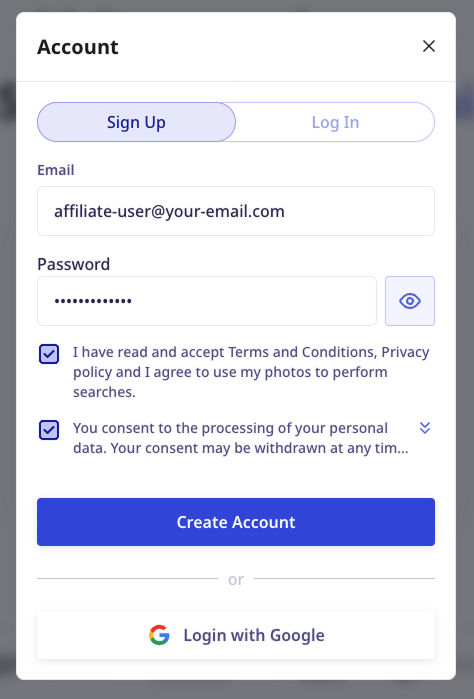
- Create an account on lenso.ai (Already have one? Great! You can use it to become an affiliate).
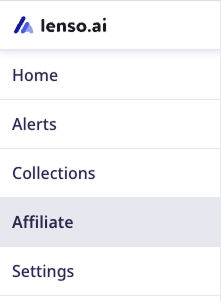
- Open your User Panel and navigate to the Affiliate tab.
- Fill out the affiliate form.
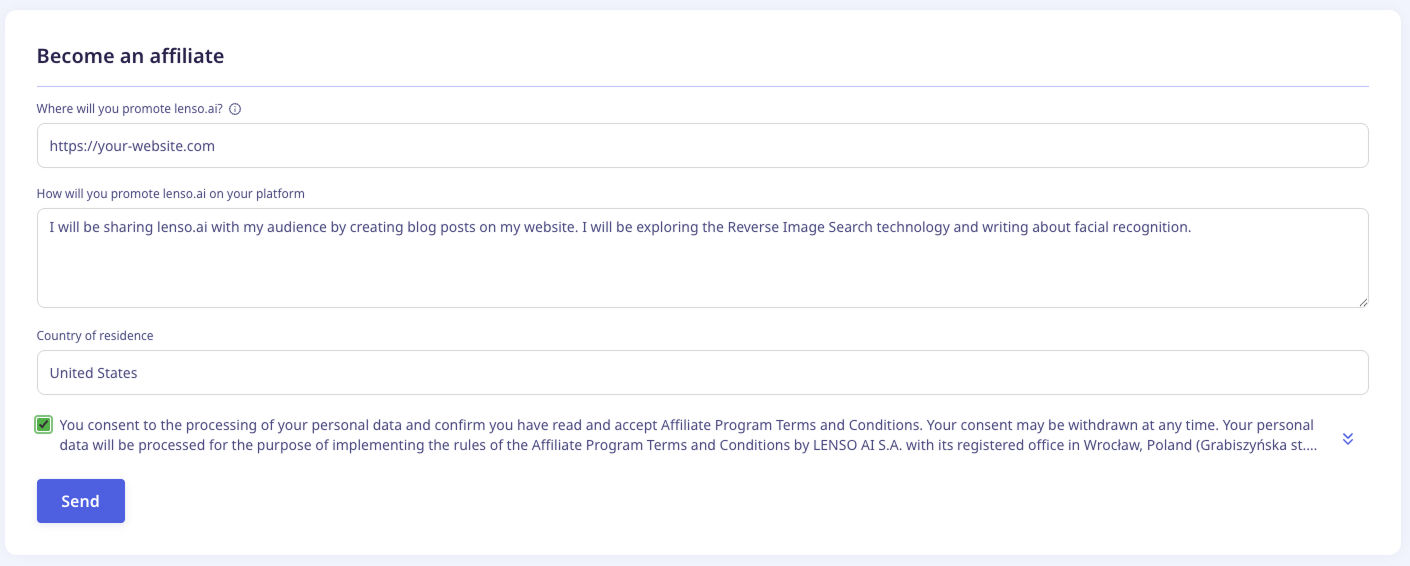
- Click Send.
- You will receive an email with our response after a few days. We can either approve it or reject it, depending on the responses you gave.
My account was approved. How do I share lenso.ai with my audience?
Congratulations! If your account is active, it’s time to start making money. Here’s how. For international affiliates, knowing how to transfer money from Wise to bank account ensures smooth payouts from your commissions.
- Go to your affiliate panel and copy the affiliate link.
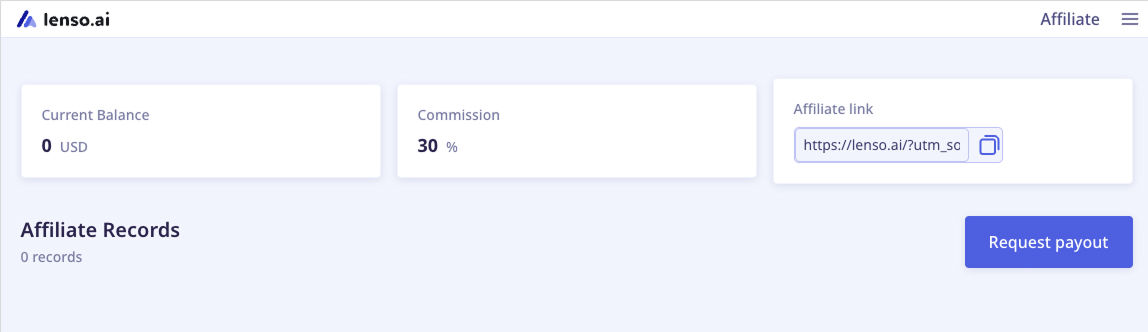
- Share it with someone by pasting it on your website, YouTube video description, blog post, and more. Make sure the links you post are do-follow!
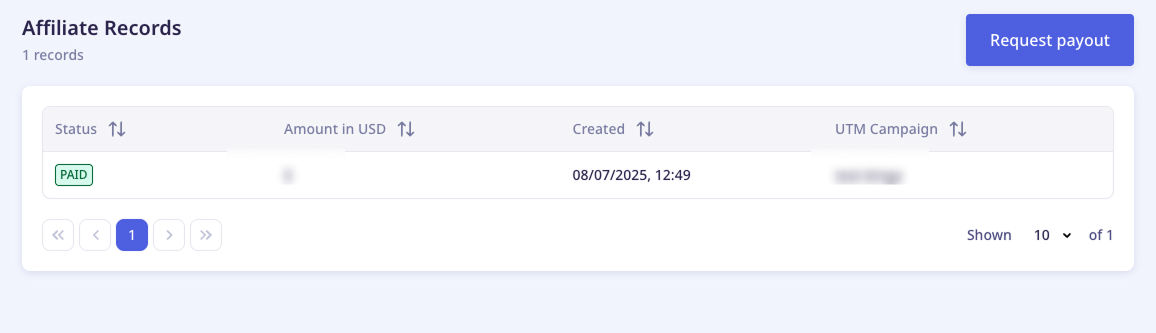
- When someone clicks your link, lenso.ai’s system detects they came from it and adds any purchase they make to your balance. You will see it in your affiliate records.
How to get a payout?
Once your balance is higher than $50, we can make a payout. To request it, contact lenso.ai via the contact form or write an email to [email protected].
We will ask you to send us an invoice, and we will pay it. You can use any invoice generator to create it. You will receive the money straight to your bank account.
Who can become an affiliate?
Any adult over the age of 18 can join the affiliate program. If you have a blog, website, YouTube channel, social media account, email newsletter, or any other platform where you want to share links, you can join. As long as your content follows our guidelines, you will be approved!
Keep in mind, any website you promote lenso.ai on has to be approved by the team. Promoting lenso on unapproved websites may get your account banned, and you might lose your commission.
Reasons for Rejection
Got rejected? Here are the most common reasons:
- The website you sent us contains explicit content or misleading information
- You live in a region where lenso.ai cannot make payouts to
- We suspect you might be sharing false information
If you think you got rejected by mistake, contact us via email - we are happy to take another look at your request!
What is an affiliate program?
An affiliate program is a type of marketing arrangement where a business rewards individuals or companies (called affiliates) for driving traffic, leads, or sales to the business through the affiliate’s own marketing efforts. Lenso.ai’s affiliate program offers a commission for each purchase made by anyone who visits the page from the affiliate’s link.
More information
If you need to know more, read the Affiliate Program Terms or contact us via email.

Author
Kinga Jasinska
Marketing Specialist
Continue reading

Guides
How to find the perfect fall photoshoot location from a photo?
Fall is the perfect time for a new photoshoot, whether you want to create fresh content for your personal social media accounts or promote your product or brand with an authentic fall vibe. But first, you need to find the right place. Find out how to discover the perfect fall photoshoot location from a photo.

Guides
What to do in the first ten minutes after you find your own face in a reverse image search?
Finding your own face in a reverse image search is a strange feeling. Not usually because the result is sinister, most of the time it is a conference photo, an old profile picture, a team page from a job you left in 2019, but because you did not put it there and you did not know it was there.

Guides
Is your match real? Reverse image search a dating profile
Dating apps are probably the go-to solution for finding a potential date, but unfortunately, they can also be one of the riskiest options. How can you make sure your match is real? Do a reverse image search and find more information using their dating profile picture.