Preview in:
Thanks to reverse image search with facial recognition, you can take control of your online presence. In simple words, you can quickly check:
- where your photos have been published
- whether there is any potential copyright misuse
- exactly which images of you are available online
Moreover, these tools also allow you to take action and remove any unwanted or leaked photos through Opt-out requests or DMCA forms.
Best tools to find and remove leaked or unwanted photos of you
1. Lenso.ai
Lenso.ai is a powerful face search tool that helps you easily find photos of yourself available online, including the original URLs where they were published, as well as exact duplicates of the same image.
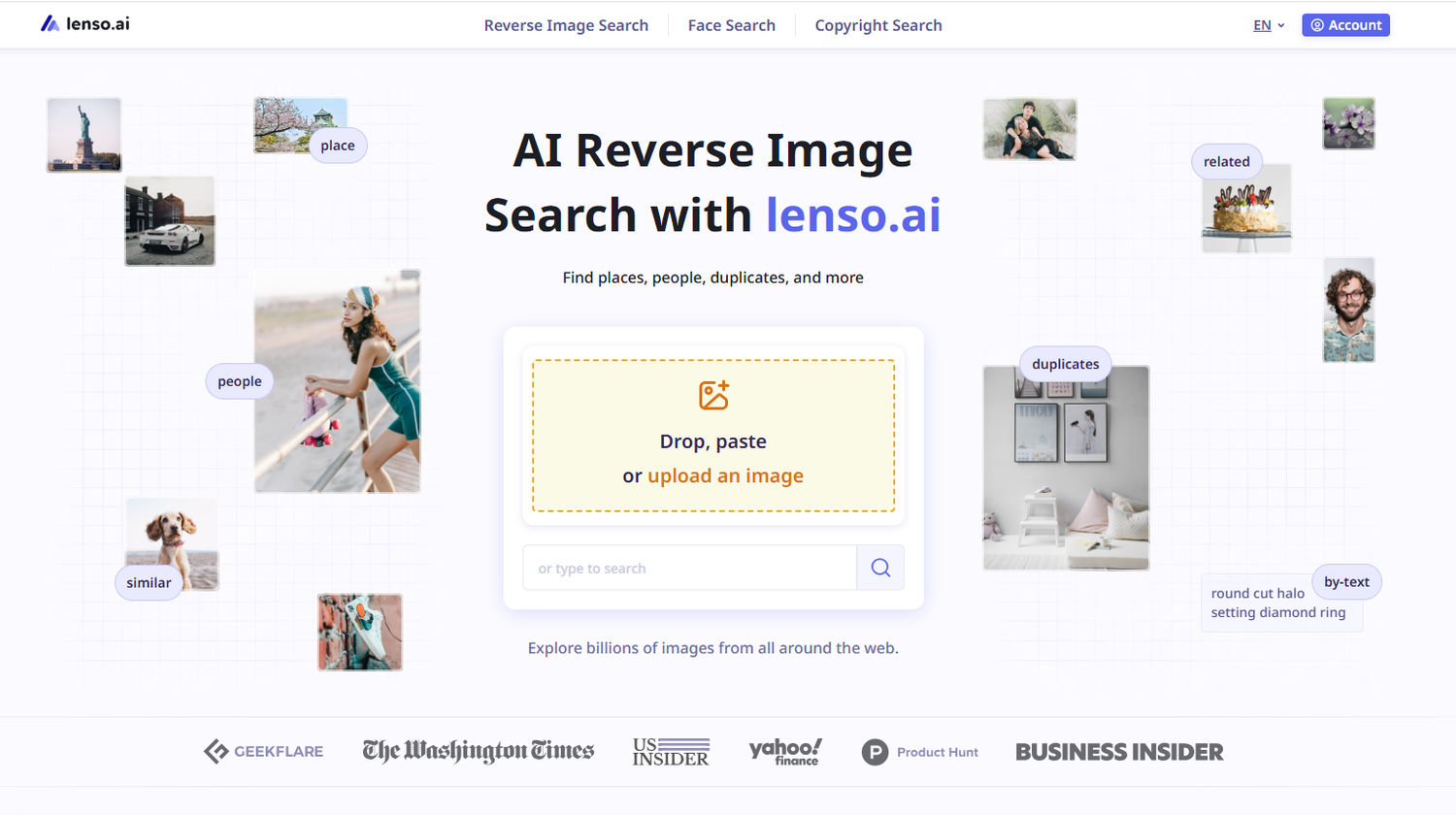
Even if no matches are found, you still have additional options:
- Use the Research Mode feature to perform a deeper search
- Create a free alert for a specific image and receive email notifications when new results appear online
2. Eyematch.ai
Eyematch.ai is another face search tool that can help you find your photos online. It focuses exclusively on facial recognition (unlike lenso, which offers additional search features), but it still provides exact face matches along with the URLs where the images were originally published.
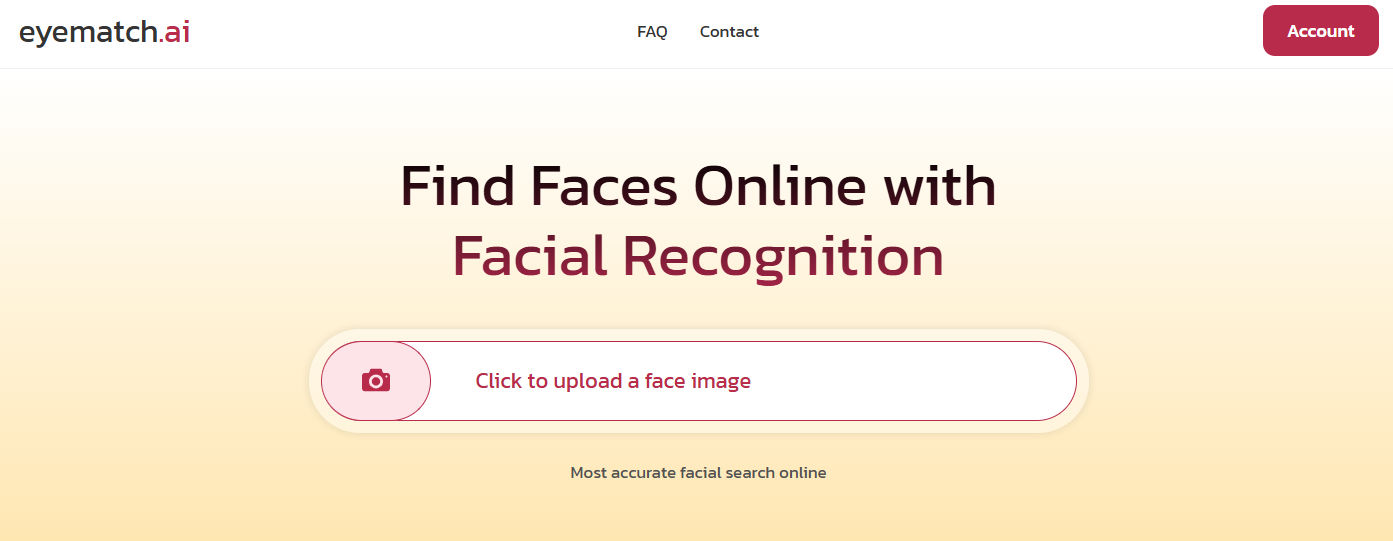
On Eyematch, you can also upload group photos and select the specific face you’d like to search for.
3. Pimeyes
PimEyes is a well-known face search engine that specializes in facial recognition. Its index is somewhat smaller than lenso.ai’s, but it is still worth trying, especially if you want to compare results. You can also proceed with an opt-out request if necessary.
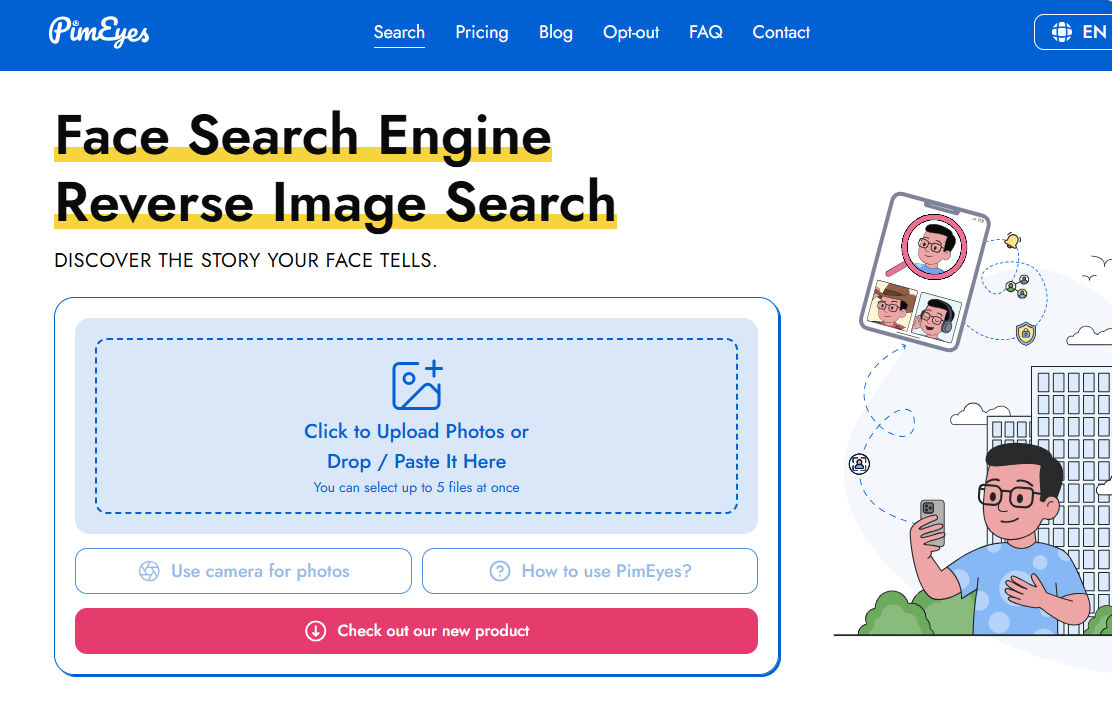
PimEyes also offers an alert feature; however, it is available only with a paid plan. They also provide an additional paid service that includes takedown support from the original websites.
How to protect your online presence?
- Avoid sharing your photos online with anyone you don’t fully trust.
- Remember that deleting a photo does not always mean it has been removed from the entire internet.
- Regularly check where your photos appear (for example, by using tools like lenso.ai alerts).
- Consider copyright protection services, especially if you are a photographer.
- Submit takedown requests through the tools mentioned above or directly to the websites where the images were published.

Author
Julia Mykhailiuk
Marketing Specialist
Continue reading

Guides
How to find the perfect fall photoshoot location from a photo?
Fall is the perfect time for a new photoshoot, whether you want to create fresh content for your personal social media accounts or promote your product or brand with an authentic fall vibe. But first, you need to find the right place. Find out how to discover the perfect fall photoshoot location from a photo.

Guides
What to do in the first ten minutes after you find your own face in a reverse image search?
Finding your own face in a reverse image search is a strange feeling. Not usually because the result is sinister, most of the time it is a conference photo, an old profile picture, a team page from a job you left in 2019, but because you did not put it there and you did not know it was there.

Guides
Is your match real? Reverse image search a dating profile
Dating apps are probably the go-to solution for finding a potential date, but unfortunately, they can also be one of the riskiest options. How can you make sure your match is real? Do a reverse image search and find more information using their dating profile picture.