
Preview in:
What is Research Mode on lenso.ai?
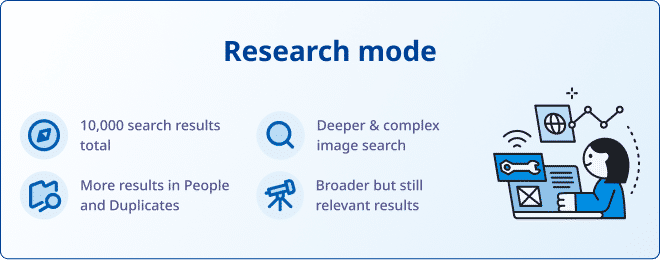
Research mode is the newest feature that allows users to explore more images within the same search for the two main categories: People and Duplicates.
Usually, lenso.ai shows a limited range of the most accurate results. However, with research mode, you can see up to ten times more results for any photo!
How does Research Mode work?
Research mode finds images that are usually not displayed in a normal image search.
When the user enters the research mode, lenso.ai’s system works on “digging deeper” into the index - finding images that are blurry, edited, old etc. It might also find people who look very similar to the person searched, but aren’t that person. It all depends on how the system ranks the photos.
Advanced Filters in Research Mode
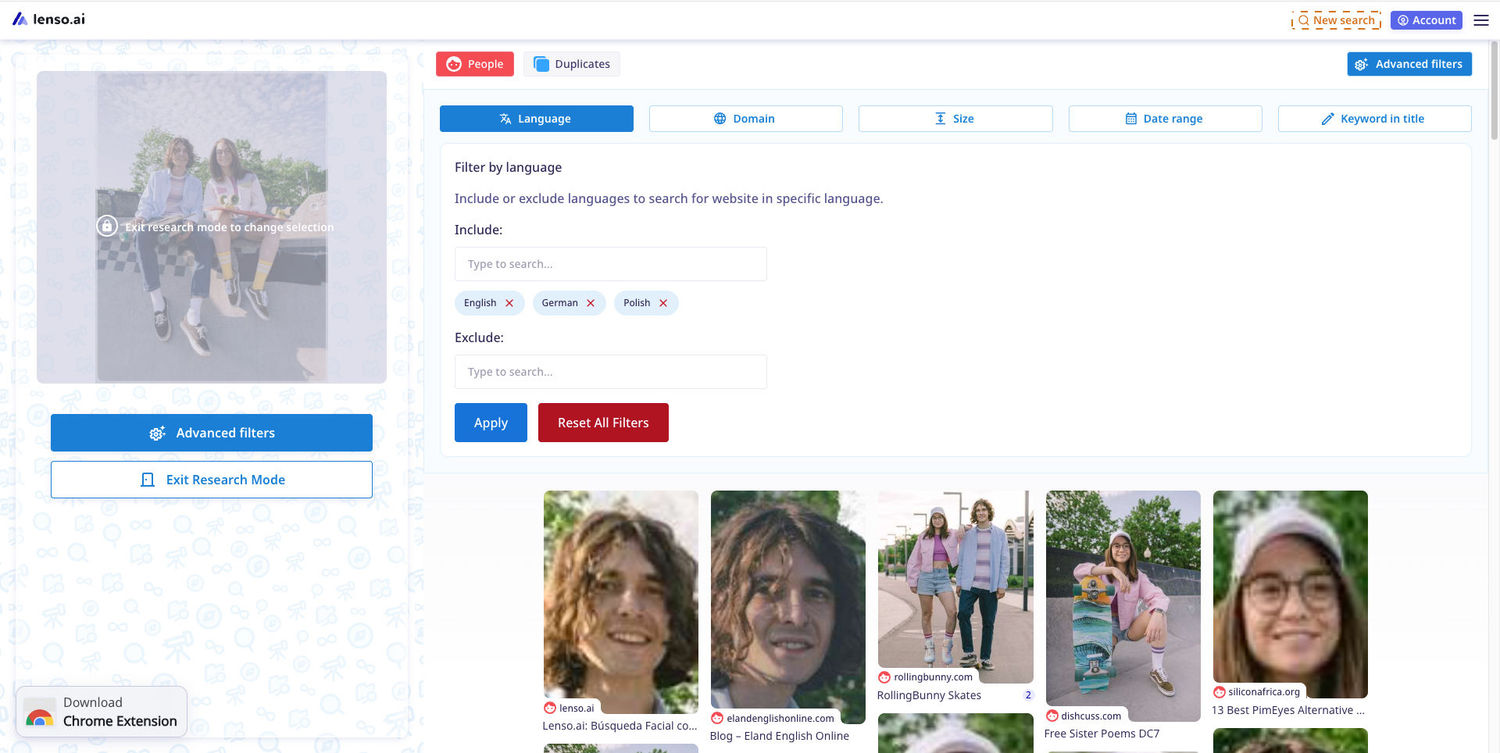
Research Mode also offers Advanced Filters. These include:
- Language - Include or exclude languages to search for images posted on websites in specific languages.
- Domain - Include or exclude domains to search for photos posted on specific websites.
- Size - Choose the definition of the results - from a very small to a very big resolution.
- Date range - Choose the date range to see results that were indexed before or after a specific date (or between two dates).
- Keyword in Title - Find a specific word in the page title.
What results does the Research Mode show?
- Photos of your face that are blurry, older, or lower-quality
- Pictures of you in larger groups of people, where you are less visible
- Duplicates of photos that are edited to a greater extent
- Copyrighted images that were altered or blurred
- Photos of similar people or similar images that aren’t exact duplicates
Does this impact the quality of the “normal” search?
No. Research mode shows results that were never displayed before, and it does not impact the results that are shown for free users.
How to enter the Research Mode on lenso.ai?
To enter the research mode on lenso.ai:
- Open lenso.ai reverse image search and make an image search as usual
- In the panel on the left-hand side, click on the blue button that says “Research mode”; on your phone, you will find this option if you scroll down to the very bottom of the search page
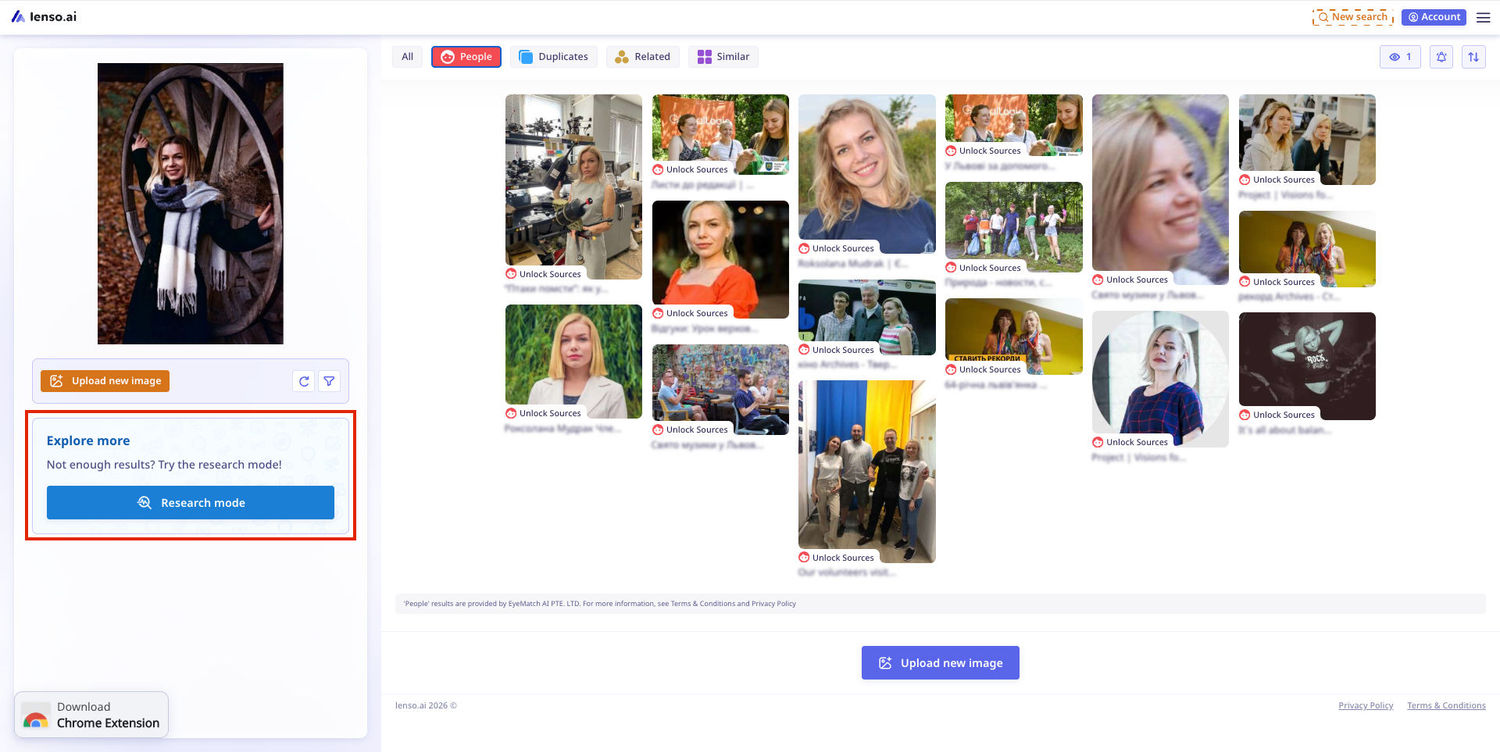
- Wait for the research mode to launch: If you have the Professional subscription, the research mode will open after a short wait; If you are not subscribed to the Professional Package, you will have to purchase the subscription or upgrade your account.
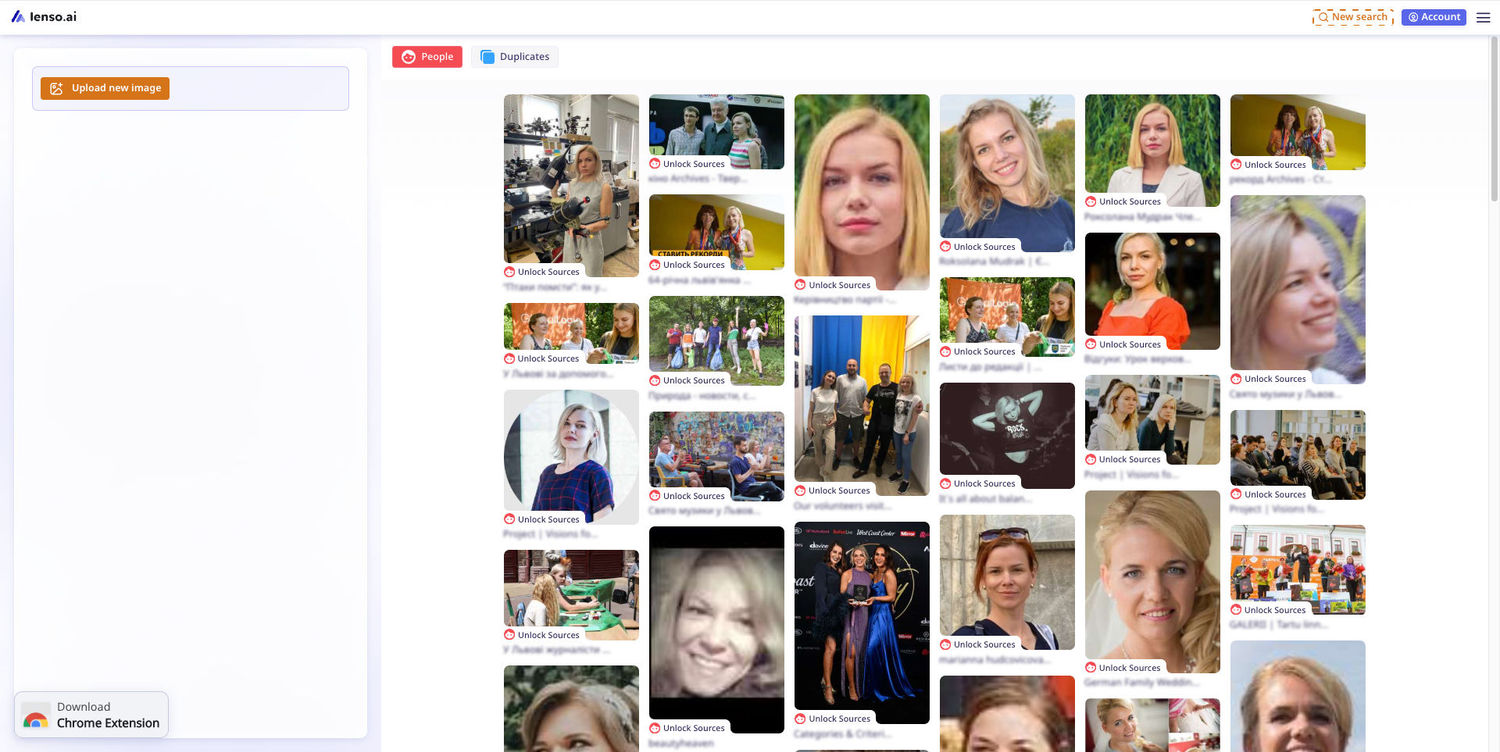
That’s it! The research mode is active. You can explore images as usual.
Not sure how to go from there?
Learn how to unlock image sources on lenso.ai.
Benefits of the Research Mode
Here’s why you should consider upgrading your subscription:
- 10 times more results in the same search,
- up to 10,000 results for People and Duplicates,
- results that were never displayed before
- access to copyrighted images that were heavily edited
- finding your images that the system might’ve considered a different person
Learn More
We hope this article helped you understand what Research Mode is!
If there are still any concerns, get in touch with us. We’re here to help!

Author
Kinga Jasinska
Marketing Specialist
Continue reading

News
5 Best reverse image search tools for finding old photos online
You may not even be aware that someone has misused your old photos, or you may have thought your photos were deleted, but they still appear somewhere online. How can you keep track of your online appearance? Use reverse image search! Check which one is the best to use.

News
Lenso.ai One-Time Payment: Reverse Image Search Without a Subscription
If you want to make unlocks on lenso.ai, but you don’t want to be tied to a subscription, here’s a solution you should consider: one-time payment. With one-time payments, you can purchase the product once, make unlocks and decide if you want to switch to a full plan later! This article explains how you can access the one-time payment and all the benefits it offers.

News
Using facial recognition and reverse image search for public security intelligence
Public security intelligence should implement and use only the best and most advanced tools that can help during the investigation process and provide support at different stages. How can facial recognition and reverse image search help?

News
How do Face Search Tools Work? Facial Recognition AI Models Explained.
Have you ever used a facial search tool and wondered how it works? In this article, we will explain the basics of facial recognition and tell you how face search websites build their own AI for face search engines.

News
Top 10 Reasons Why Lenso.ai Is the Best Face Search Tool Online
There are multiple facial search tools available on the internet. Most of them cost a lot, but do very little. Others provide low quality of results, show paywalls before the search even starts, or reel customers in by false advertising. Lenso.ai is the best facial search tool online, and here are some of the top reasons that prove it.