Preview in:
Why Should You Remove Your Images?
Your images being published, shared and reposted might have serious repercussions. People learning more about your private life, recruiters doing background checks, people you don’t know accessing your data - those are just a few examples of what might happen if you don’t delete your images from the internet. And it doesn’t end there - from online investigators to stalkers, the internet is an endless mine of data.
Find the Images of Your Face
Your first step should be removing your photos. Social media aren’t the only places where your photos can be found. They often exist on local websites or school pages. But it’s possible to find them!
Use Face Search
Face Search is a reverse image search for faces. It helps you find the photos of yourself on public websites and profiles you didn’t know existed. Here are the top 2 websites we recommend:
How to Face Search on lenso.ai
- Go to lenso.ai.
- Upload a clear photo of a face.
- Select the People category.
- Wait for the search results to appear.
- Open a result to see where the photo was found online.
- Use filters to narrow down the results.
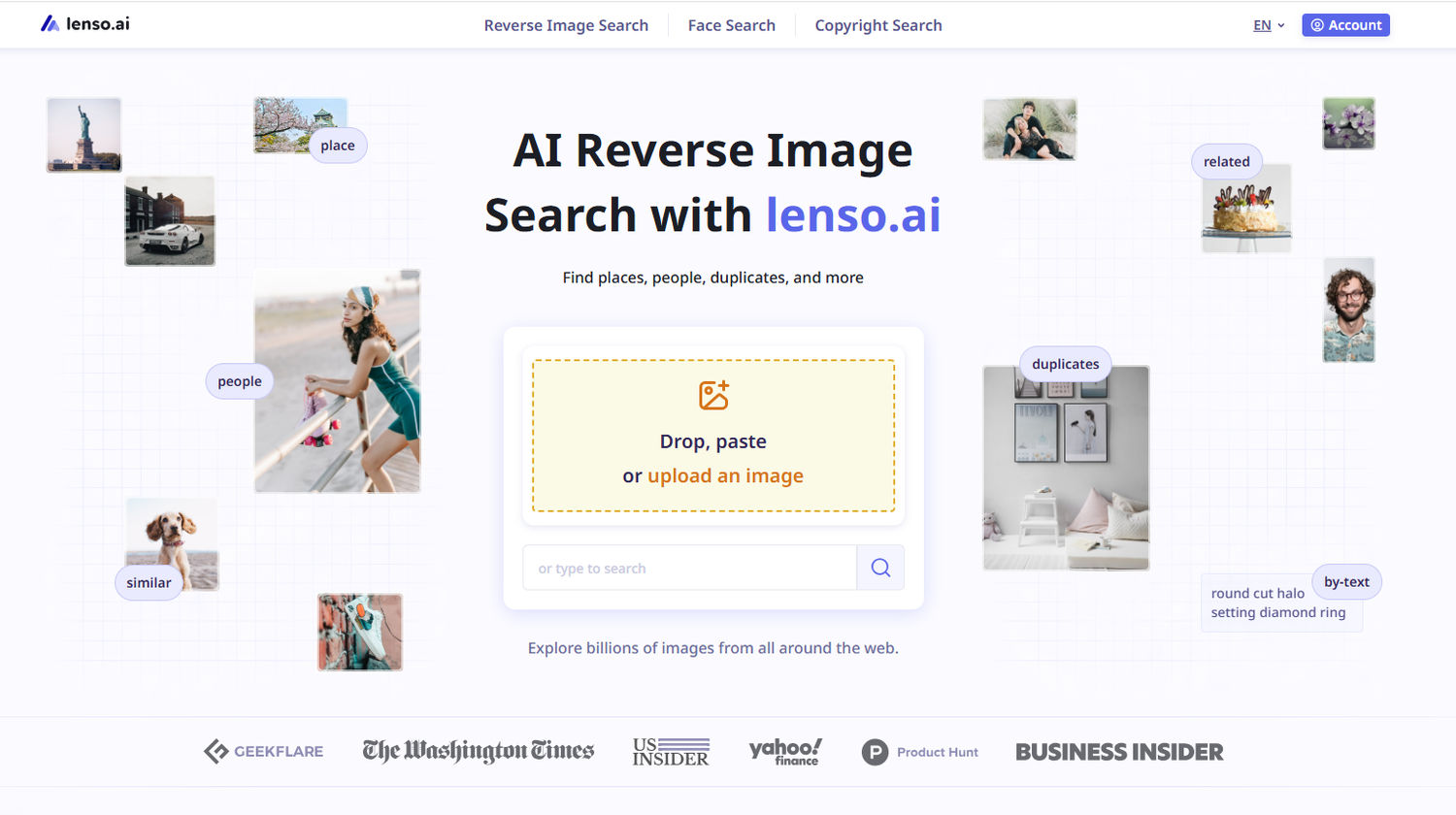
If your results are locked, take a look at this article: How to unlock images on lenso.ai? Simple steps.
Tip: Set up Alerts for your photos so you get notified when new images appear!
.png?updatedAt=1773927707078) Tip: To see only the photos of your face, open the People category.
Tip: To see only the photos of your face, open the People category.
How to Face Search on eyematch.ai
- Go to eyematch.ai.
- Upload a clear photo of the person you want to search for.
- Start the face search.
- Wait while the tool looks for matching faces.
- Review the results and open the source pages.
- Try another photo if you need more results.
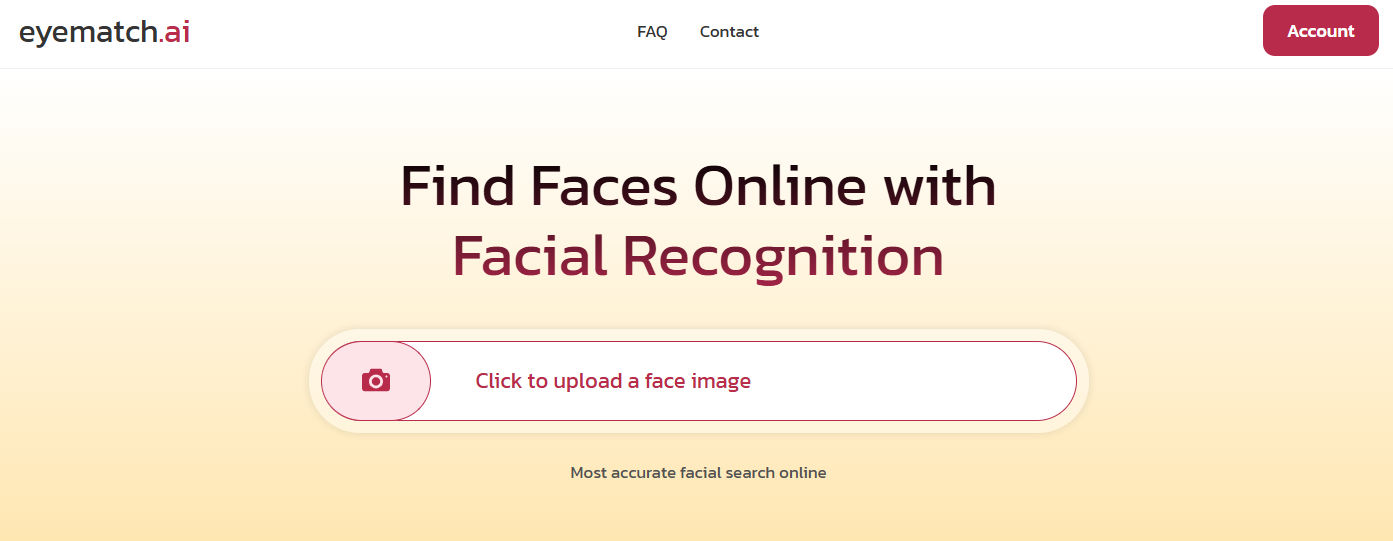
Tip: The results on Eyematch are split into 3 categories: from the best to the worst match. To see more images, you need to purchase the Advanced subscription.
.png?updatedAt=1777545900203)
Try these tools to find all the photos of your face that you didn’t even know existed online!
Remove Images from Social Media
Start by deleting photos you posted on your own accounts.
Ask friends and family to remove photos of you from their profiles as well. Also check photos you have been tagged in and request their removal.
You can report unwanted photos directly on platforms such as Instagram, Facebook, X, Tumblr, Snapchat, and WhatsApp.
Remove Your Face from the Face Recognition Websites
If you no longer want to use lenso.ai, eyematch.ai, PimEyes, or FaceCheck.ID, you can submit an opt-out request. This can stop your photos from appearing in search results on these platforms.
Remember that after opting out, you won’t be able to find your own photos there. Before submitting the request, check all results and ask the original websites to remove the images! You can also ask the support team to only remove the images you already took down and keep track of your photos with Alerts.
Ask Google to Remove Your Photos
Google may remove outdated, private, or sensitive images from its search results. You can submit a request using Google’s Personal Information Removal Form.
Keep in mind that removing an image from Google does not remove it from the original website. You should also contact the website owner.
Use a Removal Service
Some online reputation management companies can help remove or hide unwanted photos. These services may be useful, but they can also be expensive.
Can You Completely Remove Your Face from the Internet?
It is very difficult to remove every photo of yourself from the internet. Copies may still exist on other websites, private devices, backups, or internet archives.
However, these steps can make your photos much harder to find online!

Author
Kinga Jasinska
Marketing Specialist
Continue reading

Guides
Find cozy fall aesthetics online with reverse image search
Fall is the perfect season to shop for cozy, aesthetic finds. With the internet overflowing with autumn posts and inspiration, it can be hard to narrow down what you want. How to find cozy fall aesthetics online with reverse image search?
Guides
How to find the perfect fall photoshoot location from a photo?
Fall is the perfect time for a new photoshoot, whether you want to create fresh content for your personal social media accounts or promote your product or brand with an authentic fall vibe. But first, you need to find the right place. Find out how to discover the perfect fall photoshoot location from a photo.

Guides
What to do in the first ten minutes after you find your own face in a reverse image search?
Finding your own face in a reverse image search is a strange feeling. Not usually because the result is sinister, most of the time it is a conference photo, an old profile picture, a team page from a job you left in 2019, but because you did not put it there and you did not know it was there.
Guides
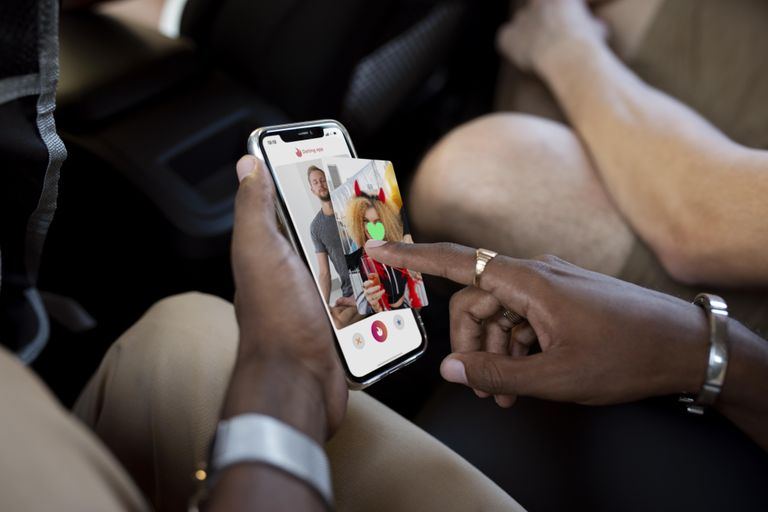
Is your match real? Reverse image search a dating profile
Dating apps are probably the go-to solution for finding a potential date, but unfortunately, they can also be one of the riskiest options. How can you make sure your match is real? Do a reverse image search and find more information using their dating profile picture.