Preview in:
Reverse Image Search: the best tool for finding fall inspiration
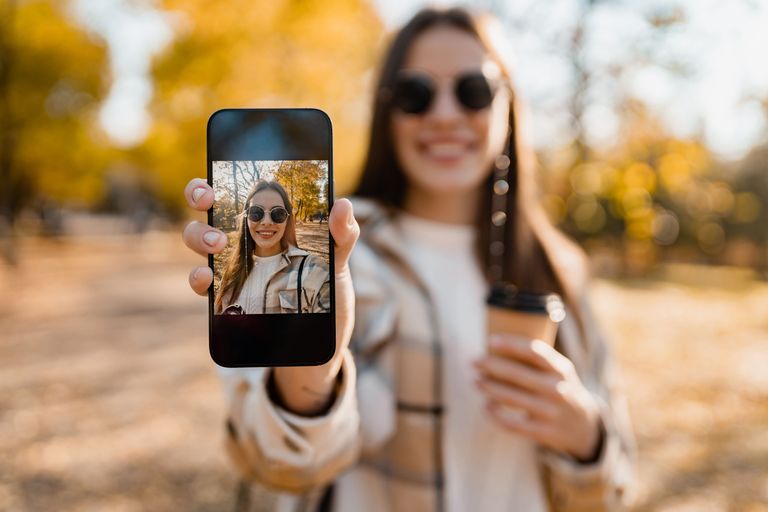
Pinterest, Instagram, and even YouTube are some of the most popular places to spot fall inspiration. It could be outfit ideas or cozy home décor - everything starts with an image. Even when you’re walking through the city and notice autumn aesthetics in shop windows, you probably take a picture to save for later.
The easiest way to find the exact product you saw online or captured with your phone is to start a reverse image search.
How can reverse image search help?
Reverse image search is the easiest and fastest way to find exactly what’s in the picture you took or saved. You don’t need product names, item numbers, or special codes. And if you’re looking for something similar, a reverse image search tool can show you those options too.
For example, with reverse image search you can find:
- similar fall outfits: upload a photo and discover where to shop the look.
- autumn décor ideas: search for fall decorations and find related interiors.
- moodboards & wallpapers: track down high-res versions of seasonal images.
- social media content: quickly discovers matching visuals for your Instagram or blog themes.
- DIY & craft projects: find some ideas for hand-made projects
Besides that, reverse image search is great for finding and comparing prices for the same product across different websites. This is especially useful during trend seasons, when products are often heavily overpriced..
Find fall images with reverse image search tool - lenso.ai
Lenso.ai - the best reverse image search tool for fall inspiration
Lenso.ai is the ultimate reverse image search tool for all the fall use cases mentioned above. Below, we’ll walk you through a short guide on how to search by image and find fall inspiration with lenso.ai.
If you have a photo of a product or piece of clothing you want to purchase, simply upload it to lenso.ai and check the results.
Reverse image search with lenso.ai
Lenso.ai offers several search categories: People, Duplicates, Places, Related, and Similar. If you want to find the exact product, start with the Duplicates category first.
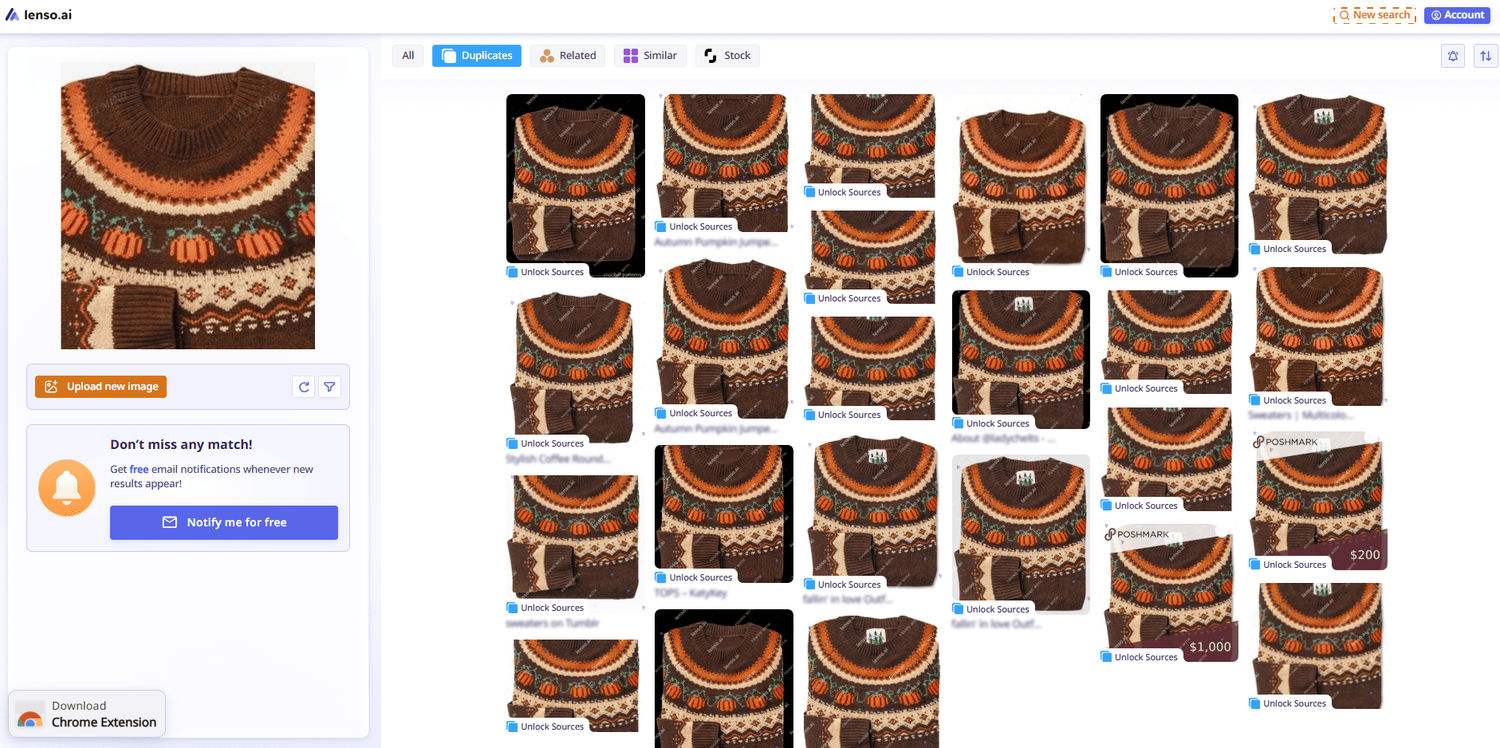
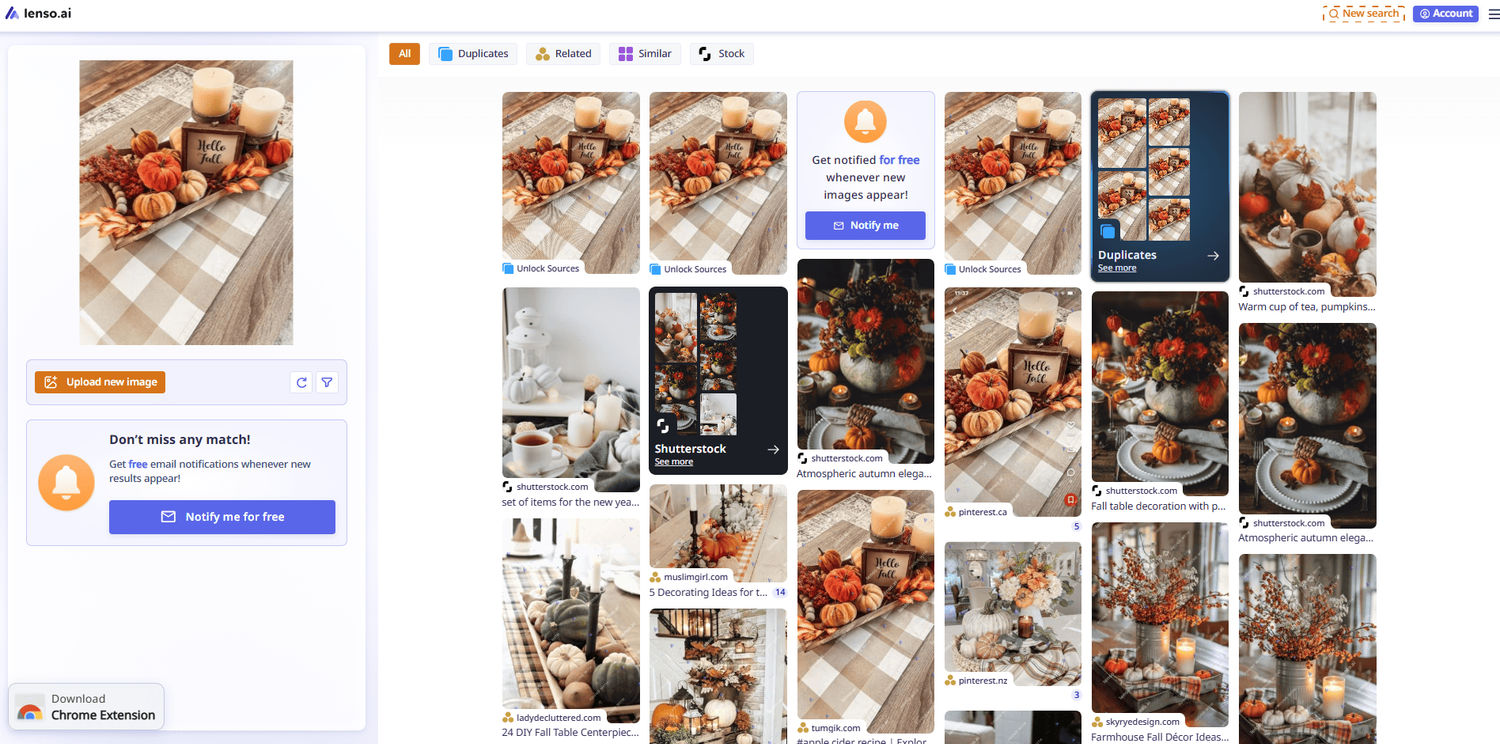
If you don’t find the exact product, you can explore the Similar or Related categories. These are perfect for discovering items close to the original product, and sometimes at a better price.
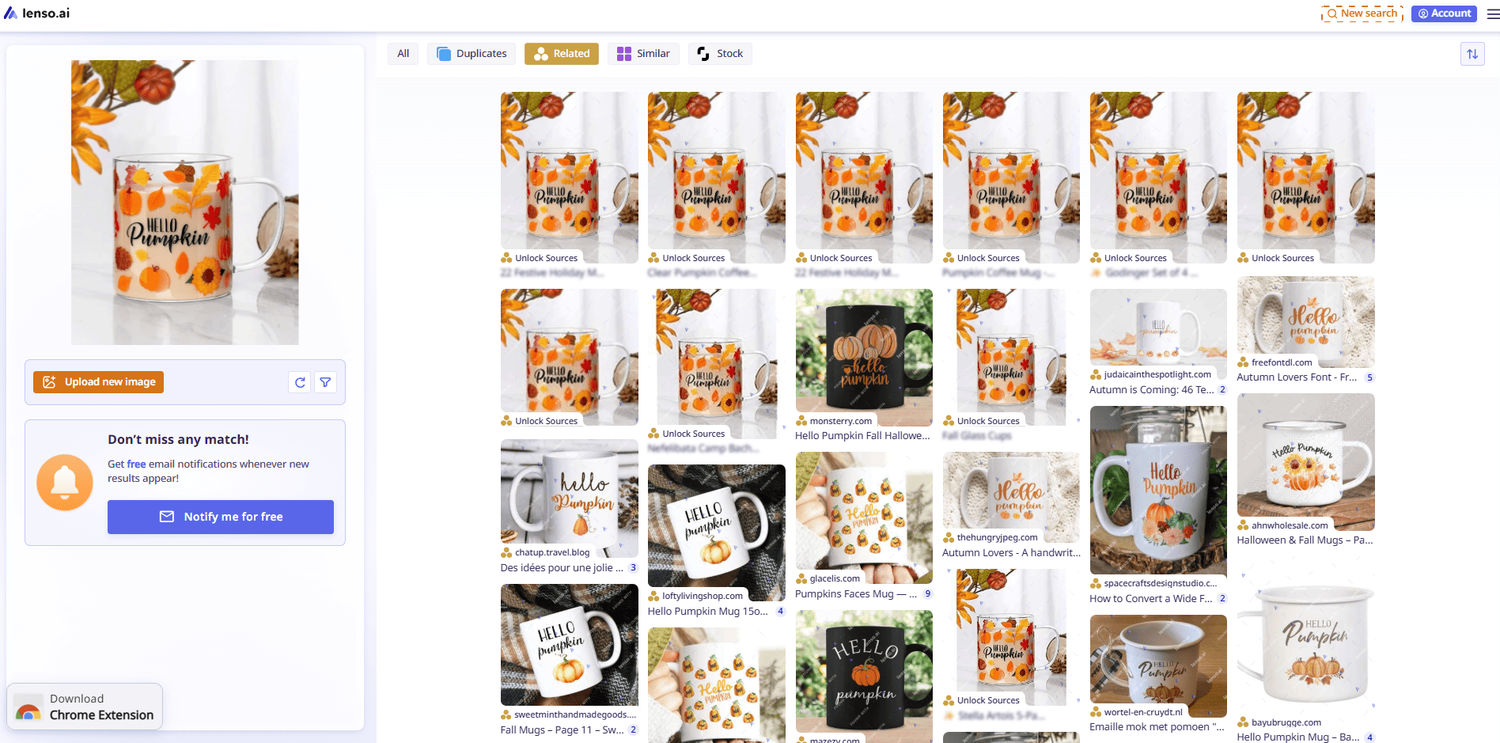
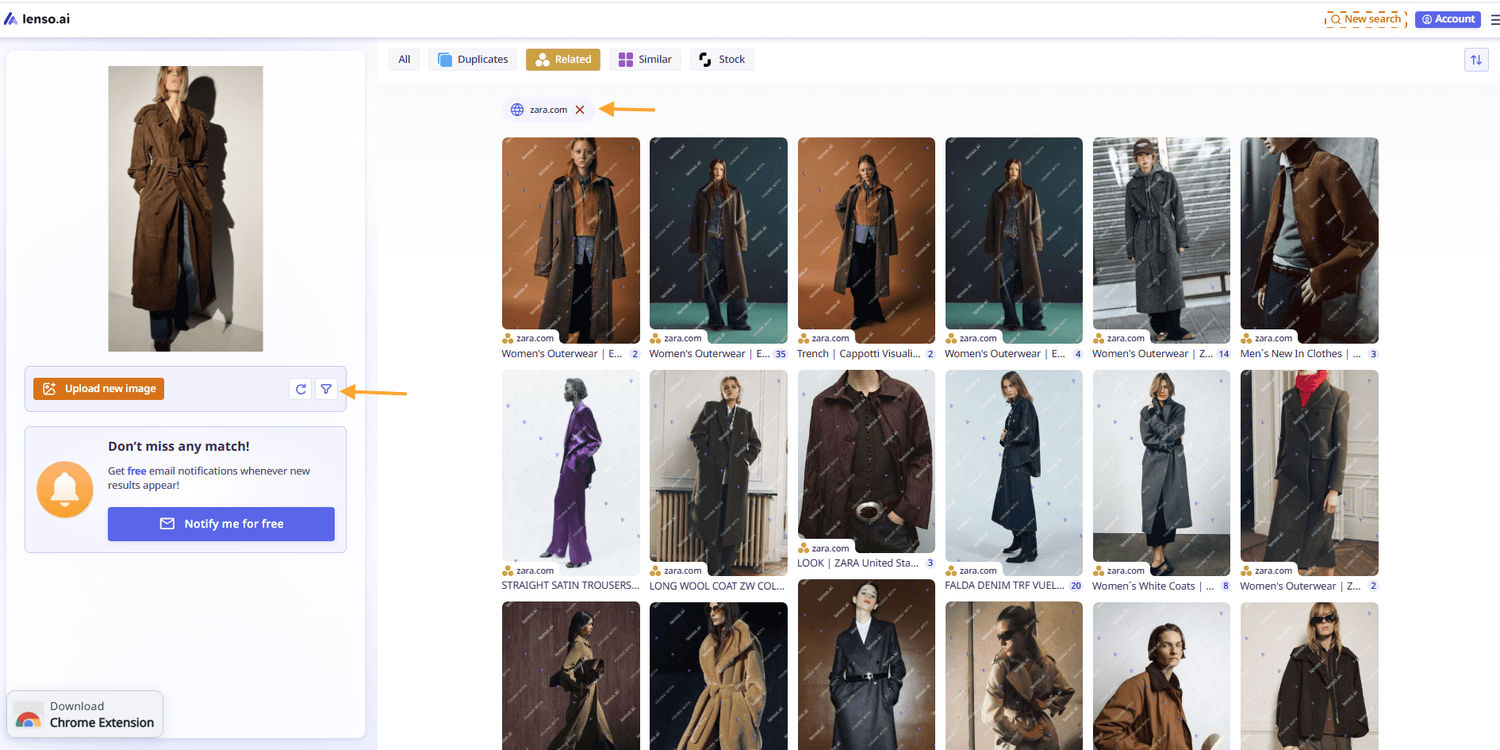
Sometimes you already know the website you want to check but aren’t sure if the specific product from the image is available. Just upload the image to lenso.ai and filter by website domain. If the product exists, lenso.ai will show matching images.
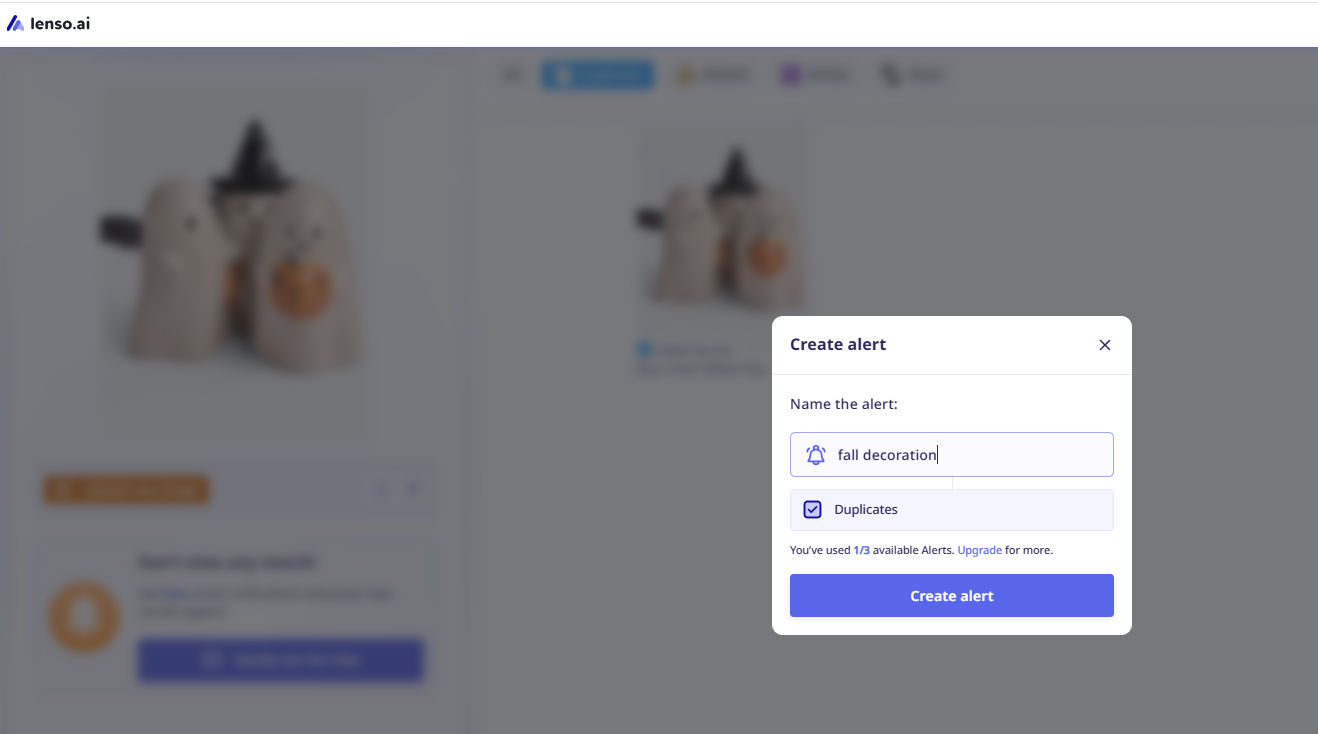
If there are no image matches and you need that exact product, you can create a free alert on lenso.ai. As soon as new image matches appear online, you’ll receive an email notification.
Other ways to use lenso.ai this fall
- Find fall spots for photoshoots: use the Places category to discover autumn locations.
- Explore fall inspiration for social media or blogs: check the Related or Similar categories and filter by keywords.
- Search for fall gift ideas: find seasonal products and presents quickly.
- Discover fall dishes for dinner: get recipe inspiration and seasonal meal ideas.

Author
Julia Mykhailiuk
Marketing Specialist
Continue reading

Guides
How to find the perfect fall photoshoot location from a photo?
Fall is the perfect time for a new photoshoot, whether you want to create fresh content for your personal social media accounts or promote your product or brand with an authentic fall vibe. But first, you need to find the right place. Find out how to discover the perfect fall photoshoot location from a photo.

Guides
What to do in the first ten minutes after you find your own face in a reverse image search?
Finding your own face in a reverse image search is a strange feeling. Not usually because the result is sinister, most of the time it is a conference photo, an old profile picture, a team page from a job you left in 2019, but because you did not put it there and you did not know it was there.

Guides
Is your match real? Reverse image search a dating profile
Dating apps are probably the go-to solution for finding a potential date, but unfortunately, they can also be one of the riskiest options. How can you make sure your match is real? Do a reverse image search and find more information using their dating profile picture.