Preview in:
The instinct is to do everything at once. Resist that for ten minutes and do these things in order instead.
1. Write down what you actually found, before you close the tab.
Copy the URLs. Note which are the original source and which are copies, because they are handled differently: the source is the one to approach first, and the copies usually disappear on their own once the source is gone. A search result page is not a record. Two days later you will not remember which of the eleven results mattered.
2. Separate "a site is showing my photo" from "a company is selling my details".
These feel like the same problem and are not. A photo on a blog or a directory is a publishing question and is usually resolved with one polite email to whoever runs the site. A data broker holding your name, address and phone number alongside that photo is a different mechanism entirely: the photo is the symptom, and the profile behind it is the thing that regenerates. Fixing the first and ignoring the second is why people find themselves doing this again six months later.
3. Check whether the source has a removal route before you write anything.
Most large platforms have one and most people never look. It is usually under a privacy policy, a data subject request page or a support form, and using the route the company already has works far more reliably than an improvised email. Where a company is subject to GDPR or CCPA, that route is a legal obligation rather than a courtesy, and it has a clock on it.
4. Send the request from the address the account actually uses.
The most common reason a removal request stalls is that it cannot be matched to a record. Send it from the email tied to the account or the profile, state plainly what you want removed, and include the URL you wrote down in step one. Keep it short. The person reading it processes dozens a day.
5. Expect the copies to lag.
Search engines cache. Even after a source removes an image, it can sit in results for days or weeks. Both Google and Bing have removal request tools for exactly this case. Use them after the source is gone, not before, or the cache simply refills.
6. Re-run the search in a month, not tomorrow.
This is the step people skip, and it is the one that tells you whether anything worked. Data brokers in particular re-list: the profile comes back because the underlying source feeding it never stopped. A single scheduled re-check a month later costs you two minutes and is the difference between a removal and a pause.
One practical note on step three. The removal route is different for every company, and finding it is most of the work. Free directories of these routes exist, the one I maintain is the opt-out library at noizz.io/opt-out, which collects the removal process and the company's own data request contact for each one in a single place, and there are others. Whichever you use, the point is the same: do not improvise the request when the company has already published the procedure.
None of this is complicated. It is just easy to do in the wrong order, and the wrong order is what costs people the second afternoon.

Author
Pablo Diaz
Content Writer
Continue reading

Guides
Find cozy fall aesthetics online with reverse image search
Fall is the perfect season to shop for cozy, aesthetic finds. With the internet overflowing with autumn posts and inspiration, it can be hard to narrow down what you want. How to find cozy fall aesthetics online with reverse image search?

Guides
How to find the perfect fall photoshoot location from a photo?
Fall is the perfect time for a new photoshoot, whether you want to create fresh content for your personal social media accounts or promote your product or brand with an authentic fall vibe. But first, you need to find the right place. Find out how to discover the perfect fall photoshoot location from a photo.
Guides
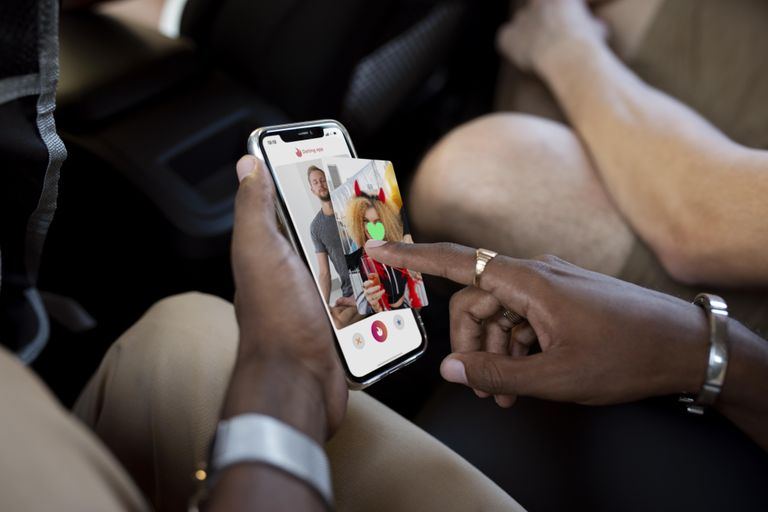
Is your match real? Reverse image search a dating profile
Dating apps are probably the go-to solution for finding a potential date, but unfortunately, they can also be one of the riskiest options. How can you make sure your match is real? Do a reverse image search and find more information using their dating profile picture.