Preview in:
1. lenso.ai
If you often have to deal with images, searching for the right pictures or verifying the credibility/authenticity seems like an impossible task. It is impossible to match your image with all the published ones and check similarity. This is where lenso.ai comes in to help.
How lenso.ai Saves Time?
Lenso.ai is an online tool that uses advanced AI algorithms to search images. It can simplify your workflow by automatically doing reverse image search and similarity detection in a matter of seconds. The tool eliminates the need for manual browsing.
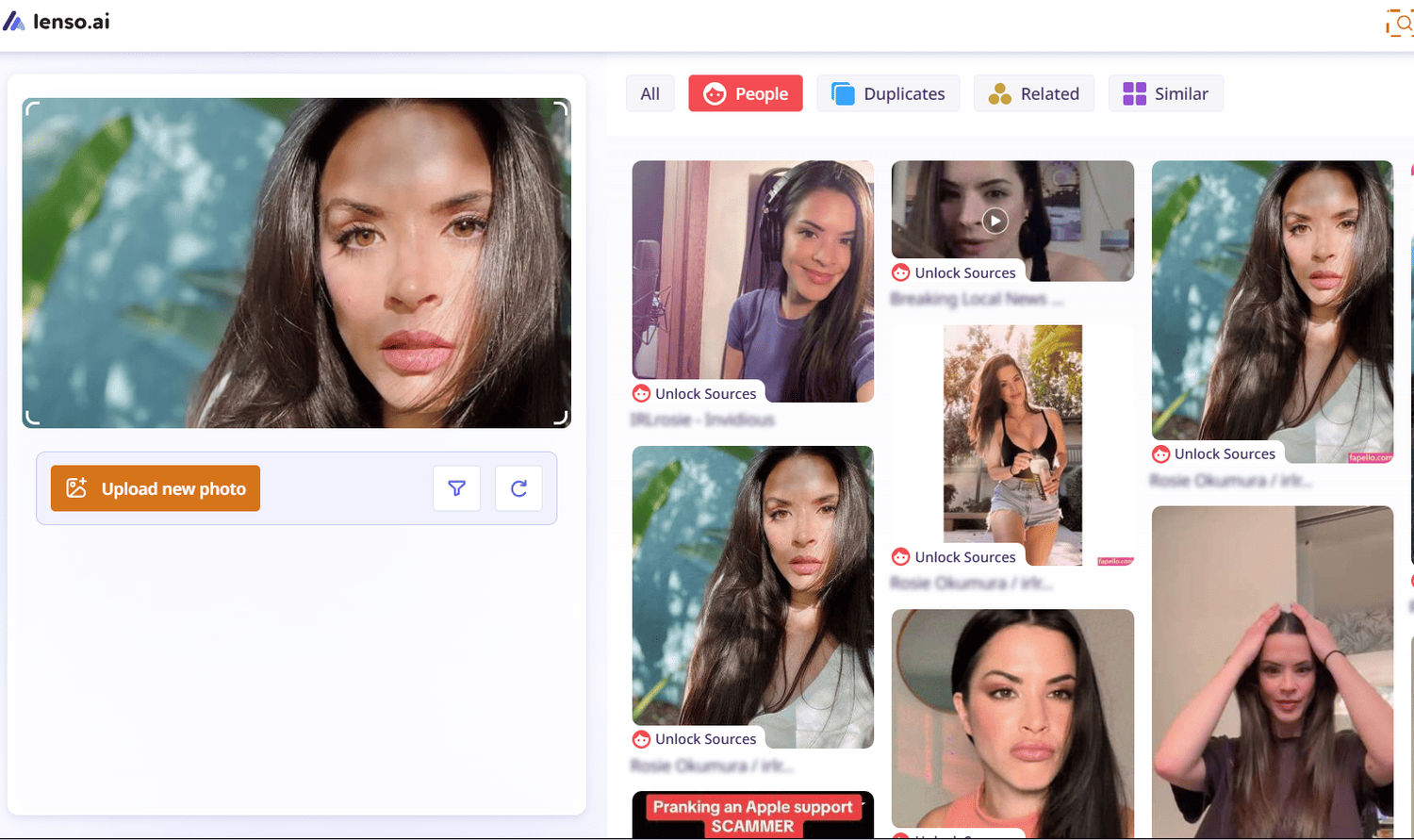
All you need to do is paste the image whose source or authenticity you want to check. Lenso.ai will scan the internet and find images that match or are related.
Once the reverse image search process is done, the tool categorizes the resulting images into categories: People, Places, Duplicates, Similar, and Related. This feature will help you further refine the results.
Whether you are a content writer, marketer, SEO executive, or journalist, verifying the authenticity of your images with lenso.ai will save hours of manual work.
Here’s a demonstration of reverse image search by lenso.ai:
Key Features of lenso.ai;
- Offers free and premium versions.
- Uses cutting-edge AI technology.
- Accurately finds duplicate images, places, & people as well.
- Easy to navigate.
- Divides the images into categories.
- Provides a Chrome extension for quick search.
2. Photo Translator
Whether you are travelling abroad, studying the documents foreign languages, or working with international clients, you’ve to translate them into your own language. The manual process of translating text from images or documents can slow down your workflow and lead to frustration as well.
The Photo Translator solves this hassle and allows you to instantly turn any image into your native language. You just need to capture an image of the document, upload it into the tool, choose the original language, and the language into which you want the text translated. Then, click the “Translate” button to start. The image translator will directly translate the text embedded in your image into the desired language within seconds.
This way, the tool turns your tedious process of manually typing and translating text into simpler and faster work.
For example, we used the photo translator to turn a Spanish image into English. As demonstrated below:

Key Features of the Photo Translator:
- It doesn’t lose the quality, colors, and other aspects of the images.
- Offers a wide range of input and output images.
- It works super-fast to translate any image within seconds.
- Simple to use for anyone.
- Provides a quick download option.
3. Monday.com
Managing different projects, tasks, and team collaborations is mostly overwhelming. It becomes even more difficult when your data is scattered across multiple platforms. In this scenario, project management tools like Monday come into play. It simplifies almost all the tasks of your project. It keeps everything organized, clear, and accessible in one dashboard.
Monday is a simple-to-navigate platform that lets team members plan, track, as well as deliver tasks efficiently. With the help of this tool, you can easily:
- Assign tasks to the team.
- Set the deadline for each project.
- Check the progress of each project.
- Collaborate seamlessly with team members.
Additionally, Monday comes up with a built-in automation feature that is helpful to take care of repetitive updates as well as reminders. This feature frees up your time further and allows you to efficiently do other strategic tasks. However, if your team relies on SMS alerts and you keep seeing a text message failed to send notification, it’s worth checking your provider settings and troubleshooting deliverability issues to make sure those important updates actually reach people.
Here’s the Demo:

Key Features of Monday.com:
- It offers a centralized workspace where you can keep all the updates, tasks, and files.
- You can customize boards to ensure that they match the needs of your team.
- It comes up with smart automation to **handle routine **or **repeating tasks **and notifications.
- With Monday, you can search for everything, like files, tasks, or projects, instantly.
4. Quickbase
If your team is constantly switching between spreadsheets, emails, and disconnected tools, Quickbase brings everything under one roof. It's a no-code platform that lets you build custom applications around the way your team actually works - no developer needed. With Quickbase, you can easily:
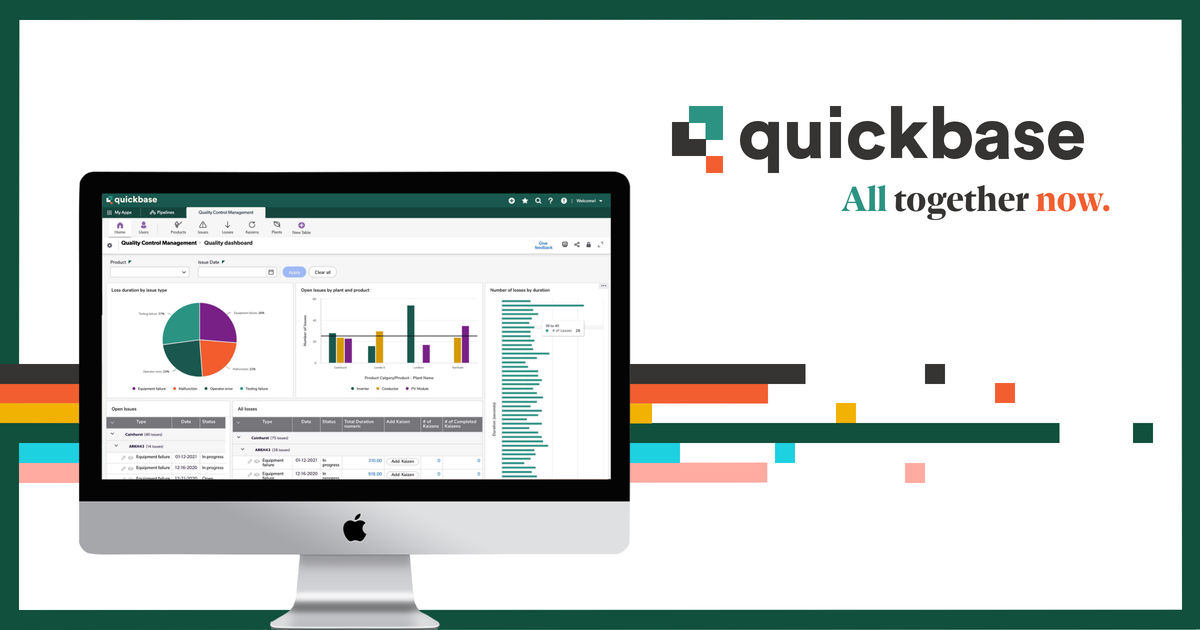
- Build custom apps for project tracking, asset management, or day-to-day operations
- Cut down on repetitive manual work by automating routine workflows
- Pull in data from tools you already use, like Salesforce, Slack, and Excel
- Control who sees what with role-based permissions across your team
The real strength of Quickbase is how well it grows with you. Start with something simple, then expand your apps as your processes get more complex - everything stays in one place, and your team stays on the same page.
5. Artisan
If your team spends hours a week finding leads, writing outbound emails, and chasing replies, Artisan hands that work to Ava, an autonomous AI employee who runs the outbound motion end to end.
With Artisan, you can easily:
- Source and enrich leads from a database of 250M+ verified B2B contacts.
- Write and send personalized, multi-channel outreach without a template blast.
- Handle replies and objections, then book meetings straight to a rep's calendar.
- Track intent signals like funding rounds and new hires to prioritize who to contact.
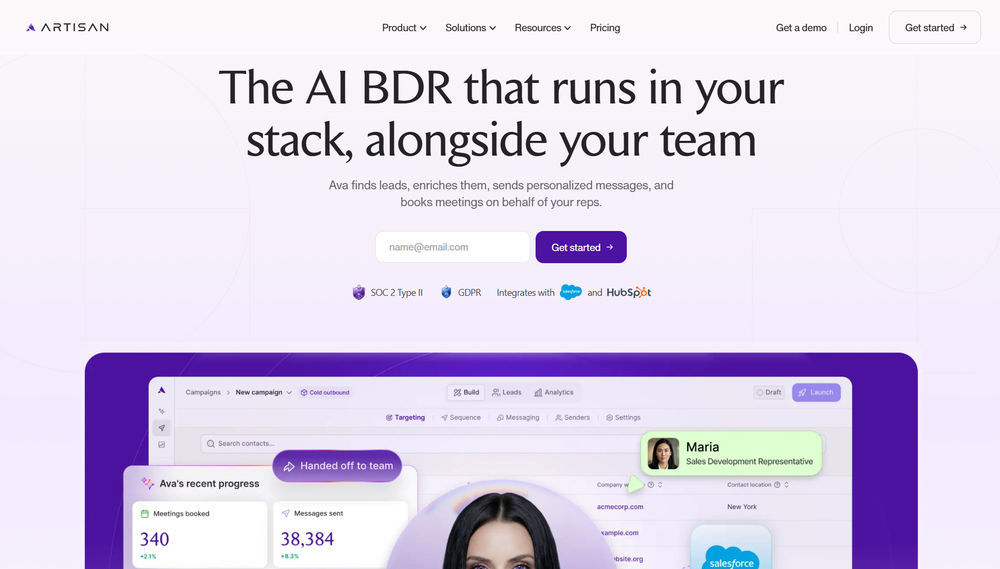
Key Features of Artisan:
- AI BDR (Ava) that runs sourcing, outreach, replies, and meeting booking autonomously.
- Built-in dialer for calls and native CRM sync with Salesforce, HubSpot, and Outreach.
- Approval gates at each stage, so a human can review before Ava acts.
- Tool consolidation that replaces the need for a separate database, sequencer, and dialer.
6. Akiflow
If your workday keeps getting fragmented by emails, meetings, and task lists spread across different apps, Akiflow helps bring everything into one focused workflow. It is a time-blocking productivity tool that combines tasks, calendar planning, and task capture so you can organize your day in one place instead of jumping between multiple tabs.
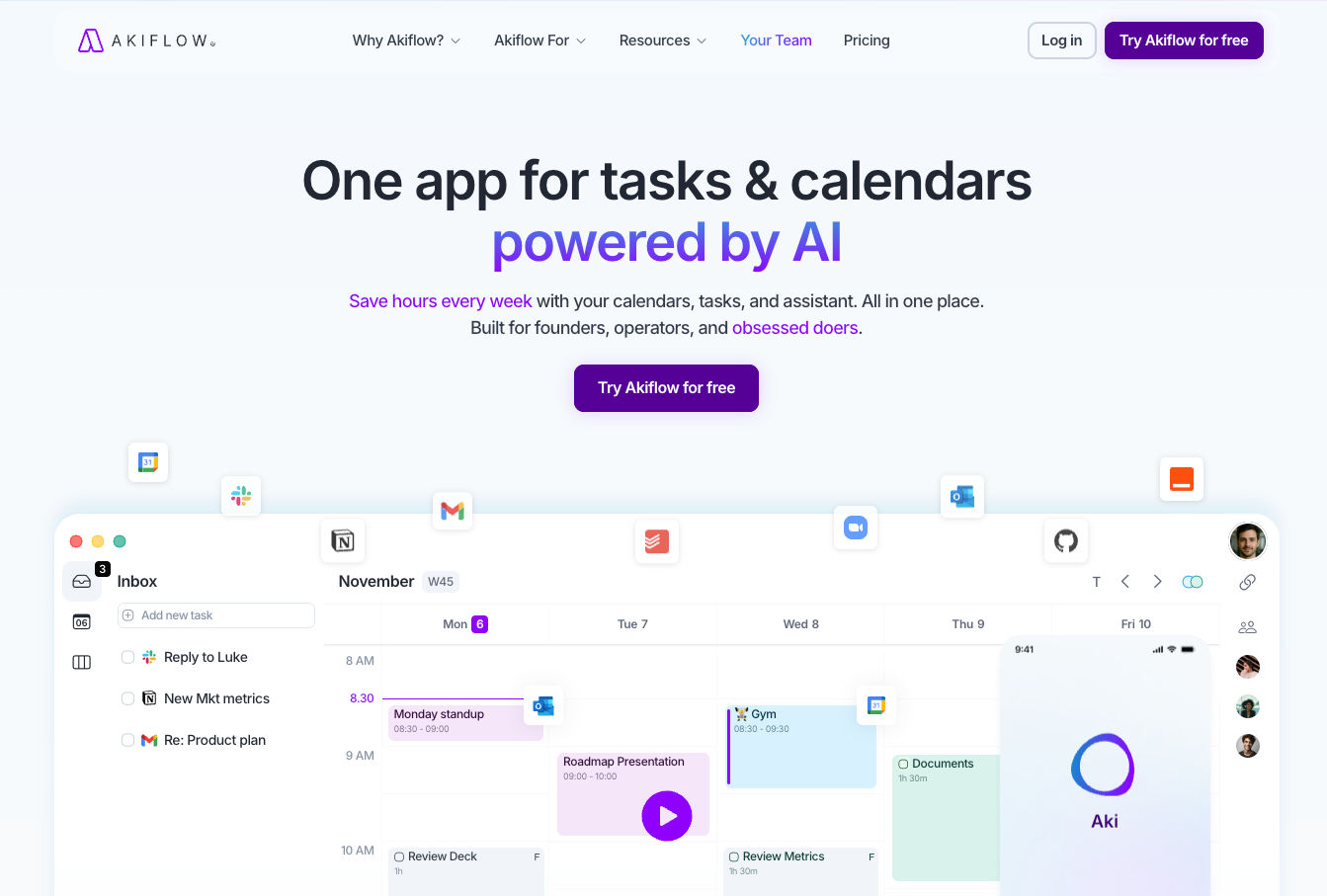
With Akiflow, you can easily:
- Collect tasks from email, Slack, and other tools into one inbox.
- Turn tasks into a clear daily plan with time blocking.
- Organize priorities so important work is always visible.
- Manage meetings and to-dos together in one streamlined view.
- Reduce context switching and stay focused on execution.
The real strength of Akiflow is how it helps you convert scattered work into a structured plan. Instead of reacting to tasks all day, you can decide what matters most and schedule it intentionally, which makes it especially useful for remote teams, founders, and busy professionals.
Conclusion
Efficiency is the key to the success of every task. Technology has developed several online tools that can help you simplify various tasks and save time. In this blog, we have discussed the best online tools, including lenso.ai, Photo Translator, and Monday.com. Each tool simplifies a particular area of your daily workflow.
You can integrate these smart tools into your daily tasks and eliminate excessive efforts in manual work - especially as remote work and hybrid workplace continue to grow. Hence, you can save your valuable time and better focus on creative tasks and productivity.

Author
Guest Post
Marketing Specialist
Continue reading

General
6 Useful Tools for Finding Similar Images and Exploring Visual Matches
An image can communicate an idea in seconds, but sometimes the picture itself raises more questions than it answers.
General
Lenso.ai vs. Yandex. Reverse Image Search + Face Search Compared
Yandex and Lenso.ai are both reverse image search websites that are used by people wanting to find objects, places or people online. Is there a clear winner between the two? Who does what best? In this article, we will compare Lenso.ai and Yandex and we will try to select the website who performs better depending on your personal requirements.

General
AI-Powered Image Tools: From Finding Photos Online to Preparing Them for Official Use
Have you ever looked at a photo and thought where else it might have been used online? Or maybe you need a ready-to-submit passport photo in a short time and have no clue how to get it right? The problem in both cases is that you have to find the right photo and know how to prepare it for official use.

General
Best Online Tools for Image Search and Digital Research
Finding the right information online is not always as simple as typing a few words into a search engine. Sometimes the information you need is contained in an image, while in other situations you may need to work with numbers or technical data to understand what you have found. The right online tools can make these tasks faster and more manageable. For people who regularly work with visual content, research, or digital information, here are some useful tools worth considering.