Preview in:
For Matching a Face
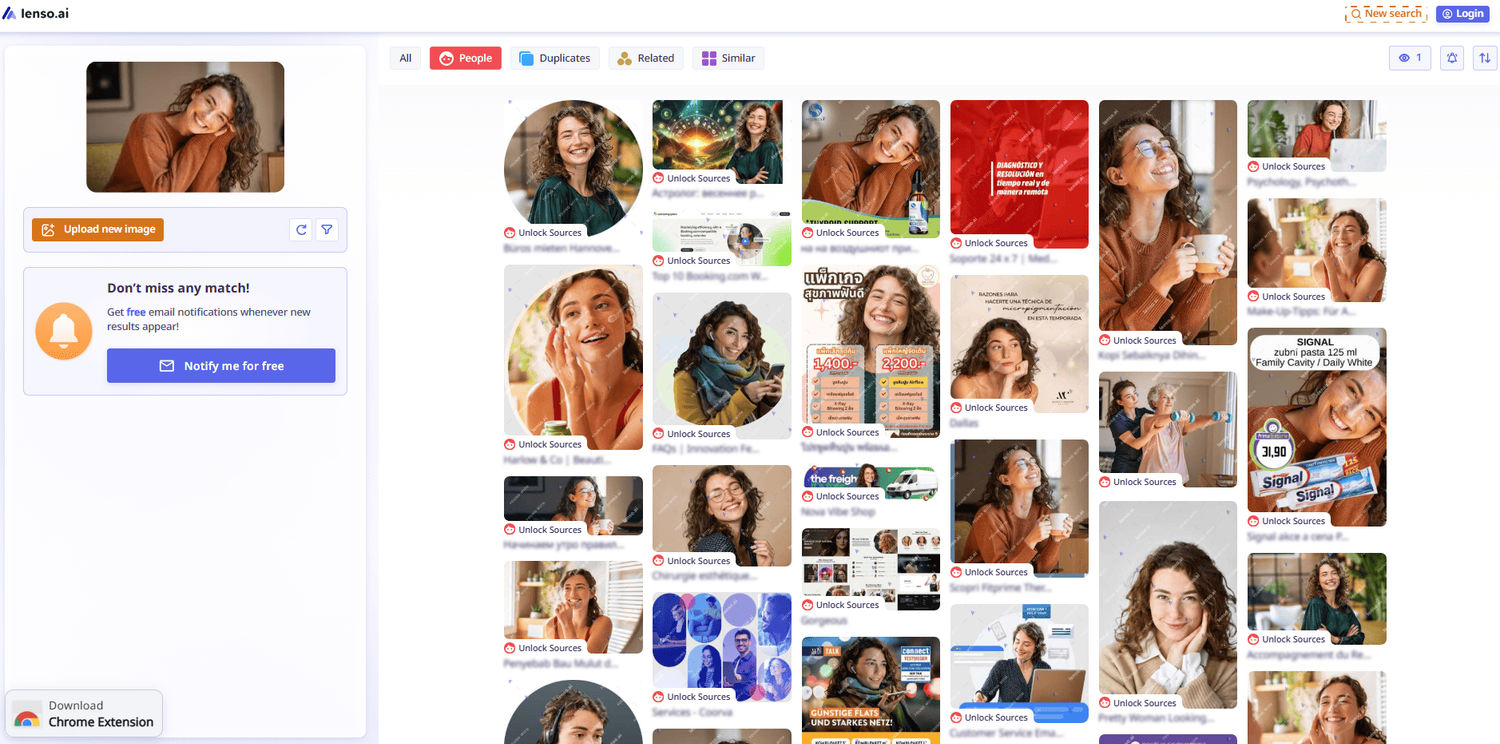
Lenso.ai takes a different approach to the same problem: instead of being face-only, it runs uploads through separate AI models depending on what the image contains, with a dedicated People category for facial matches alongside categories for places, duplicates, and related content. Research Mode extends People and Duplicate searches up to 10,000 results, and filters for domain, date, language, and image size help pin down exactly where a face or photo first surfaced.
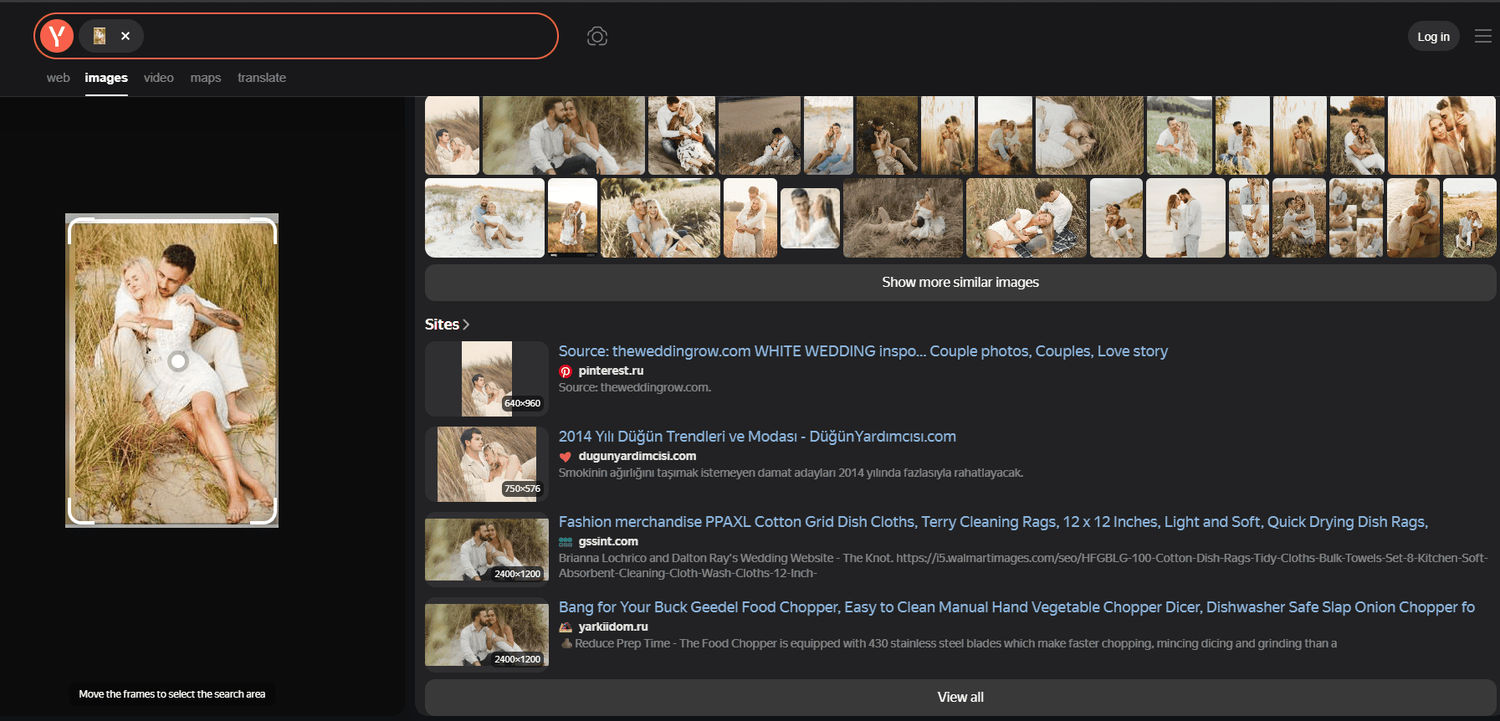
Yandex Images has an unusual reputation for a search engine most people outside Russia rarely open, but OSINT researchers and journalists consistently rank it as the strongest general engine for facial similarity. It surfaces look-alikes that Google and TinEye tend to miss, especially for faces tied to European or Cyrillic-language sites, which is why investigators keep it in rotation alongside dedicated face-search tools.
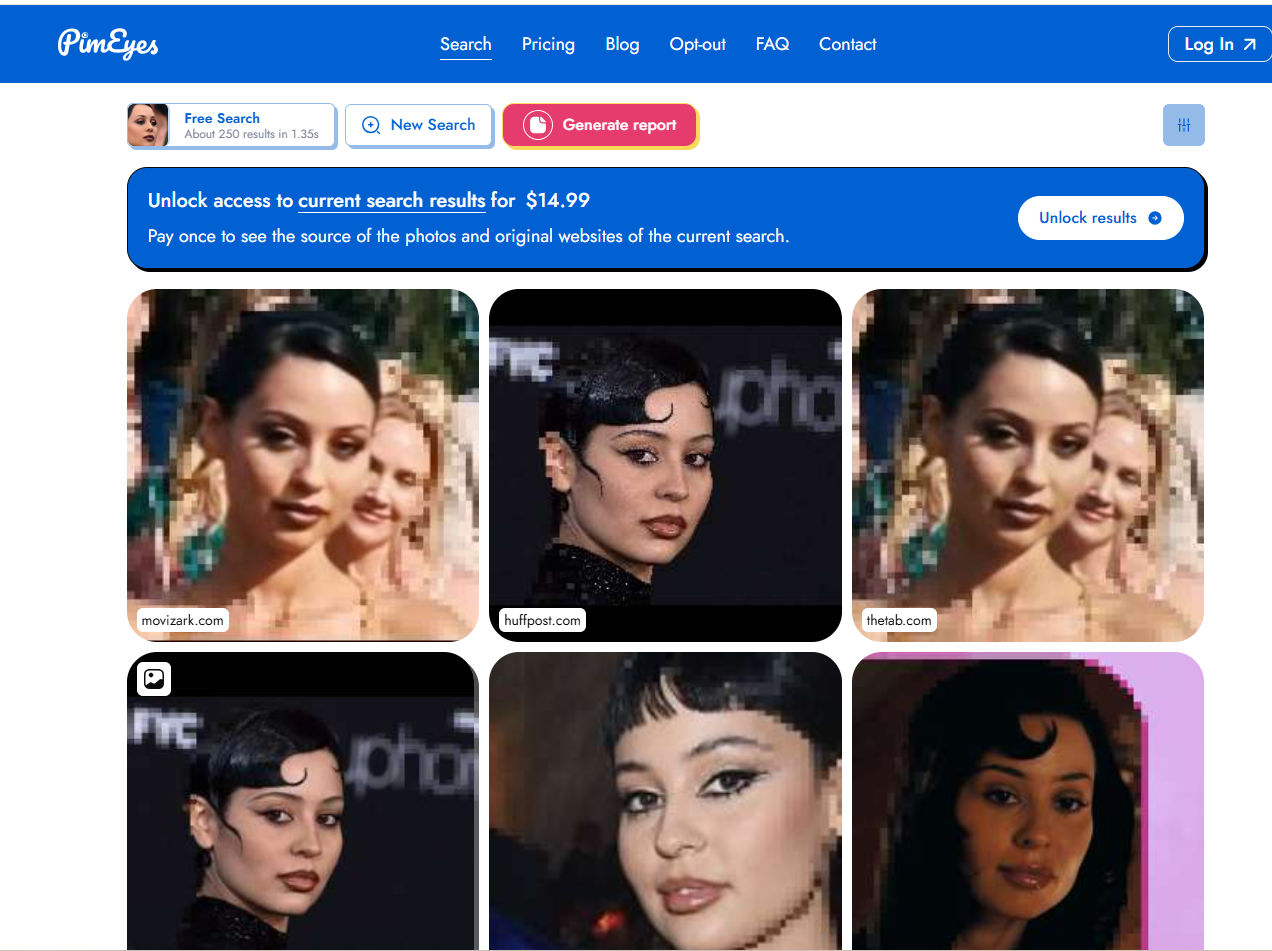
PimEyes goes further by doing nothing but facial recognition. Feed it a landscape or a product shot and it returns nothing at all — that's simply not what it's built for. It's narrow by design, and it deletes uploaded photos after 48 hours, which is worth knowing before uploading anything sensitive. A "no results" answer here doesn't mean a face is unindexed everywhere; it usually just means the crawler hasn't reached wherever that face appears, whether that's a private account or an unindexed site.
For Proving Where an Image Came From
TinEye is the standard for this. Rather than ranking by visual similarity, it hunts for the exact same image — even resized, cropped, or recompressed — across an index of more than 77 billion photos. Its signature feature is a "first seen" date, which is genuinely useful for establishing that a photo predates a competing claim. What it won't do is facial matching or loose "related" results; it's a provenance tool, not a discovery one.
Lenso.ai's Duplicates category covers similar ground from inside a broader platform, isolating exact and edited re-uploads rather than mixing them into a general similarity feed.
For Everyday Lookups
Google Lens remains the default for most people, and for good reason — it's built into Chrome, Android, and the Google app, backed by an index most estimates put past 100 billion images. It's the strongest choice for identifying a product, a landmark, or text inside a photo. Its weakness is precision: it ranks by visual similarity rather than exact matching, so a cropped or reposted image can slip through unnoticed. It's not built for tracking down a specific stolen photo, but for quick, casual lookups it's hard to beat.
Bing Visual Search runs on a separate index from Google's entirely, so it occasionally turns up a source page the others miss. With a right-click built into Microsoft Edge, it costs nothing and takes seconds — a reasonable second opinion, even if it rarely wins outright against the specialists above.
For Art and Illustration
SauceNAO fills a gap the general engines consistently miss. General search tends to strike out on anime art, manga panels, and fan illustrations, because it isn't indexed against the right sources. SauceNAO checks against art-specific databases like Danbooru and pixiv instead, which is exactly where that kind of image actually lives.
After the Search: Scoring What You Find
Tad AI doesn't search images at all — it fills a different gap in the workflow. Once a photo's been verified and the story is ready to become a TikTok explainer, a YouTube breakdown, or a client video, it still needs a soundtrack, and generic stock libraries rarely match the tone. Tad AI builds that layer from scratch, reflecting a broader shift where audio, not just visuals, is what keeps people watching.
What sets it apart from earlier AI music generator tools is the underlying model. Most older AI composers worked from symbolic, MIDI-style data, which is why their output often sounds thin or artificial. Tad AI's Mureka V9 model synthesizes raw waveforms directly instead, producing studio-grade, radio-ready audio and vocals rather than the compressed, obviously-synthetic sound older generators produced — usable even without any production background. Smart Mode handles quick jobs: style tagging, cover art, and a deep-reasoning lyric engine that writes structured verses and choruses matched to a prompt's emotional tone. Custom Mode adds finer control through macro-level tags for genre, vibe, instrument, scene, and rhythm, plus support for up to 3,000 characters of custom text and reference audio.
The detail that matters most for anyone publishing verification content commercially is rights. Because Tad AI generates tracks from raw model weights rather than sampling existing recordings, every output is royalty-free — no Content ID flags, no copyright strikes, safe to upload to YouTube, TikTok, or Spotify without a second thought. The platform also covers AI rap cadence, AI covers, and text-to-speech, so a complete report — visuals, narration, and score — can come out of a single workspace.
Matching the Tool to the Job
- Face or identity verification: Lenso.ai's People category first; Yandex or PimEyes as a cross-check.
- Copyright or ownership disputes: Lenso.ai for exact-match proof; TinEye as a second pass.
- Quick, casual identification: Google Lens, with Bing as a free backup.
- Serious investigative work: run the same image through at least two engines — each indexes a different slice of the web, and one match doesn't rule out others existing elsewhere.
The Bottom Line
The nine tools above split cleanly along a few lines: Lenso.ai's People, Yandex and PimEyes for faces, TinEye and Lenso.ai's Duplicates for provenance, Google Lens and Bing for everyday use, SauceNAO for art, and Tad AI once the search is done and the story needs a soundtrack. Lenso.ai is the one tool that spans several of these categories at once through its filtering and category system, which makes it a great tool to use across all use cases.

Author
Guest Post
Content Writer
Continue reading

General
Visual Product Education: 6 Ways Ecommerce Brands Can Use Images to Build Customer Confidence
High product understanding is a direct prerequisite for high purchase intent. That’s why ensuring your target audience understands your solutions and their value is essential for guiding them toward conversion. However, communicating product benefits can be slightly more challenging online than in-store.

General
The Best Reverse Image Search for Photographers. Set Up Copyright Notifications!
If you are a photographer looking for a smart way to find your copyrighted content shared online, this is the place for you! In this article, we will explain how you can search for your photos being reposted, and the best ways you can automate the searching.

General
Face Search API by lenso.ai for businesses: Top 5 Industries and use cases
If you run a business and wonder how to boost your user engagement or add a feature that may become a game changer – we do have a solution! You need to implement the face search API from lenso.ai. Check whether your use case may be a good fit for reverse face search integration.

General
How Teams Can Improve Their Image Search Skills with AI-Powered Tools
AI-powered visual tools are changing how photographers, digital marketers, content creators, and researchers work. In a single day, one person might trace the source of a photo, check a campaign image for duplicates, and look for similar visuals for a new project. The tools evolve quickly, and training often struggles to keep up.