Preview in:
If you have seen those incredible AI images online and found yourself wondering, “How are people doing it?” let me tell you how you can begin.
I have put together a list of the top 8 beginner-friendly image generators. Whether you want to create images for fun, for your social media, or for personal or professional projects, these tools have got you covered.
So, without any further ado, let’s discover.
What are AI image generators?
Before we explore the image generators, take a quick look at what they actually are.
So, AI image generators are like digital genies.
You give them a prompt, such as “A glowing deer in a forest,” and they create a unique image based on your words.
No special designing skills needed here!
You can turn your ideas into images with a realistic or artistic appeal.
You see, they are being trained on a vast dataset of images and their descriptions. In simple words, they have studied every image, painting, or drawing on the internet. So, when you provide a prompt, the AI uses this knowledge to create an image that matches your requirement.
Overall, they are pretty fast, easy, and fun! You just type words, hit enter, and you've got the desired image.
It's that simple!
Now, with the theory covered, let's finally move on to the top 8 AI-powered image generation tools for beginners.
8 best AI image generators for beginners
These AI image generators that I am going to tell you about are packed with incredible features.
Whether you need visuals for your blog, social media, or simply playing with ideas, they make AI images accessible and exciting for you.
Let's get to know them in detail one by one.
1. LightX
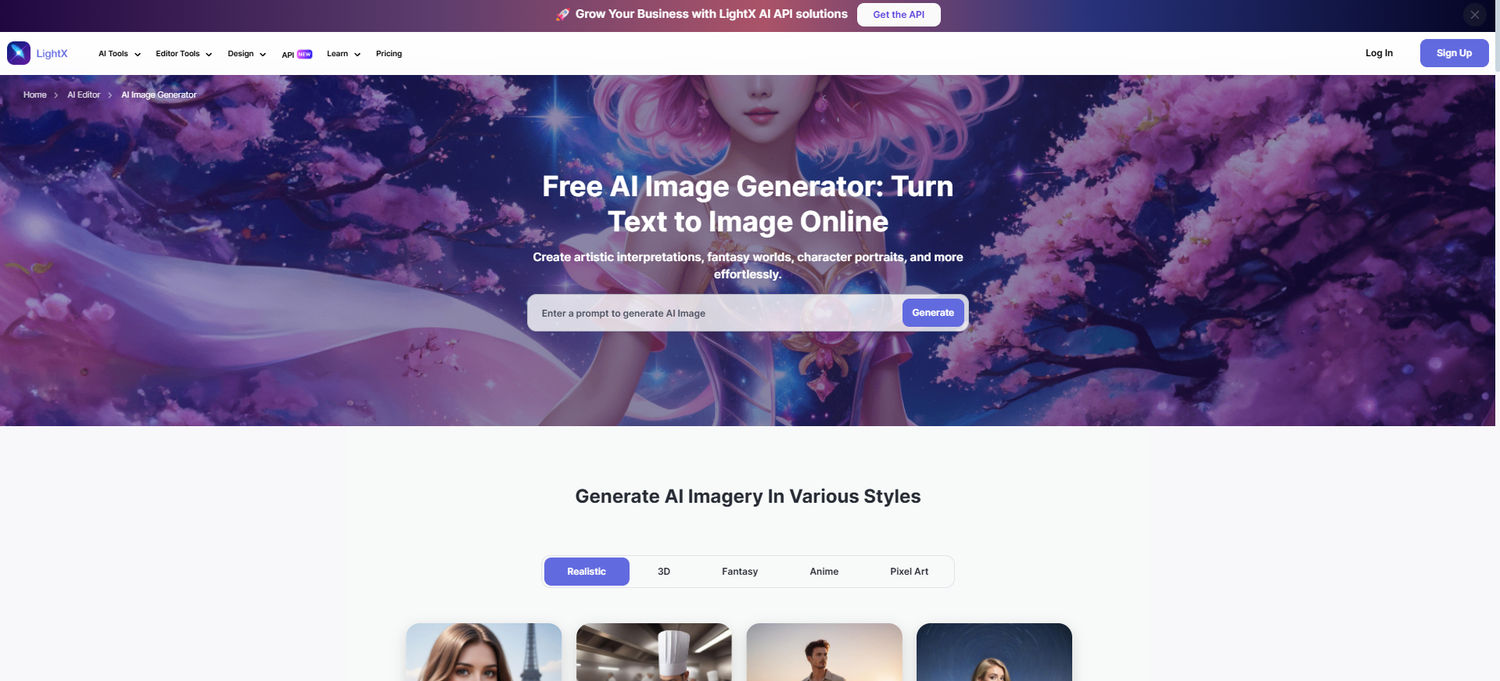
LightX is like that super approachable tool that makes everything fun and super easy.
Its fantastic AI image generator is designed for both beginners and pros. But, it's especially great if you are just starting out.
Its intuitive interface makes it a dream to use.
Bloggers, social media creators, businesses, individuals—everyone can create AI visuals with minimal effort through prompts.
Key features:
- Integrated Flux 1.1 Pro and SDXL Lightning models for an instant, realistic, and high-quality image generation.
- Select from a range of preset styles like 3D, painting, cartoon, etc., or upload your own style reference image. Pick a suitable image resolution, as well.
- Edit the image further using a free photo editing suite.
Pricing: You get 5 AI credits daily for free generations. The Pro plan with 1000 AI credits per month and many more features is available for $5.84 (approx).
2. OpenArt AI
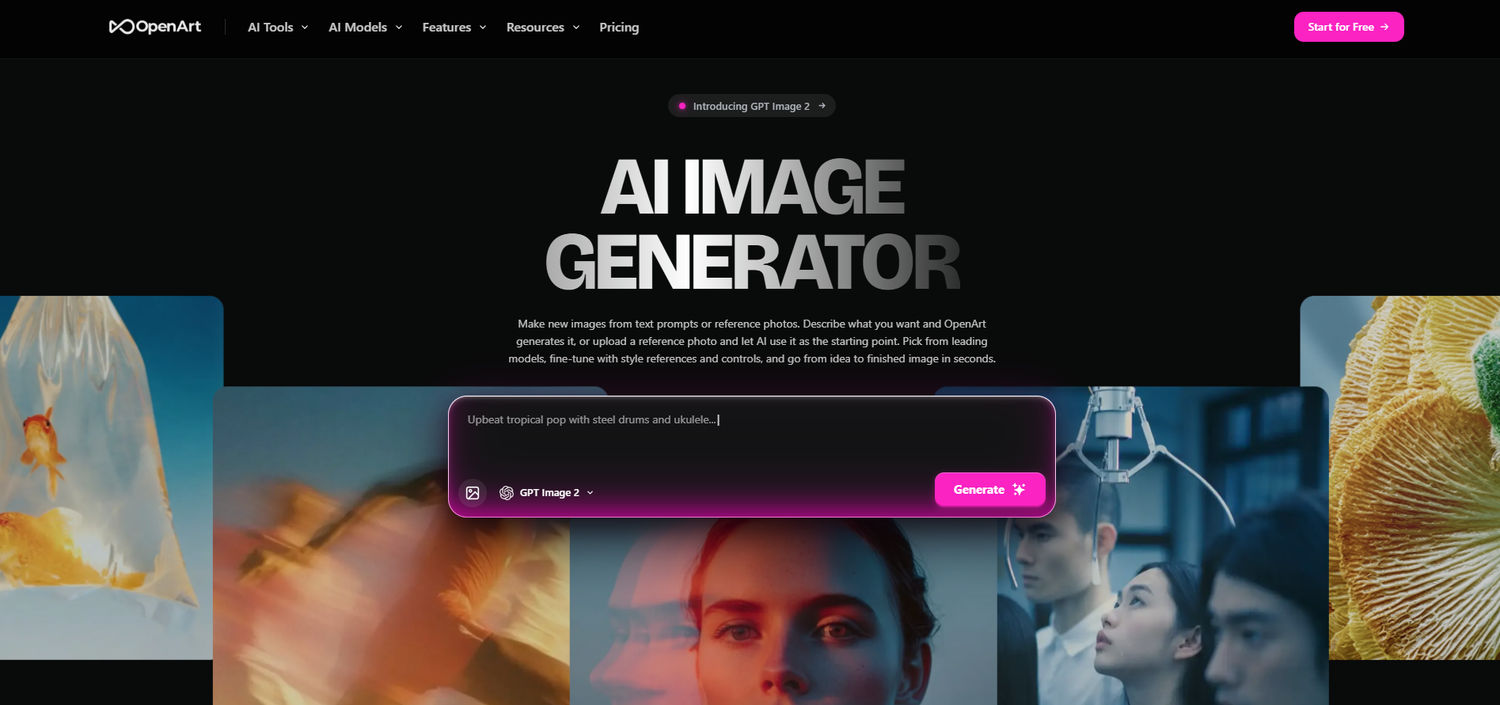
OpenArt AI Image Generator is a super easy and fun way to create amazing visuals with AI.
Whether you’re a blogger, social media creator, or just someone who loves experimenting with art, this tool makes it simple to bring your ideas to life.
You don’t need to be a pro to use this AI Image Generator — the interface is clean, intuitive, and totally beginner-friendly.
Key features:
- Uses advanced AI models to generate realistic, high-quality images in seconds.
- Tons of styles to choose from — digital art, anime, illustration, or even your own reference images.
- Built-in editing tools let you tweak colors, crop, or add effects without leaving the app.
- High-resolution downloads make your images ready for social media, blogs, or printing.
Pricing: You can start for free with limited daily generations. If you want more, the premium plan gives extra credits and advanced features starting at $7/month.
3. Canva
We all knew Canva as the OG of graphic design, didn't we?
But, guess what?
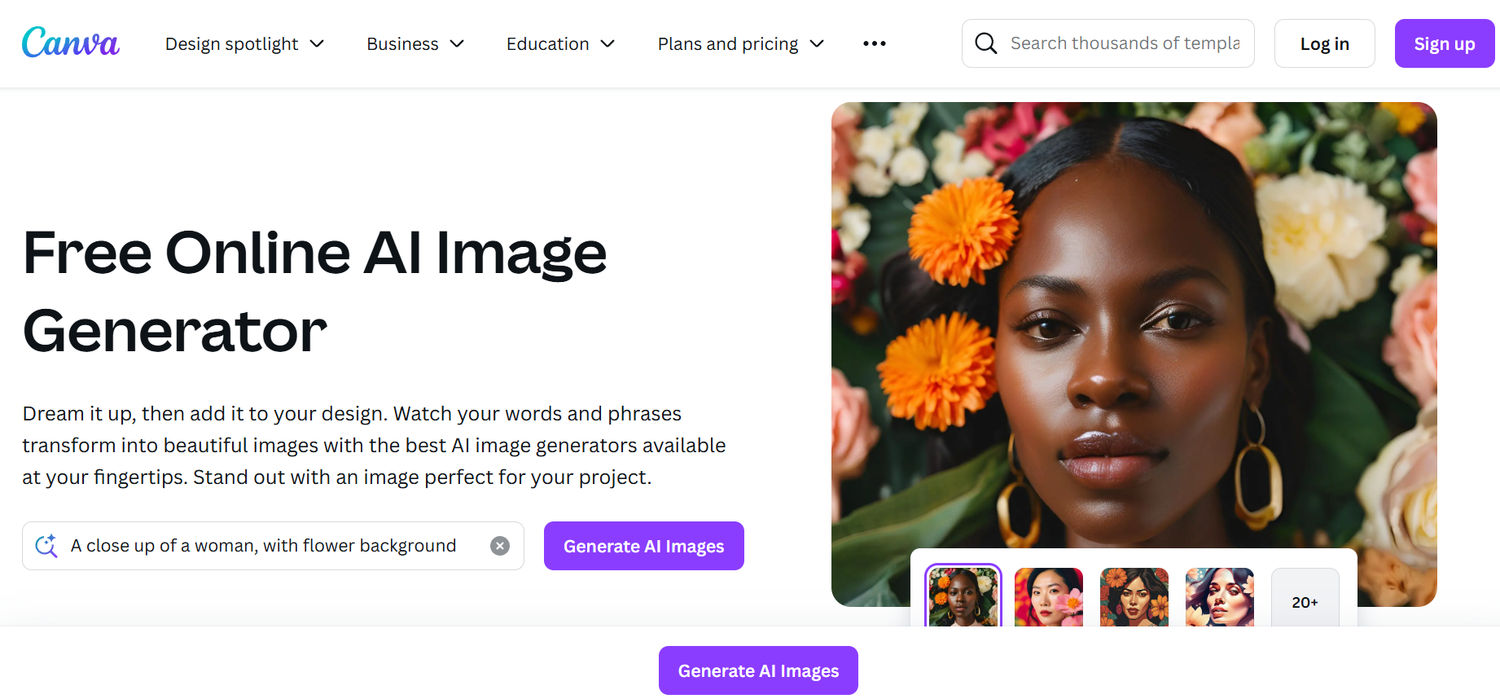
Its AI image generator, Magic Media, is a beginner’s heaven.
It's highly intuitive. Creating AI images is as simple as writing a sentence.
It is ideal for bloggers who need quick visuals or small businesses that need AI images for their designs.
Key features:
- Choose from four AI images upon generation.
- Pick from styles like photo, watercolor, neon, and more.
- Use your AI images directly for your Canva projects.
Pricing: The free plan offers 50 lifetime AI credits. The Canva Pro plan for unlimited AI image generation costs $15/month.
4. Render AI
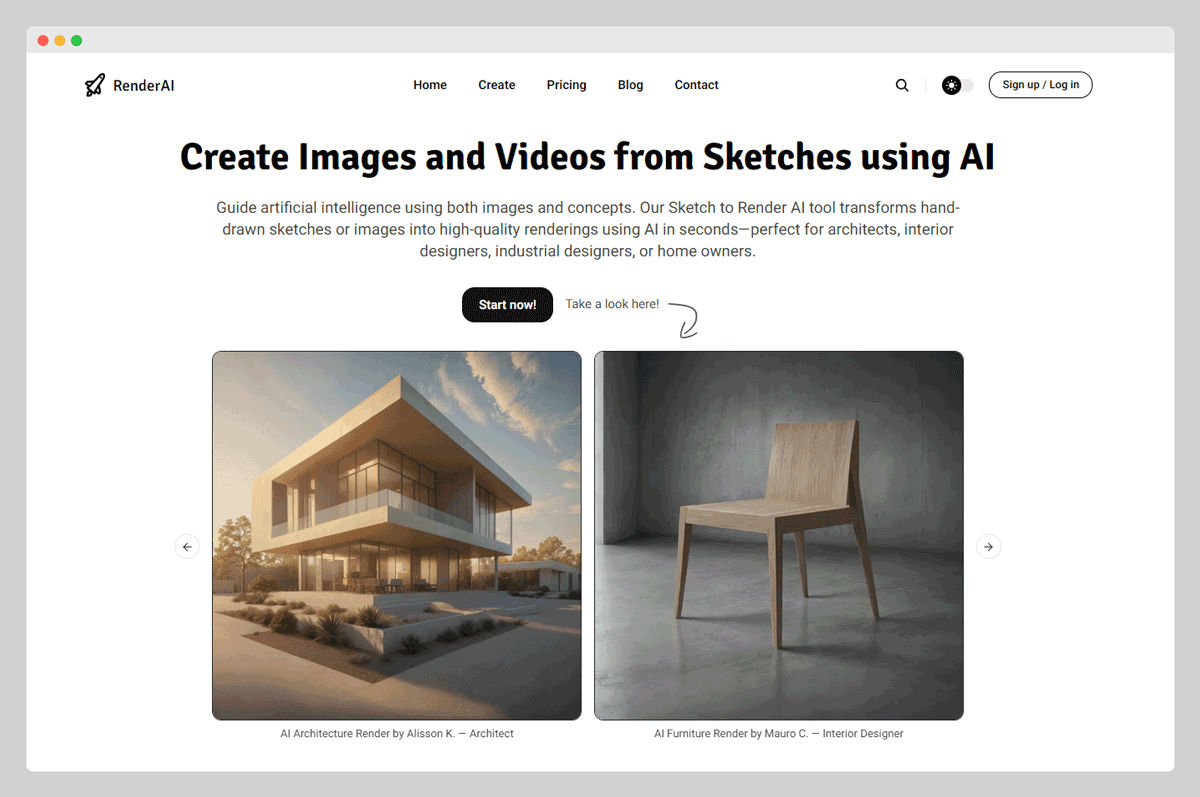
For those working in architecture or interior design, specialized tools like RenderAI stand out for their ability to turn sketches and text prompts into hyper-realistic render images. Designed specifically for architects, designers, and real estate developers, RenderAI works as an AI image generation tool that streamlines the visualization process by generating high-quality renders for exteriors, interiors, and concept stages. All this without the need for traditional 3D modeling. It’s a powerful tool to bridge creativity and presentation, making client pitches and design approvals faster and more compelling.
5. Fotor
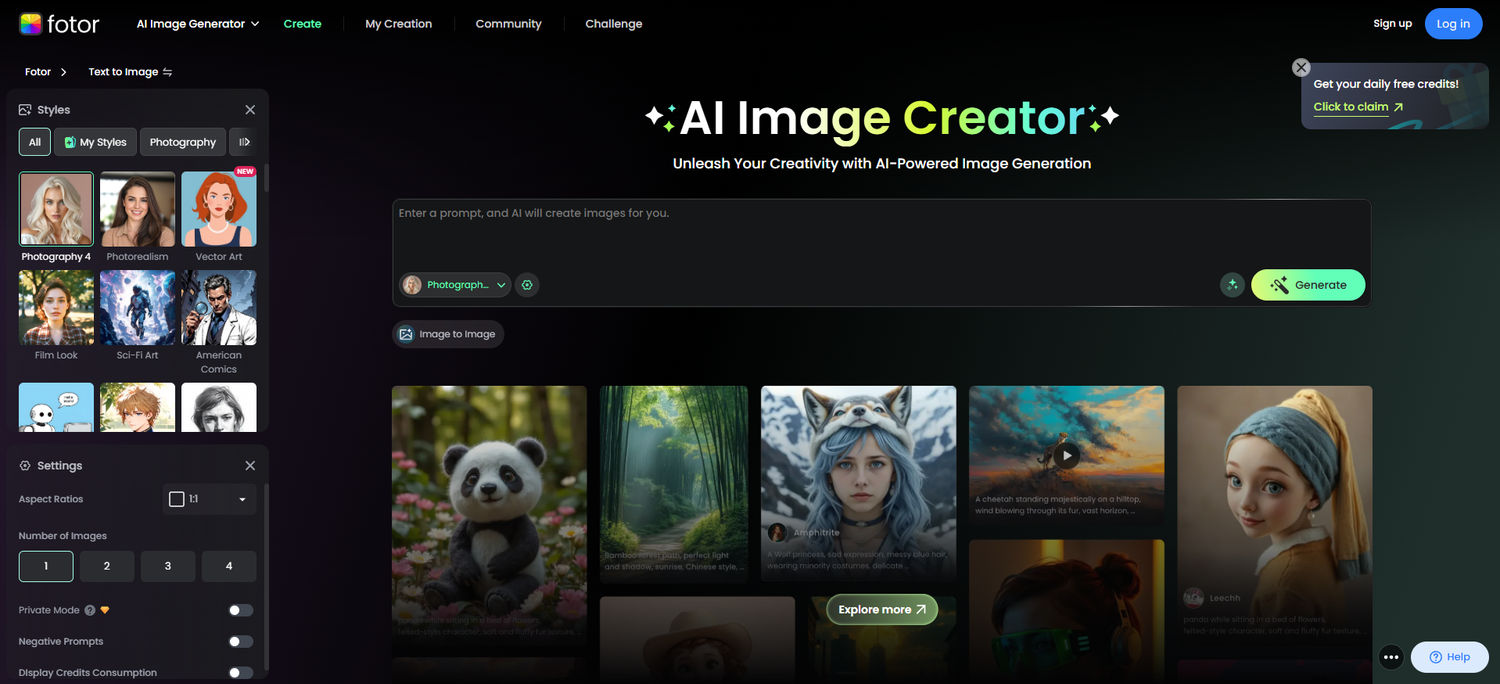
Fotor’s online photo editor with a powerful AI-driven image generator is great for creating high-quality visuals.
No hassle at all!
A text prompt is all it takes.
Whether you are designing social media posts or just trying out some ideas, Fotor’s clean interface makes it a go-to for newbies.
Get professional-looking results in seconds.
Key features:
- Generate images from prompts in various styles, like realistic, cartoon, etc.
- Create images in oil painting, 3D, digital art, and many other aesthetics.
- Upscale generated images for a sharper and clearer quality.
Pricing: You get 8 credits for basic image generation. Get additional credits with the paid plan for $8.99 per month (approx).
6. ImagineArt
ImagineArt is that creative spark that makes turning ideas into visuals super fun and ridiculously easy. Its AI image generator is built for both curious beginners and creative pros. But if you're just getting started, this is a perfect launchpad.
The sleek and simple interface makes it a joy to use. Whether you're a blogger, social media creator, business owner, or just exploring, you can generate stunning visuals through natural language prompts fast.
Key features:
- Tap into advanced AI with powerful models for instant, high-quality image generation.
- Choose from a wide selection of preset styles like anime, cyberpunk, pixel art, or surrealism or upload your own style reference image to guide the output.
- Fine-tune with creative settings like aspect ratio, prompt strength, negative prompts, and even upscale your images to HD directly.
- Edit your images further using the built-in image editing tools for tweaks, enhancements, or full remixes.
Pricing: You can try the platform with free credits. The Pro plan offers 2000+ credits per month and access to premium features starting at $9.99 (approx).
7. Picsart
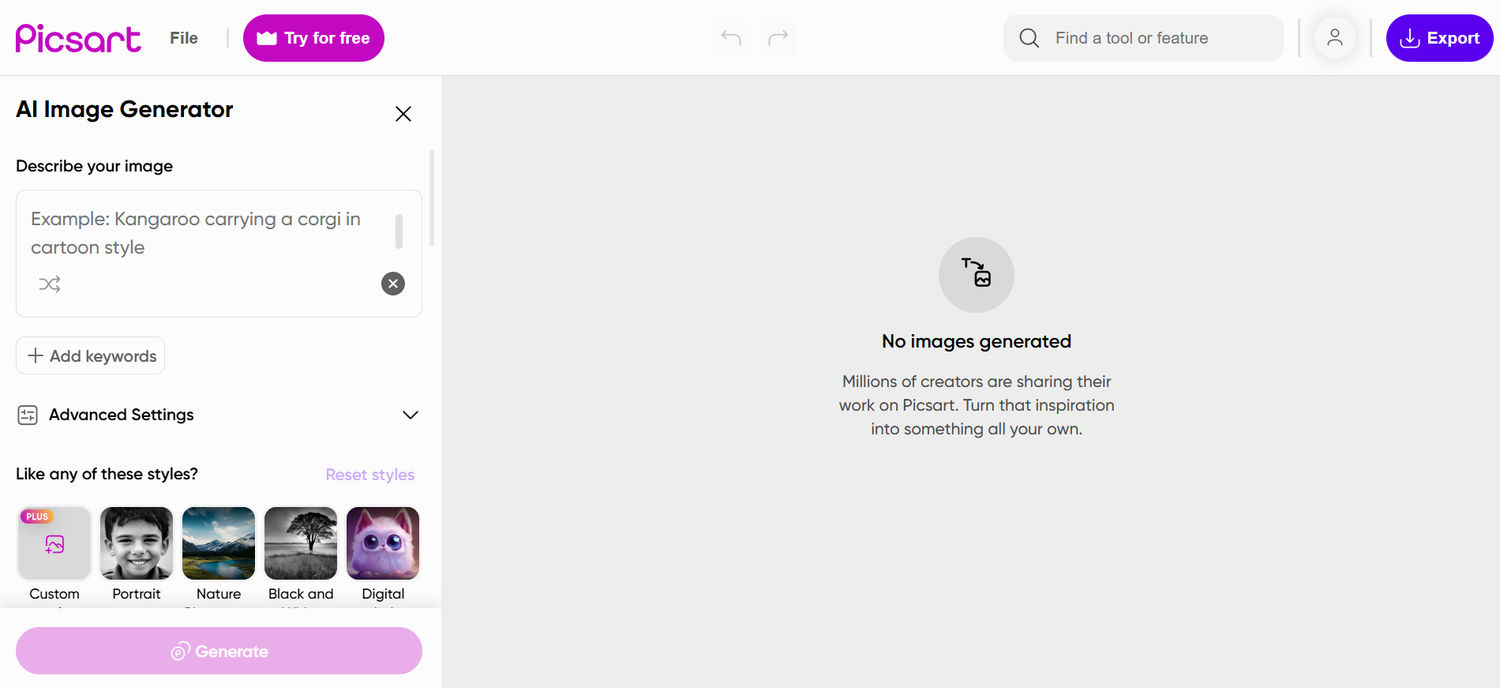
Another one of the best AI image generators of 2025 is Picsart.
It is like your partner who has got all your creative projects covered. Its robust AI image maker is perfect for beginners who want to experiment.
You also get an opportunity to be a part of a vibrant community. Plus, the easy-to-use tools make it ideal for social media creators, marketers, or anyone who loves making AI visuals.
Picart is packed with creative possibilities!
Key features:
- Create images from text prompts in 60+ style options.
- Generate digital avatars for your social media or storytelling projects.
- Automatically improve the quality of the images for polished results.
Pricing: The free plan offers limited AI generation. The Plus plan is for $5/month (approx), providing access to AI tools.
8. Pixlr
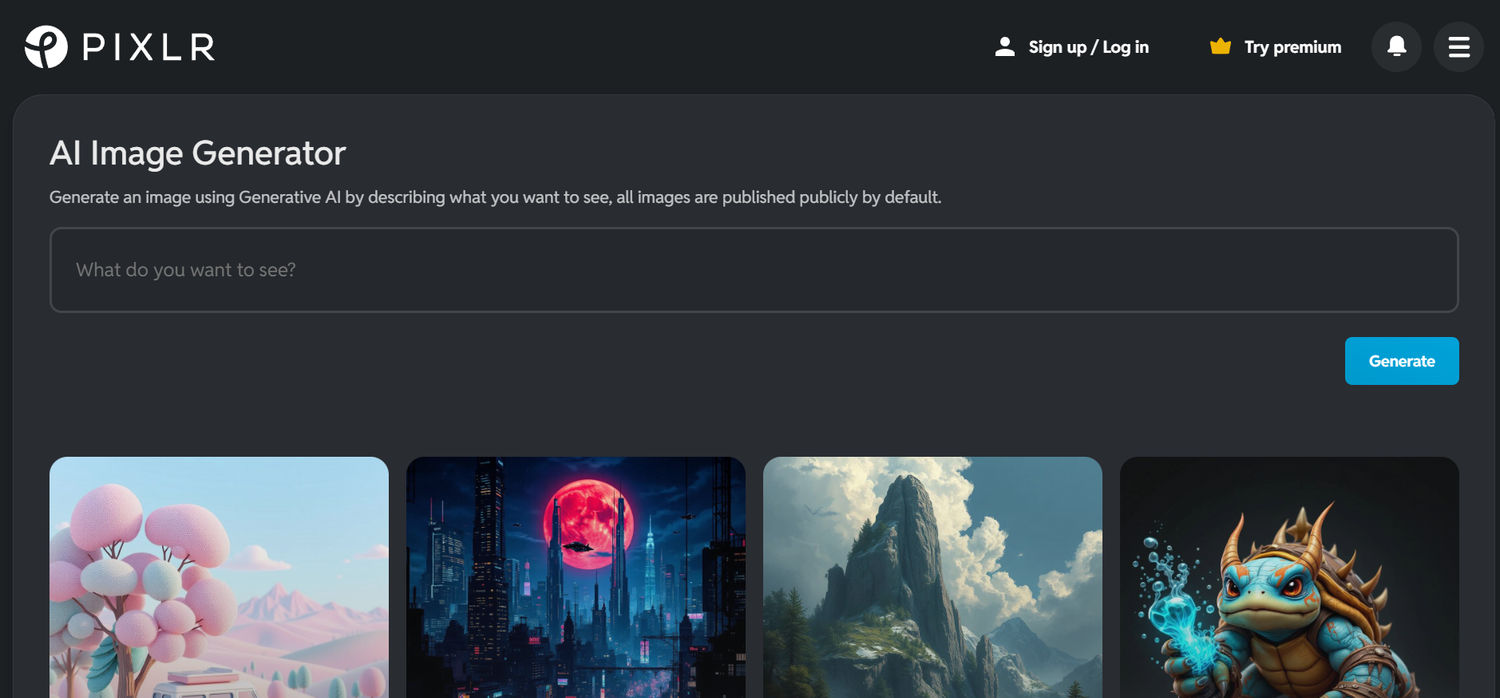
Pixlr is an easy-to-use online photo editor and AI image generator. It’s simple and easy to use like a digital art space where you can easily turn your ideas into something cool. Just describe your text and get colorful images instantly.
Whether you're creating cool pics for fun, sharing on social media, or working on a blog post, there's no need to have professional design skills!
You can use tools like AI Background Remover and AI Face Swapper for quick, fun, or even professional edits.
Key features:
- Quickly create images using text prompts and resize them seamlessly.
- Remove a background in just one click, also try a face swap for fun.
- Upscale image to get better image quality, boost sharpness, and overall look.
Pricing: Free plans have limited features with watermarked downloads. The pro plan is $7.99/month for watermark-free images with advanced editing tools.
9. InstaHeadshots
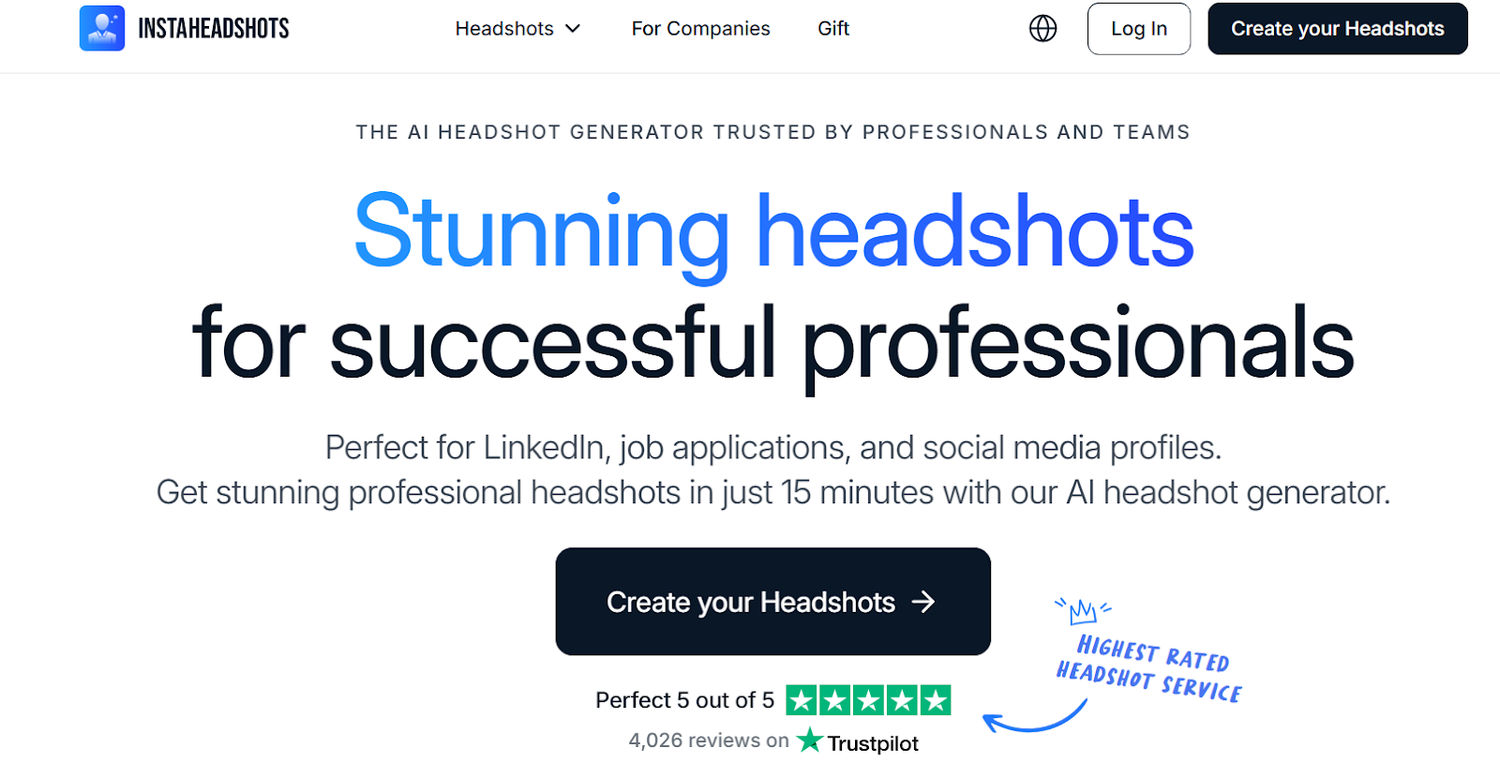
For professionals looking to upgrade their personal brand, InstaHeadshots offers a cutting-edge solution by turning everyday selfies into studio-quality headshots using AI. Tailored for job seekers, entrepreneurs, and creators, InstaHeadshots eliminates the need for expensive photo sessions by generating polished, professional images in minutes. With features like realistic lighting, diverse backgrounds, and full commercial usage rights, it empowers users to present their best selves across LinkedIn, resumes, and personal websites. It’s a game-changer for those who want to look their best without the traditional hassle of a photo shoot.
10. Craiyon: The Free and Playful AI Artist
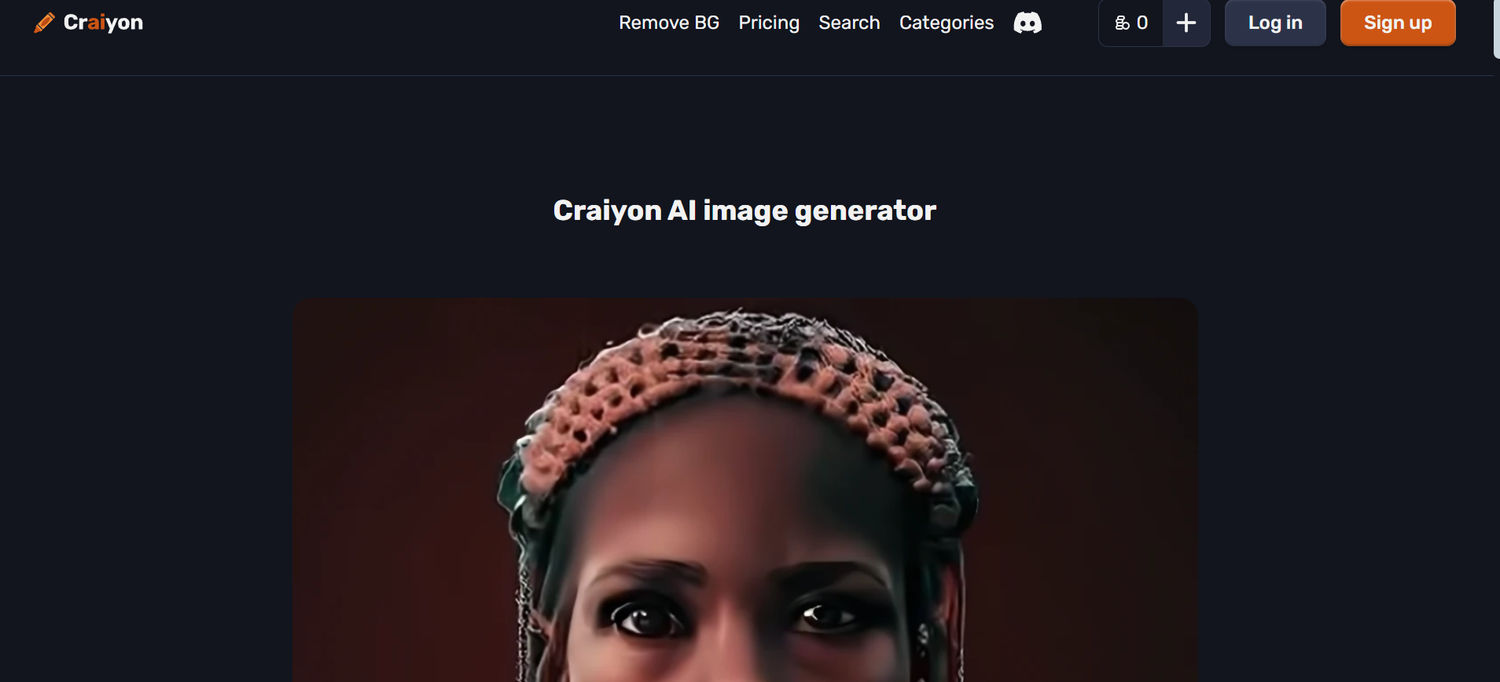
Using Craiyon feels like hanging out with a fun, artsy friend who loves to draw for free! It’s commonly known as DALL·E Mini.
This website is easy to use, no need to sign up! Just type what you want, and Craiyon makes fun and sometimes whimsical pictures.
It’s good for kids, bloggers, or anyone who wants to make cool art for T-shirts, posters, or online posts without spending money. You can even turn these designs into custom clothing.
Key features:
- It generates images using text prompts like “a wizard baking cookies in a forest” to get nine unique images.
- Select from a variety of styles, including digital art, illustrations, and realistic images, and change the number or size.
- Create images quickly, which is great for short but fun creative sessions.
Pricing: In the free plan, you get unlimited image generation, but with ads and lower resolution. Supporter plan is $5/month, ad-free, high quality, and fast generation.
11. Phot.AI
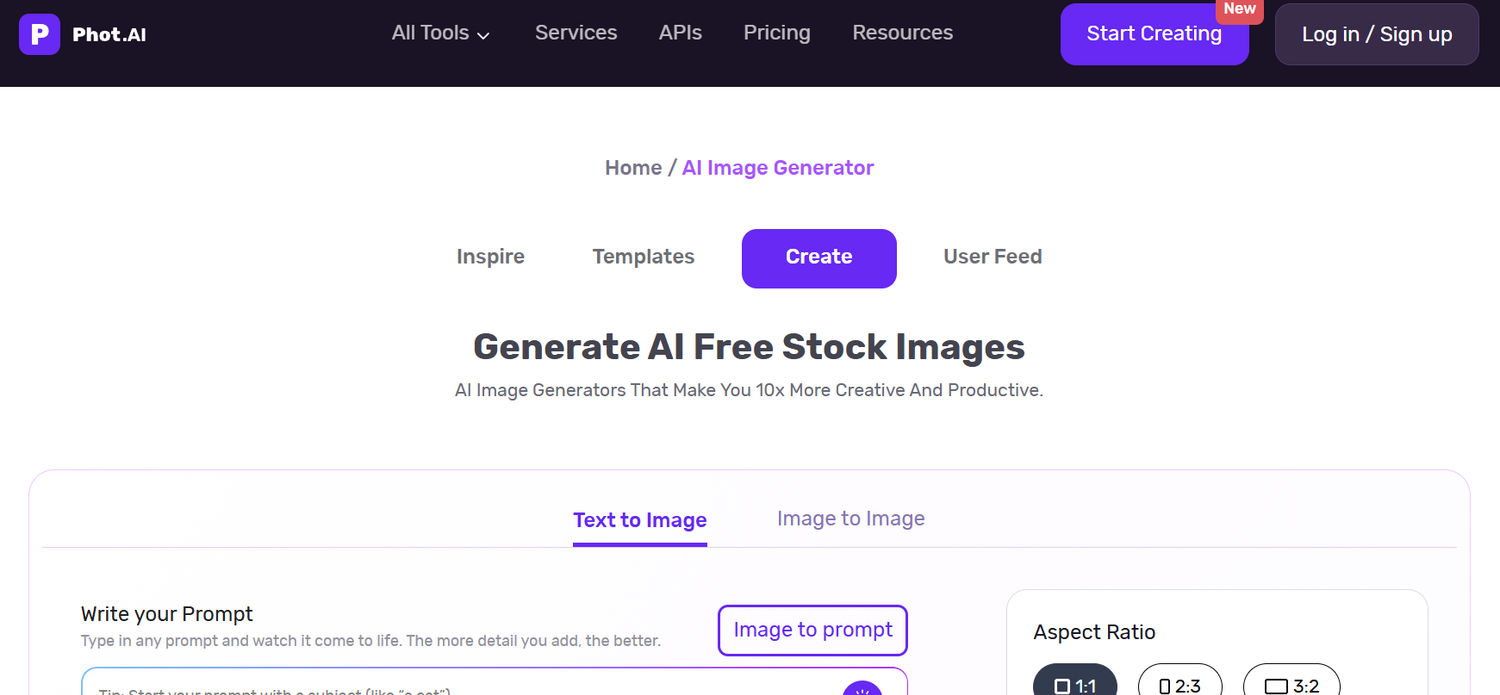
Phot.AI is a smart photo tool that gives polished and professional results. This is an AI platform that is good for beginners and gives high-quality results for e-commerce, blogs, or social media.
It has a good interface with smart AI tools and makes it easy to generate or enhance images. It could be product photos to any creative work, without having professional knowledge.
Key features:
- Replace objects, enhance photo quality, and generate images from text with just one click.
- You can quickly change up the backgrounds or add unique designs like anime, realistic, or painting to fit your style.
- Get professional results effortlessly and create clear images for product shots, portraits, or artistic projects using AI tools.
Pricing: The Free plan has limited AI generation with basic editing tools, Pro plan offers $9.99/month for unlimited AI credits with high-resolution downloads.
12. Artbreeder: The Creative Remix Master
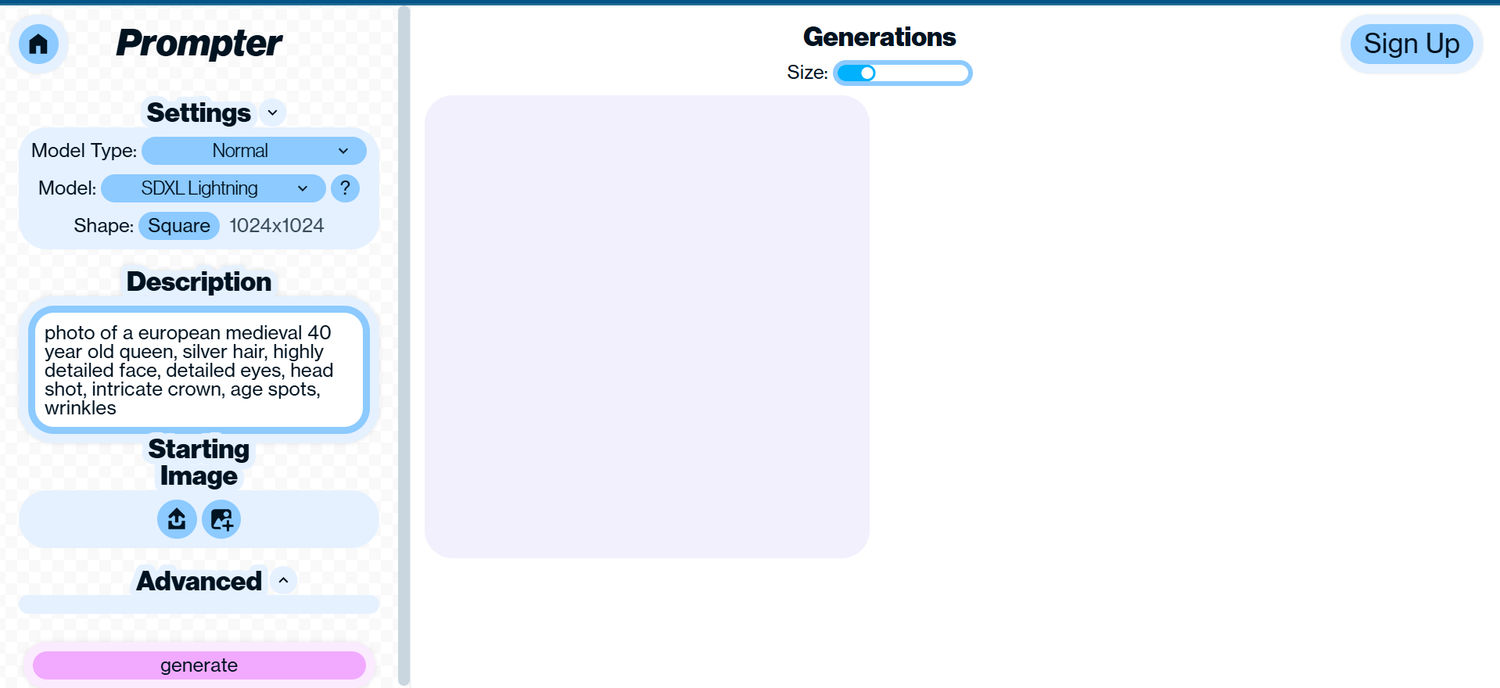
With Artbreeder, you can blend and create images like a digital alchemist, which is similar to magic creative studio.
Beginners can experiment and get unique and artistic results just by describing their text.
Good for creators, bloggers who are looking for artwork for blogs, social media, or NFTs. At Artbreeder, collaborating with different people must be a lot of fun.
Key features:
- Have text-to-image option, blend multiple images, get hybrids, such as mix a lion with a wolf.
- Work for portraits, tweak human-like faces for character, or avatar designs.
- Use other users' photographs as inspiration by exploring and remixing them.
Pricing: A free plan offers 10 credits/month for basic image generation. The starter plan is ~$8.99/month for 100 credits with higher resolution.
13. Freepik AI Image Generator
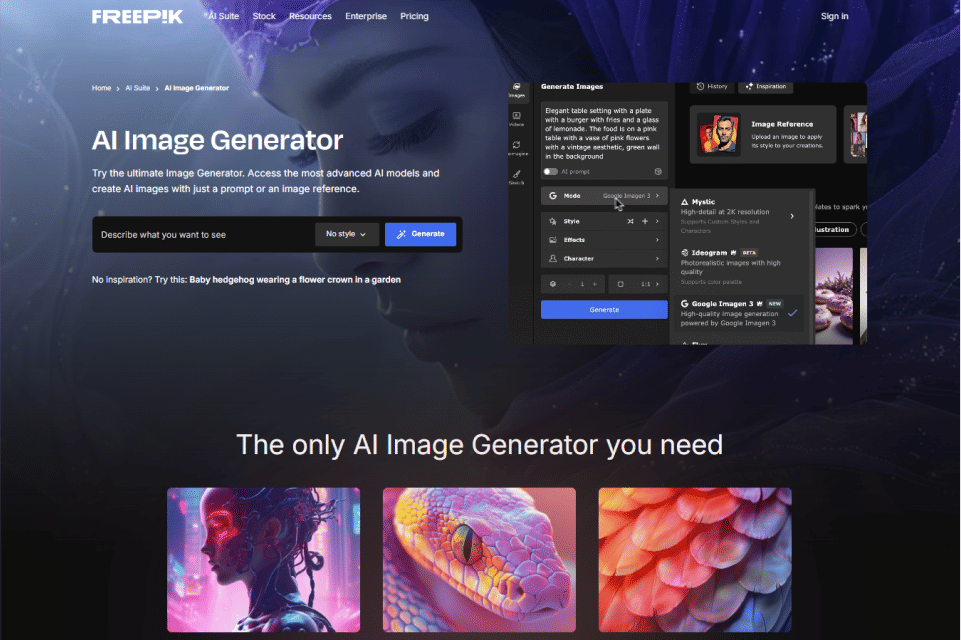
Freepik is already a favorite for visuals - now its Freepik AI Image Generator making things even better!
This intuitive AI tool lets you easily generate custom visuals with little prompting needed. You can train your own characters, styles and objects and even pre-select color palettes or composition.
Creating stunning images is as simple as typing what you want and toggle with the filters—really, it’s that easy.
Key features:
- Access advanced AI models like Google Imagen, Ideogram, Flux, or Mystic.
- Generate custom characters, objects, and visual styles from scratch using simple text prompts.
- Customize everything—from color palette and composition to aspect ratio—before generating your image.
- Edit and fine-tune your creations directly within Freepik’s built-in editor.
Pricing: You can start generating images with free daily credits. Premium plans with more credits and additional features are available starting from around $5.75/month.
14. FlexClip
In 2025, FlexClip is standing out as one of the best AI image generators for creatives who want both power and ease of use. It offers tools to generate images from text prompts and to transform/upload photos (image-to-image), letting you pick from dozens of art styles and frame ratios.The system also has prompt-optimizing features (including pulling prompts out of your uploads or improving your text) plus a “history” function so you can revisit, download, edit or share past outputs. And because it’s integrated into the larger FlexClip editor ecosystem, once you have a generated image you can seamlessly use it in videos, remove backgrounds, apply effects, or combine with animations, which makes it especially useful for content creators.
15. Magic Hour AI
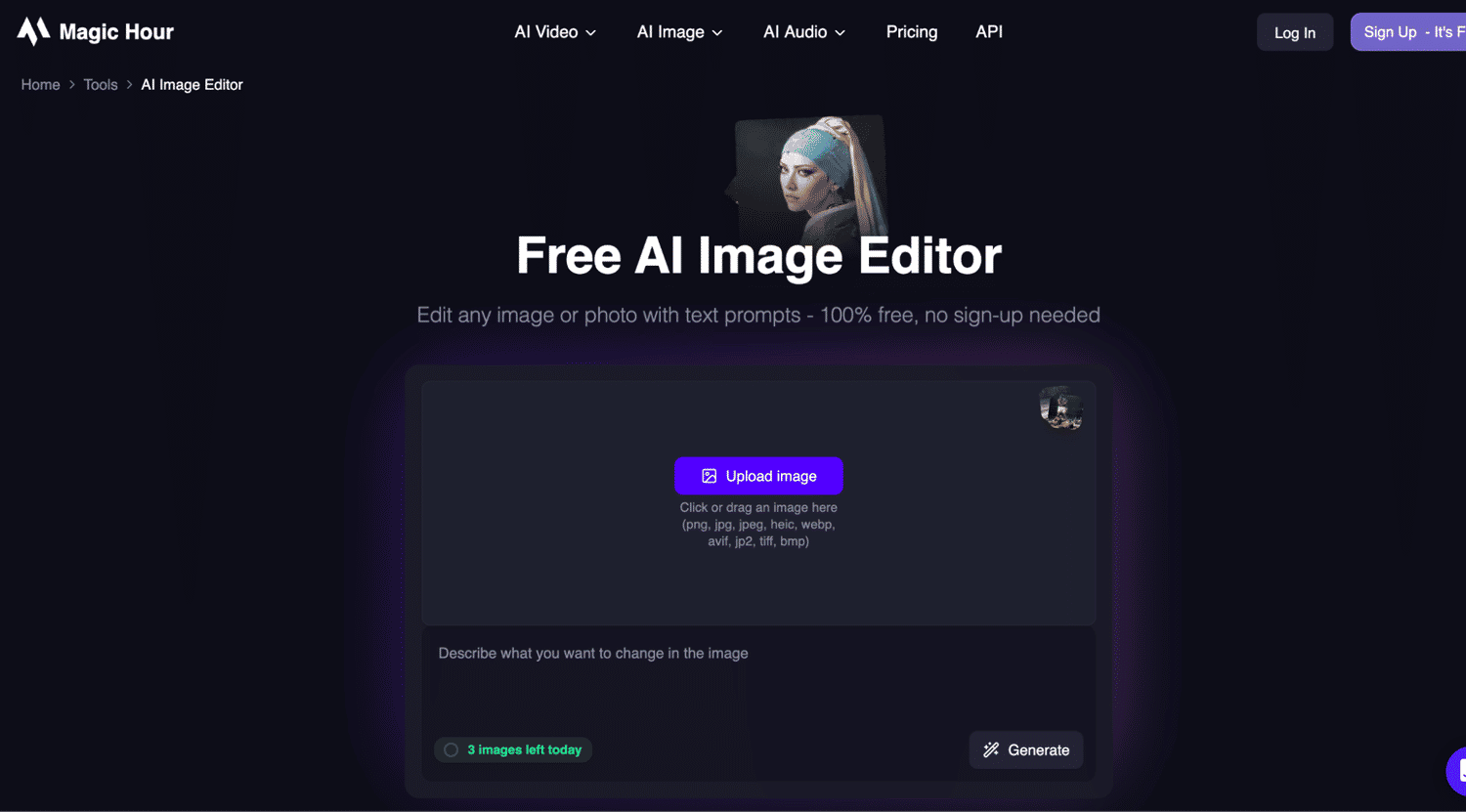
Magic Hour AI is an advanced AI-powered AI image editor that helps you edit, enhance, and transform images effortlessly. It uses smart AI technology to understand your input and make precise edits while keeping the image natural and high-quality.
It works like a creative studio where you can improve photos, remove unwanted elements, or generate new visual styles just by using simple commands. You don’t need advanced Photoshop skills—everything is designed to be fast and beginner-friendly.
Whether you’re editing images for social media, marketing campaigns, or personal creative projects, this tool makes the process smooth and efficient.
You can also use it for quick enhancements, background edits, and AI-based transformations to get professional-looking results in seconds.
Key features:
- Edit and enhance images using AI-powered tools in seconds
- Remove or replace objects and backgrounds easily
- Improve image quality with smart upscaling and adjustments
- Apply AI-driven creative transformations for unique visuals
- Simple interface designed for beginners and professionals
Pricing: Magic Hour AI Image Editor typically offers flexible pricing options, including free access with limited features and premium plans for higher-quality exports, advanced AI tools, and commercial usage rights.
Higgsfield AI Image Generator
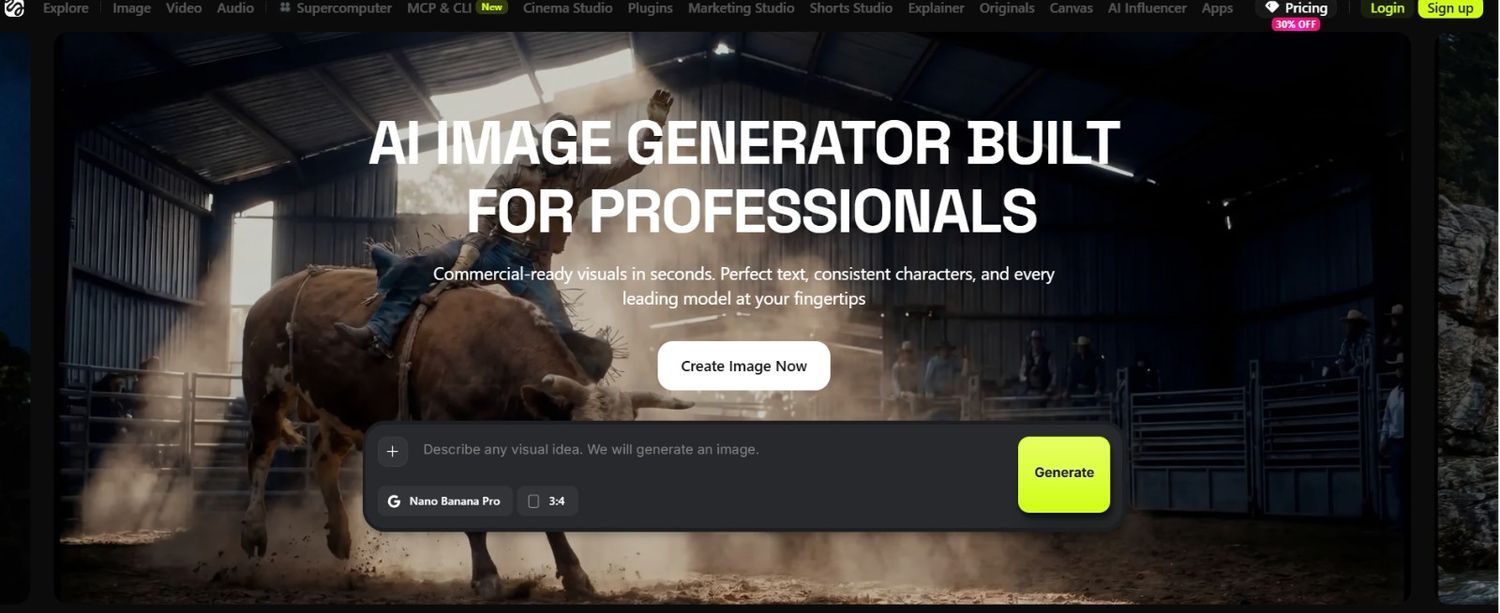
Higgsfield AI Image Generator is one of the tools that can make AI image generation seem easy yet still produce amazing results. From social media graphics to marketing creatives, product visuals and artistic concepts, the platform allows you to transform your ideas into top tier images in a matter of seconds.
What is unique about Higgsfield is the emphasis on visually slick and creative products. The platform provides access to strong AI models without requiring a steep learning curve. Meanwhile, the professionals are able to create a variety of visual styles for campaigns, branding projects and even for the content creation.
The interface is simple and intuitive, allowing users to easily try their ideas out without spending hours mastering the usage of complicated design software.
Key features:
- Generate images from simple text prompts
- Create realistic, artistic and cinematic style visuals
- Access to advanced AI image generation models
- Fast image creation with minimal setup
- Suitable for social media, marketing, advertising and creative projects
- Easy to use interface for both beginners and professionals
Pricing: Basic plans begin at $9/month, with higher tiers offering up to 120 monthly credits, advanced AI models and team collaboration features.
Visit Website: Higgsfield
7 Awesome use cases for AI image generators
These tools cover most visual needs, but AI is reshaping the text side of marketing too. For example, AI is changing how brands run their messaging campaigns, from segmenting audiences to timing each message. AI image generators are excellent tools that can turn simple words into eye-appealing images instantly.
Whether you run a business, are a blogger, or just love creativity, using tools like LightX, Canva, or Pixlr makes designing everything, from cool art, social media posts, even without being an artist, quite simple. They are fast, easy to use, and perfect for bringing any idea to life quickly.
Let’s explore the seven best ways to use AI image generators, each with an easy example to spark your imagination. Let’s dive in.
- Content creation for social media: Create engaging posts or stories. Example: Create a ‘vibrant tropical beach with neon palm trees,” for a new Instagram post.
- Blog post images: Make your own illustrations or header images that match with your content. Example: For a book review blog header, you can use "a cozy library with glowing candles.
- E-commerce product showcase: Design a variety of professional-looking backgrounds for products. You can also generate interior spaces using an AI remodel app. Example: Generate “a glossy watch on a marble desk with a modern city silhouette” for an e-store.
- Personal gifts: Make special designs for your mugs, T-shirts, or posters. Example: Make "a cartoon dog in a superhero cape" for a personal mug with a pet theme.
- Fun with digital art: You can try different creative styles for fun or NFTs. Example: For an interesting piece of art, try "a cyberpunk samurai in watercolour style" for the best piece of art.
- Marketing content: Easily design flyers, banners, or ads, no need to hire a professional. Example: Create "a futuristic motorcycle in a garage surrounded by neon" for advertising. Alongside these AI-generated visuals, creators frequently rely on AI-written captions or explanations, which can be reviewed using chatgpt zero. Using AI Humanizer tools can help refine that supporting text, making it easier to read and more engaging for the audience.
- Education Diagrams: Create exciting illustrations to make a teaching chart.Example: Use “planets in a colorful solar system with markings” to present in a science class.
Limitations & ethical considerations
Generating AI images is fun and has the power to influence, but there are also some ethics to using the tool like others, which we should keep in mind. Just because you can create anything easily does not always mean you should — keep in mind other people’s work, cultural aspects, or identities.
Let’s see a few important factors that should be considered while using AI-generated images:
Copyright and artist credit: Many AI models are trained on the creations of real artists, sometimes without their permission. Do not use AI to duplicate or replicate the style of a specific artist without permission or credit.
Plagiarism and uniqueness: AI-generated images seem unique, but they are taken from already existing content. If you're selling or publishing AI art, don't say it's 100% unique; instead, be clear about how it was made. Here's a breakdown of how accurate AI image detectors are at identifying generated content.
Misuse & Deepfakes: AI creates realistic fake images, which can be dangerous. Should not use AI to mislead, offensive, or fake images of any individual.
AI not being neutral: Some AI models may promote biases. Pay close attention to the results you're generating and ask questions regarding strange or problematic results.
Cultural awareness: Respect other cultures and traditions when using AI to create art.
Don't use cultural or spiritual images for "aesthetic" purposes if you don't know the context.
Openness and transparency: It's a good idea to inform people when using AI-generated art for public or commercial purposes. Transparency builds trust with audiences or buyers who appreciate genuineness.
Uncertain law: The guidelines for AI-generated images are still being defined. Some AI images cannot be published on some websites. Verify the tools' licensing and terms of use every time times.
In the end, it is important to be aware of artists, your audience, and the wider creative community when using AI art.
Conclusion
Now you know what AI image generators are. You’ve learned how to use them and seen some fun ideas to try. There are also a few things to remember as you create.
The best way to learn is to just try it out. Don’t overthink it. Type a few words, click “generate,” and see what happens.
AI can help you make art for fun, add images to your blog, or even create the next viral meme. You don’t need to be a designer. AI tools make it easy to bring your ideas to life.

Author
Guest Post
Marketing Specialist
Continue reading

News
Lenso.ai One-Time Payment: Reverse Image Search Without a Subscription
If you want to make unlocks on lenso.ai, but you don’t want to be tied to a subscription, here’s a solution you should consider: one-time payment. With one-time payments, you can purchase the product once, make unlocks and decide if you want to switch to a full plan later! This article explains how you can access the one-time payment and all the benefits it offers.

News
Using facial recognition and reverse image search for public security intelligence
Public security intelligence should implement and use only the best and most advanced tools that can help during the investigation process and provide support at different stages. How can facial recognition and reverse image search help?

News
How do Face Search Tools Work? Facial Recognition AI Models Explained.
Have you ever used a facial search tool and wondered how it works? In this article, we will explain the basics of facial recognition and tell you how face search websites build their own AI for face search engines.

News
Top 10 Reasons Why Lenso.ai Is the Best Face Search Tool Online
There are multiple facial search tools available on the internet. Most of them cost a lot, but do very little. Others provide low quality of results, show paywalls before the search even starts, or reel customers in by false advertising. Lenso.ai is the best facial search tool online, and here are some of the top reasons that prove it.

News
How Reverse Image Search Catches Stolen Before-and-After Photos in Home Service Marketing
A tree service in one state removes a storm-damaged oak, photographs the cleanup, and posts the before-and-after shots on Instagram. Eighteen months later, a company three states away is running the exact same photos as their own work on a Google Business Profile, cropped slightly and stamped with a different logo. Nobody at the original company notices, because nobody's looking. Nobody at the second company worries about it, because nobody's ever gotten caught.