
Preview in:
Where to find categories on lenso.ai?
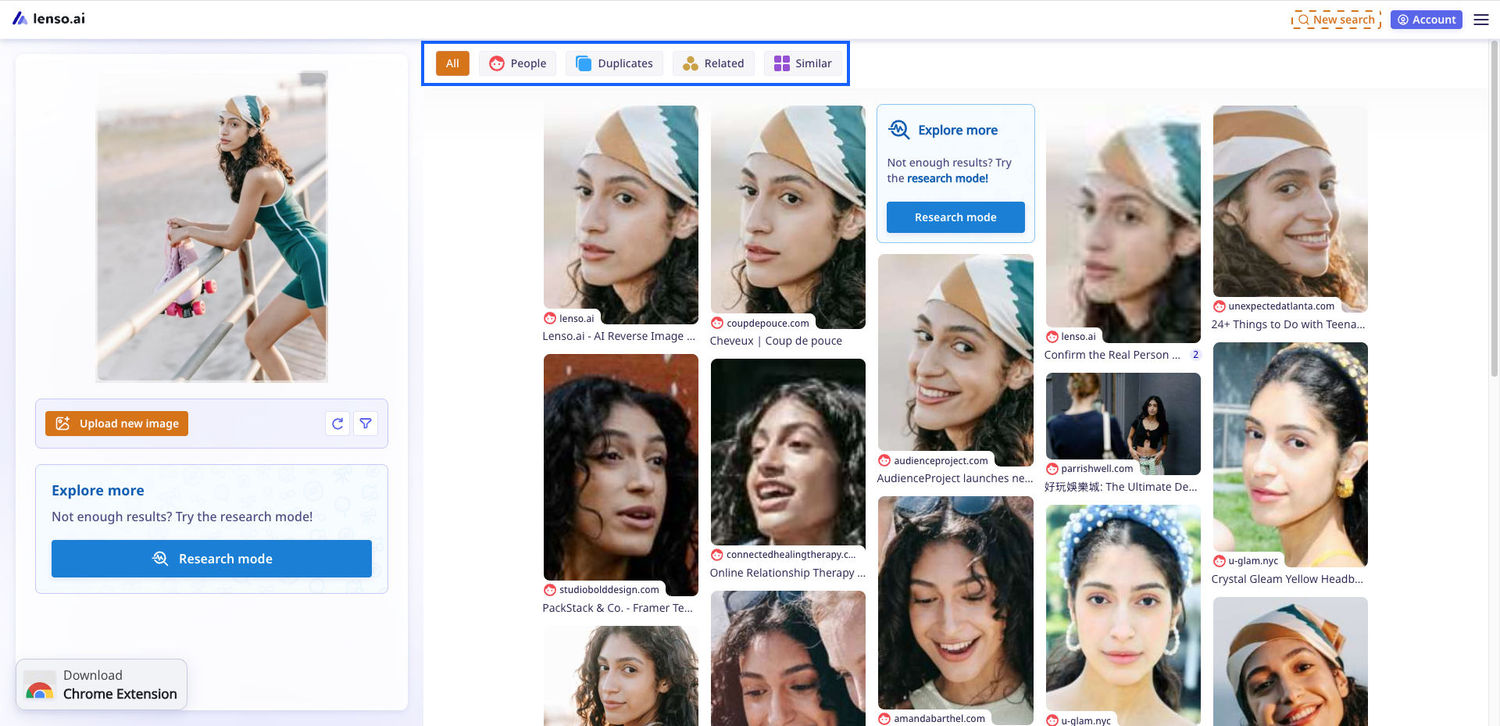
Categories can be found on the search screen. They are only visible after you make a search. They are shown as tabs in the top bar:
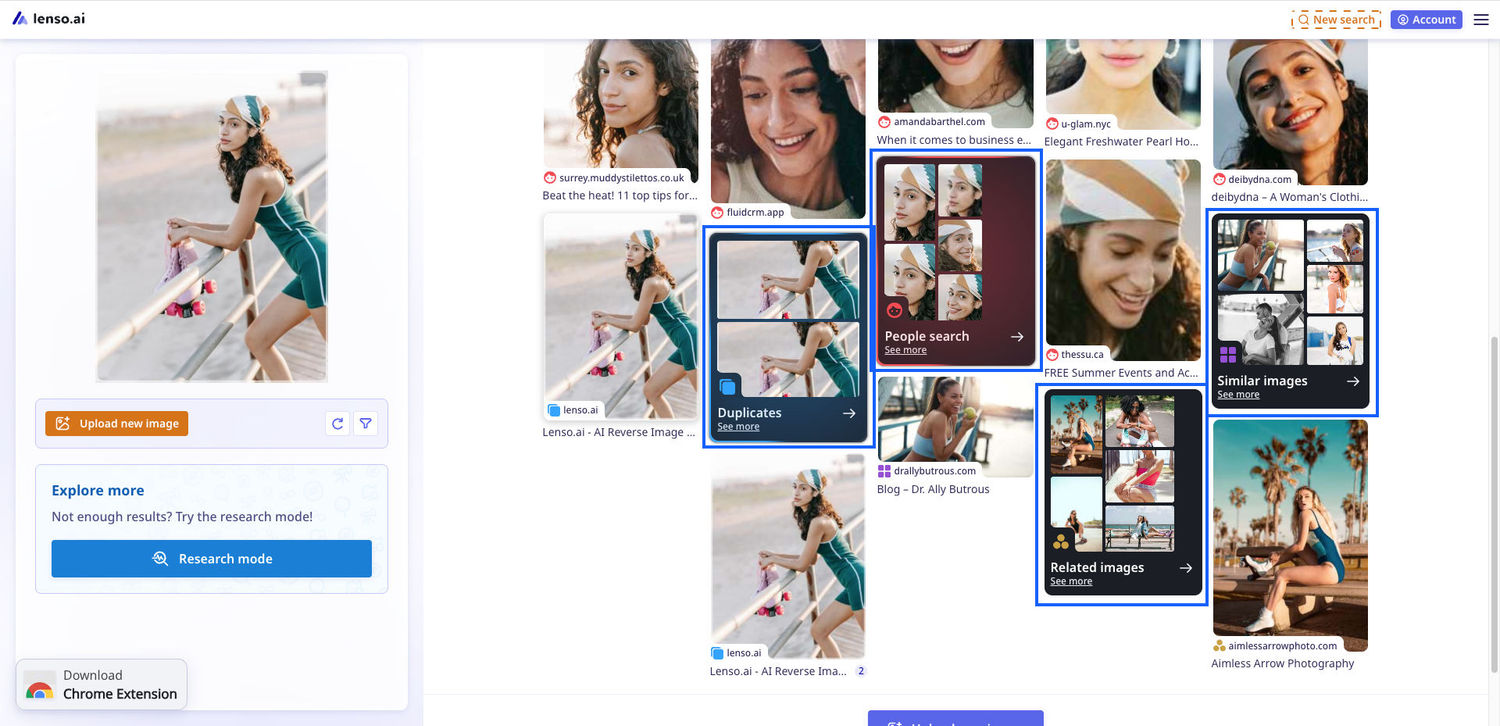
and folders in the “All” category.
Not sure how to make a search on lenso.ai? Read Reverse Image Search | How to Search by Image?
What are categories on lenso.ai?
Categories on lenso.ai are AI models trained to recognize specific types of photos. Some are made for finding faces, others - finding copies of photos. Here’s a simple breakdown:
All category
The All category was made for combining a few results from each category for the user to choose from. You can go to a specific category from there after checking which results resonate with you.
People category
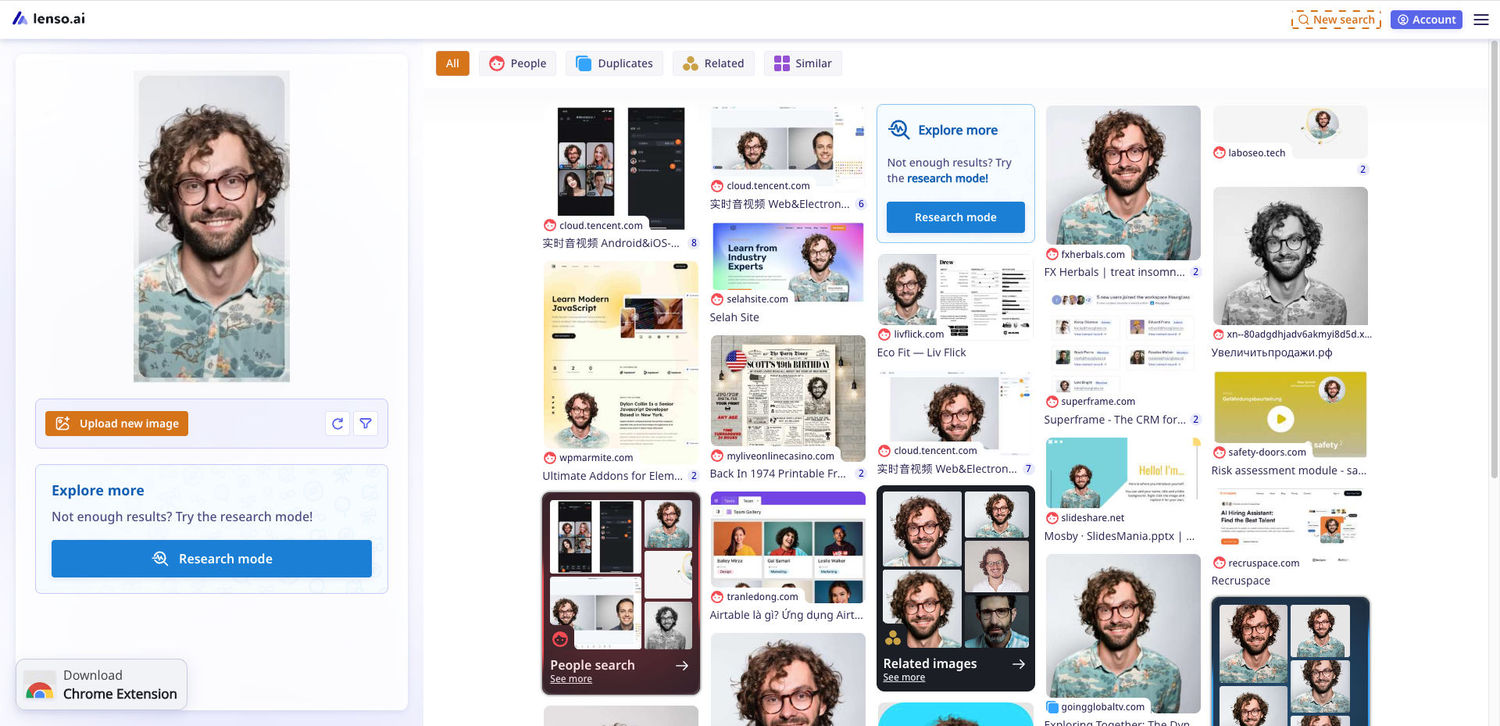
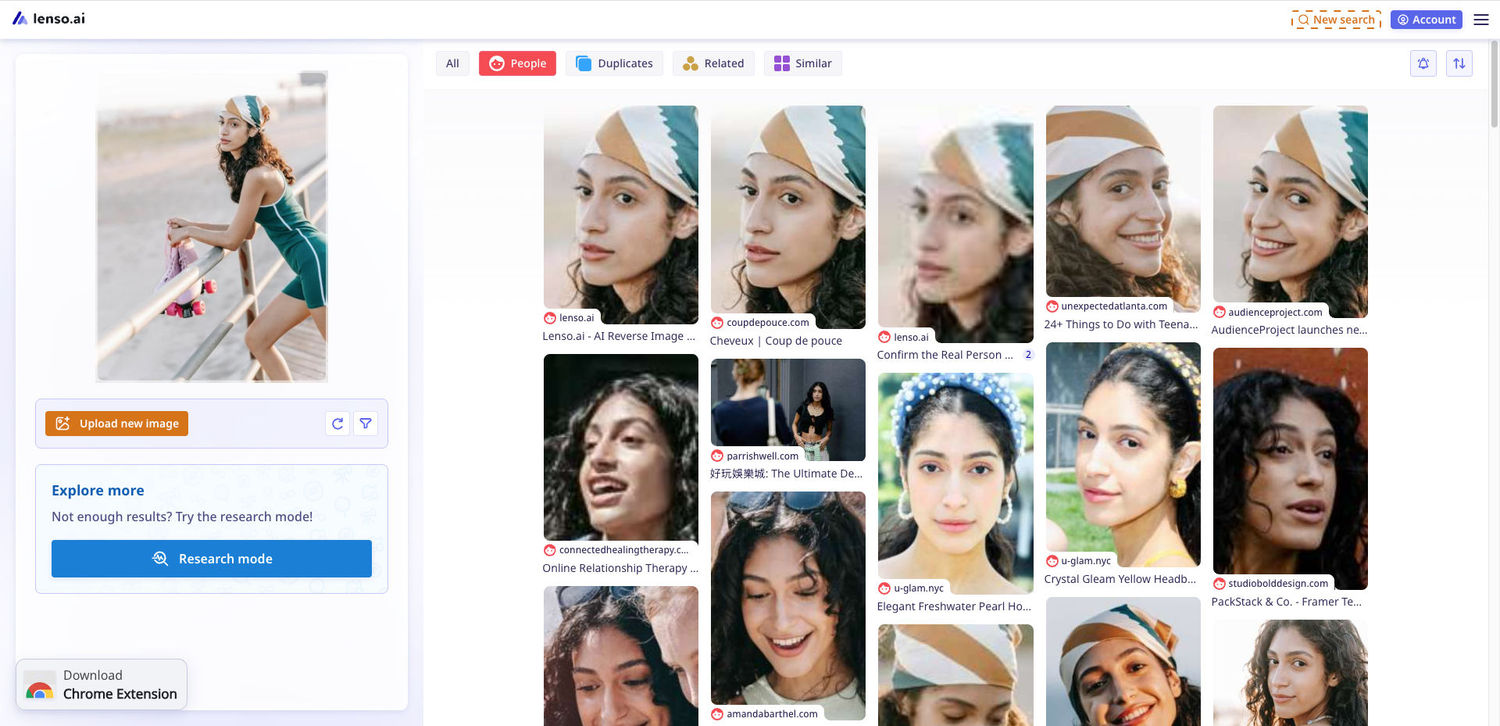
The People category was made for finding same faces across different sources. The person depicted might have a different expression or be in a different place, but the facial recognition used is able to detect the person.
Duplicates category
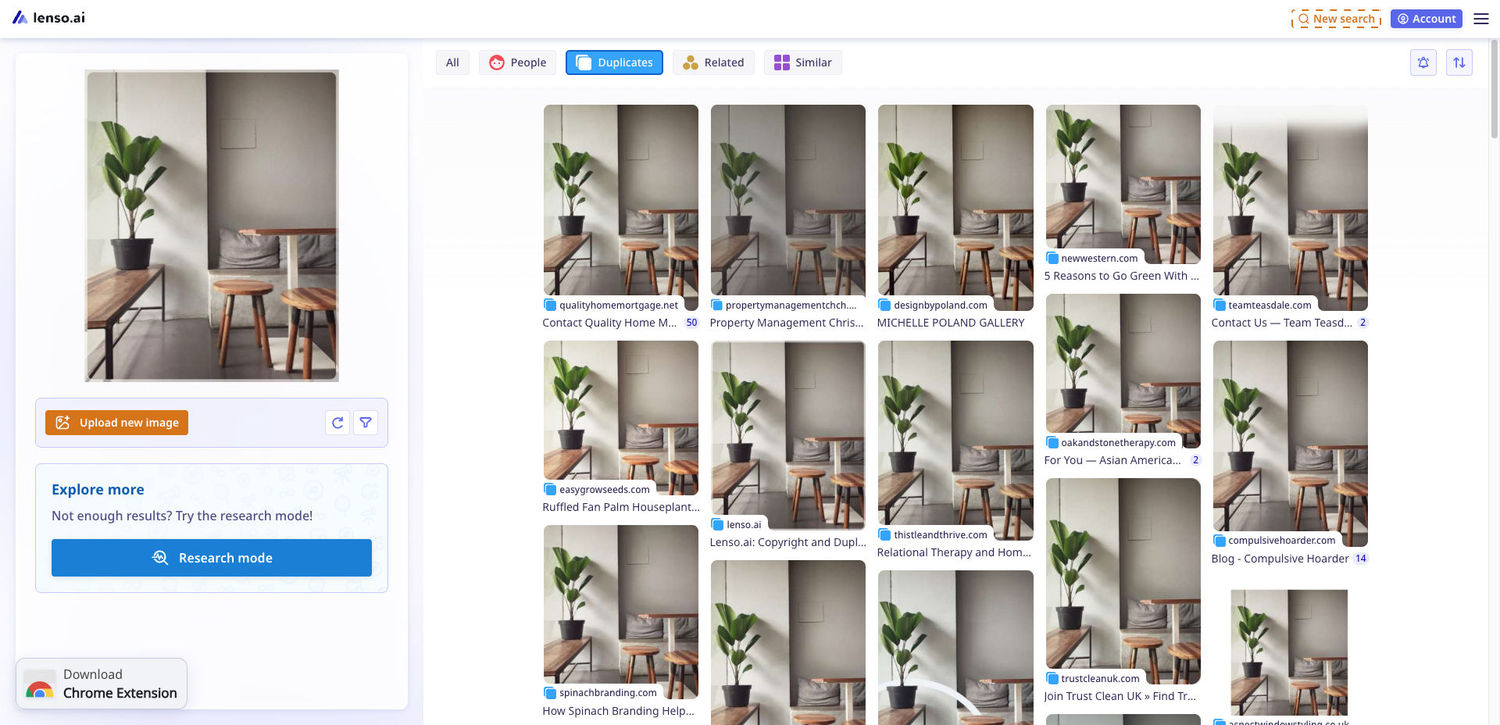
Places category
The places category is only visible when you are searching for a place. This category is made for finding the same location in different settings, lightings etc. You can also find famous buildings or landmarks.
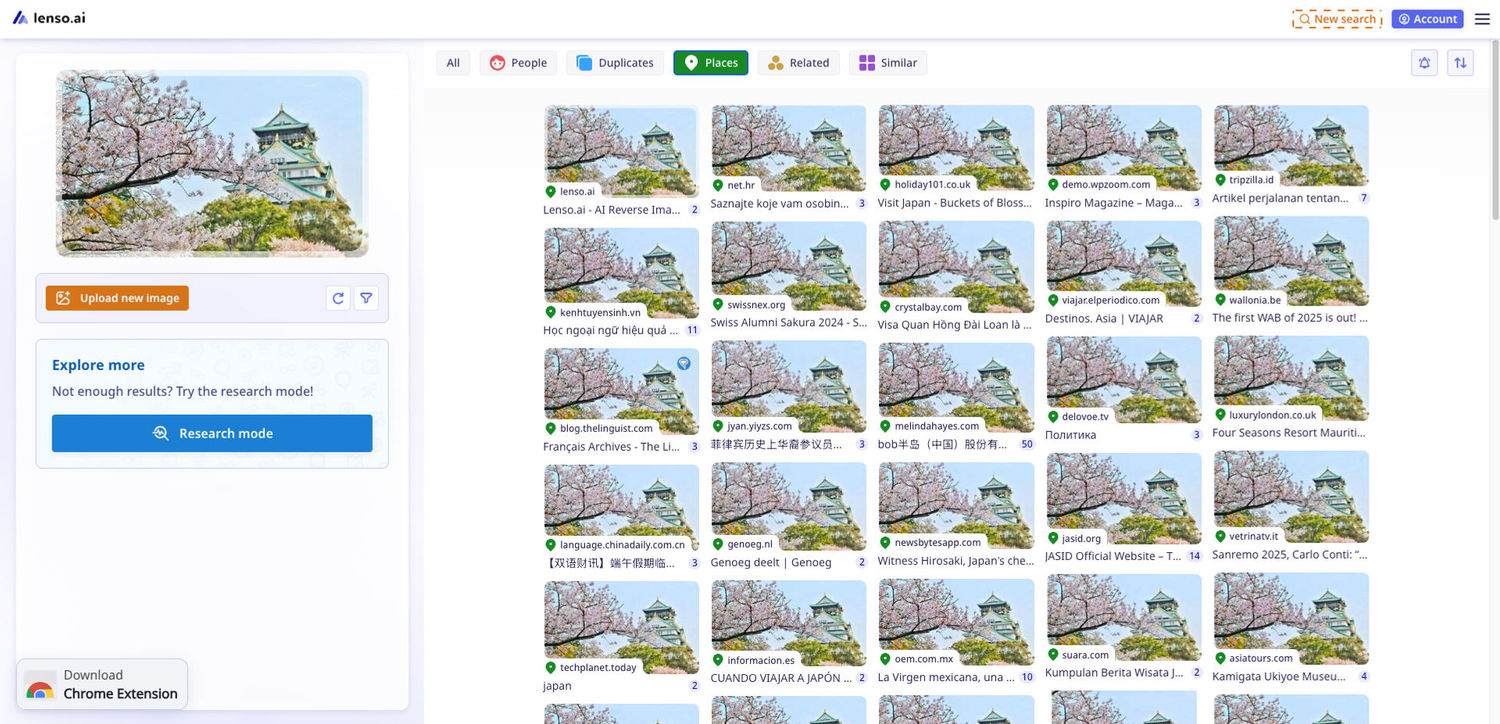
Similar category
The similar category is meant for finding similar images. In the case below, it depicts different cars, but all are photographed from behind (they look similar).
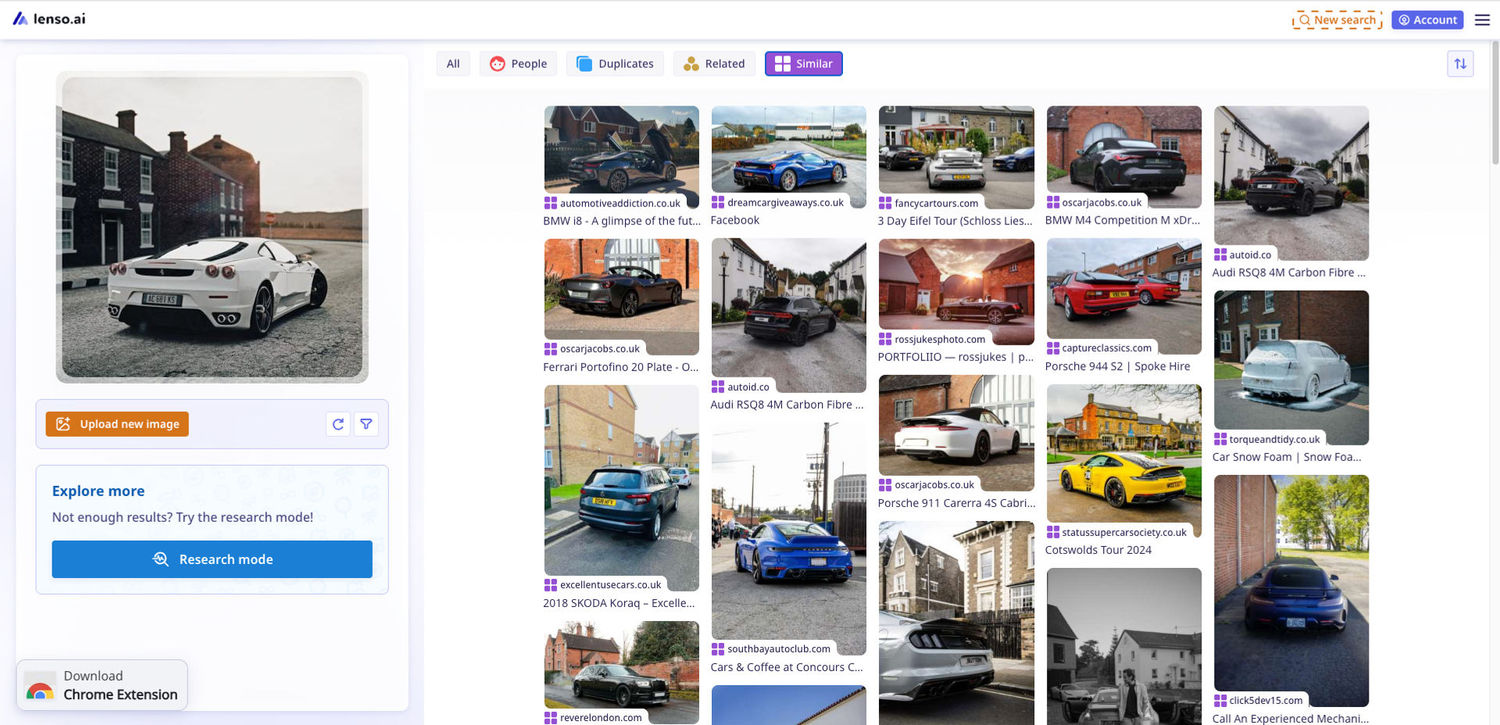
Related category
The related category is meant for finding images of the same object but in different settings. In the case below, it depicts the same car, but in different settings, colors etc.
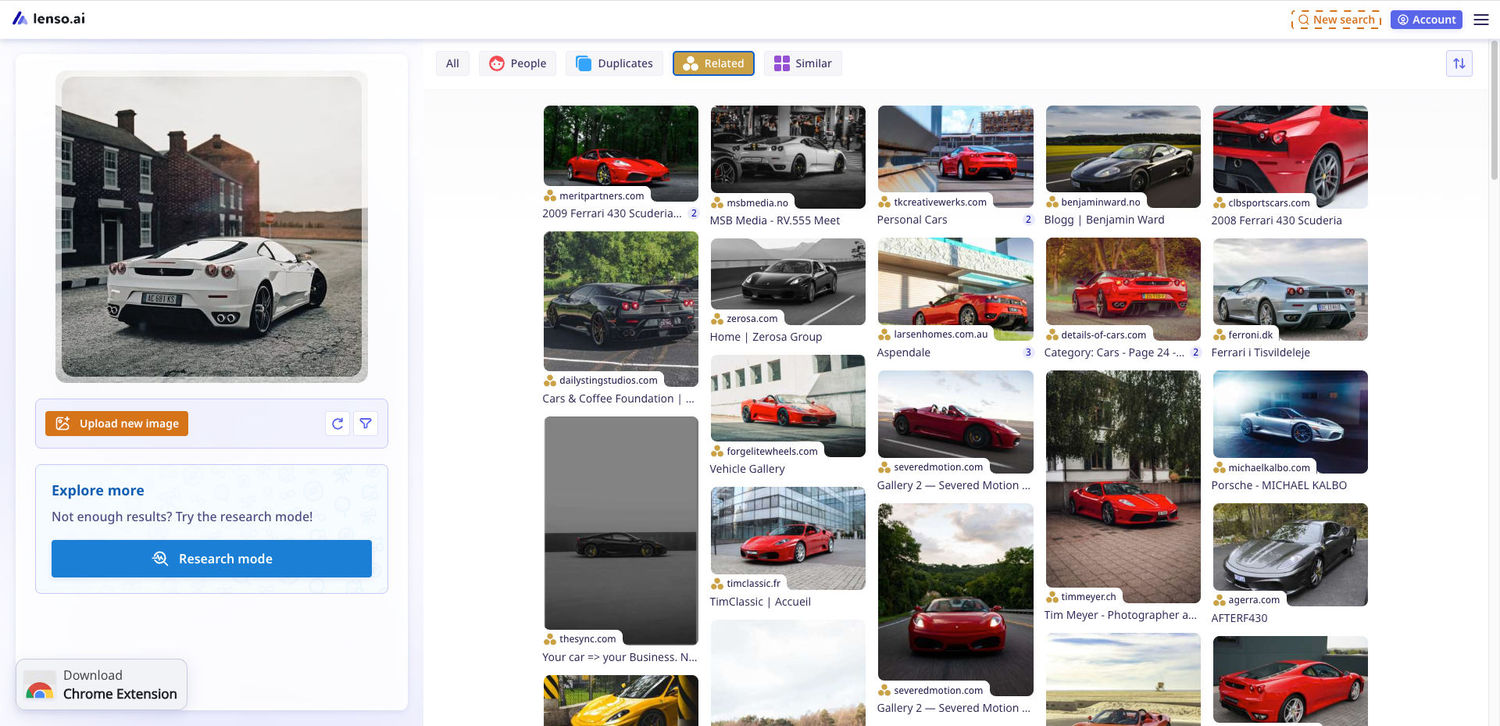
Categories on lenso.ai for better image search
The categories on lenso.ai are extremely useful. They help you find the exact object/person/place you are looking for, instead of scrolling through thousands of unrelated results. Try it now!

Author
Kinga Jasinska
Marketing Specialist
Continue reading

News
Lenso.ai One-Time Payment: Reverse Image Search Without a Subscription
If you want to make unlocks on lenso.ai, but you don’t want to be tied to a subscription, here’s a solution you should consider: one-time payment. With one-time payments, you can purchase the product once, make unlocks and decide if you want to switch to a full plan later! This article explains how you can access the one-time payment and all the benefits it offers.

News
Using facial recognition and reverse image search for public security intelligence
Public security intelligence should implement and use only the best and most advanced tools that can help during the investigation process and provide support at different stages. How can facial recognition and reverse image search help?

News
How do Face Search Tools Work? Facial Recognition AI Models Explained.
Have you ever used a facial search tool and wondered how it works? In this article, we will explain the basics of facial recognition and tell you how face search websites build their own AI for face search engines.

News
Top 10 Reasons Why Lenso.ai Is the Best Face Search Tool Online
There are multiple facial search tools available on the internet. Most of them cost a lot, but do very little. Others provide low quality of results, show paywalls before the search even starts, or reel customers in by false advertising. Lenso.ai is the best facial search tool online, and here are some of the top reasons that prove it.

News
How Reverse Image Search Catches Stolen Before-and-After Photos in Home Service Marketing
A tree service in one state removes a storm-damaged oak, photographs the cleanup, and posts the before-and-after shots on Instagram. Eighteen months later, a company three states away is running the exact same photos as their own work on a Google Business Profile, cropped slightly and stamped with a different logo. Nobody at the original company notices, because nobody's looking. Nobody at the second company worries about it, because nobody's ever gotten caught.