
Preview in:
Reverse image search is the easiest and quickest way to find where a particular image appears on the Internet. While many tools are available, not all of them specialize in finding duplicates.
We've compiled a list of the best reverse image search tools designed specifically for finding duplicates. Let’s check them out!
Best Image Copyright & Duplicate Finders
Lenso.ai
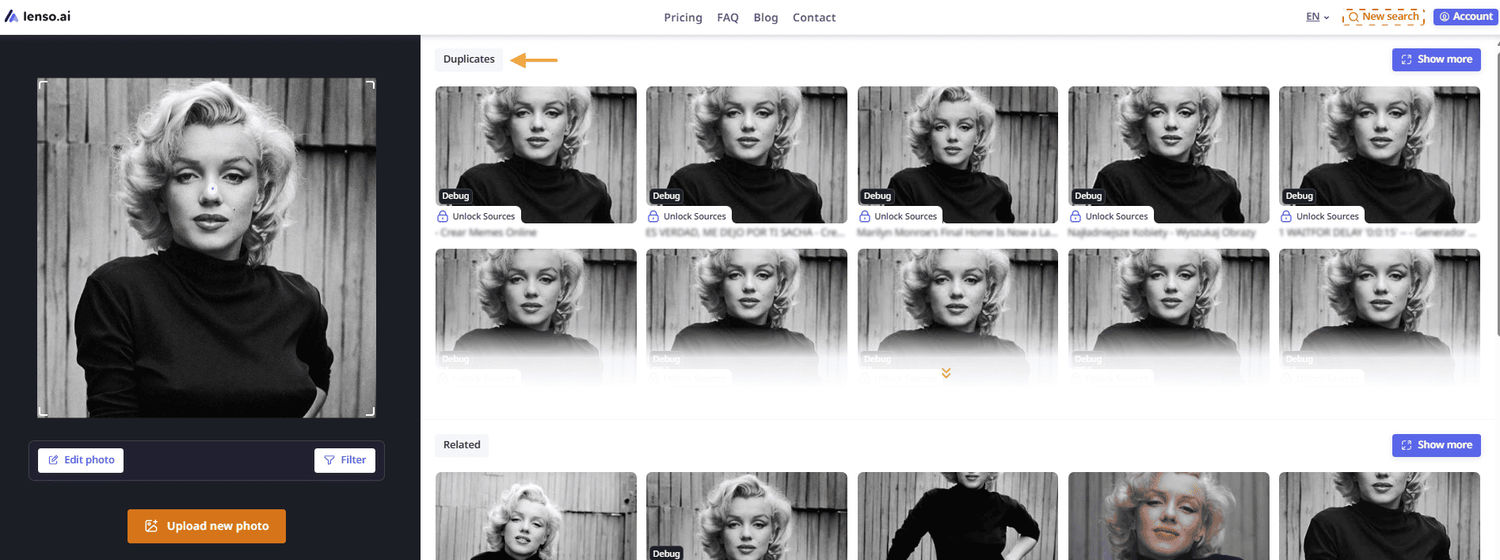
Lenso.ai is a perfect example of a duplicate finder. All you need to do is upload an image and check the 'Duplicates' category. If you're interested in a more detailed and long-term investigation, create an alert for a specific image on lenso.ai. You'll receive email notifications whenever new results appear online, helping you stay on track with potential copyright violations.
You will also be able to filter and sort image results:
Filter by:
- keywords
- websites
Sort by:
- best/worst match
- newest/oldest
- random
Finding duplicated and copied images online with lenso.ai
If you find an image that is protected by copyright law or you don't want lenso to index your face, please fill out the DSA form or submit an Opt-Out request accordingly.
Keep in mind, lenso.ai is the ultimate solution for reverse image search. In addition to finding duplicates, you can search for people, places, and related or similar images
Copyseeker
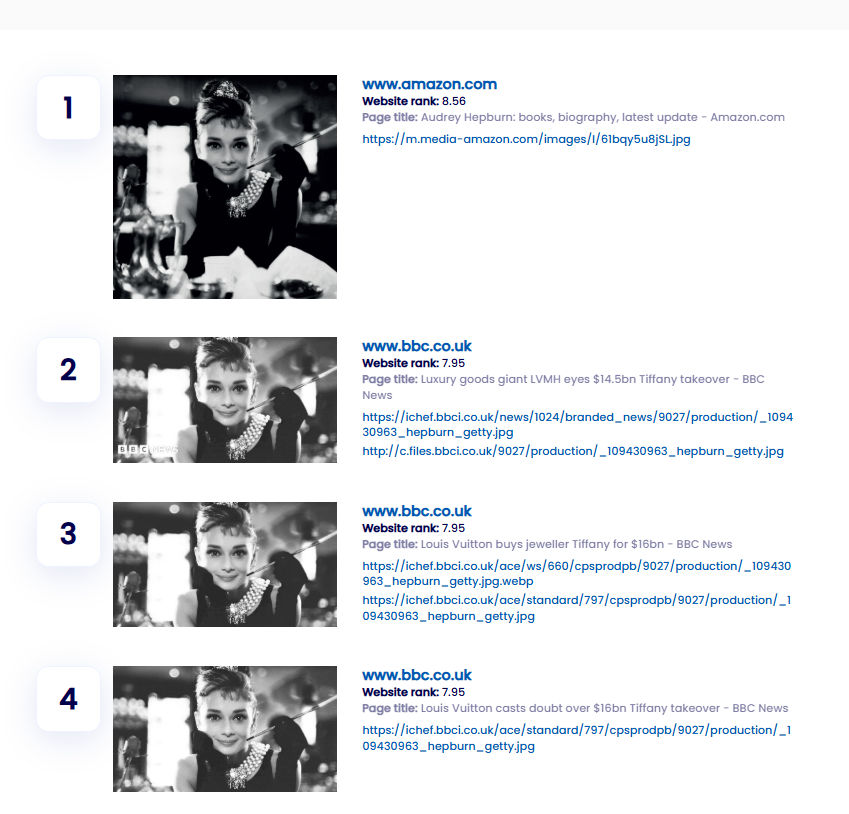
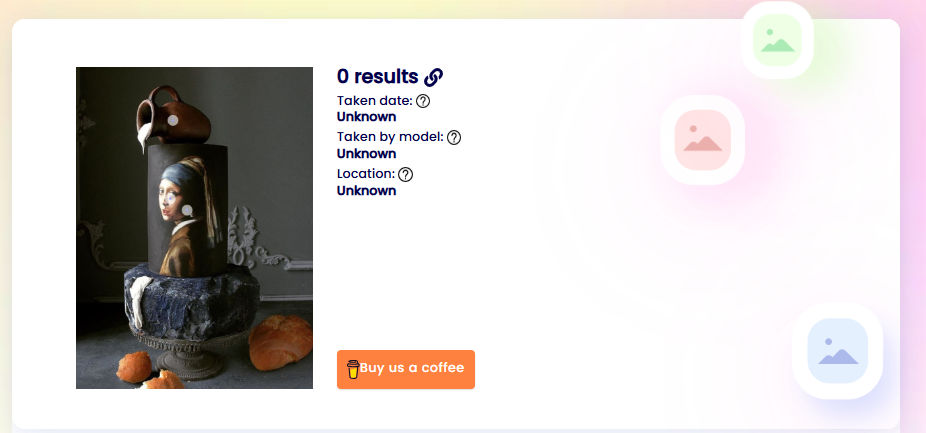
Copyseeker is known for its duplicate searching. It’s simple, but somewhat limited. While you can't sort the results, you can view all of them along with the image URL and page title. It may perform less effectively with more specific searches. However, it doesn’t just show exact duplicates—it also finds images that have been embedded within other images.
But it can show you following parameters:
- website rank
- taken date
- taken by model
- location
Unfortunately, you can't edit the image to pinpoint the exact detail you're searching for. However, it can still be useful when you don’t have a full-size version of the image you’re looking for.
Check out how lenso.ai handles this instead:
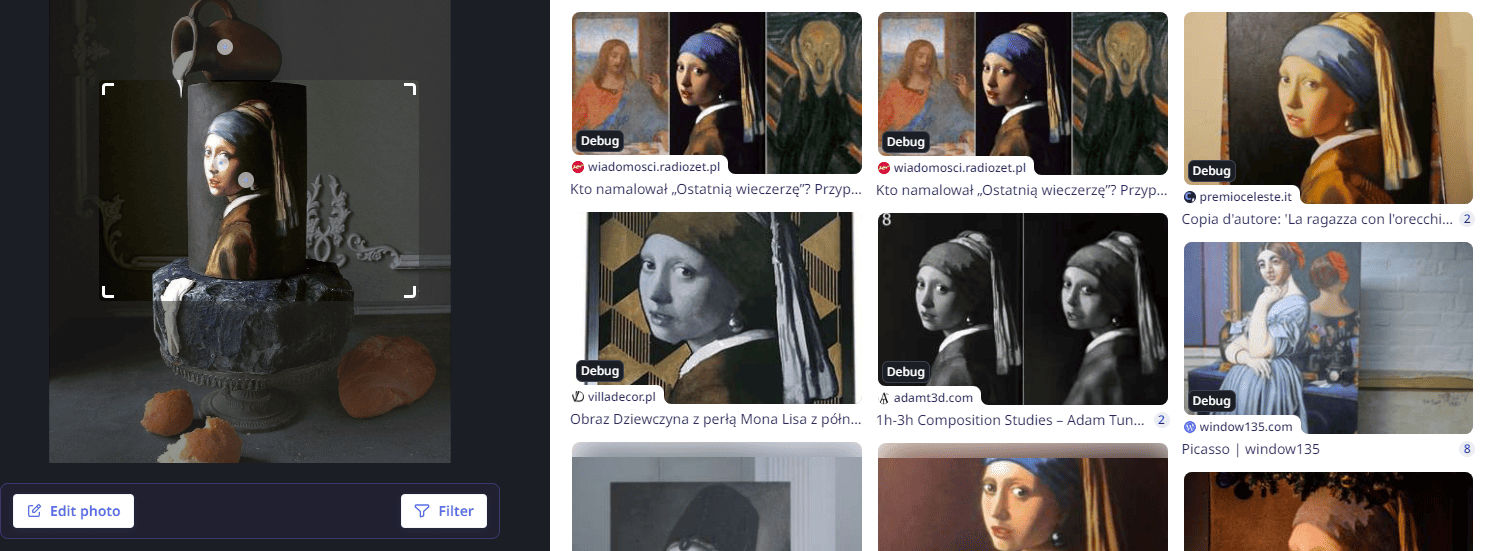
Google Lens
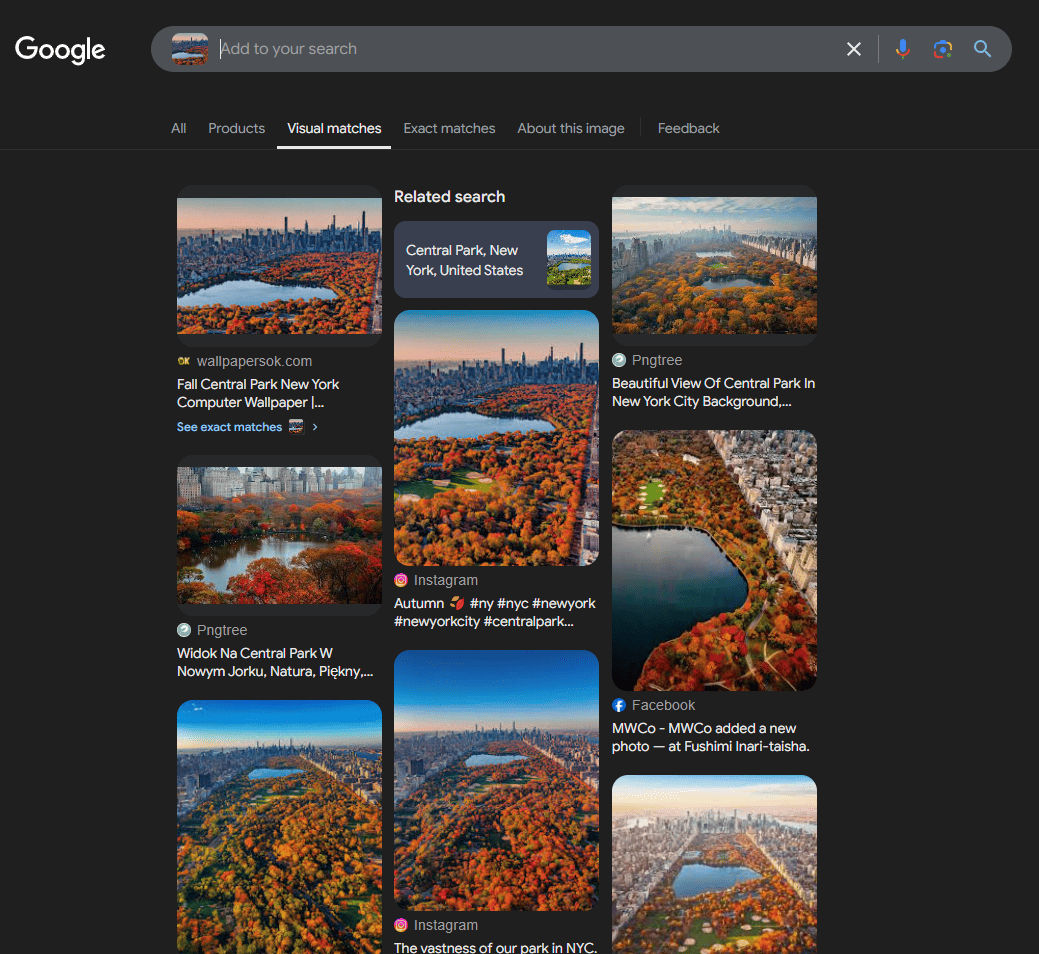
Google remains the leading search engine, but its image search capabilities are somewhat limited. It performs best with well-known places and artworks, often providing the exact location or name of the piece.
However, it struggles to find duplicates for more specific searches.
Let’s compare image results from lenso.ai and Google!


Google reverse image search vs. lenso.ai: which one should you use?
Start with the best duplicate finder!
As you can see, each tool has its pros and cons. Feel free to test them out and choose the one that works best for you. Whether you need a simple duplicate search or a more advanced solution with filtering and alerts, there’s an option for every need.
Protecting your work and tracking its usage online is crucial in today's digital world. The right reverse image search tool can help you stay on top and take action if your content is misused.

Author
Julia Mykhailiuk
Marketing Specialist
Continue reading

News
Lenso.ai One-Time Payment: Reverse Image Search Without a Subscription
If you want to make unlocks on lenso.ai, but you don’t want to be tied to a subscription, here’s a solution you should consider: one-time payment. With one-time payments, you can purchase the product once, make unlocks and decide if you want to switch to a full plan later! This article explains how you can access the one-time payment and all the benefits it offers.

News
Using facial recognition and reverse image search for public security intelligence
Public security intelligence should implement and use only the best and most advanced tools that can help during the investigation process and provide support at different stages. How can facial recognition and reverse image search help?

News
How do Face Search Tools Work? Facial Recognition AI Models Explained.
Have you ever used a facial search tool and wondered how it works? In this article, we will explain the basics of facial recognition and tell you how face search websites build their own AI for face search engines.

News
Top 10 Reasons Why Lenso.ai Is the Best Face Search Tool Online
There are multiple facial search tools available on the internet. Most of them cost a lot, but do very little. Others provide low quality of results, show paywalls before the search even starts, or reel customers in by false advertising. Lenso.ai is the best facial search tool online, and here are some of the top reasons that prove it.

News
How Reverse Image Search Catches Stolen Before-and-After Photos in Home Service Marketing
A tree service in one state removes a storm-damaged oak, photographs the cleanup, and posts the before-and-after shots on Instagram. Eighteen months later, a company three states away is running the exact same photos as their own work on a Google Business Profile, cropped slightly and stamped with a different logo. Nobody at the original company notices, because nobody's looking. Nobody at the second company worries about it, because nobody's ever gotten caught.