Preview in:
1. Lenso.ai
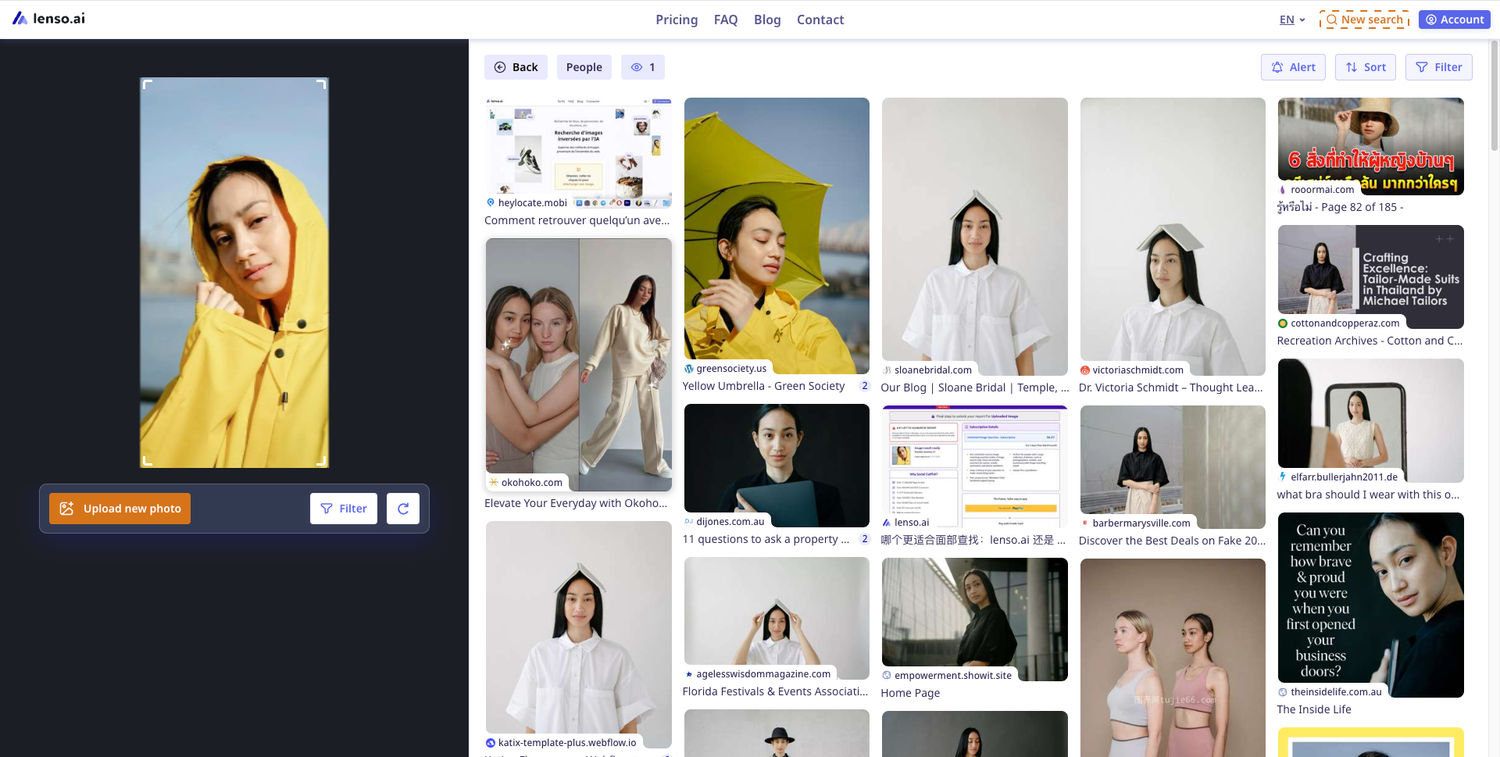
Lenso.ai is a reverse image search tool with facial recognition. Thanks to its advanced AI search capabilities, lenso is able to find faces, duplicates of images (even if edited), places or buildings and similar or related photos online. You can try lenso for free and use many of its free features with no need to set up any accounts.

How to Use lenso.ai:
- Visit lenso’s website.
- Upload your image.
- Expand the People category.
- Click on the displayed sources to visit the pages where your image appears.
*Available in selected regions due to local laws and regulations.
2. Chat GPT and Gemini
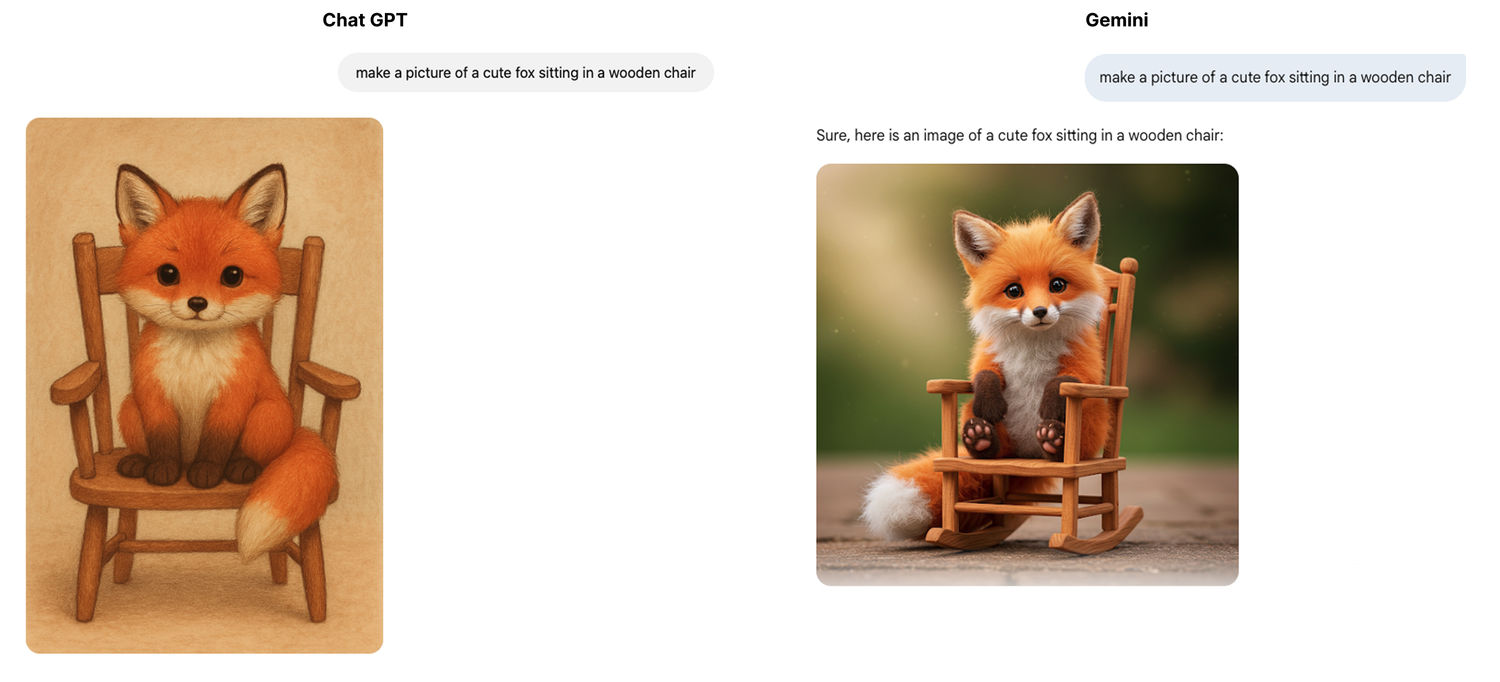
ChatGPT and Gemini are two most popular AI-powered chatbots that can execute various tasks, such as responding to users in a simple conversation by generating humanized content, giving answers to basic questions, or generating images. Out of all the AI tools out there, these two are the most widely known and multifunctional.
3. ElevenLabs
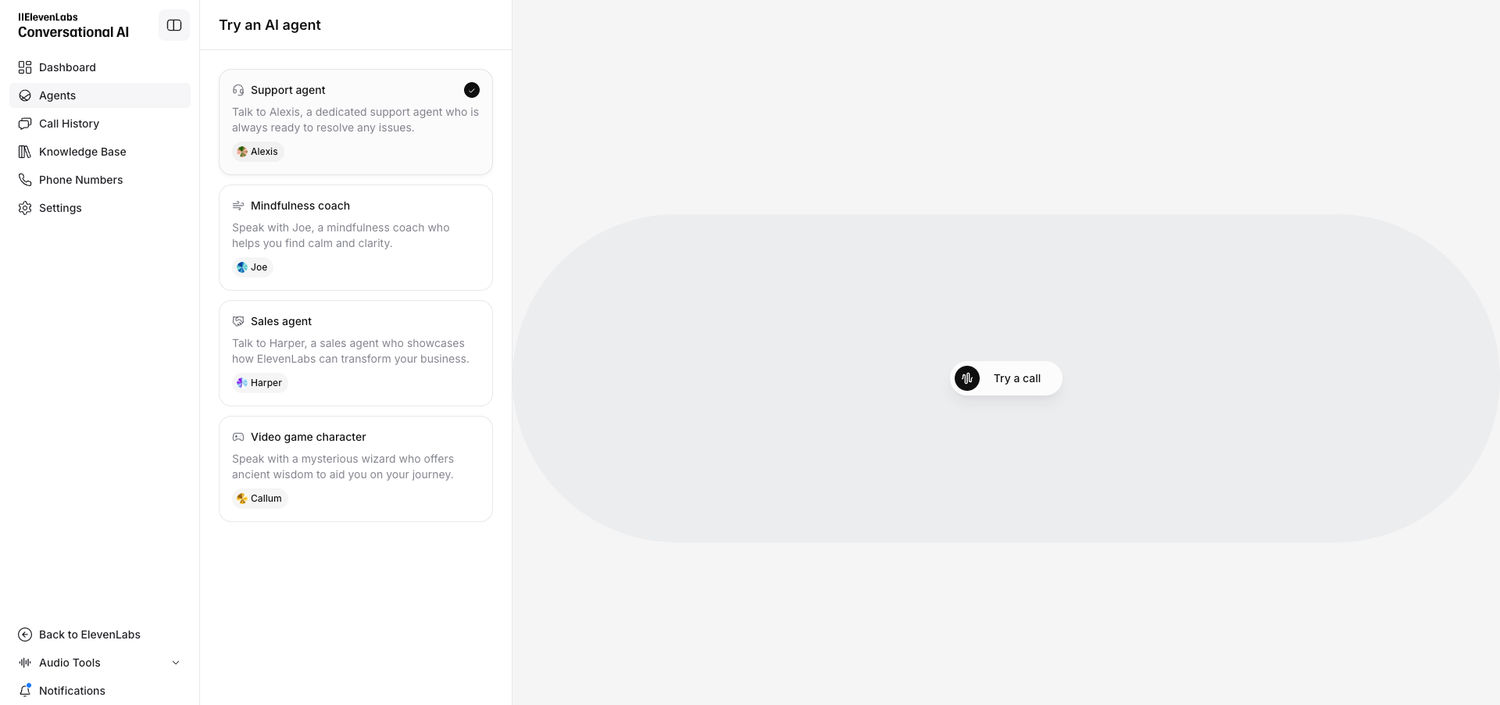
Elevenlabs is the best tool that you can use for text-to-speech. Many of the voices sound natural, and it gives you the option to modify them to your liking. Among the best apps for cloning a voice, it offers a range of features, including pre-trained AI voices, voice cloning capabilities, and a platform for creating and sharing AI voices.
It also offers an AI voice agent you can talk to instead of using your typical generative AI like Chat GPT.
4. NotebookLM
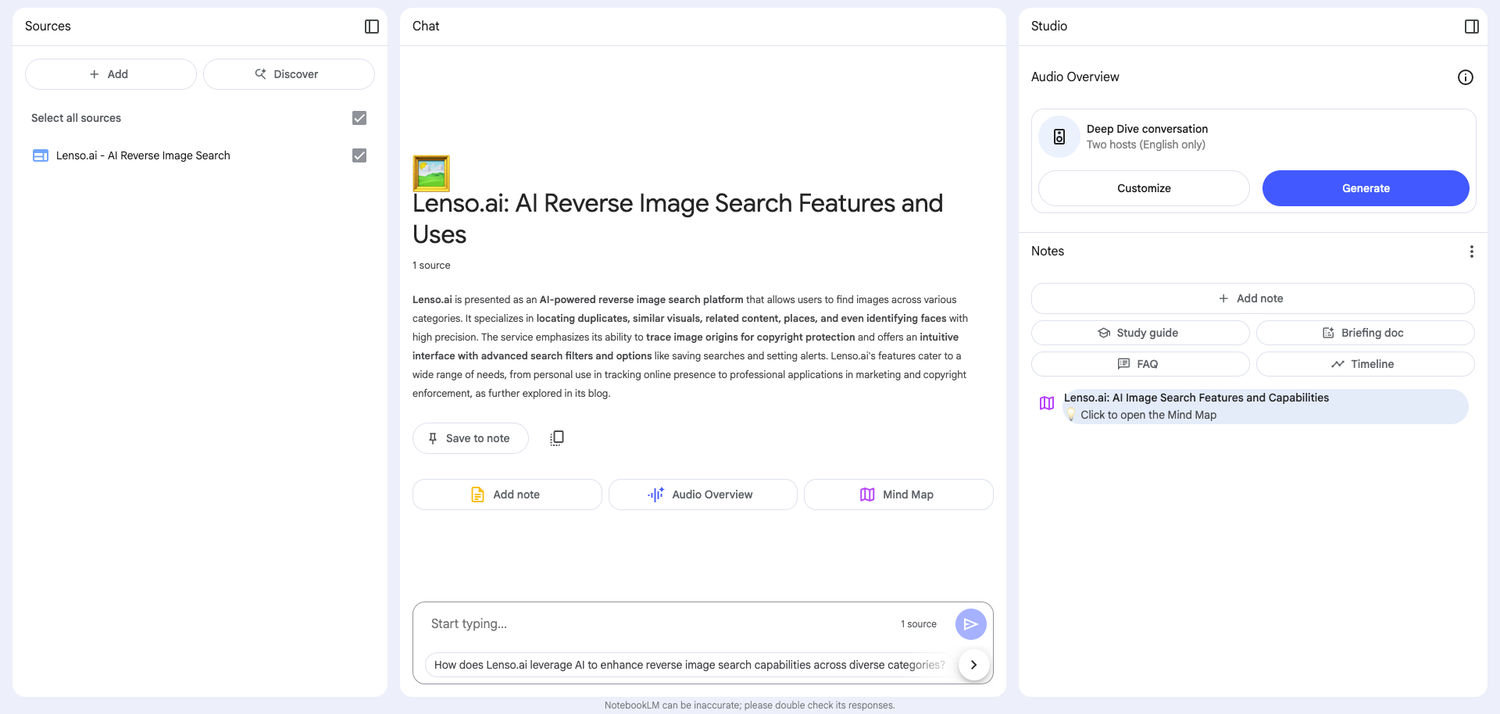
NotebookLM (Google NotebookLM) is a research and note-taking online tool developed by Google Labs that uses artificial intelligence (AI), specifically Google Gemini, to assist users in interacting with their documents. You can read more here.
To use it, the user has to upload any documents and ask the AI a question about them. AI is able to generate a response that can make it easier to understand the source material. If you’re overwhelmed with your academic workload while exploring AI tools, a custom assignment writing service can help you manage your tasks efficiently, allowing you to focus on mastering these technologies.
5. OpenArt
OpenArt is an AI-powered creative platform designed for generating and transforming visual content, including images, videos, and other creative assets. It brings multiple AI models and creative workflows into one platform, making it useful for creators, marketers, designers, and businesses looking to produce visual content more efficiently.
One of its useful capabilities is its AI image to image generator, which allows users to transform an existing image into a new visual while maintaining important elements such as composition, subject, or overall style. This makes it useful for creating variations of existing artwork, developing new design concepts, experimenting with different visual styles, and adapting images for different creative needs.
OpenArt also supports AI image generation from text prompts and AI-powered video creation, making it a flexible option for users who want to explore different types of generative content from a single platform. Its combination of image generation, image transformation, and video workflows makes it a practical addition to an AI toolkit for visual content creation.
6. ImagineArt
ImagineArt is an all-in-one AI creative platform that combines image generation, video generation, ads, film, and audio in one workspace. Its AI image generator creates high-quality visuals in seconds, while its AI video generator turns text prompts into cinematic clips with professional camera controls. With access to multiple leading AI models like Nano Banana Pro, Imagen, Flux, and Kling, plus a generous free plan, it's ideal for creators and businesses scaling visual content without hiring designers.
7. PlayPlay
PlayPlay offers a free AI video generator that helps marketers and content teams create professional-quality videos without complex editing. It also provides free AI subtitles and free AI voiceover tools. It offers ready-made templates, stock media, animations, auto-subtitles, brand kits, and simple drag-and-drop editing, allowing you to create videos quickly. With built-in collaboration tools, PlayPlay is ideal for social media content, product promos, internal communications, and marketing presentations, helping teams produce consistent, high-quality videos at scale.
8. UN AI My Text
Unaimytext is emerging as one of the most advanced and trustable website for humanizing AI text. While many popular websites only rephrase text and fail to bypass AI detection, UnAImyText actually add uniqueness, and flow in the AI text.
The tool is becoming ideal for students, writers, marketers, and all those who uses AI for generating text.
9. Detector.io
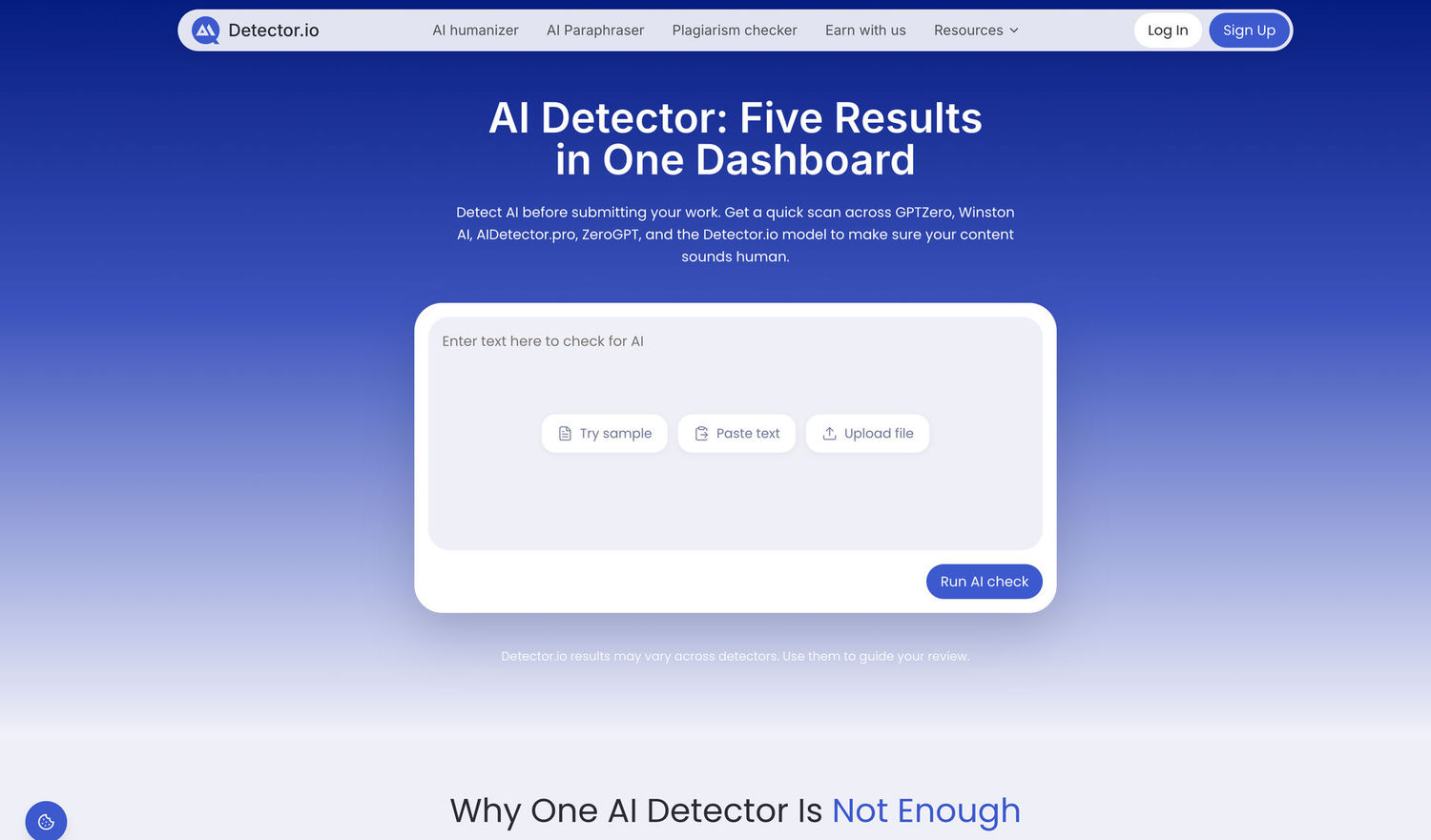
Detector.io is an AI detector that helps verify whether text was written by tools like ChatGPT, GPT-5, Gemini, or Claude. Unlike basic detectors, Detector.io allows users to check text across multiple AI detectors within a single tool, making the review process faster and more comprehensive. It provides clear results and helps identify AI-written content, making it a valuable resource for students, teachers, editors, and content teams who need a simple way to verify originality.
10. VistaCreate
VistaCreate is a versatile graphic design platform that simplifies professional content creation for social media, marketing, and personal projects through its massive library of templates and intuitive editor. What makes it a "must-try" in the AI space is its seamless integration of smart features like the "Help me write" AI writing assistant, which handles everything from generating catchy headlines to refining captions directly on your canvas. By combining this text-gen power with automated tools like background removal and an AI image generator, VistaCreate acts as a full-scale creative partner that turns basic ideas into polished, high-quality designs in seconds.
11. Clever AI Humanizer
Clever AI Humanizer is an AI-powered tool that rewrites AI-generated text into natural, human-sounding content while preserving the original meaning. It smooths out robotic phrasing, adjusts tone, and improves flow so the output reads authentically — ideal for essays, blog posts, marketing copy, and professional writing that needs to pass AI detection tools while staying clear and engaging.
In addition to its humanizer, the platform includes an AI Detector, Grammar Checker, Paraphraser, and other writing tools that can be used separately or together. This makes it useful for students, marketers, bloggers, and anyone who wants to polish their writing before publishing or submitting it.
Unlike a standard grammar checker that focuses only on mistakes, Clever AI Humanizer also improves the flow and tone of the text, making it read more like it was written by a person.
12. GPTZero
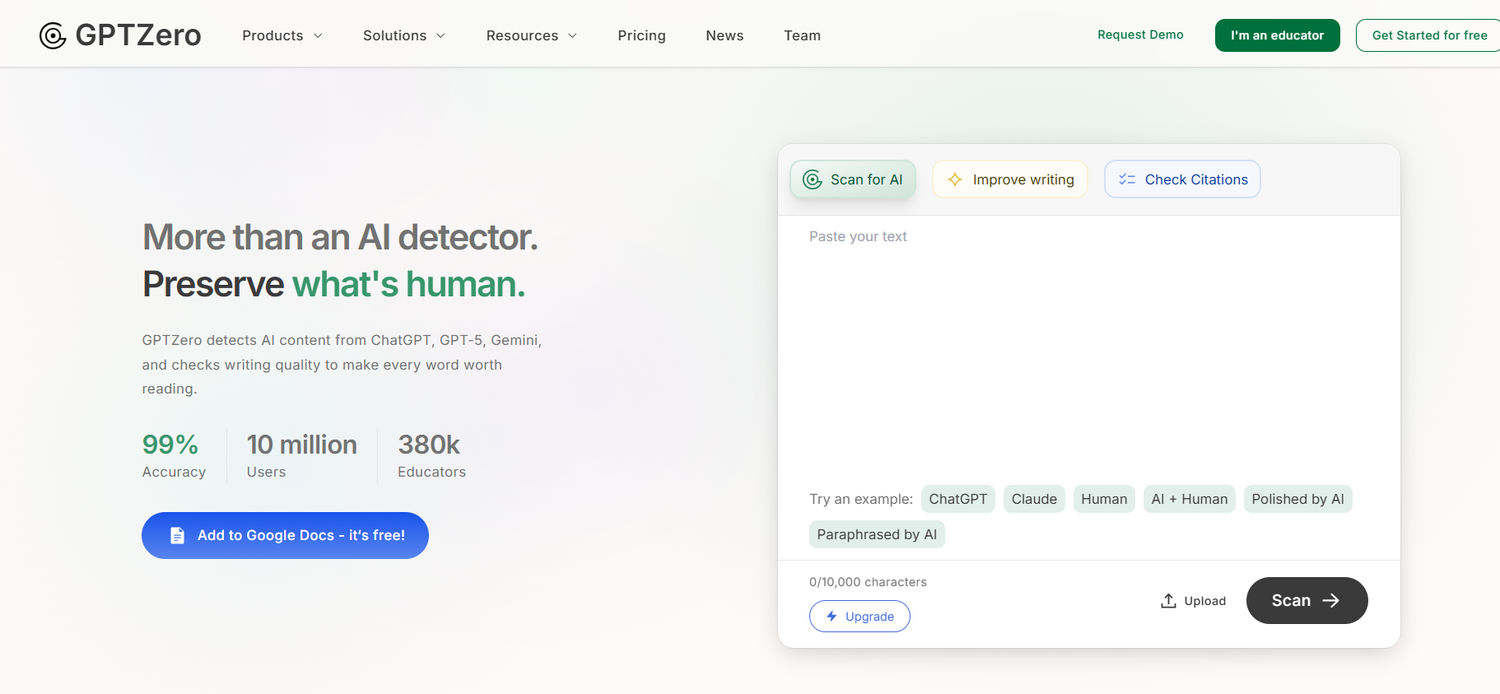
GPTZero is a leading AI detector that helps identify whether text was written by AI models like ChatGPT, GPT-5, Gemini, or Claude. It provides sentence-by-sentence highlights instead of just percentages, making results easier to understand. Trusted by teachers and students, GPTZero is widely used to maintain academic integrity and ensure originality in assignments. It also supports multiple languages and offers a free Chrome Extension for quick page scans.
13. Kittl
Kittl is an AI-powered design tool that helps you create high-quality graphics, product designs, and mockups with ease. Whether you want to design t-shirts, logos, social media posts, or marketing visuals, Kittl combines AI image generation, background editing, and ready-made templates in one simple platform.
It’s especially useful for creators, Etsy sellers, and print-on-demand businesses, as it allows you to quickly turn ideas into sellable designs and product visuals. With its intuitive drag-and-drop editor and built-in AI tools, even beginners can create professional-looking designs without needing advanced design skills—making it a great addition to any AI toolkit.

14. insMind
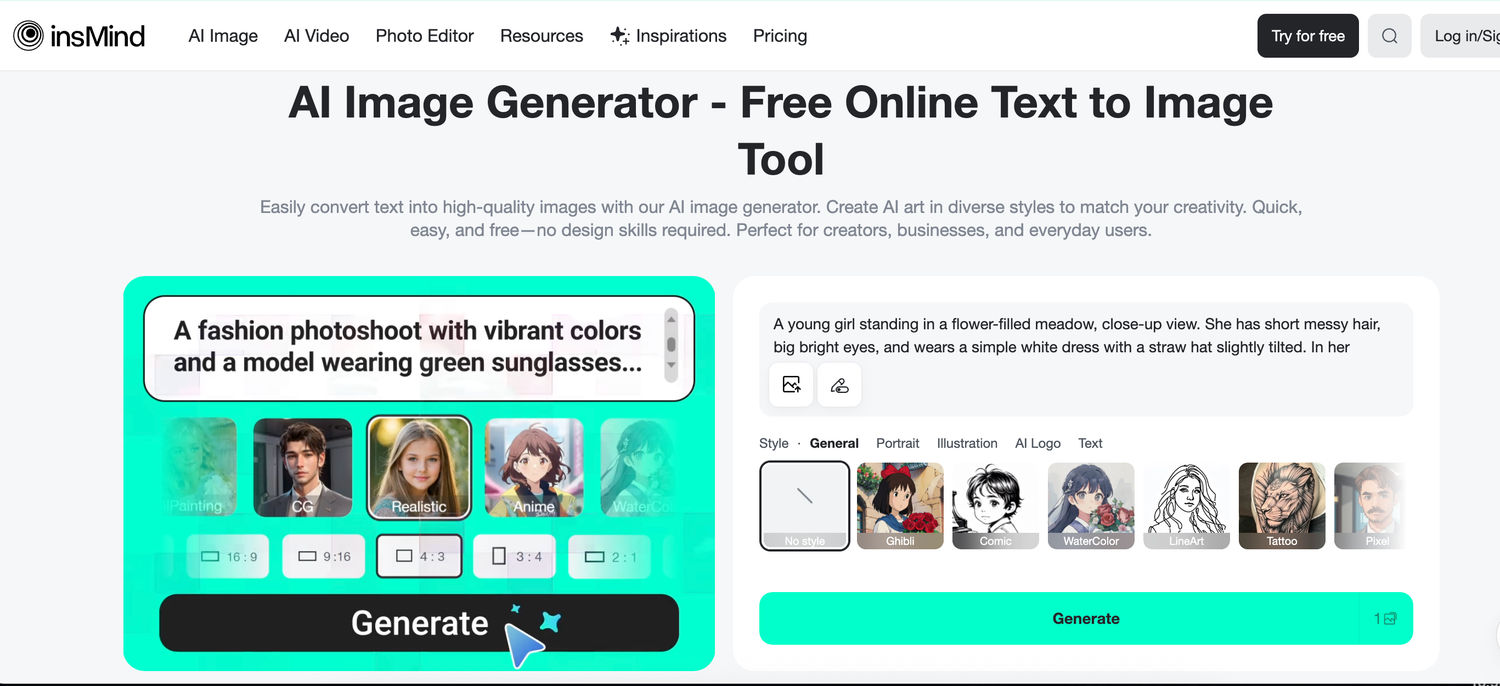
insMind is an all-in-one AI-powered platform for photo editing and image generation, designed to simplify content creation for all users. Its AI Image Generator produces unique visuals in seconds, offering styles like anime, watercolor, and pixel art. Its beginner-friendly interface features built-in prompt optimization that works with uploaded images and chosen styles to deliver more accurate, visually refined results. This feature simplifies the creative process, enabling even beginners to generate high-quality art with ease. Whether you're creating product images or social media graphics, the process is fast, intuitive, and creatively flexible.
15. BlueDot
BlueDot is a powerful and easy-to-use AI note taker that automatically transcribes, records, and summarizes meetings in real-time. It supports major meeting platforms like Zoom, Google Meet, and Microsoft Teams, making it an excellent choice for anyone looking to streamline their meeting notes process.
16. AI humanizer
Essay Humanizer is an AI humanizer tool that rewrites AI generated content into natural, human sounding text. It improves sentence flow, tone, and readability while keeping the original meaning intact. The tool helps writers humanize AI text so it feels authentic, clear, and suitable for essays, blogs, and professional content.
17. AI Voice Agents
CloudTalk’s AI Voice Agents help businesses automate phone conversations using advanced speech recognition and natural language processing. These agents can answer calls, handle routine queries, route customers to the right department, and provide instant responses without human intervention. Designed for sales and support teams, CloudTalk’s AI Voice Agents improve efficiency, reduce wait times, and offer a more seamless customer experience. Solutions such as macaron ai further enhance this automation by enabling intelligent AI agents that can manage complex customer interactions with greater personalization and accuracy. They integrate smoothly with popular CRMs and AI help desk tools, making them a strong addition to any modern communication workflow.
18. Magnific.com
Magnific.com is a cool set of AI-driven tools created for content creators, marketers, and designers who want great visuals in no time. The lineup features an AI image generator, an image upscaler, and a background remover, all designed to help you easily create, enhance, and customize images without spending hours on editing. With Magnific's easy-to-use tools, you can whip up high-resolution images in just a few clicks, making it perfect for anyone looking to step up their visual content game with a little AI help.
19. SuperHumanizer
SuperHumanizer is a modern technology-driven AI text humanizer tool. It helps turn AI-written text into natural and human-like content. Many writers, marketers, students, and business owners use it to improve their content.
The tool can improve blog posts, articles, website content, emails, and other types of writing. It focuses on readability and natural language so the final content feels less robotic. If you use AI for content creation, SuperHumanizer can be a useful tool to make your writing feel more authentic and reader-friendly.
20. Trupeer
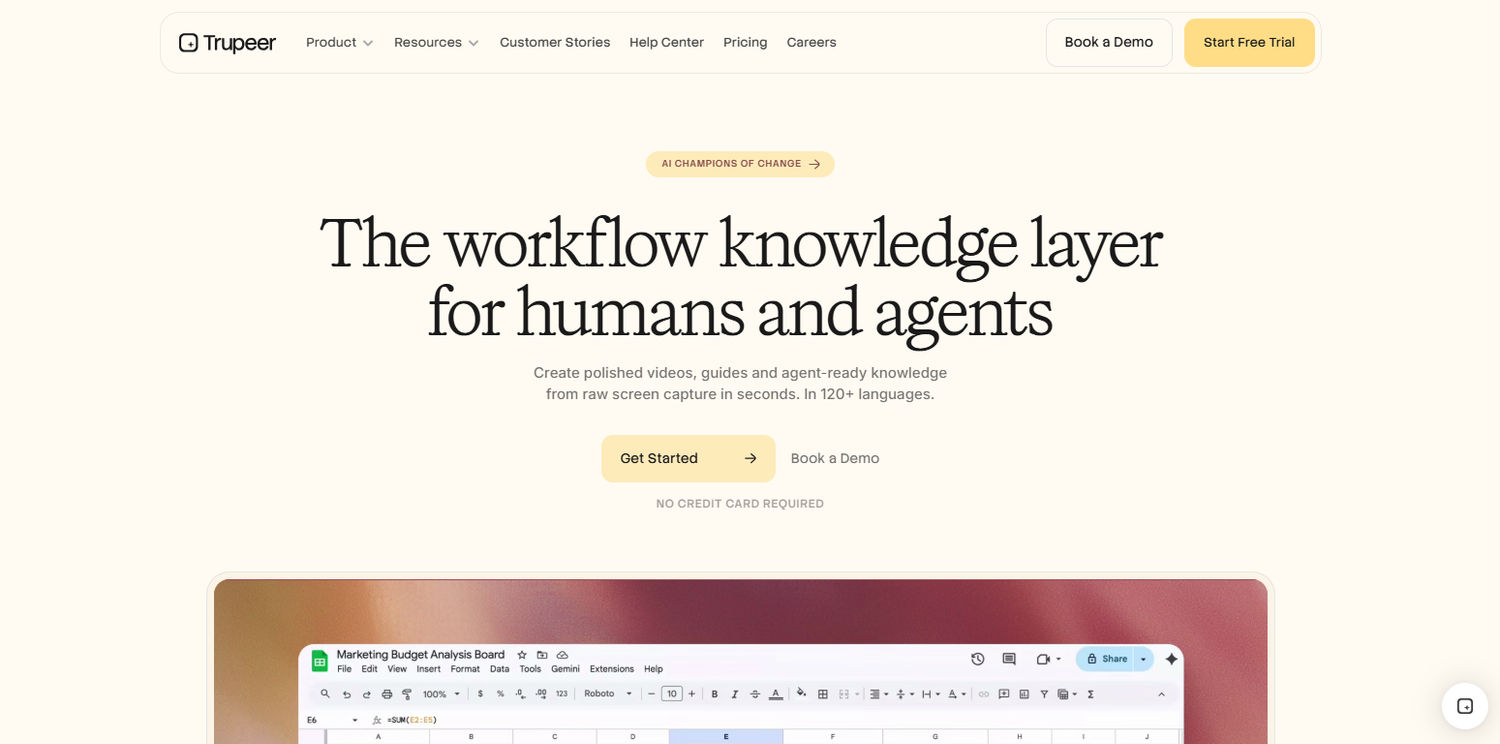
Trupeer is an AI screen recording tool that turns a single screen capture into a polished, studio-quality video - automatically adding an AI voiceover, zoom effects, and branding, plus a written step-by-step guide from the same recording. It's ideal for product demos, feature walkthroughs, onboarding, and help-centre tutorials, with voiceovers available in 65+ languages from one English recording.
21. AI Humaniser
Humaniser AI humanizer helps your AI-generated content pass popular detectors at a 99.8% success rate. It instantly converts ChatGPT, Gemini, and Claude text into natural, undetectable human writing — no signup needed, so you can start for free. The platform processes over 15 million words monthly, with a 99.8% AI detection bypass rate against tools like GPTZero and Turnitin, earning the trust of 150,000+ active users worldwide, from students to business professionals.
Paid plans extend humanizing to 50+ languages including Spanish, French, German, Chinese, and Arabic, while the free version covers English only. Instead of just fixing grammar, it reworks tone and flow so the text reads as genuinely human-written — great for essays, blog posts, and marketing copy that needs to clear AI detection.
22. Copilot
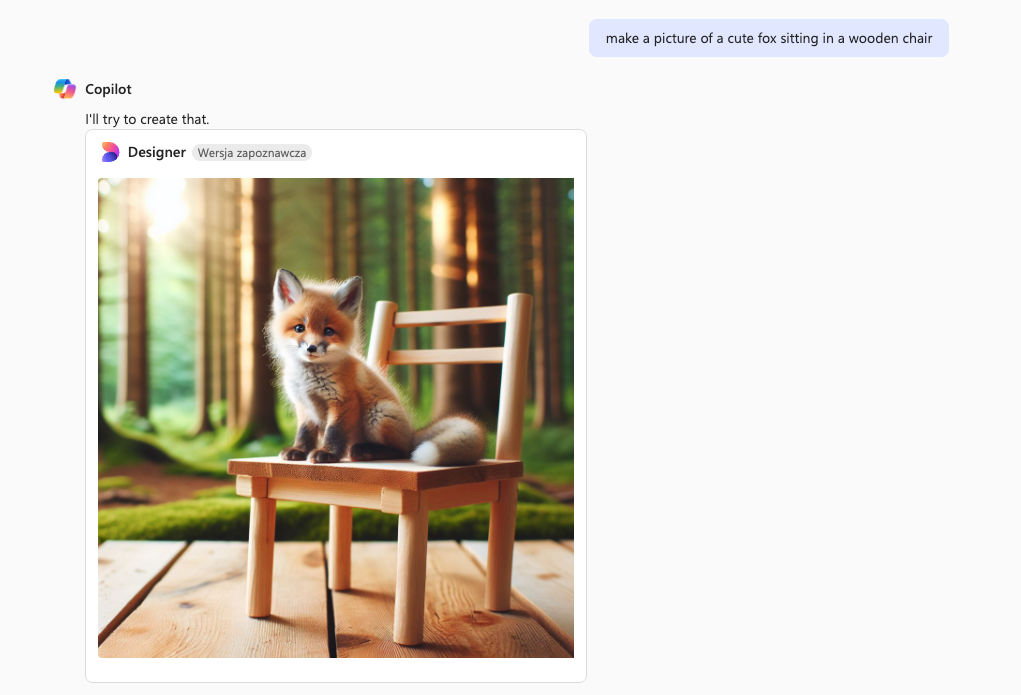
Microsoft Copilot is an AI-powered tool that provides real-time intelligent assistance within Microsoft 365 apps, helping users draft content, analyze data, automate tasks, and collaborate more effectively. Read more here.
If you found these tools helpful, let us know by sharing the article!

Author
Kinga Jasinska
Marketing Specialist
Continue reading

News
5 Best reverse image search tools for finding old photos online
You may not even be aware that someone has misused your old photos, or you may have thought your photos were deleted, but they still appear somewhere online. How can you keep track of your online appearance? Use reverse image search! Check which one is the best to use.

News
Lenso.ai One-Time Payment: Reverse Image Search Without a Subscription
If you want to make unlocks on lenso.ai, but you don’t want to be tied to a subscription, here’s a solution you should consider: one-time payment. With one-time payments, you can purchase the product once, make unlocks and decide if you want to switch to a full plan later! This article explains how you can access the one-time payment and all the benefits it offers.

News
Using facial recognition and reverse image search for public security intelligence
Public security intelligence should implement and use only the best and most advanced tools that can help during the investigation process and provide support at different stages. How can facial recognition and reverse image search help?

News
How do Face Search Tools Work? Facial Recognition AI Models Explained.
Have you ever used a facial search tool and wondered how it works? In this article, we will explain the basics of facial recognition and tell you how face search websites build their own AI for face search engines.

News
Top 10 Reasons Why Lenso.ai Is the Best Face Search Tool Online
There are multiple facial search tools available on the internet. Most of them cost a lot, but do very little. Others provide low quality of results, show paywalls before the search even starts, or reel customers in by false advertising. Lenso.ai is the best facial search tool online, and here are some of the top reasons that prove it.