Preview in:
Whenever you decide to start a face search, you're likely looking for suitable tools, and PimEyes will probably appear on the first results page. It is a tool that uses facial recognition technology to find and match faces across a vast image index. If you're also concerned about whether an image has been digitally altered or AI-generated, tools like Lynote's AI Image Detector can help verify a photo's authenticity alongside your face search results
Is there a better tool than PimEyes for face search?
Key features
- Facial recognition capabilities
- Image alerts
- Deep/safe search feature
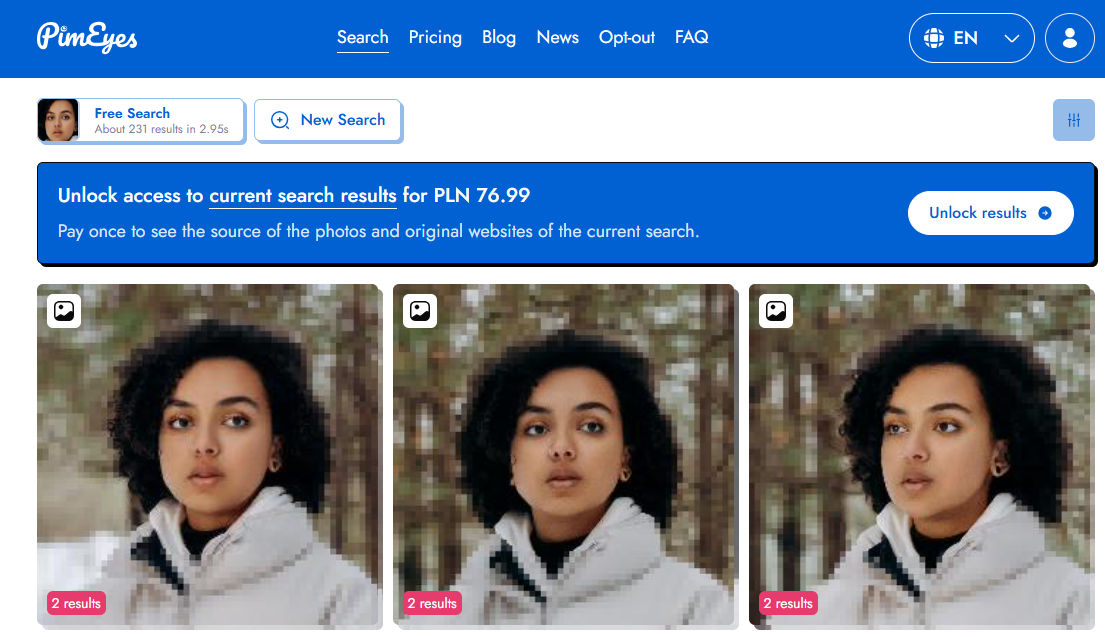
You can also upload additional images to get more precise results or select the time frame for your search. Furthermore, you can share the provided results or copy the result ID. Additionally, you can perform a search using an image from the search results.
Avoiding Online Dating Scams Just Got Easier: Spot Deepfakes
TOP 5 Best PimEyes Alternatives & Competitors in 2026
1. Lenso.ai
Lenso.aiis a perfect face search alternative to PimEyes, which enables users to find an exact face match with original URL image sources. Moreover, with lenso.ai you will find the exact person in different positions or locations or even a particular person in a crowd.
.png?updatedAt=1776935744062)
By analyzing key facial features, lenso.ai performs face searches with accuracy, even in images with different angles, lighting conditions, and resolutions.
Key features
- Multiple categories: People, Duplicates, Related, or Similar images
- Research Mode: In-depth face search and advanced filters
- Face Search API
- Alerts for new image results
2. Eyematch.ai
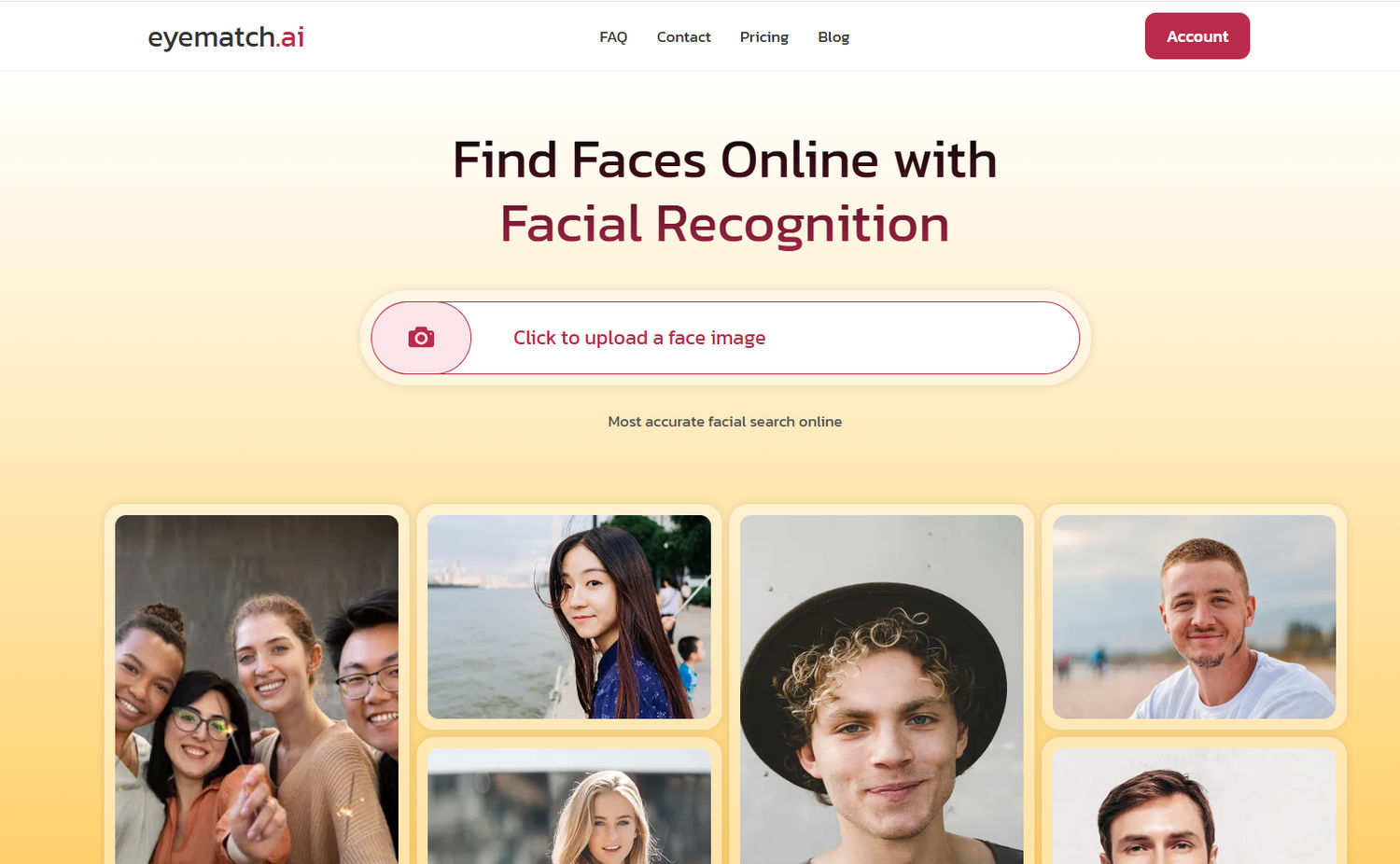
Eyematch.ai is a new face search engine that can be an alternative to PimEyes. It is a simpler tool and does not offer extra features, but it searches for face matches very effectively.
Key features
- Face search
- Selection from a group photo
- Vast face search index
3. Social Catfish
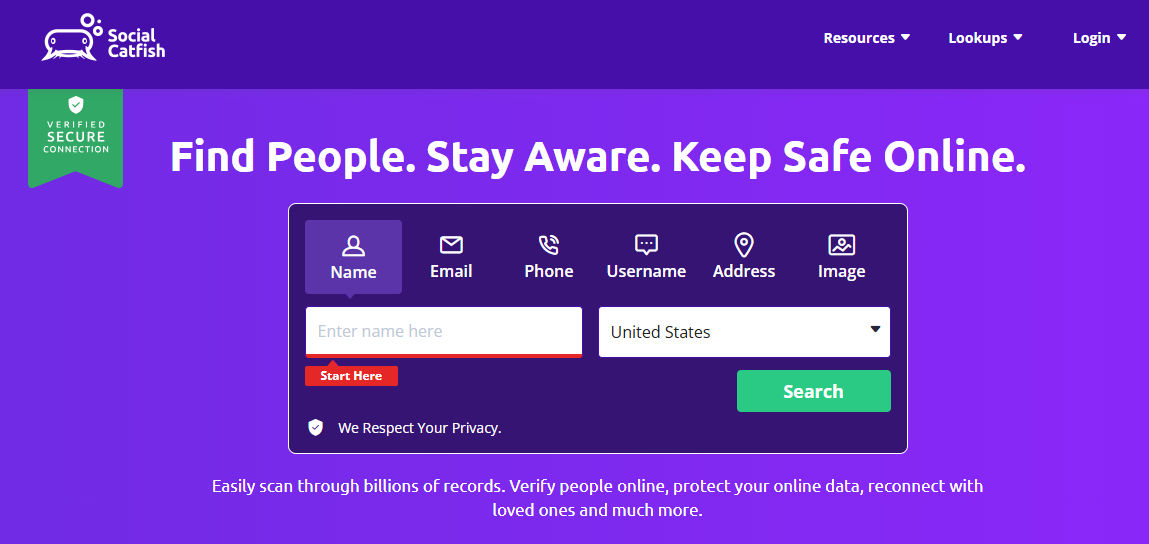
With Social Catfish users may look up not only for faces, but also for exact names, phone numbers, addresses or even usernames. This tool helps to find people after scanning available public records.
Key features
- Reverse name/phone/address search
- Scammer database
- International search
4. FaceCheck.id
FaceCheck.id primarily focuses on facial search capabilities. It can help you find a person's social media profiles or check if their image appears in other public records.
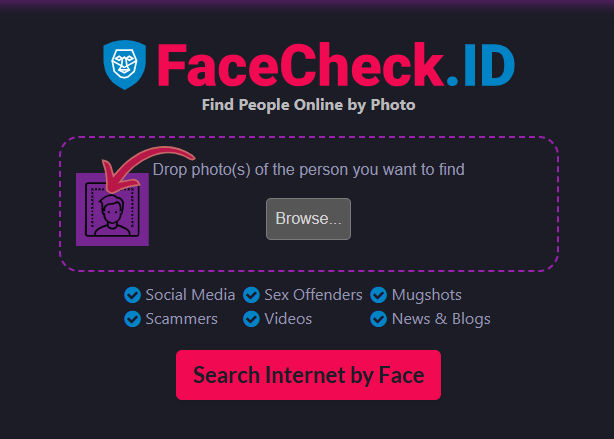
Key Features
- Browser extension
- Face search API
- Match rating
5. Spokeo
Spokeo uses the similar algorithm mentioned earlier. Thanks to this tool you will be able to perform a search by name, email, phone or address and create a digital report containing all the info.

Key features
- Criminal records index
- Access to some personal information
- Location history
- All-in-one reports
6. TinEye
TinEye is primarily focused on general reverse image search but can also function as a face search engine. It is most effective when searching for well-known individuals, rather than personal images. Additionally, you can sort search results by best match, most altered, largest image, or newest/oldest
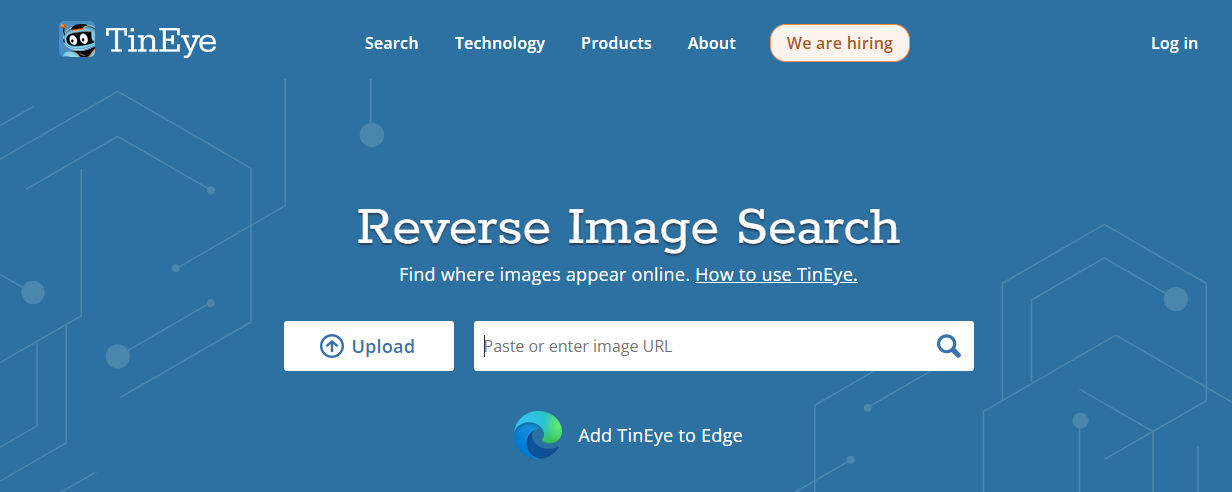
Key features
- MatchEngine - search for duplicates
- WineEngine- wine label recognition
- MulticolorEngine - visual search which rely on color
- Browser extension
Find people by image with lenso.ai Face Search
How to choose the best PimEyes alternative?
There is no single correct answer, as everything depends on the user's needs and requirements. Ultimately, it's a good idea to explore face search engine alternatives and remain open to new tools, which could provide even better results. By experimenting with different platforms, you may discover features or capabilities that better suit your specific needs. If you’re comparing tools, it can also help to cross-check results across multiple engines. This roundup of image search engines and practical reverse-search techniques is a useful starting point. In research-heavy workflows, findings are often reviewed more easily when they are laid out visually rather than kept as scattered notes. Presentations are commonly used for this purpose, especially when comparing tools or evaluating results over time. For those who prefer not to build slides manually, using an AI slide maker can help turn written observations into a simple visual format.
For businesses, these advanced recognition features can also be combined with an ad server to deliver more accurate audience targeting and visually relevant advertising. The integration helps businesses maximize engagement by ensuring their campaigns reach the right people with content that resonates on a personal level, and you can also use mobile continuous integration for best results on mobile. If you want to explore more face recognition and AI-powered platforms in one place, you can browse a curated AI Tools Directory like AIChief where different AI tools are categorized and regularly updated.
What photos should I upload to reverse face search engines?
Before choosing the right facial recognition tool, many users prefer to adjust or crop their footage using a video editor or a photo editor to get the most accurate search results. This helps ensure that the uploaded visuals clearly show the person’s face, improving recognition accuracy and the overall quality of the search. This helps enhance videos to show the person’s face clearly, improving recognition accuracy and the overall quality of the search.
Engines like lenso.ai offer a cropping tool. You can select your face within the search, making it easy and convenient.

Author
Julia Mykhailiuk
Marketing Specialist
Continue reading

News
Lenso.ai One-Time Payment: Reverse Image Search Without a Subscription
If you want to make unlocks on lenso.ai, but you don’t want to be tied to a subscription, here’s a solution you should consider: one-time payment. With one-time payments, you can purchase the product once, make unlocks and decide if you want to switch to a full plan later! This article explains how you can access the one-time payment and all the benefits it offers.

News
Using facial recognition and reverse image search for public security intelligence
Public security intelligence should implement and use only the best and most advanced tools that can help during the investigation process and provide support at different stages. How can facial recognition and reverse image search help?

News
How do Face Search Tools Work? Facial Recognition AI Models Explained.
Have you ever used a facial search tool and wondered how it works? In this article, we will explain the basics of facial recognition and tell you how face search websites build their own AI for face search engines.

News
Top 10 Reasons Why Lenso.ai Is the Best Face Search Tool Online
There are multiple facial search tools available on the internet. Most of them cost a lot, but do very little. Others provide low quality of results, show paywalls before the search even starts, or reel customers in by false advertising. Lenso.ai is the best facial search tool online, and here are some of the top reasons that prove it.

News
How Reverse Image Search Catches Stolen Before-and-After Photos in Home Service Marketing
A tree service in one state removes a storm-damaged oak, photographs the cleanup, and posts the before-and-after shots on Instagram. Eighteen months later, a company three states away is running the exact same photos as their own work on a Google Business Profile, cropped slightly and stamped with a different logo. Nobody at the original company notices, because nobody's looking. Nobody at the second company worries about it, because nobody's ever gotten caught.