
Preview in:
What is a normal image search on lenso.ai?
Normal image search is the search that you make with the free account or with the Starter subscription.
The free account gives you access to daily image searches, but you can’t unlock results and see the sources.
With the Starter subscription, you can see all the sources available in the normal search, but you can’t access the Research Mode.
What is Research Mode?
Research Mode is an extended version of the normal search. It finds 10 times more images - around 10,000 - for the People and Duplicates categories.
Research Mode Filters
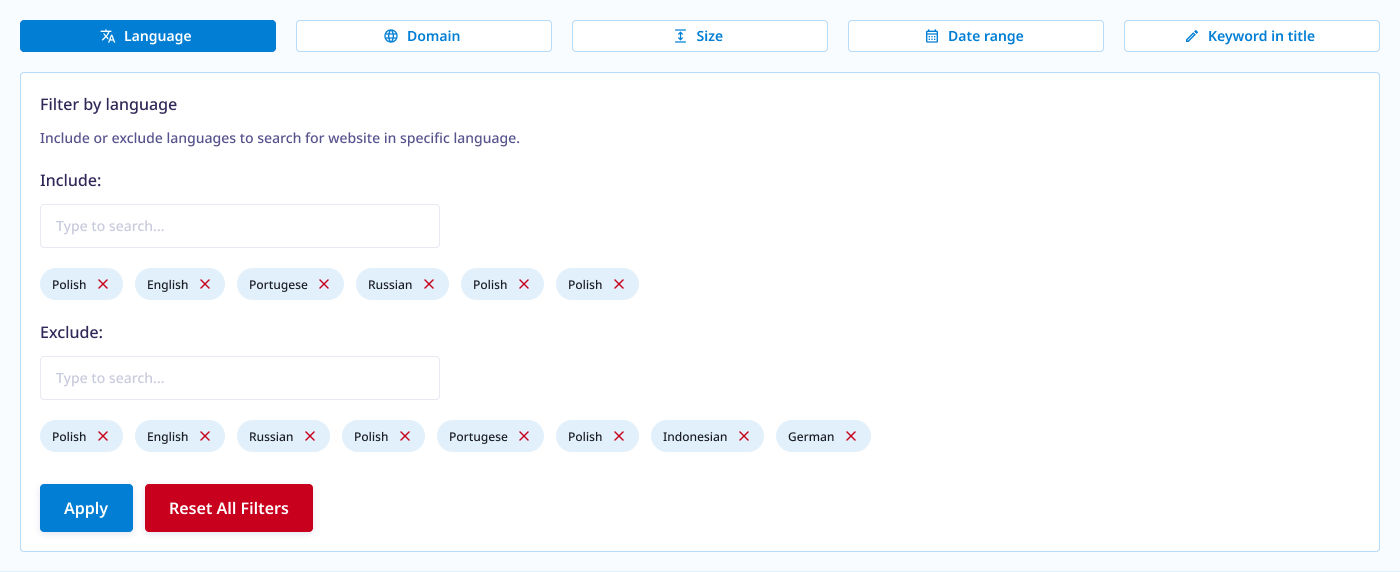
Along with additional results, Research Mode offers Advanced Filters - filtering by page language, domain, size of the image, date of indexing and keyword in title.
Want to learn more? Read about all the Advanced Filters in Research Mode
How to open Research Mode?
To open the Research Mode, you have to click on the banner on the left-hand side of the screen. On mobile, scroll down to the bottom of the page.
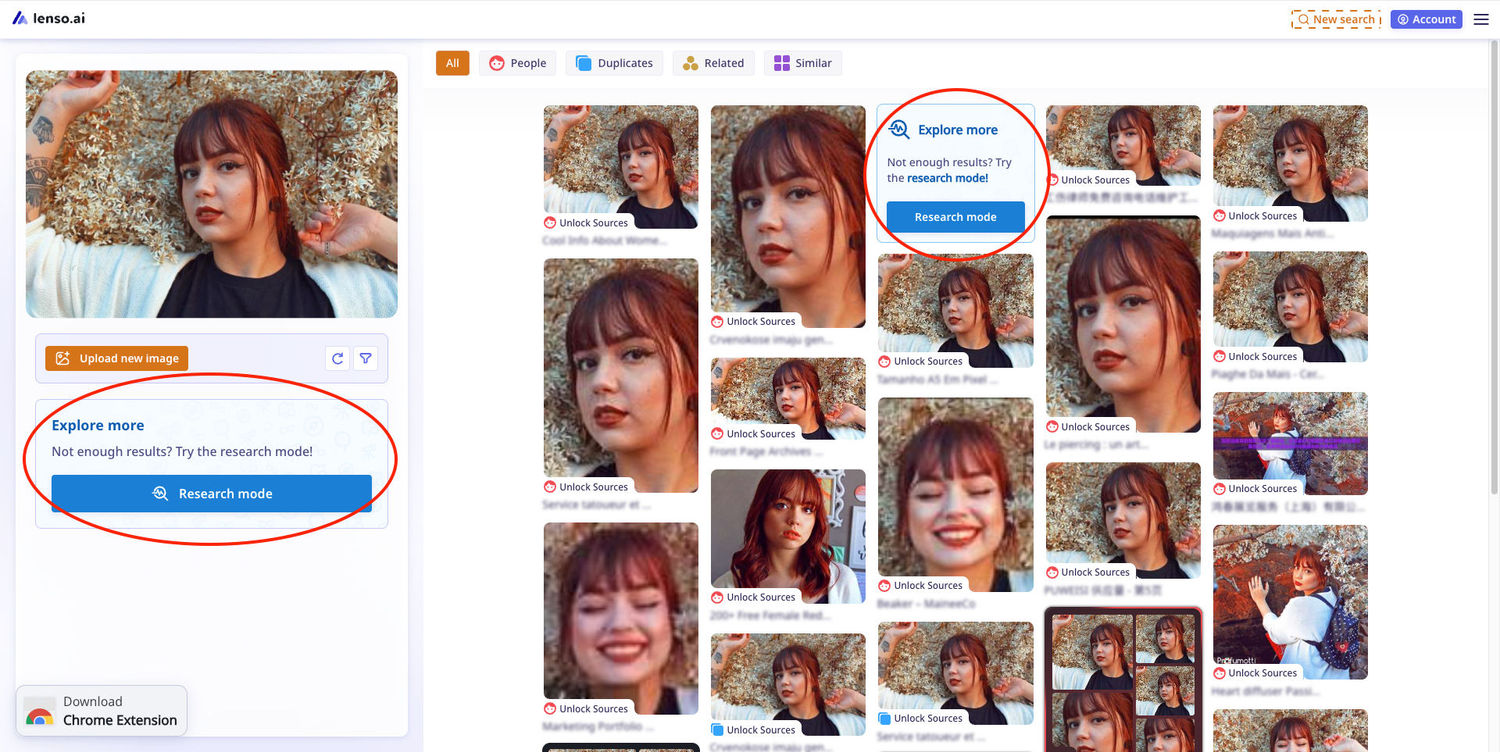
After a short wait, Research Mode will open.
Research Mode vs. Normal Search - what are the differences?
Here’s a table showcasing all the differences between the normal and advanced search:
| Feature | Normal Search | Research Mode |
|---|---|---|
| Access | Free and Starter Subscription | Professional or Developer Subscription |
| Wait Time | Instant | Less than 30 seconds on average |
| Number of Pages | 100 | 1000 |
| Number of Results | 1000 | 10 000 |
| Filters |
Keyword (contextual) Domain |
Keywords in title Domain Language of the website Date range Size of the image |
| Categories | People, Duplicates, Places, Related, Similar | People and Duplicates |
| Type of Search | Simple Search (less results) | Deep Search (more results) |