.jpg?updatedAt=1727350894819&tr=w-930,h-720)
Preview in:
How Are They Made?
Creating social media spam is easy—all it takes is practice and Stable Diffusion. Stability.ai’s platform has gained popularity due to its incredible technology, allowing users to create images so lifelike that it can be hard to distinguish them from real photos.
Of course, many other tools like DALL-E or Playground AI can be used to generate images. Regardless of the tool, the goal is the same: create pictures so realistic that the human eye can’t tell them apart from actual photographs.
The Issues with Generative AI
- Deepfakes and Misinformation: Fake images and videos can be used to scam people, spread misinformation, and manipulate social media algorithms—directly affecting trust, reach, and performance across platforms like Facebook, especially in Facebook marketing campaigns.
- Copyright and Intellectual Property: The rise of AI-generated art raises questions about copyright. Can an AI be considered the author of its creations? How do we protect the rights of artists whose work is used to train these models?
What Kind of Posts Are We Talking About?
Have you seen them? That elderly couple you saw on Facebook this morning might actually be an AI-generated scam designed to gather comments. While some say it’s mostly “boomers” who fall for these fakes, anyone can be deceived.
Our team took a deeper look to find the best examples of these manipulations. We began our search on Reddit, where users point out and critique these fabrications.
Here are just a few prime examples:
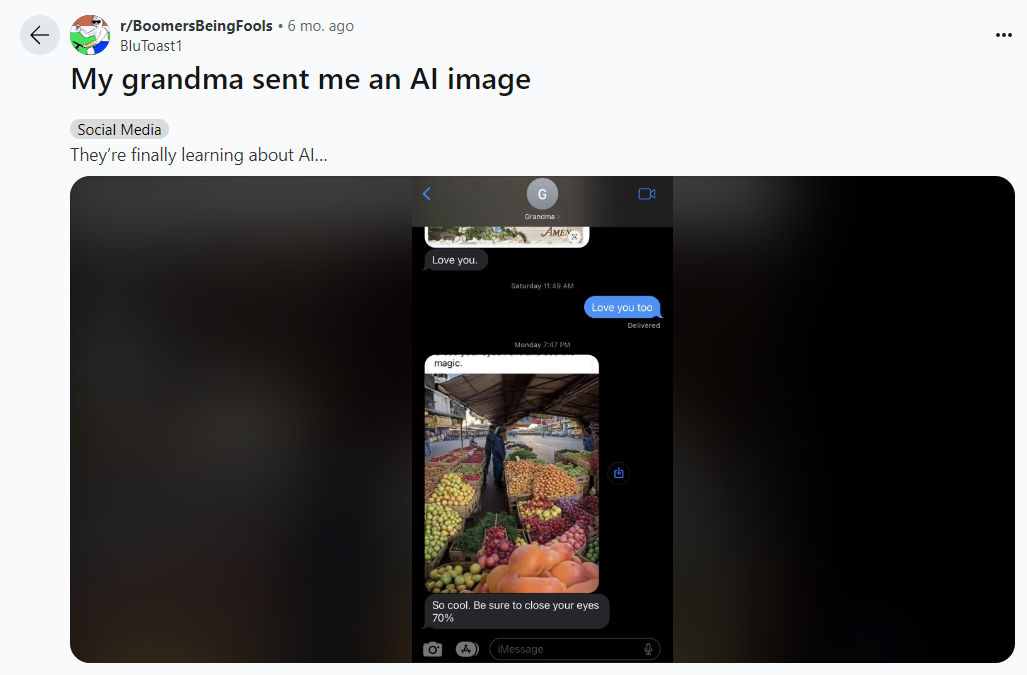 Shared on r/BoomersBeingFools
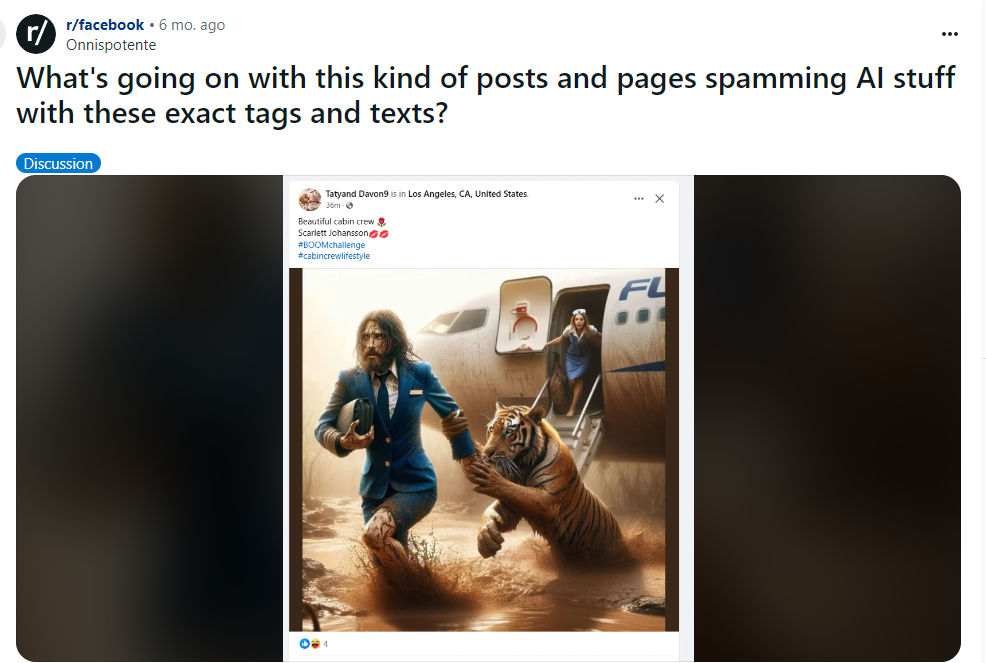 Shared on r/facebook
We also checked Twitter (X):
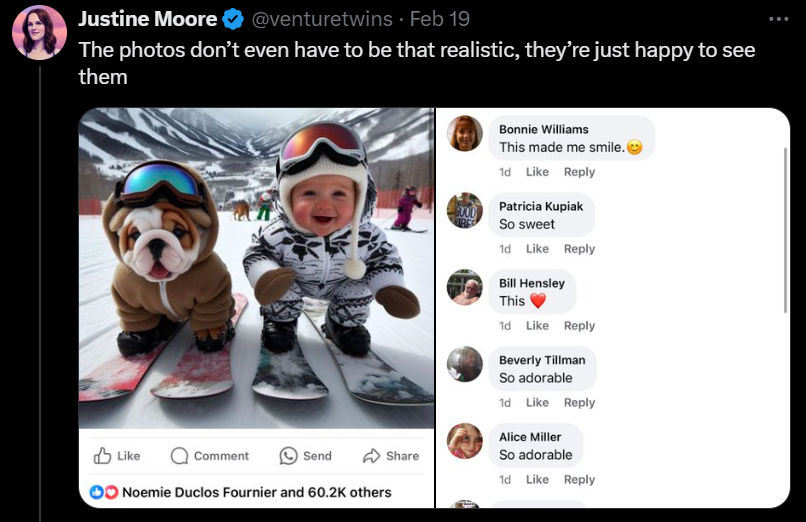 Image credit: @venturetwins
These are just a few examples, but there are many more out there. We must remain vigilant and take a closer look at what we see online to avoid falling for scams. For those using AI image generation for legitimate creative purposes, exploring grok image alternatives can help you find the right tool without defaulting to the most commonly misused options.
The Aftermath: Dead Internet Theory
According to this article, the "Dead Internet Theory" is a conspiracy theory that suggests the internet is now largely composed of bot activity and automatically generated content, manipulated by algorithms to control the population and reduce organic human interaction. Some believe these bots were intentionally created to manipulate algorithms and boost search results for commercial or political purposes.
While most people don’t subscribe to this theory, some internet users fear that it may come true, with AI and bots becoming more prevalent each day.
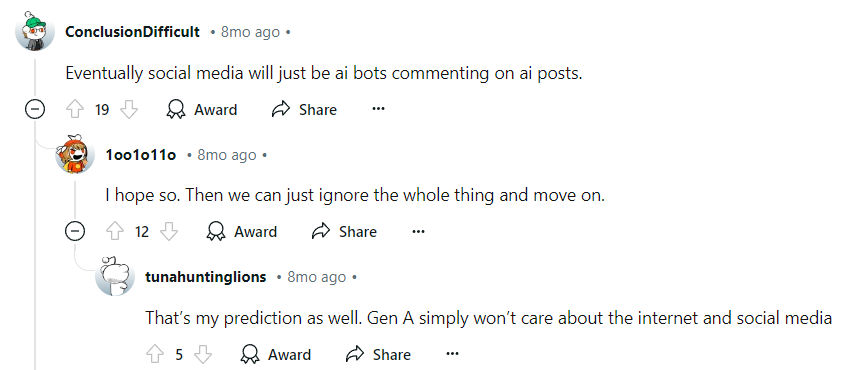 Redditors discussing the rise of online bots.
How to Spot AI-Generated Images: 5 Tips for 2024
1. Extra Fingers, Toes, or Teeth
One of the easiest ways to spot AI-generated images is by counting body parts. Many AI images feature extra fingers, toes, or teeth.
2. Blurry or Painting-Like Textures
Plasticine-like wrinkles, sharp lines, or blurry textures are often clear signs of AI-generated content.
3. Deformed Text
AI struggles with letters. If the text appears warped, blurry, or nonsensical, there’s a high chance the image is AI-generated.
4. Blurry Backgrounds
This is especially common on sites like This Person Does Not Exist. The person in the image may look fine, but the background often appears blurry or vague, lacking specific detail.
5. Look at the Details
At first glance, an AI image may seem normal. But upon closer inspection, accessories, ornaments, or backgrounds might appear distorted or unnatural. If something looks off, you’re probably looking at AI.
Worried You're Dealing with a Fake Image?
Spot Fake Pictures with lenso.ai
Lenso is an AI-powered reverse image search tool that can identify identical and similar images in seconds, helping to flag AI-generated content.
How It Works:
Faces
If you upload a face to lenso.ai and it returns vaguely similar images of different people, all appearing AI-generated, it’s likely that the original image is AI as well.
Suspect it's AI? Test it Out:
- Download a picture from thispersondoesnotexist.com, a website filled with AI-generated images.
- Visit lenso.ai and upload the image on the main page.
- The results should show many similar faces, all AI-generated.
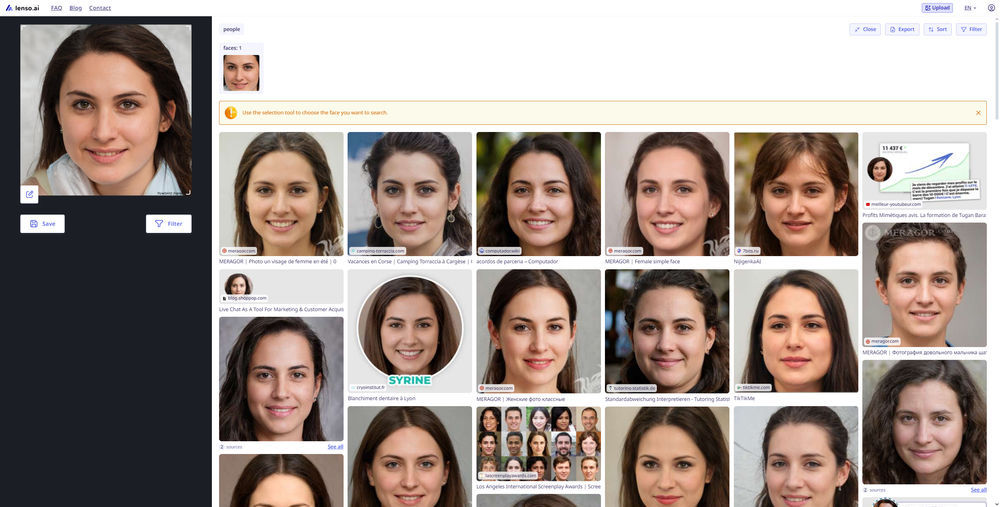 Examples of other AI-generated faces.
*Available in selected regions.
Clothes, Buildings, and More
Most AI-generated images return results from other AI-generated sources. To test it, simply upload an AI-created image and check the sources. Often, the results will indicate the image you uploaded is AI-generated too.
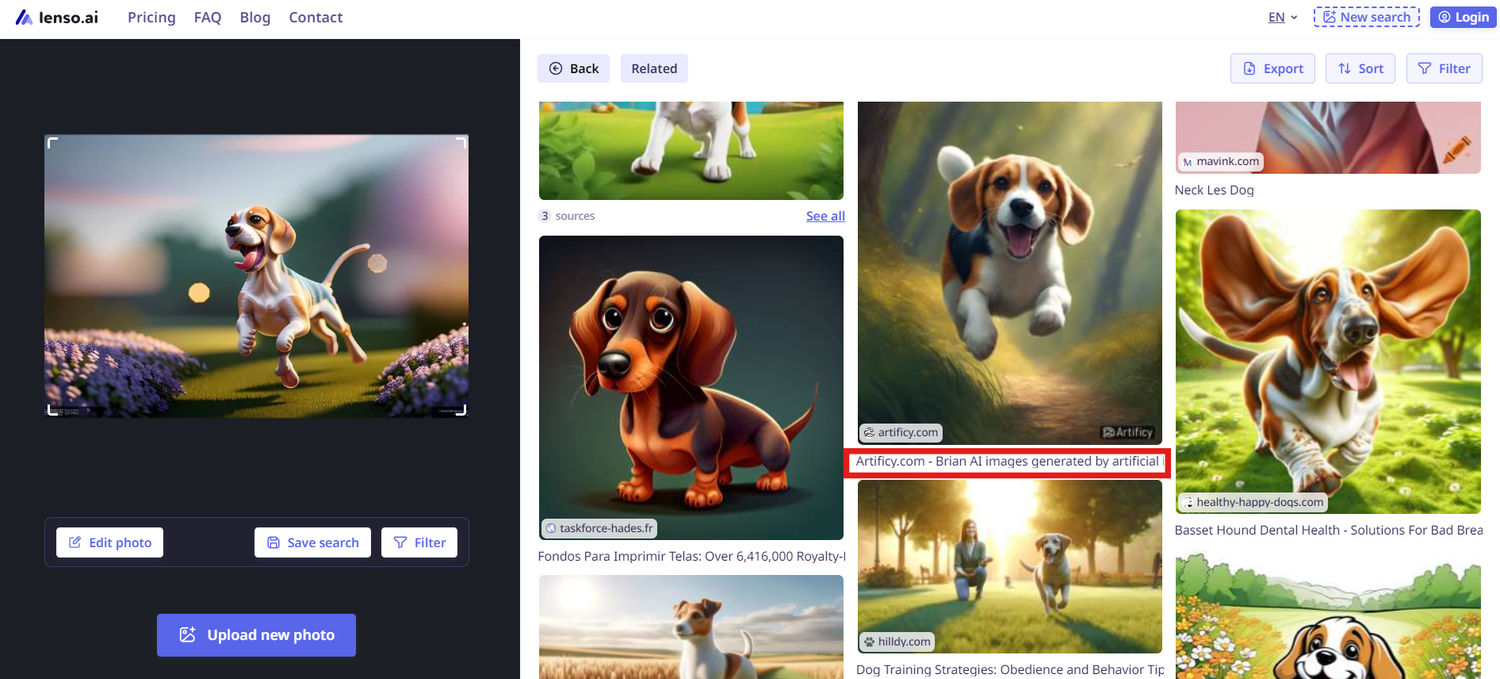
Remember: These tips won’t always work, so trust your instincts, use common sense, or consult online forums if you’re unsure whether an image is AI-generated.

Author
Kinga Jasinska
Marketing Specialist
Continue reading

News
Lenso.ai One-Time Payment: Reverse Image Search Without a Subscription
If you want to make unlocks on lenso.ai, but you don’t want to be tied to a subscription, here’s a solution you should consider: one-time payment. With one-time payments, you can purchase the product once, make unlocks and decide if you want to switch to a full plan later! This article explains how you can access the one-time payment and all the benefits it offers.

News
Using facial recognition and reverse image search for public security intelligence
Public security intelligence should implement and use only the best and most advanced tools that can help during the investigation process and provide support at different stages. How can facial recognition and reverse image search help?

News
How do Face Search Tools Work? Facial Recognition AI Models Explained.
Have you ever used a facial search tool and wondered how it works? In this article, we will explain the basics of facial recognition and tell you how face search websites build their own AI for face search engines.

News
Top 10 Reasons Why Lenso.ai Is the Best Face Search Tool Online
There are multiple facial search tools available on the internet. Most of them cost a lot, but do very little. Others provide low quality of results, show paywalls before the search even starts, or reel customers in by false advertising. Lenso.ai is the best facial search tool online, and here are some of the top reasons that prove it.

News
How Reverse Image Search Catches Stolen Before-and-After Photos in Home Service Marketing
A tree service in one state removes a storm-damaged oak, photographs the cleanup, and posts the before-and-after shots on Instagram. Eighteen months later, a company three states away is running the exact same photos as their own work on a Google Business Profile, cropped slightly and stamped with a different logo. Nobody at the original company notices, because nobody's looking. Nobody at the second company worries about it, because nobody's ever gotten caught.