Preview in:
When professionals try to perform these important tasks manually, it may take hours of constant effort. However, modern online tools are changing this situation. They help automate complex image tasks, saving both time and effort. Instead of manual edits, professionals can now rely on smart solutions that deliver fast, precise results.
In this article, we will explore five must-have online tools designed specifically for quick image tasks.
Lenso.ai - AI Reverse Image Search
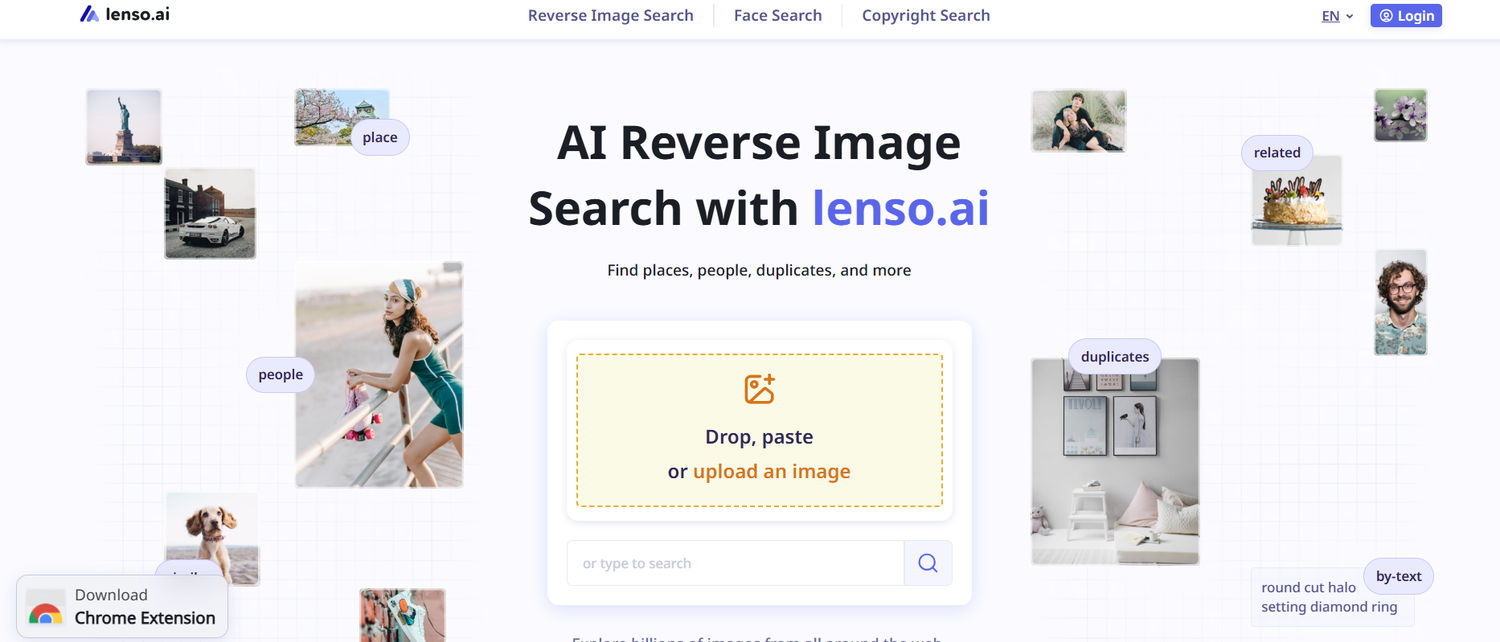
Lenso.ai is an AI tool that helps with reverse image search. Professionals can upload an image and find similar types of images that appear online. It eliminates the need to type keywords. Instead, users can directly upload a photo to find out its source or related matches.
URL: https://lenso.ai/
This tool is useful when professionals need to verify an image’s originality or the primary source. Lenso.ai analyzes patterns, objects, and faces within an image. Then, it scans the indexed web results to find the accurate matches. The tool becomes valuable for research, content verification, and copyright checks.
Find out how to use lenso.ai and all its features!
Highlights
- AI reverse image search
- Face Search
- Alerts
- Reverse Image Search API
- Affiliate Program
- Works in browser
- Has a simple interface
- Finds visually similar images
- Duplicate image detection
- Input options: drop, paste, upload
Best for:
Journalists, researchers, marketers, everyday users and business owners.
Prepostseo - Image Translator
This image translator helps professionals translate images containing text directly in the browser. It uses Optical Character Recognition (OCR) along with advanced translation technologies. With the help of this tool, users can translate screenshots, scanned documents, infographics, or photos in various formats.

URL: https://www.prepostseo.com/image-translator
To use this tool, all you need to do is upload the image. Select the language into which you want to translate the text and click the “Translate Image” button. The tool allows these image formats: JPG, PNG, JPEG, GIF, JFIF, HEIC. It also supports multiple languages for translation.
Highlights
- OCR based analysis of the text
- Automatic language detection
- Simple and quick processing
- Multilingual support
- Compatible across various devices
Best for:
Business professionals, travellers, researchers, language learners, students, and educators
Shutterstock - PNG to JPG Converter
Shutterstock assists professionals by quickly converting image formats. PNG to JPG conversion is often required for better compatibility and the need for smaller file sizes. PNG files are useful for clarity, but they are often larger in size. On the other hand, JPG files are smaller in size and supported across websites and various platforms.
URL: https://www.shutterstock.com/image-converter/png-to-jpg
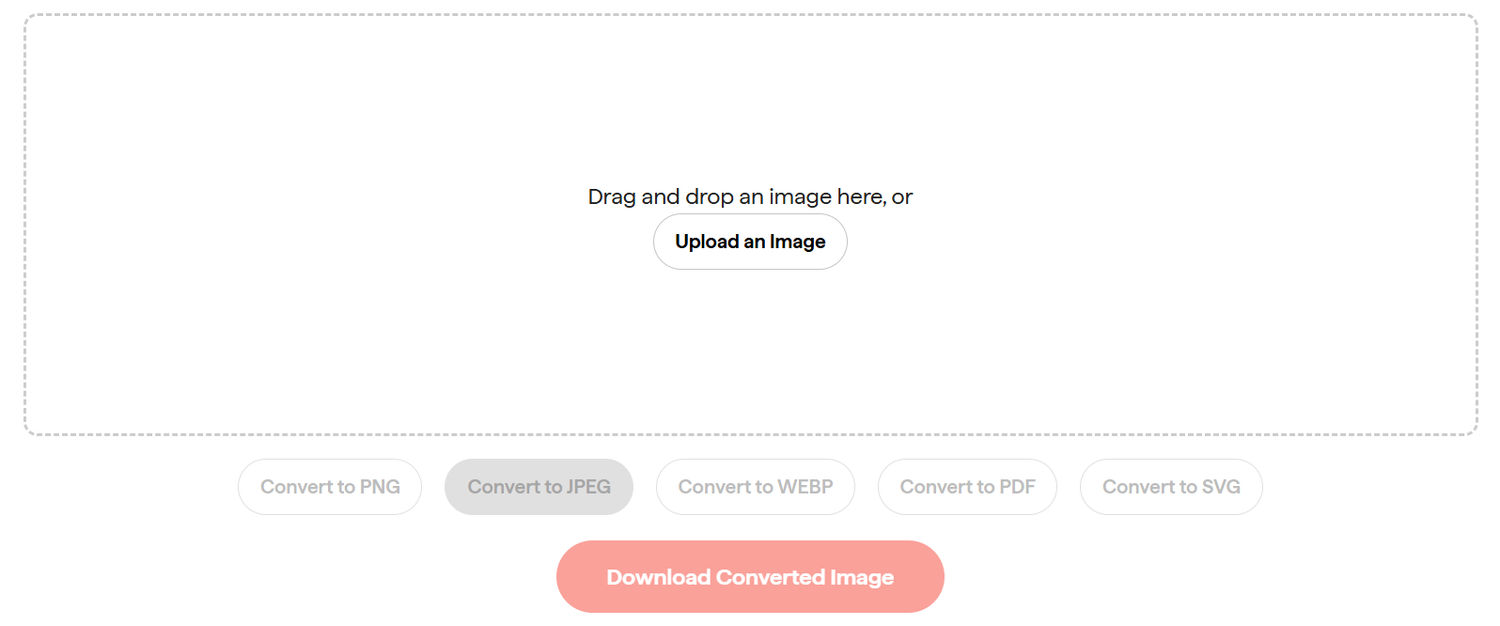
The conversion process is simple. It doesn’t require any software installation. Users can simply upload the PNG file. Choose their preferred format (i.e., JPG or JPEG) and download the converted image by clicking on the “Download Converted Image” button.
Highlights
- Works in browser
- Simple and fast working
- Visual quality is maintained
- Offers conversion in multiple formats
- Input options: drag and drop or upload
Best for:
Business professionals, website owners, marketers, and bloggers
Monica - Image Upscaler
Monica allows professionals to increase the resolution of images without quality loss. It uses artificial intelligence to upscale images without missing the important details. The tool doesn’t stretch pixels. Instead, it reconstructs textures and sharpens the edges to improve the overall image clarity.
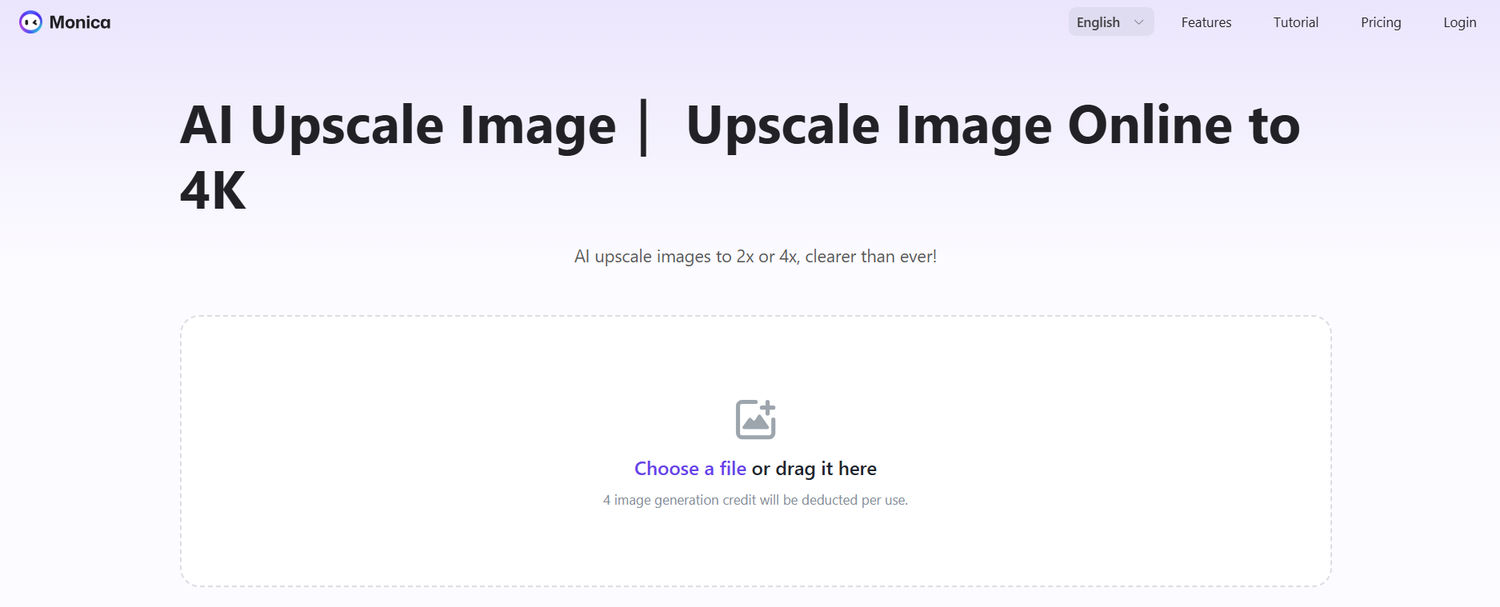
URL: https://monica.im/image-tools/upscale-image
Monica’s AI image upscaler can make low resolution or slightly blurry images sharper and more suitable for professional use. This tool is especially helpful when you need to prepare visuals for presentations, websites, print materials, or social media posts. When image quality needs further refinement, a photo enhancer can help improve sharpness, lighting, and fine details before publishing.
Highlights
- Easy to use
- Simple and quick
- AI-powered refinement
- 2x or 4x upscaling
- Input options: upload or drag and drop
Best for:
Content creators, designers, marketers, and students
Pixa - Image Background Remover
Pixa helps professionals remove unnecessary backgrounds from images within seconds. This tool uses AI for subject detection, automatically separating the main object from its background. It eliminates the need for complex editing software or the tools that require manual selection for removal.

URL: https://www.pixa.com/background-remover
The tool analyzes edges, shapes, and contrast to isolate the subject with precision. Once processed, the image can be downloaded with a transparent background. As a result, professionals can place the images of products, portraits, or objects on new backgrounds. This makes Pixa especially useful for branding, marketing, or e-commerce use.
Highlights
- One click background removal
- Automatic subject detection
- Web based processing
- Clean outputs
- Offers customized refinement
Best for:
E-commerce store owners, social media managers, graphic designers, and entrepreneurs
Wrapping Up
Daily image tasks no longer require heavy software or hours of effort. With efficient tools like the ones listed in this article, professionals can perform image tasks quickly. They can search, translate, refine, enhance, and convert images with ease.
The accuracy of the final output most often depends on the quality of the input provided. So, always upload the best possible quality of image.
When smart tools are used carefully, they save time, support professional standards, and make the workflow more structured.

Author
Guest Post
Content Writer
Continue reading

General
Visual Product Education: 6 Ways Ecommerce Brands Can Use Images to Build Customer Confidence
High product understanding is a direct prerequisite for high purchase intent. That’s why ensuring your target audience understands your solutions and their value is essential for guiding them toward conversion. However, communicating product benefits can be slightly more challenging online than in-store.

General
The Best Reverse Image Search for Photographers. Set Up Copyright Notifications!
If you are a photographer looking for a smart way to find your copyrighted content shared online, this is the place for you! In this article, we will explain how you can search for your photos being reposted, and the best ways you can automate the searching.

General
Face Search API by lenso.ai for businesses: Top 5 Industries and use cases
If you run a business and wonder how to boost your user engagement or add a feature that may become a game changer – we do have a solution! You need to implement the face search API from lenso.ai. Check whether your use case may be a good fit for reverse face search integration.

General
How Teams Can Improve Their Image Search Skills with AI-Powered Tools
AI-powered visual tools are changing how photographers, digital marketers, content creators, and researchers work. In a single day, one person might trace the source of a photo, check a campaign image for duplicates, and look for similar visuals for a new project. The tools evolve quickly, and training often struggles to keep up.