
Preview in:
1. Lenso.ai
Lenso.ai is the best tool for finding locations online. It’s easy to use, fast, and highly accurate.
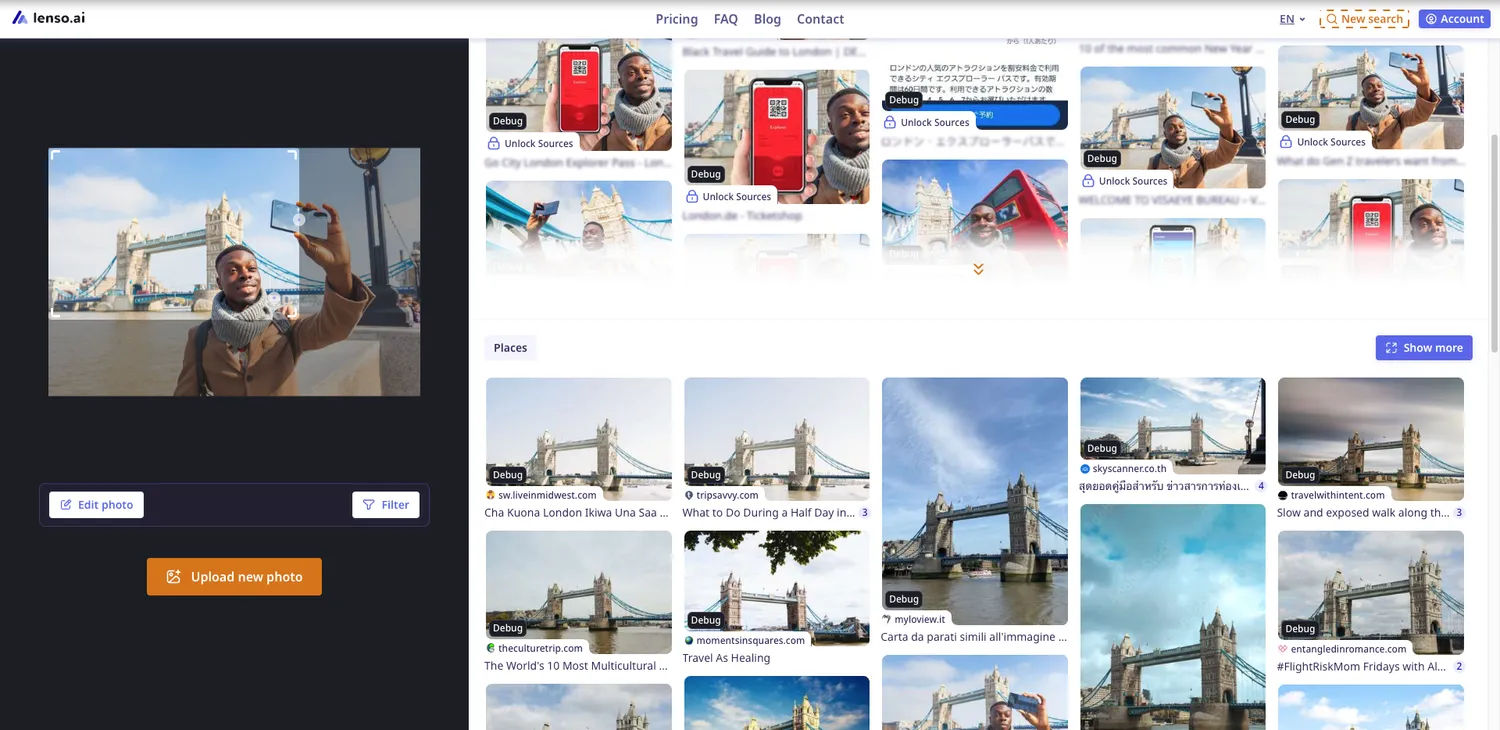
Simply upload your image and navigate to the Places category. There, you will find hundreds of images of the place featured in your photo, helping you identify where it was taken.
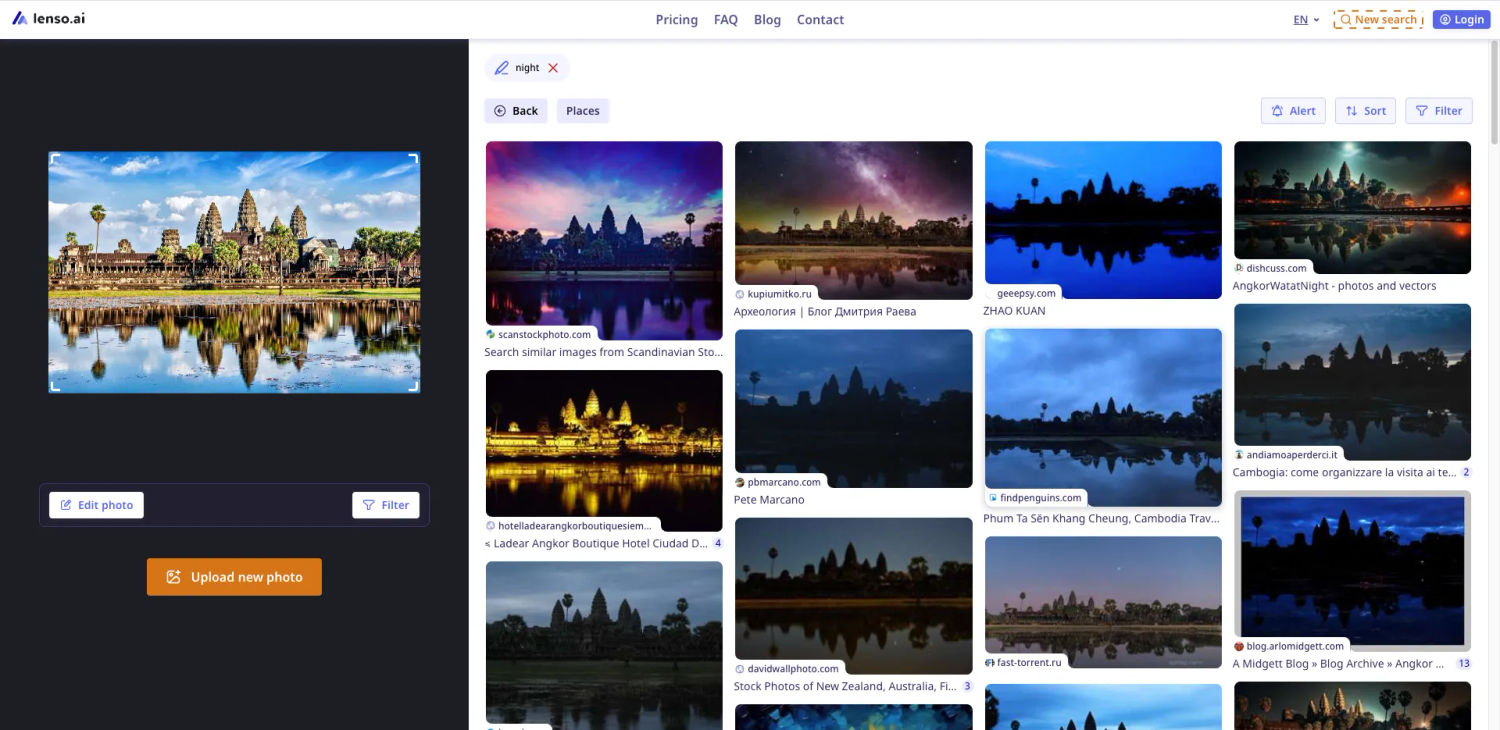
Why Choose lenso.ai?
What makes lenso.ai the best place-finding tool online? It offers several unique features that other search engines don’t, including:
- Alerts – Set up an alert to receive email notification whenever lenso.ai finds a new match for your image.
- Filters – Use keyword filters in English to refine your search results.
- Sorting – Sort images by newest, oldest, most accurate, or least accurate results.
- Collections – Save your favorite images in collections and access them from your user dashboard.
- Categories – Find specific images by selecting different categories. Use the Places category to locate places from an image.
Learn how to perform a search on lenso.ai.
2. Find Picture Location
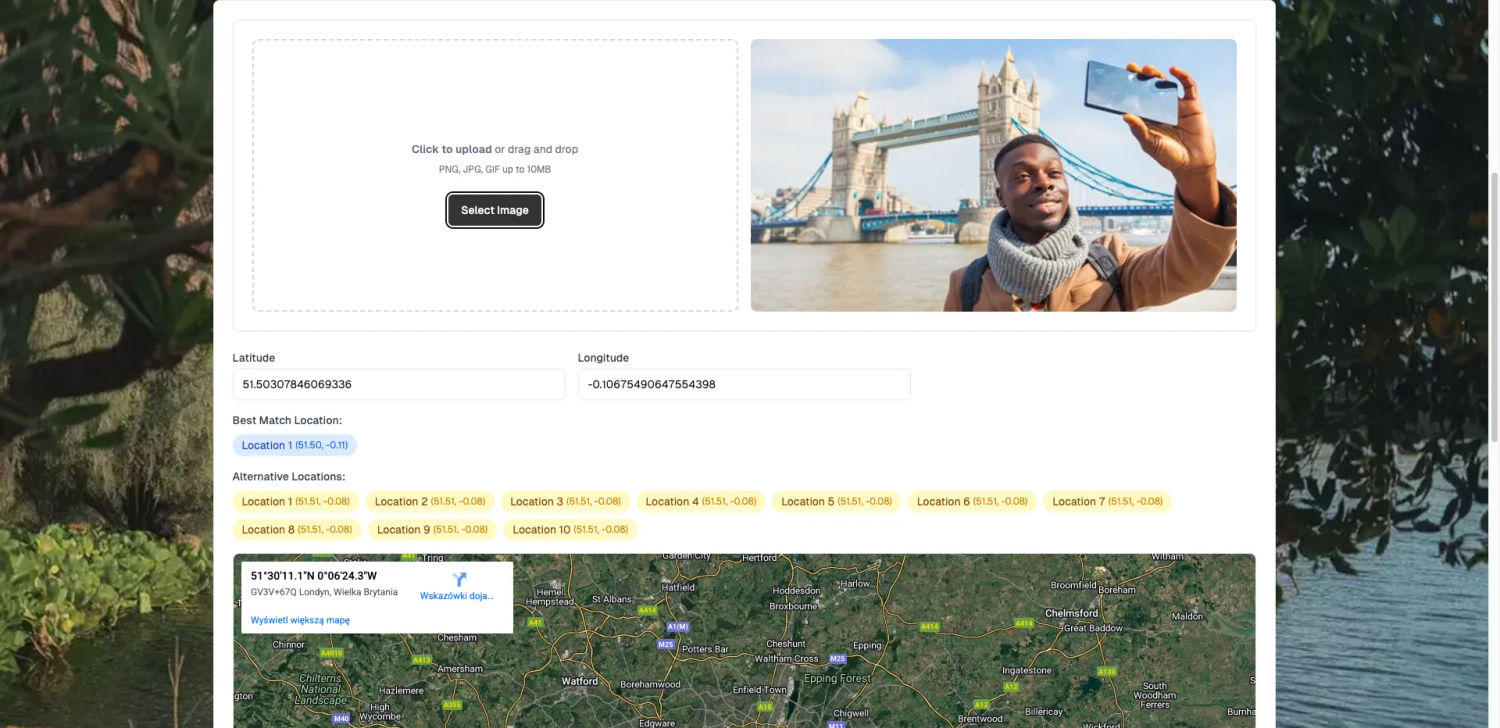
Find Picture Location is an AI-powered location-finding tool. Simply upload an image, and the site will generate multiple results to help you pinpoint the exact place on a map.
3. Geospy
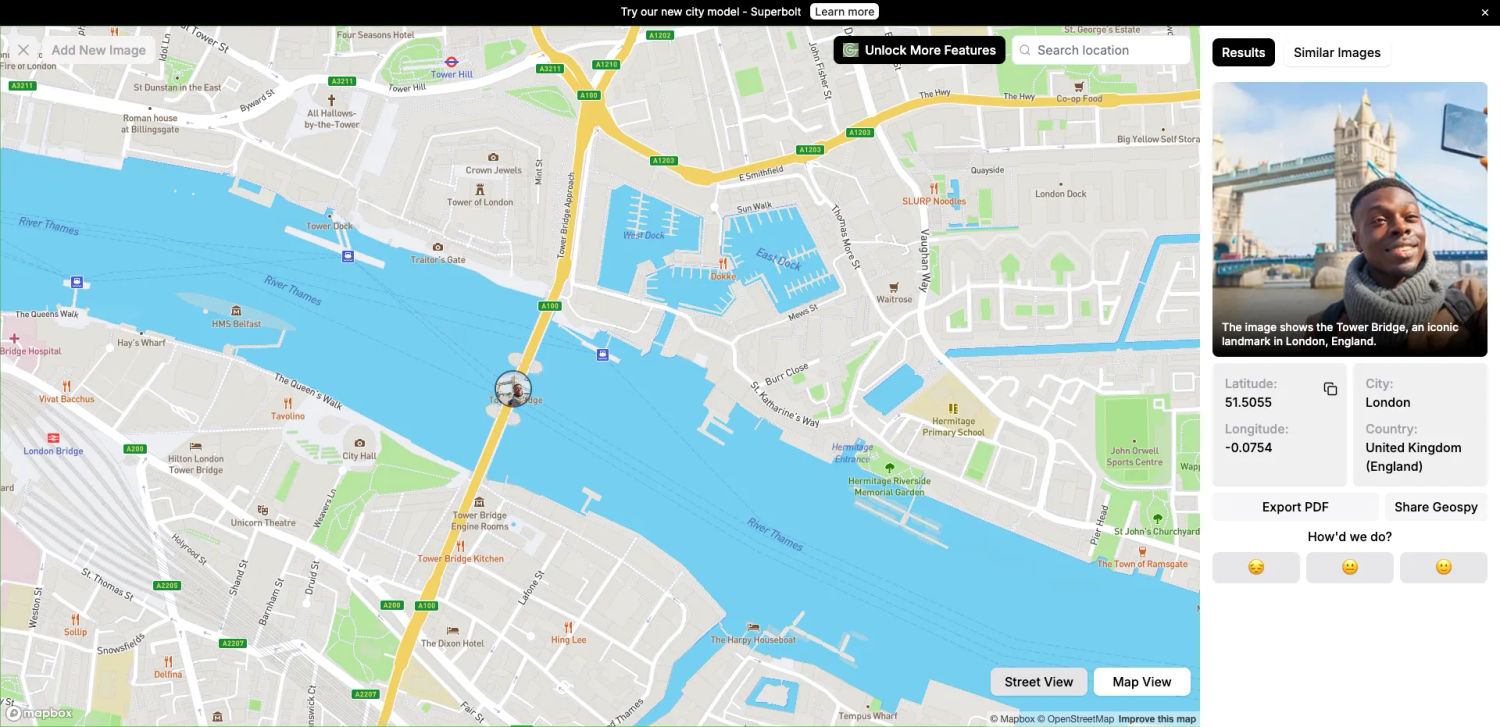
Geospy.ai is another tool that identifies locations on a map. It features a user-friendly design and delivers highly accurate results. Currently, you can try a demo version or request full access to explore more images.
4. Google Lens
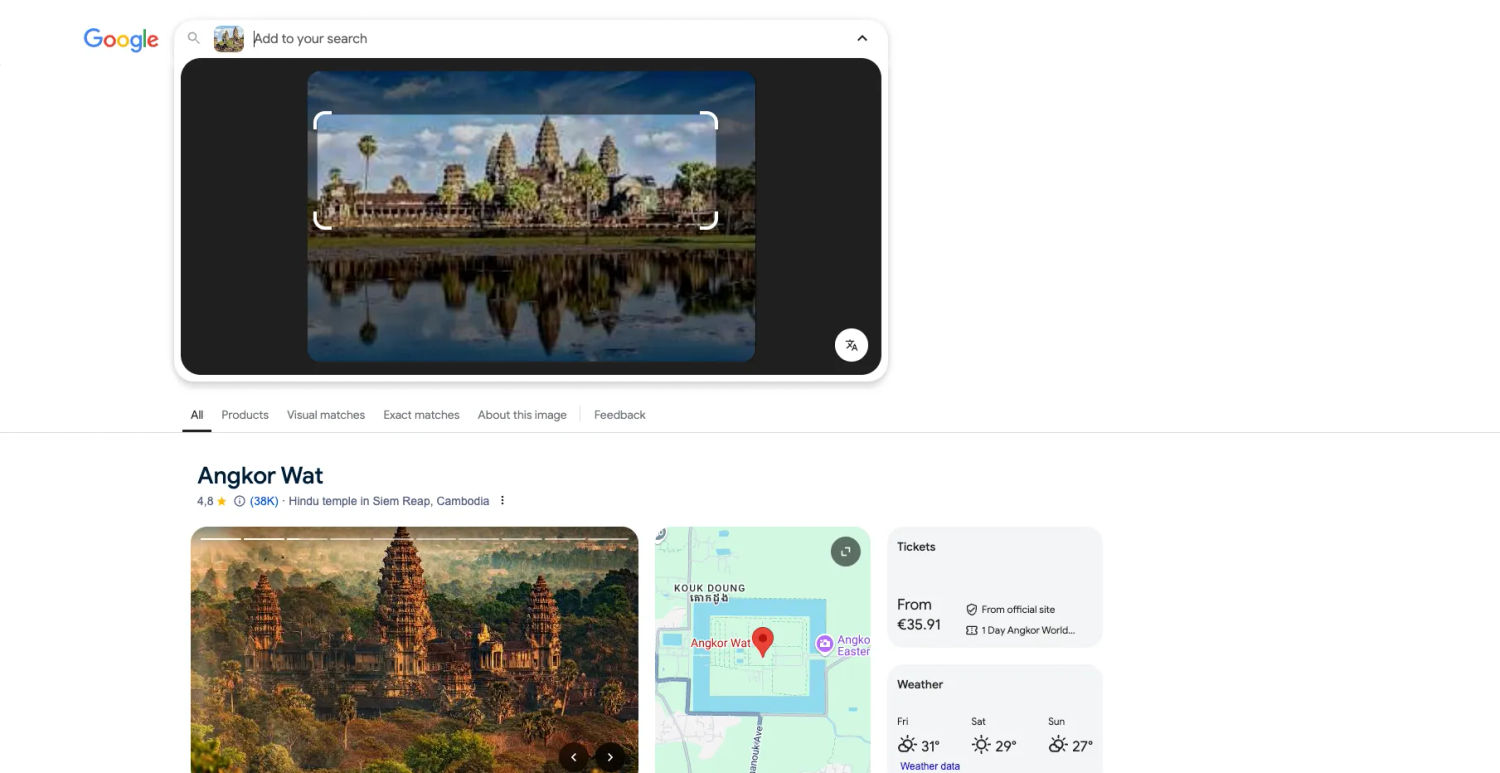
Google Lens is one of the most well-known location search tools. To use it, go to Google’s homepage, click the camera icon, and upload your photo. It quickly identifies locations, often providing results from Google Maps or Wikipedia.
Find out more
To learn more about finding locations from images, you can watch this short tutorial:

Author
Kinga Jasinska
Marketing Specialist
Continue reading

General
The Best Reverse Image Search for Photographers. Set Up Copyright Notifications!
If you are a photographer looking for a smart way to find your copyrighted content shared online, this is the place for you! In this article, we will explain how you can search for your photos being reposted, and the best ways you can automate the searching.

General
Face Search API by lenso.ai for businesses: Top 5 Industries and use cases
If you run a business and wonder how to boost your user engagement or add a feature that may become a game changer – we do have a solution! You need to implement the face search API from lenso.ai. Check whether your use case may be a good fit for reverse face search integration.

General
How Teams Can Improve Their Image Search Skills with AI-Powered Tools
AI-powered visual tools are changing how photographers, digital marketers, content creators, and researchers work. In a single day, one person might trace the source of a photo, check a campaign image for duplicates, and look for similar visuals for a new project. The tools evolve quickly, and training often struggles to keep up.
General
Lenso.ai vs. Yandex. Reverse Image Search + Face Search Compared
Yandex and Lenso.ai are both reverse image search websites that are used by people wanting to find objects, places or people online. Is there a clear winner between the two? Who does what best? In this article, we will compare Lenso.ai and Yandex and we will try to select the website who performs better depending on your personal requirements.