
Preview in:
What is Reverse Face Search? Simplest Explanation
Reverse face search lets you upload a photo of a person and look for similar faces online. It can help you find other photos of the same person or websites where their image appears. Reverse Face Search is made possible by facial recognition, machine learning and similarity scoring.
Facial Recognition
Facial recognition is technology that analyzes features of a face, such as the eyes, nose, and face shape. It represents a face as a set of numbers (called a facial embedding or feature vector). These numbers are generated by a machine-learning model and compared using a similarity or distance score.
Machine Learning
Machine learning helps face search tools learn how to recognize patterns in faces. The system is trained on many examples so it can learn which facial features are useful for comparing identities. After training on many examples, the computer can compare facial features and estimate whether two faces belong to the same person.
Similarity Scoring
Similarity scoring shows how closely two face representations match. Depending on the system, a higher similarity score or a lower distance score usually means the faces are more similar. However, a strong match does not prove that the images show the same person.
What are the Best Face Finders Online?
Here’s our list of the most accurate face finders that are available online.
1. Lenso.ai
Lenso.ai is an AI-powered reverse image search tool with a dedicated People category for face search. You can upload a photo and look for other images of the same person online, even when the person appears in a different setting or photo. It also offers useful features such as filters, sorting, alerts, and searches for duplicate or related images.
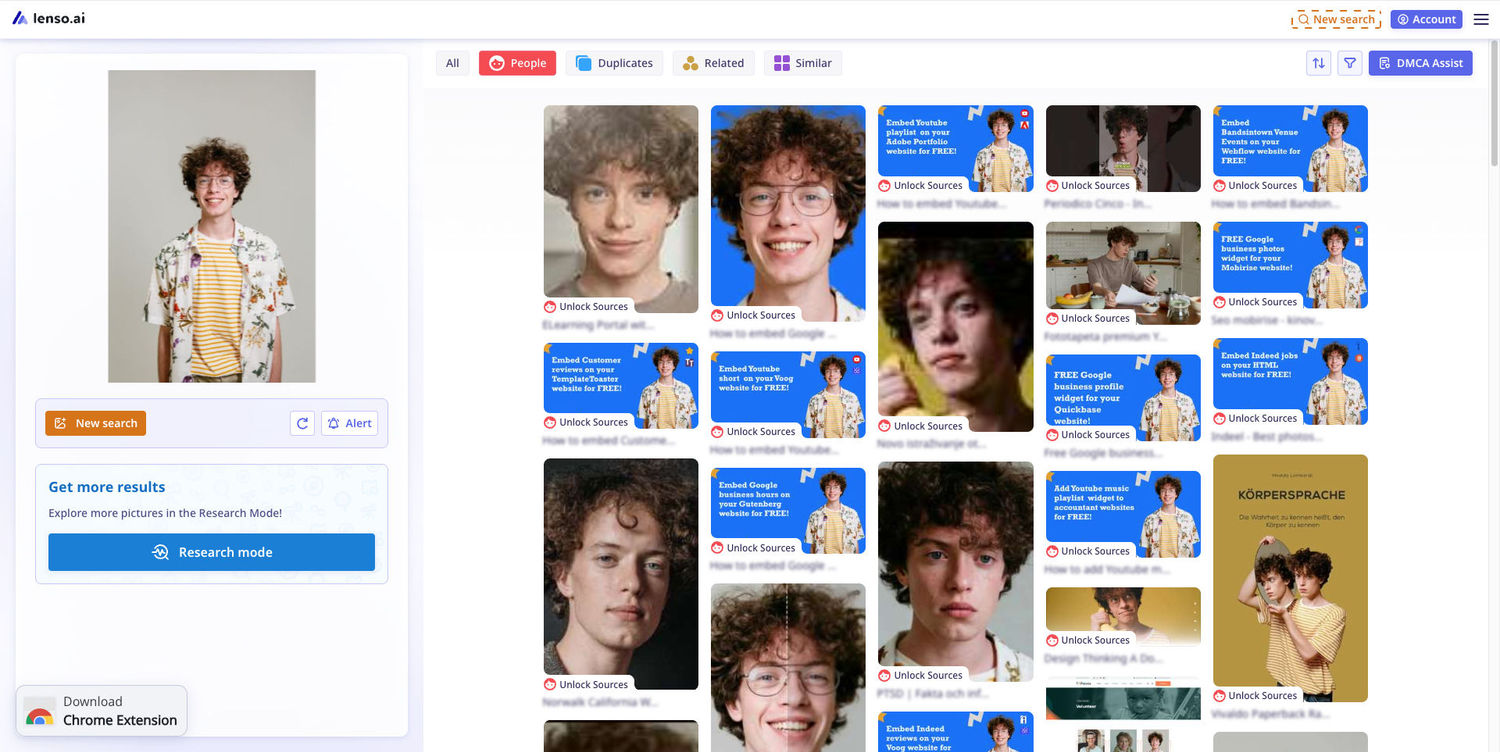
Here are some notable features offered by lenso.ai:
- Filters - Filters help you narrow down image search results and find what you need faster. You can filter results by things like keywords and domains, while Advanced Filters add options such as language, image size, and date range. Read more: Filtering & Sorting on lenso.ai | Full Guide.
- Research Mode - Research Mode is an advanced search option that can provide more results for your image search. It also includes Advanced Filters, which give you more control over which results appear. Read more: Research Mode & Advanced Filters | Lenso.ai for Professionals.
- Alerts - Alerts let you track an image and receive notifications when lenso.ai finds new matches. This is useful for monitoring your face, copyrighted images, or other photos over time. Read more: How to Set Up Alerts on lenso.ai.
- Sorting - Sorting lets you change the order in which search results appear. For example, you can sort images by similarity, indexing date, or choose to display more diverse results. Read more: Filtering & Sorting on lenso.ai | Full Guide.
- DMCA Assist - DMCA Assist helps you prepare removal requests when your copyrighted photos are being used on other websites without permission. It collects selected image links and sources and creates ready-to-copy DMCA request messages that you can send to the websites hosting the images. Read more: DMCA Assist on Lenso.ai | What is It & How to Use It?.
2. Eyematch.ai
Eyematch.ai is a face search engine designed to help you find where a person’s photos appear online. You upload a clear photo of a face, and the tool uses facial recognition to look for visually similar faces across publicly available web images.
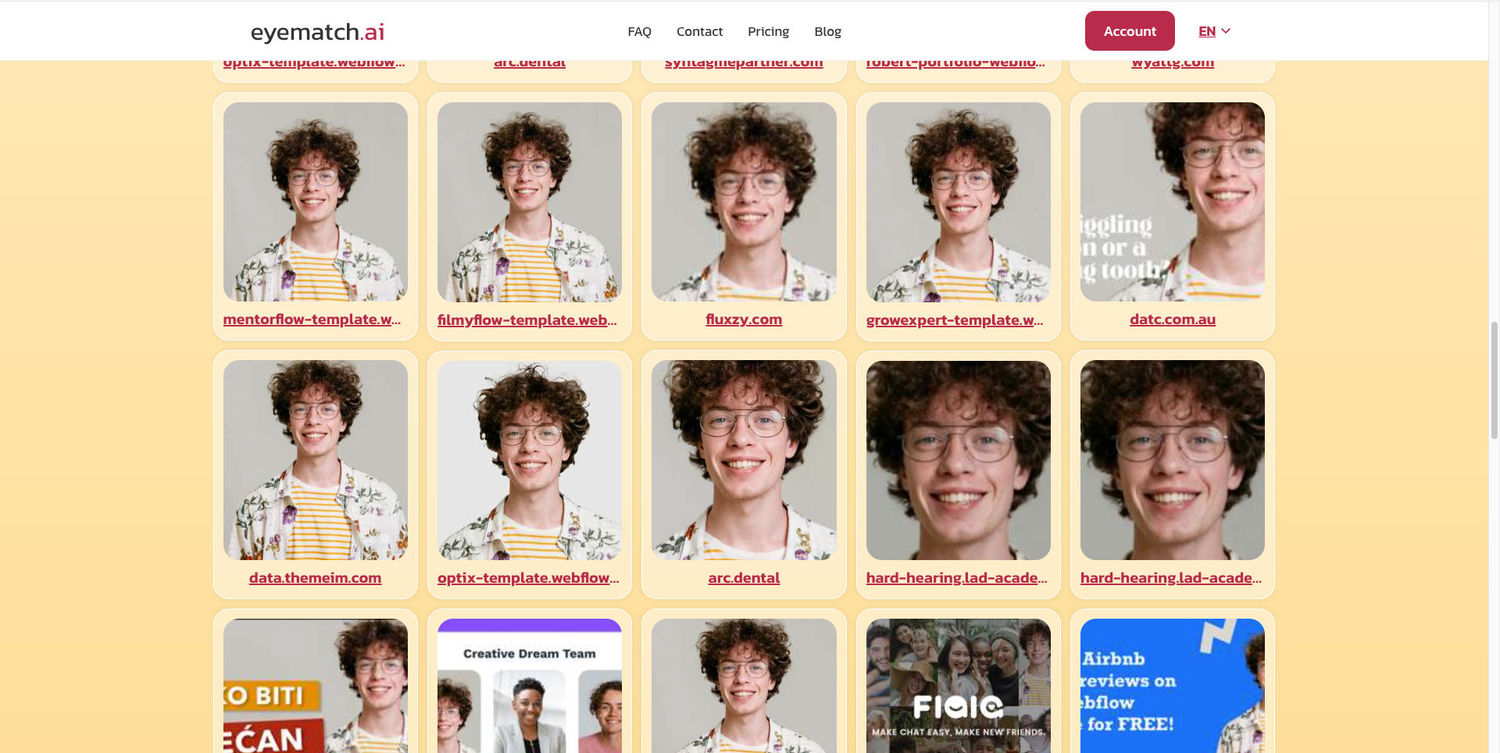
Eyematch.ai divides face search results into Top Matches, Relevant Matches, and Similar Faces. Top Matches show the strongest potential matches, Relevant Matches include results that are still closely related to the searched face, while Similar Faces show people who share similar facial features. Which categories you can access depends on your Eyematch.ai subscription plan.
3. PimEyes.com
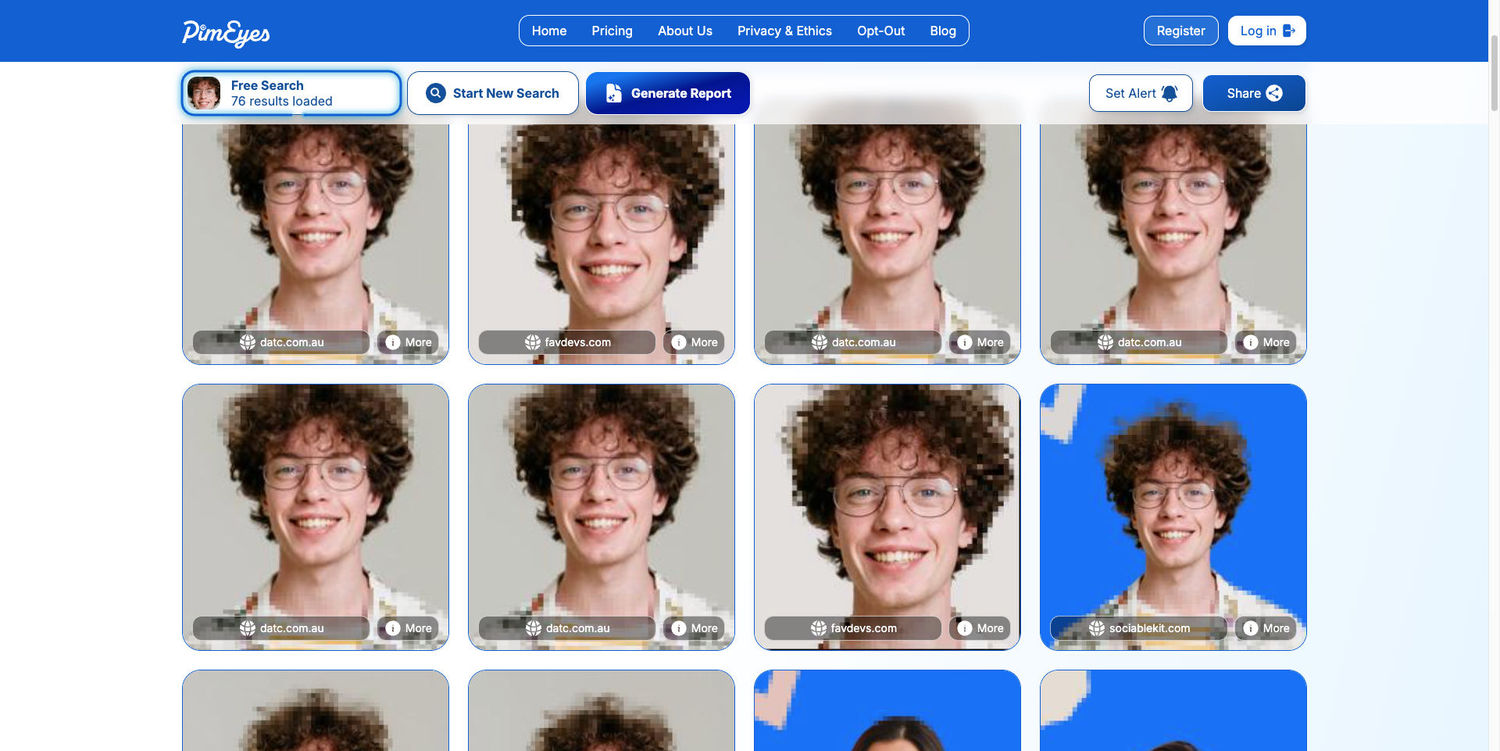
PimEyes is a well-known face search engine that searches the web for photos containing a similar face. It focuses on facial features, so it can find matching images even when the photo has a different angle, lighting, or quality. Results can also help you find the websites where matching images appear.
4. FaceCheck.ID
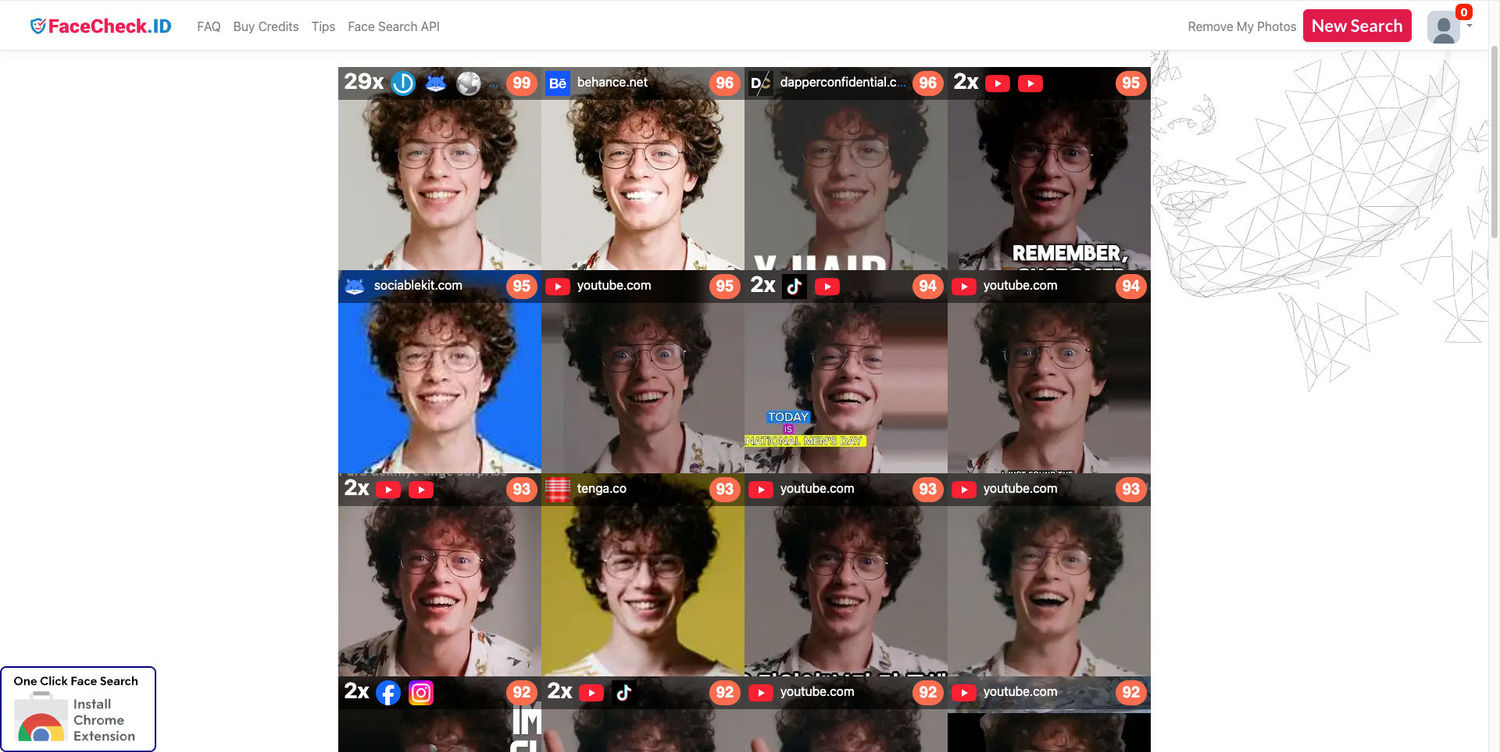
FaceCheck.ID lets you upload a face and search for public web pages where a similar face appears. It ranks possible matches by facial similarity, which can help you find other photos or public profiles connected with the image. Results should still be checked carefully because a strong facial match does not automatically prove that two photos show the same person.
Summing Up
Face finders are great tools that help you:
- Find your photos online
- Spot fake profiles
- Find old or reposted photos
- Protect your digital footprint
You can choose the best website for your use case. Try them all and pick what works best!

Author
Kinga Jasinska
Marketing Specialist
Continue reading
General
Best AI photo protection tools in 2026
Information, and especially photos, spreads online very quickly. And basically, you cannot control it – at least not by checking manually. The best way is to use an AI photo protection tool to prevent any potential misuse or keep an eye on where your photos appear online and in what context. Let’s check out the best AI photo protection tools.

General
7 Steps to Build a More Efficient Digital Workflow for Your Team
Every team has its own workflow. This process is usually not well thought out. It’s not created as a finished, ready-to-use item, but develops through the process of formation through spreadsheets, everyday messaging applications, informal agreements, and accumulated experience.

General
Visual Product Education: 6 Ways Ecommerce Brands Can Use Images to Build Customer Confidence
High product understanding is a direct prerequisite for high purchase intent. That’s why ensuring your target audience understands your solutions and their value is essential for guiding them toward conversion. However, communicating product benefits can be slightly more challenging online than in-store.

General
The Best Reverse Image Search for Photographers. Set Up Copyright Notifications!
If you are a photographer looking for a smart way to find your copyrighted content shared online, this is the place for you! In this article, we will explain how you can search for your photos being reposted, and the best ways you can automate the searching.

General
Face Search API by lenso.ai for businesses: Top 5 Industries and use cases
If you run a business and wonder how to boost your user engagement or add a feature that may become a game changer – we do have a solution! You need to implement the face search API from lenso.ai. Check whether your use case may be a good fit for reverse face search integration.