.jpg?tr=w-930,h-720)
Preview in:
However, online tools can make these image tasks much easier. Rather than working with complex software or doing everything manually, these tools work directly in the browser and don't require users to download anything.
But which tools actually help perform routine image tasks? The internet is full of such tools, with each claiming to offer the best value. But in reality, not every tool does exactly what it claims. Bearing this in mind, I’ve listed some useful online tools that can assist you with your image-related tasks, such as extracting text from images, improving quality, capturing screenshots, and resizing files.
Why Online Image Tools Are Useful
Performing image-related tasks usually brings small but frequent challenges. The following are some common everyday tasks in which online image tools can play their role.
- Verifying the source or finding similar versions of an image
- Extracting text from screenshots, scanned documents, or photos of notes
- Improving low-quality or small images for presentations, listings, or social media
- Capturing full web pages or multiple sections without missing content
- Resizing multiple images for uploads, emails, or platform requirements
With the help of online tools, you don't have to perform every task manually. They save time and reduce small errors that often happen during manual work. This makes routine image handling quicker and less frustrating.
Essential Online Tools for Image-Related Tasks
The following are some of the useful tools to perform routine image tasks with ease.
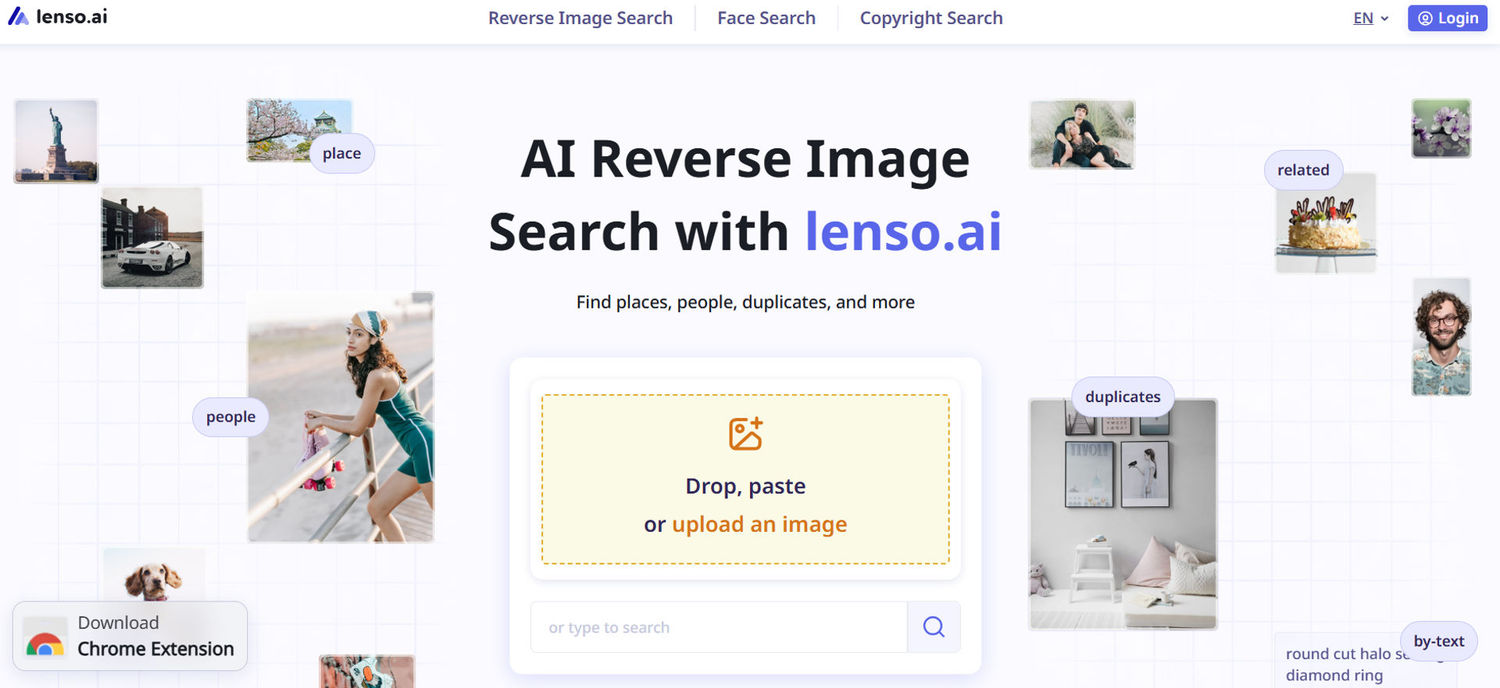
Lenso.ai - AI Reverse Image Search Tool
This is an AI-powered reverse image search tool. It allows users to upload an image and then find similar images across the internet.
Tool link - https://lenso.ai
Once the image is uploaded into the tool, it analyzes patterns, faces, objects, and visual elements, and shows similar images. It helps check if the image is original or reused by another source. This helps save a lot of time as compared to manually searching.
Key features
- AI-based visual matching
- Drag and drop image option for fast image uploading and search
- Finds similar and related images
- Facial recognition for finding people
- Simple browser-based interface
- API for Developers
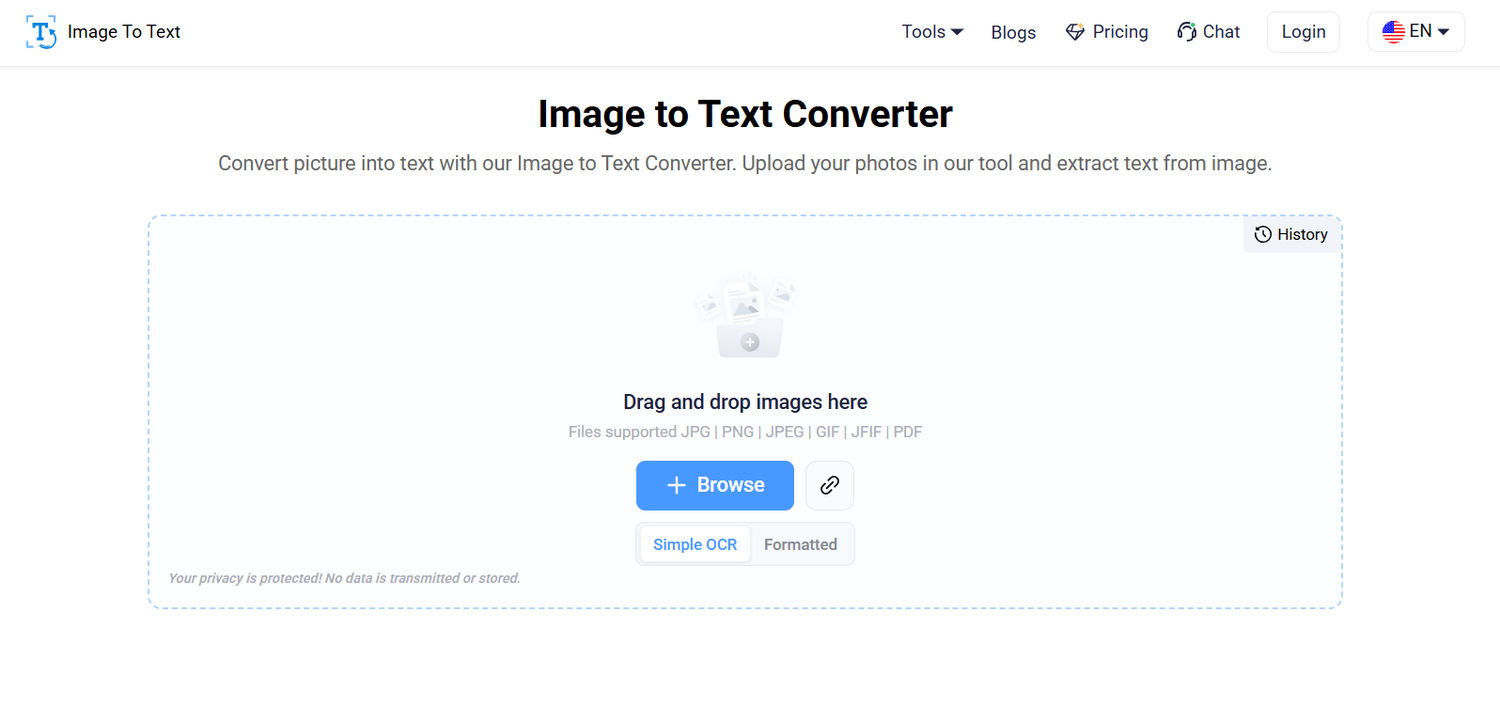
Imagetotext.io - Image to Text Converter
This tool extracts text from images. It uses OCR (Optical Character Recognition) technology to pull out text from images accurately and then returns the output in an editable text file.
Tool link - https://www.imagetotext.io
Oftentimes, you receive images containing text that you want to copy or edit, such as receipts, or screenshots. If you try to type manually, it takes a lot of time, and there are still chances of mistakes. However, with the help of this tool, you can easily extract the text from images and make it editable.
Key features
- Supports multiple image formats: JPG, PNG, JPEG, GIF, JFIF, and PDF
- Quick text extraction
- Comes with Simple OCR and Formatted OCR
- Option to copy or download the extracted text
- No installation required
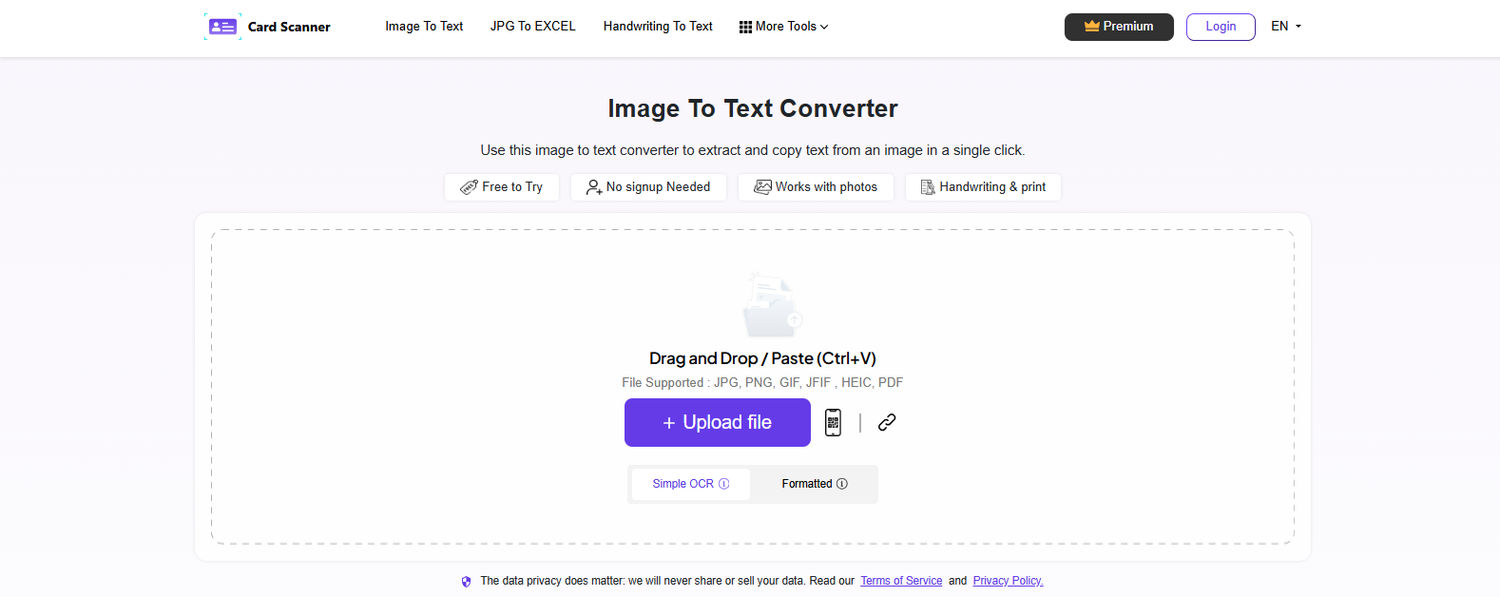
Cardscanner.co - Image to Text Converter
This tool extracts text from images using advanced OCR (Optical Character Recognition) technology. It accurately converts image-based text into editable text using advanced OCR aspects.
Tool link — Cardscanner.co
Sometimes, you receive screenshots, scanned documents, handwritten notes, or receipts containing important text that you want to copy or edit. Typing all the content manually can take a lot of time and may also lead to mistakes. For convenience, CardScanner’s image to text converter takes seconds to extract text from uploaded images and scanned documents for free and accurately.
Key features
- Supports multiple language text extraction
- AI-powered OCR for highly accurate text recognition
- Fast and efficient image-to-text conversion
- Extracts text from blurry and low-quality images
- Supports batch image and document conversion
- Multiple upload options including drag & drop, URL, and cloud import
- Supports JPG, JPEG, PNG, JFIF, WebP, BMP, HEIC, HEIF, and PDF formats
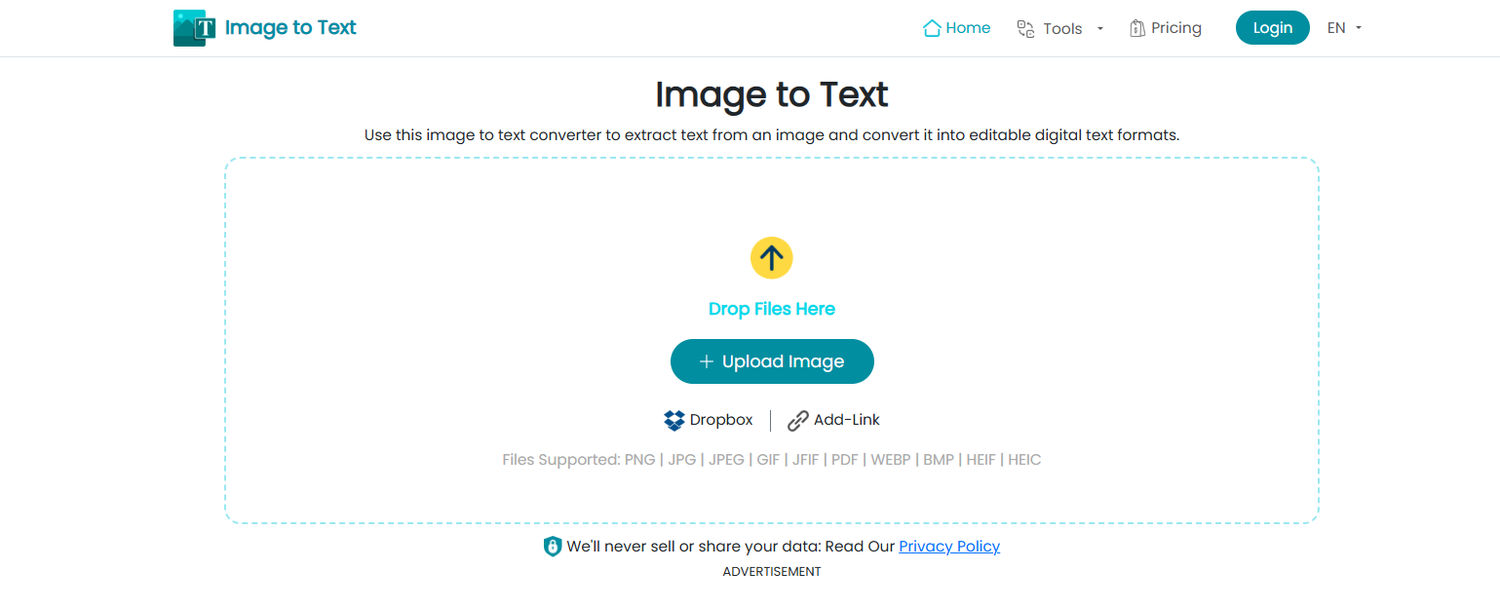
Imgtotext.net – Image to Text Converter
This tool uses OCR (Optical Character Recognition) technology to accurately extract text from images and convert it into editable text within seconds.
Tool link – https://imgtotext.net
If you frequently need to copy text from screenshots, scanned documents, receipts, or photos, an OCR tool provides an easy way to convert image to text online. It helps by extracting editable text directly from images and scanned documents. The OCR technology is fast enough to recognize printed text accurately and works entirely online, making it useful for students, professionals, and anyone who wants to avoid manual typing.
Key features
- AI-powered OCR for accurate text extraction
- Supports common image formats such as JPG, JPEG, PNG, WebP, BMP, and PDF
- Fast browser-based conversion with no installation required
- Copy or download extracted text
- Simple interface with drag-and-drop image upload
- Supports multiple languages
PDF Guru - Image Converter
This is an online image conversion tool. The Image Converter lets users switch between common image formats — JPG, PNG, HEIC, WebP, BMP, GIF, and TIFF — directly in the browser.
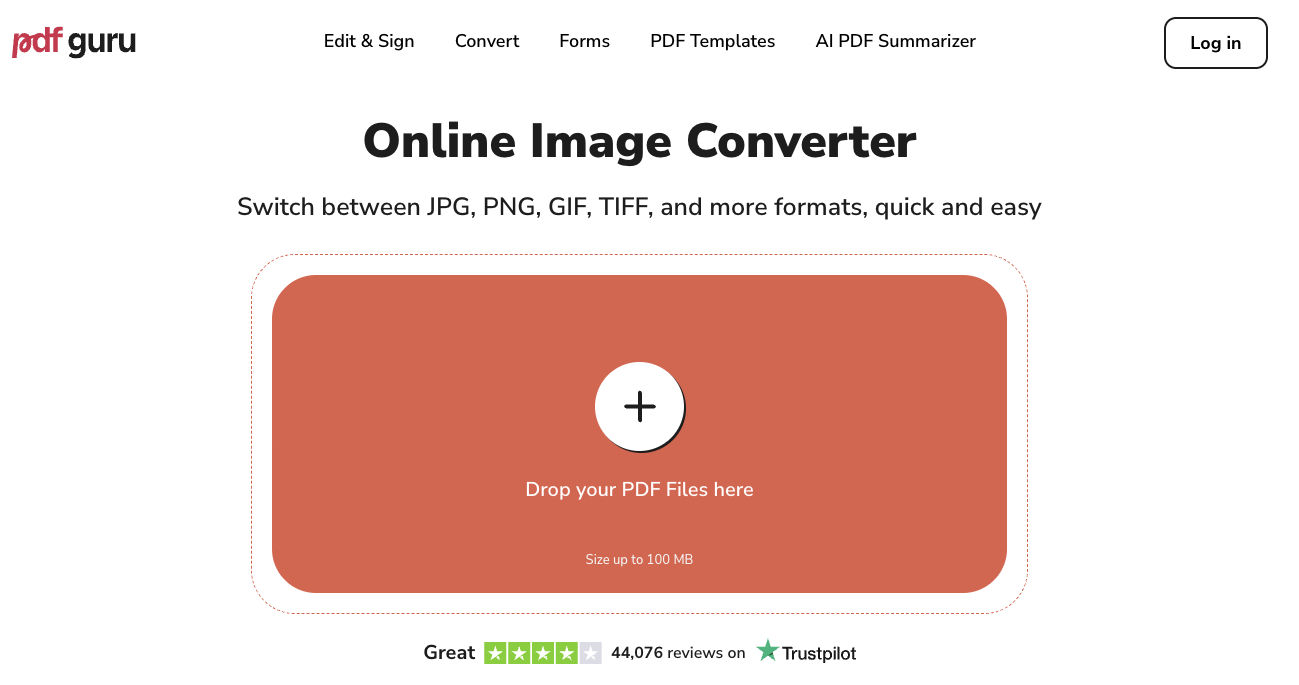
Tool link - https://pdfguru.com/image-converter
When you receive an image in a format that your platform or recipient doesn't support — such as a HEIC file from an iPhone, or a WebP that needs to become a JPG for an email attachment — manual conversion takes time and often requires installed software. This tool handles the format swap in seconds without any installation, which makes it useful for quickly preparing images for emails, uploads, presentations, and compatibility-sensitive workflows.
Key features
- Supports multiple formats: JPG, PNG, HEIC, WebP, BMP, GIF, and TIFF
- Browser-based — no installation required
- Bulk conversion for multiple files at once
- Preserves original image quality
- Drag and drop image upload
Krea.ai - AI Image Upscaler
This tool upscales an image by using artificial intelligence. It improves image resolution, clarity, and enhances details.
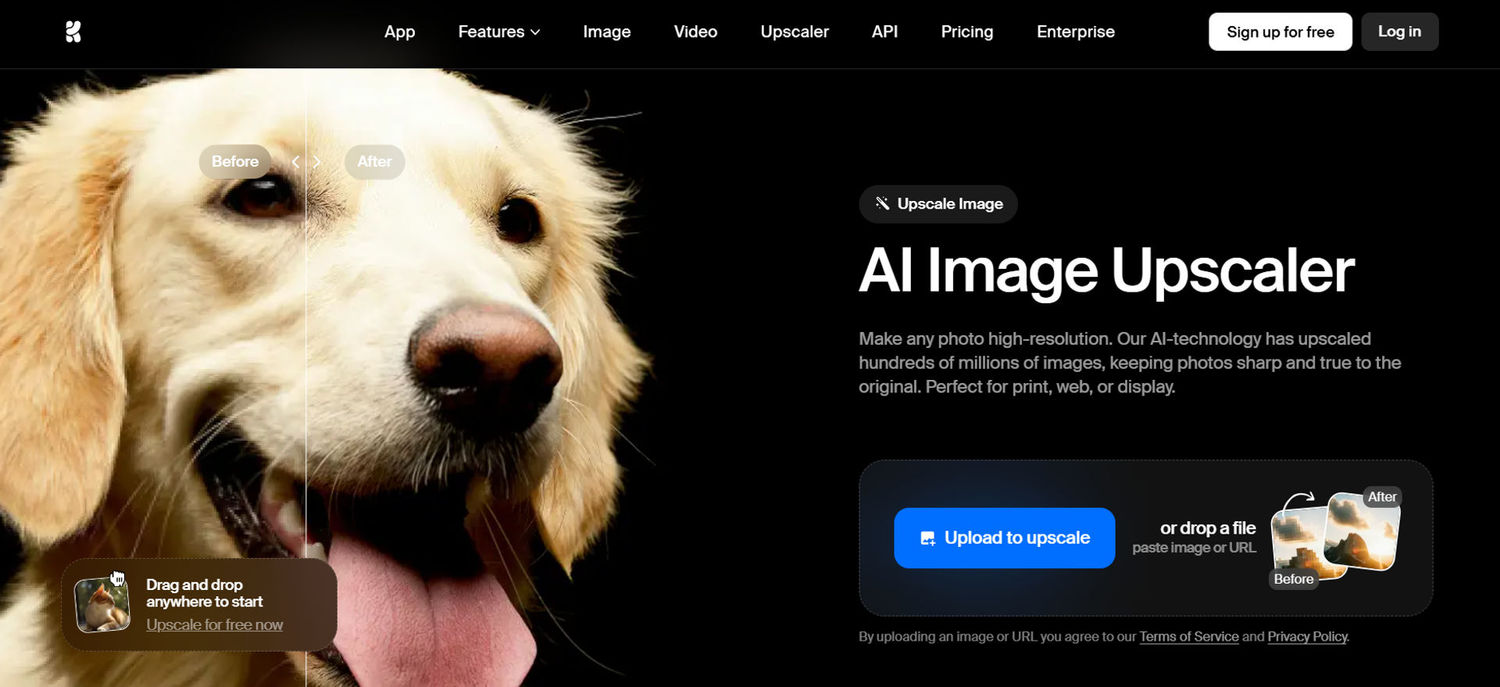
Tool link - https://www.krea.ai/features/ai-upscaler
You often need to improve the clarity of the image when working with low resolution images and compressed images. For example, consider that you have an old photo that looks blurry. You can upload that image into this tool to improve its clarity and sharpness. This makes this tool very useful when making presentations and online product listings where you need a clear image of the product.
Key features
- Improves resolution without blur
- Can upscale images up to 4K and beyond
- Preserves image details
- Accepts multiple formats like JPEG, PNG, or WebP
Screenshot.guru - Screenshot Tool
This tool can capture screenshots of the webpage by just entering its URL. It doesn't require you to download anything or use an extension.
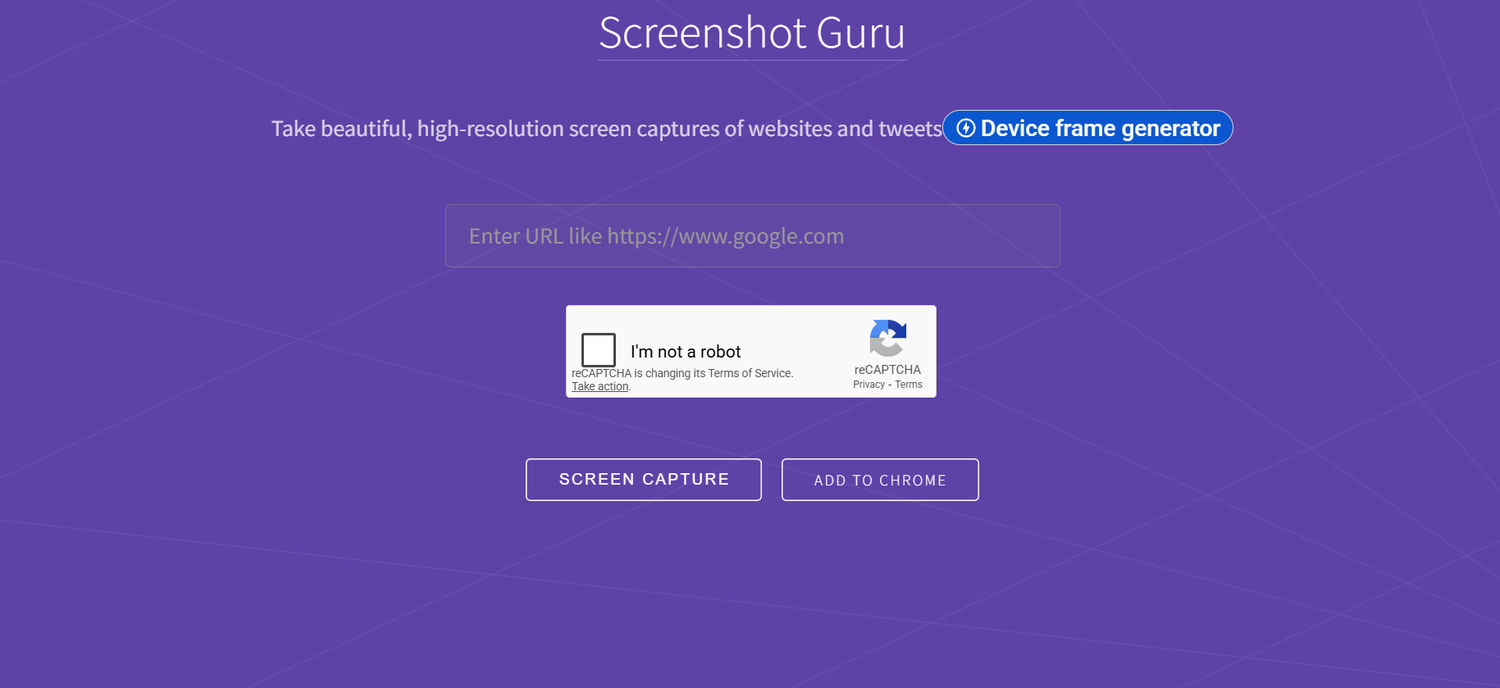
Tool link - https://screenshot.guru
Taking screenshots of blogs, reviews, or social posts is one of the most common tasks that you may do every day. However, taking full-page screenshots might feel challenging. Screenshot guru solves this issue by capturing the full webpage at once through its URL. It easily captures the whole website layout or lengthy sections that normally require scrolling. This saves time and improves your everyday image tasks.
Key features
- Full page screenshot capture
- Works directly from a URL
- No browser extension needed
Birme.net - Image Resizer
It is an online image resizer tool that can adjust the image dimensions according to your requirements.
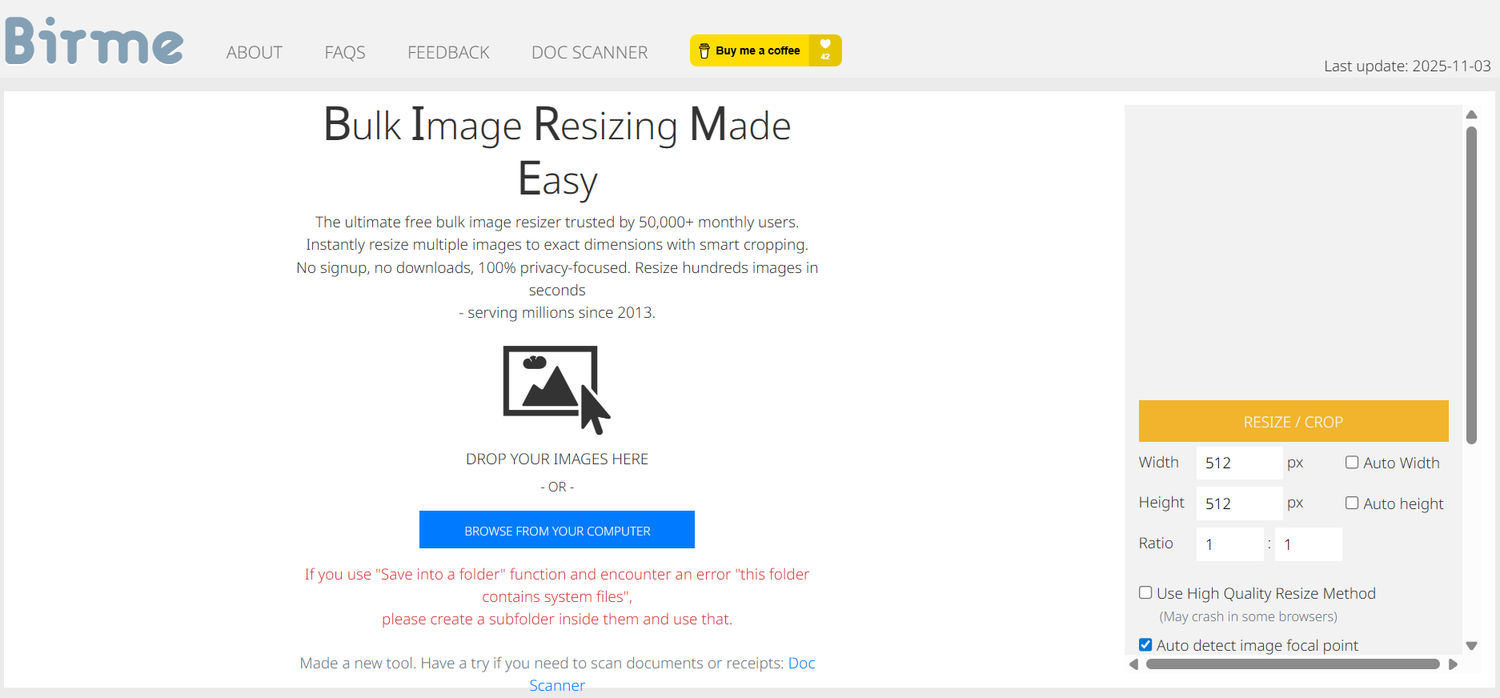
Tool link - https://www.birme.net
You know that different platforms require different image sizes. And if you don't upload the exact image size, the image can get cropped or rejected. This tool allows you to adjust the image dimensions before uploading it to different platforms. This helps avoid cropping issues and upload errors while saving time on editing image size.
Key features
- Bulk image resizing
- Custom width and height options
- Can auto-load previous settings you used
- Supports drag and drop images
LOGO.com - AI Logo Maker
One image task almost every project runs into is needing a logo, whether for a profile picture, a watermark or a favicon. LOGO.com is built around custom icon generation: describe any symbol in plain words and the AI draws it for you, from scratch, in fourteen art styles. No digging through the same stock clip art everyone else uses, the icon is one of a kind and yours. Fonts, colors and layout stay fully editable before you export your image files.
Tool link: https://logo.com/logos/artificial-intelligence
Key features
- Custom AI icons from text
- Fourteen icon art styles
- Fully editable fonts and layouts
- Real world mockup previews
- Logo files for any placement
Final Thoughts
You often perform multiple image tasks daily. Even though these seem like small tasks, they consume much time. Such common tasks include searching images, extracting text, improving quality, capturing screenshots, and resizing files. These tasks can become easier with the help of online tools. They work directly in your browser and can complete the task within seconds.
I’ve mentioned a few useful online tools above. You can use them according to your image task to make it faster and more manageable without adding extra effort.

Author
Guest Post
Content Writer
Continue reading
General
How Teams Can Improve Their Image Search Skills with AI-Powered Tools
AI-powered visual tools are changing how photographers, digital marketers, content creators, and researchers work. In a single day, one person might trace the source of a photo, check a campaign image for duplicates, and look for similar visuals for a new project. The tools evolve quickly, and training often struggles to keep up.
General
6 Useful Tools for Finding Similar Images and Exploring Visual Matches
An image can communicate an idea in seconds, but sometimes the picture itself raises more questions than it answers.
General
Lenso.ai vs. Yandex. Reverse Image Search + Face Search Compared
Yandex and Lenso.ai are both reverse image search websites that are used by people wanting to find objects, places or people online. Is there a clear winner between the two? Who does what best? In this article, we will compare Lenso.ai and Yandex and we will try to select the website who performs better depending on your personal requirements.
General
AI-Powered Image Tools: From Finding Photos Online to Preparing Them for Official Use
Have you ever looked at a photo and thought where else it might have been used online? Or maybe you need a ready-to-submit passport photo in a short time and have no clue how to get it right? The problem in both cases is that you have to find the right photo and know how to prepare it for official use.

General
Best Online Tools for Image Search and Digital Research
Finding the right information online is not always as simple as typing a few words into a search engine. Sometimes the information you need is contained in an image, while in other situations you may need to work with numbers or technical data to understand what you have found. The right online tools can make these tasks faster and more manageable. For people who regularly work with visual content, research, or digital information, here are some useful tools worth considering.