Preview in:
Reverse image search: your go-to tool for this Thanksgiving
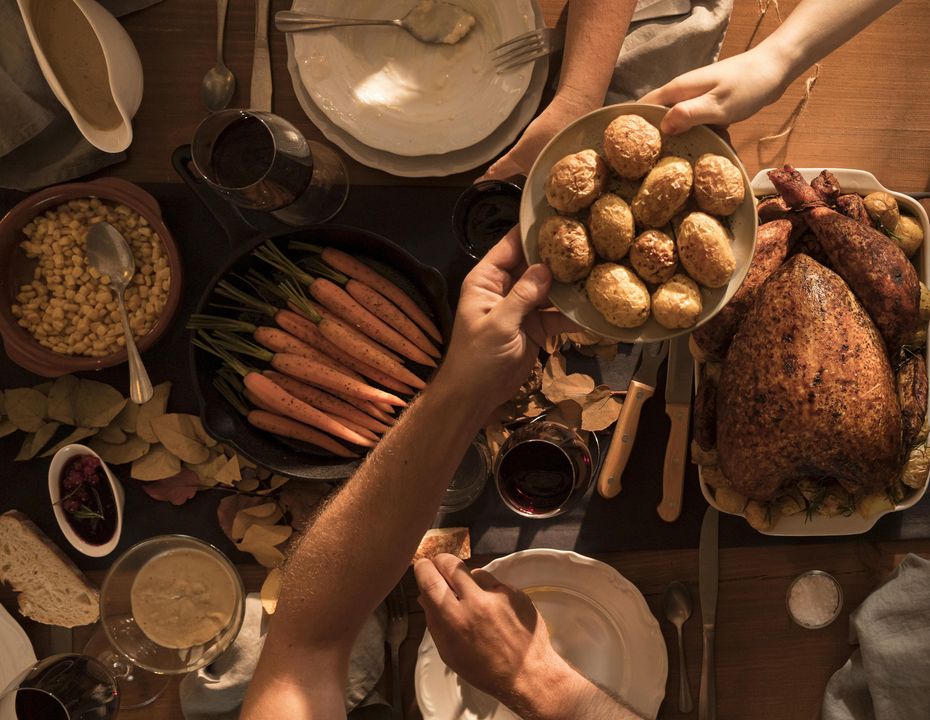
Reverse image search, or basically the option to search by image, can help you in different ways, but let’s focus on an important one – Thanksgiving recipe inspiration.
Please remember that it is not enough to Google “reverse image search” and choose the first tool you see (as there may be scams among the top results). You need to use a tool that actually works.
We will show you examples using lenso.ai – as it is the best reverse image search tool.
But here are some lenso.ai alternatives that are also worth trying:
- Google Image Search
- TinEye
- Copyseeker
- Yandex
Now, let’s get back on track and help you save your Thanksgiving!
How to use reverse image search to find the best Black Friday deals?
How to find Thanksgiving recipes using only a photo?
So, there may be different scenarios where image search can be helpful:
- You have old photos from past Thanksgiving dinners and do not remember the recipe for a specific dish.
- You would like to get some new inspiration or find interesting recipes for your upcoming dinner.
- You found some fancy images on Instagram or Pinterest and are dying to find a recipe for that dish because it simply has to appear on your table.
Either way, you can simply follow the next steps to get closer to finding that recipe.
1. Let’s start by uploading an image to lenso.ai
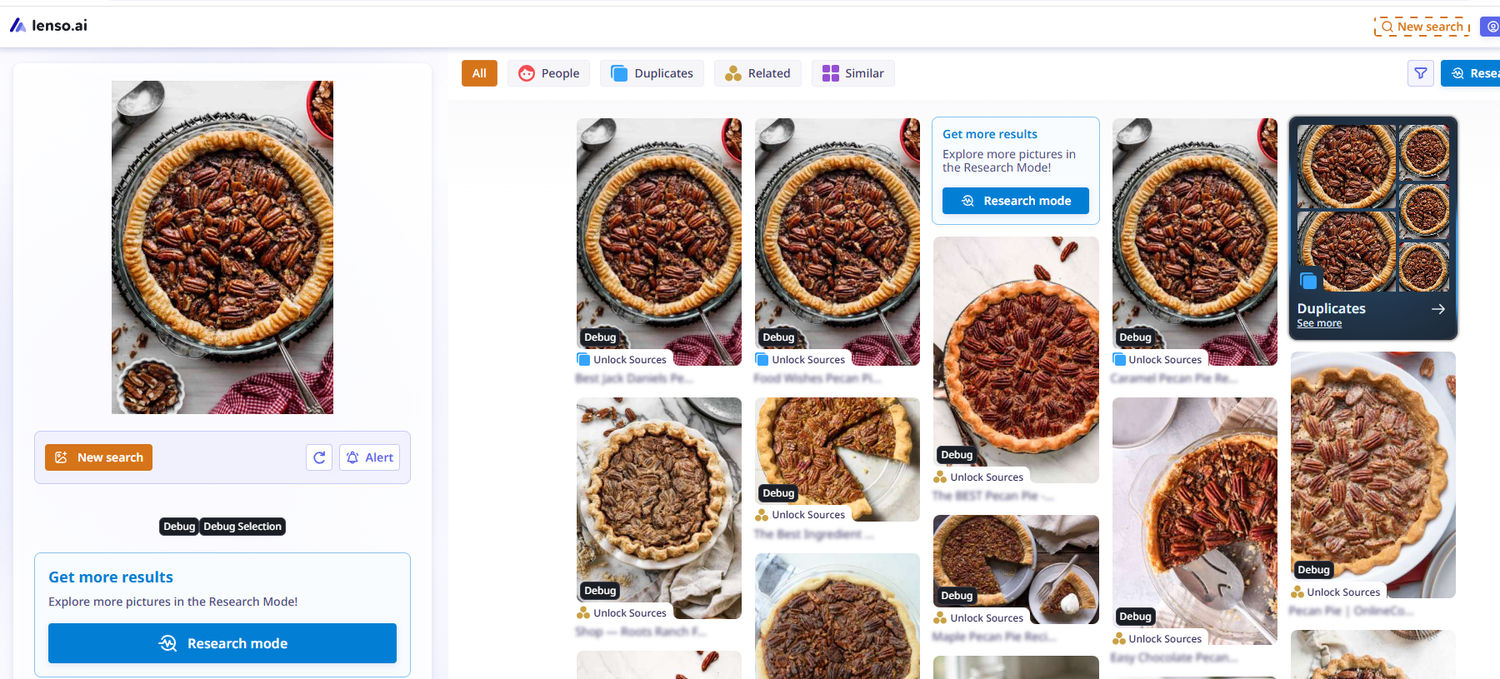
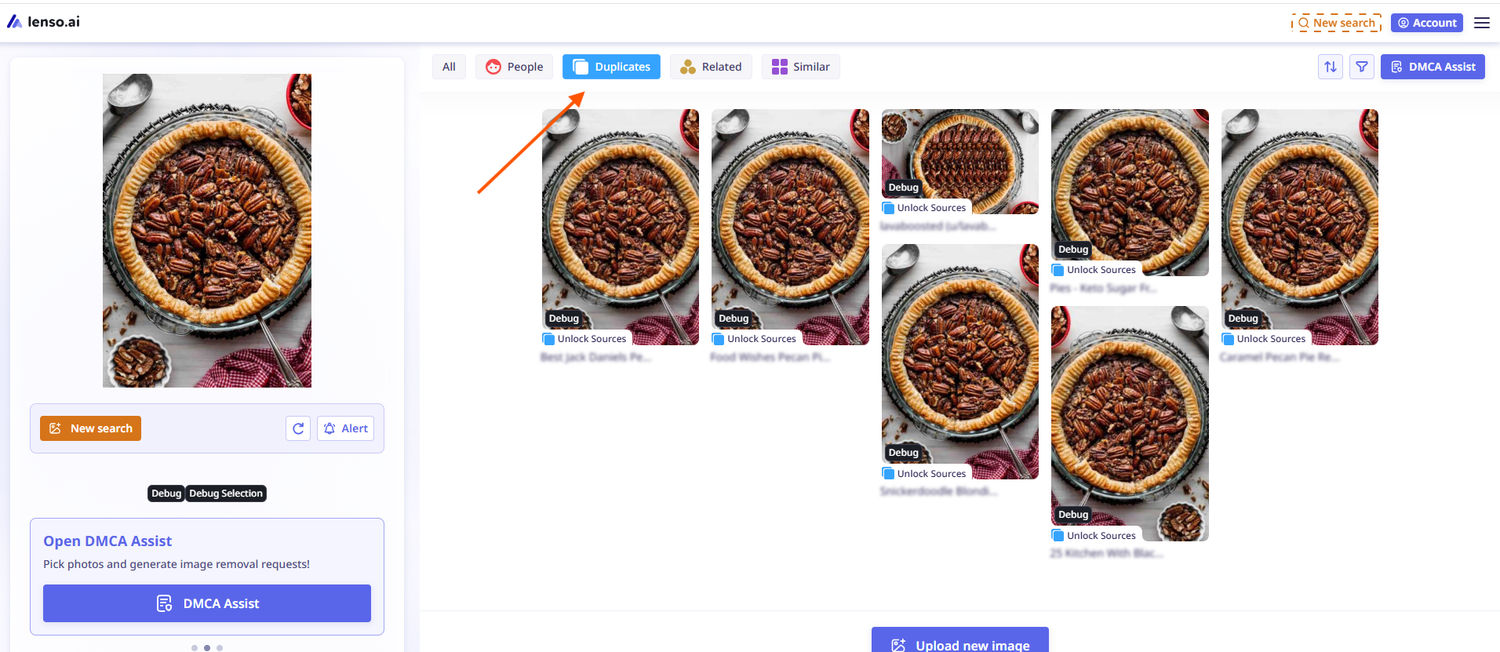
2. Check whether there are any exact matches to the photo (maybe someone reused it and added a recipe, or you might find the original post featuring the photo).
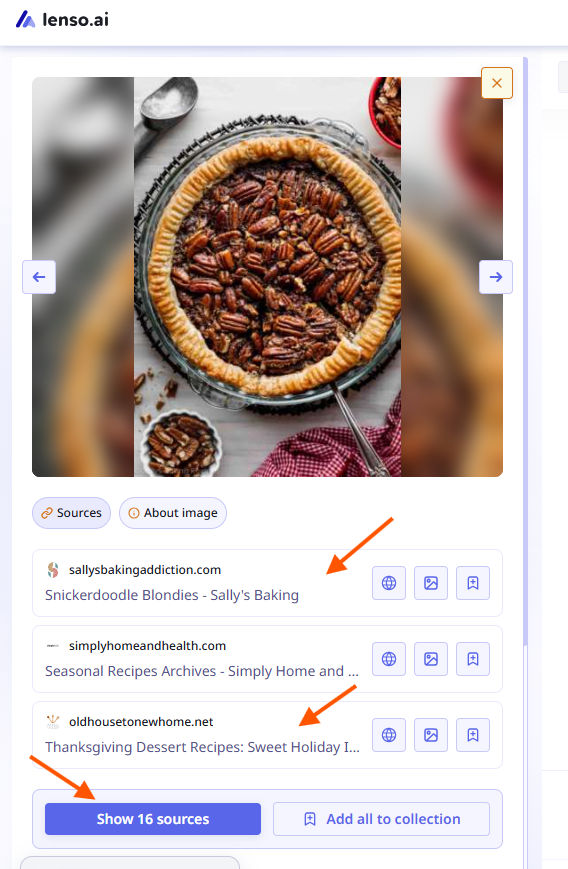
3. Unlock the original URL source (there you will find exactly where the photo was published and some additional context).
4. If you are mainly here for inspiration, check the Similar or Related categories – there may be plenty of results that can lead you to a recipe.
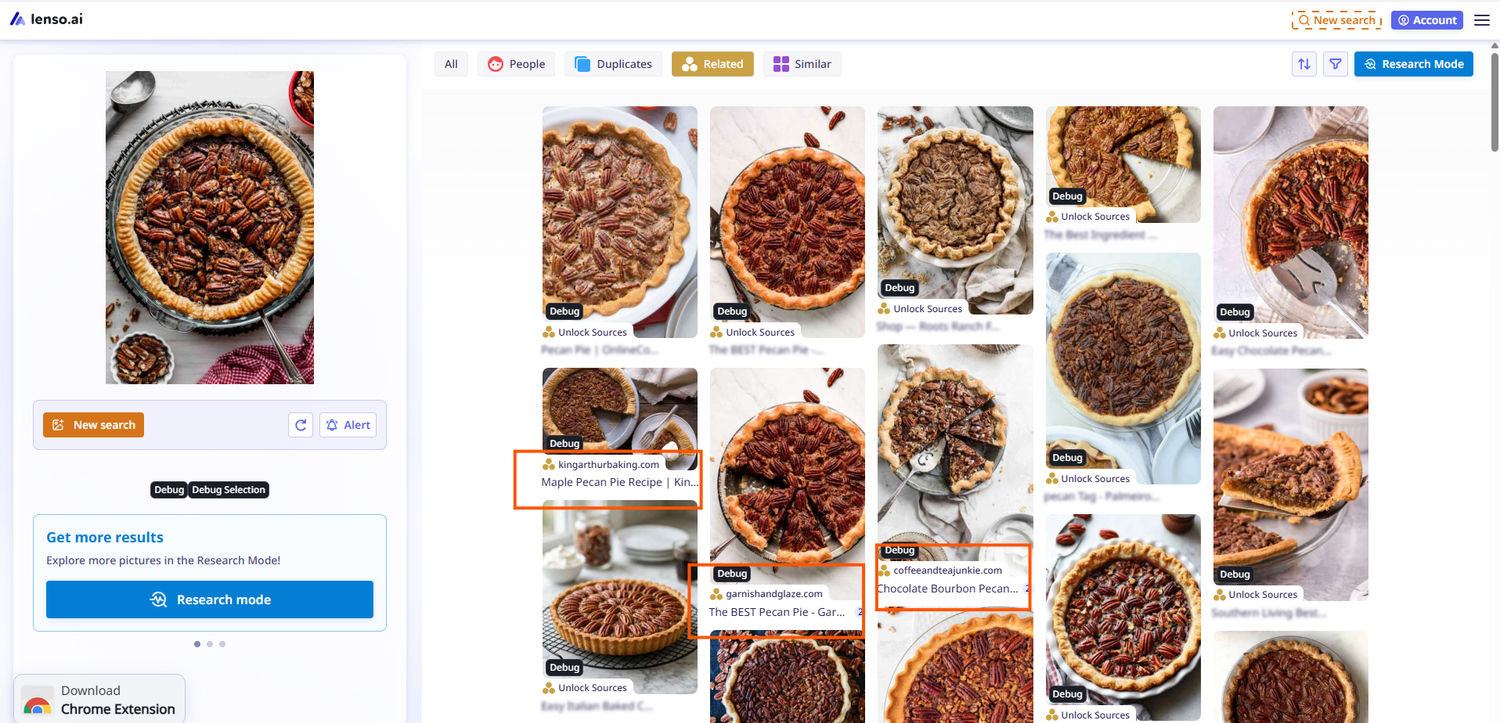
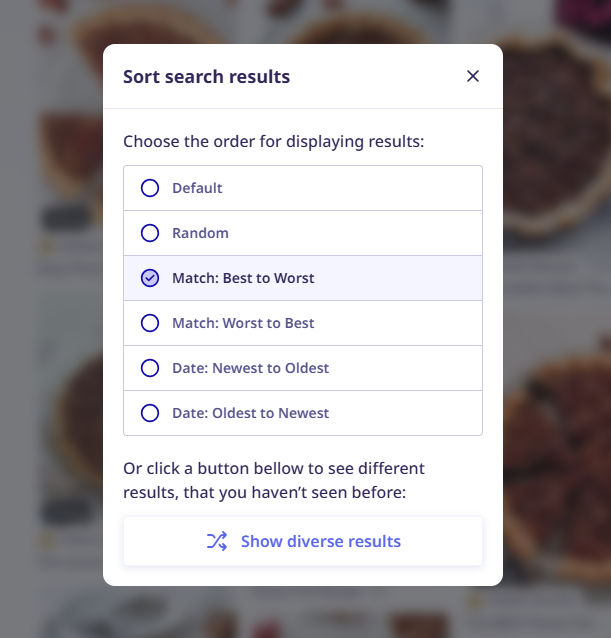
5. If you have too many results, try to sort them (newest/oldest, best/worst match) or filter them (by domain or keyword).
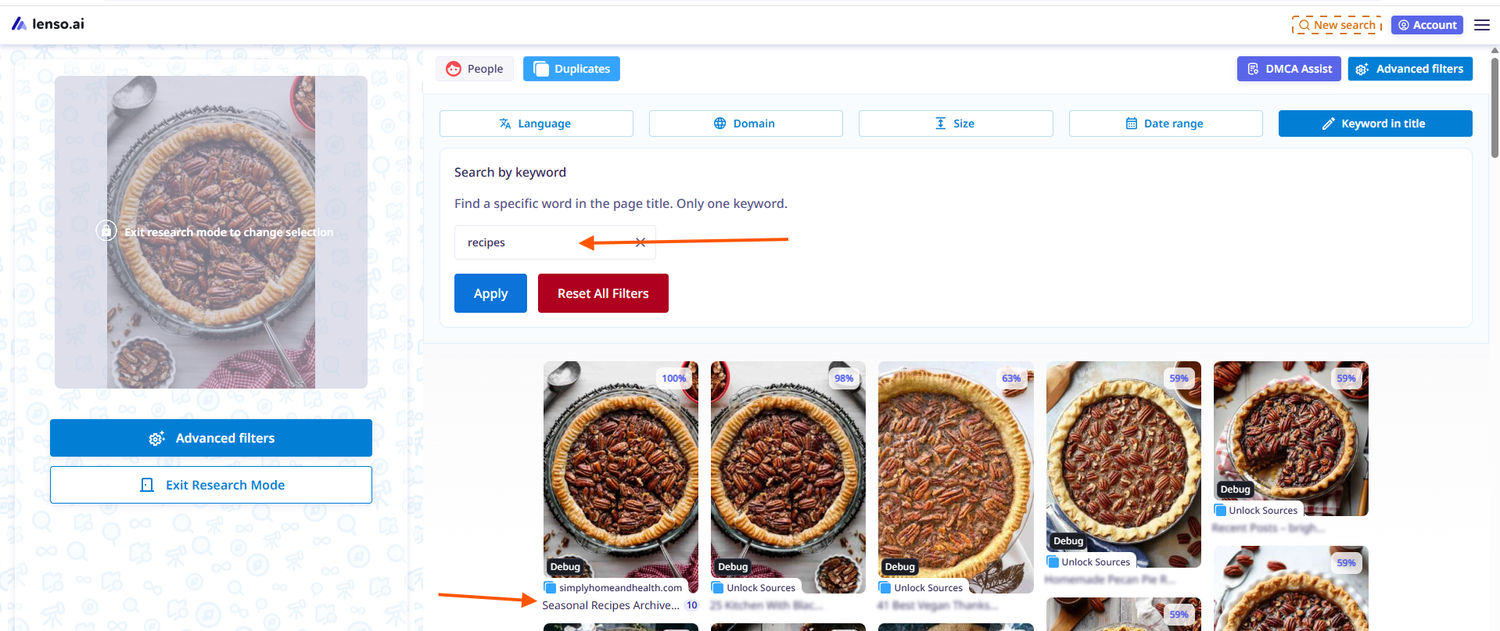
6. Use Research Mode and the advanced filters available there (include/exclude language or domain, date range, image size, keyword in title).
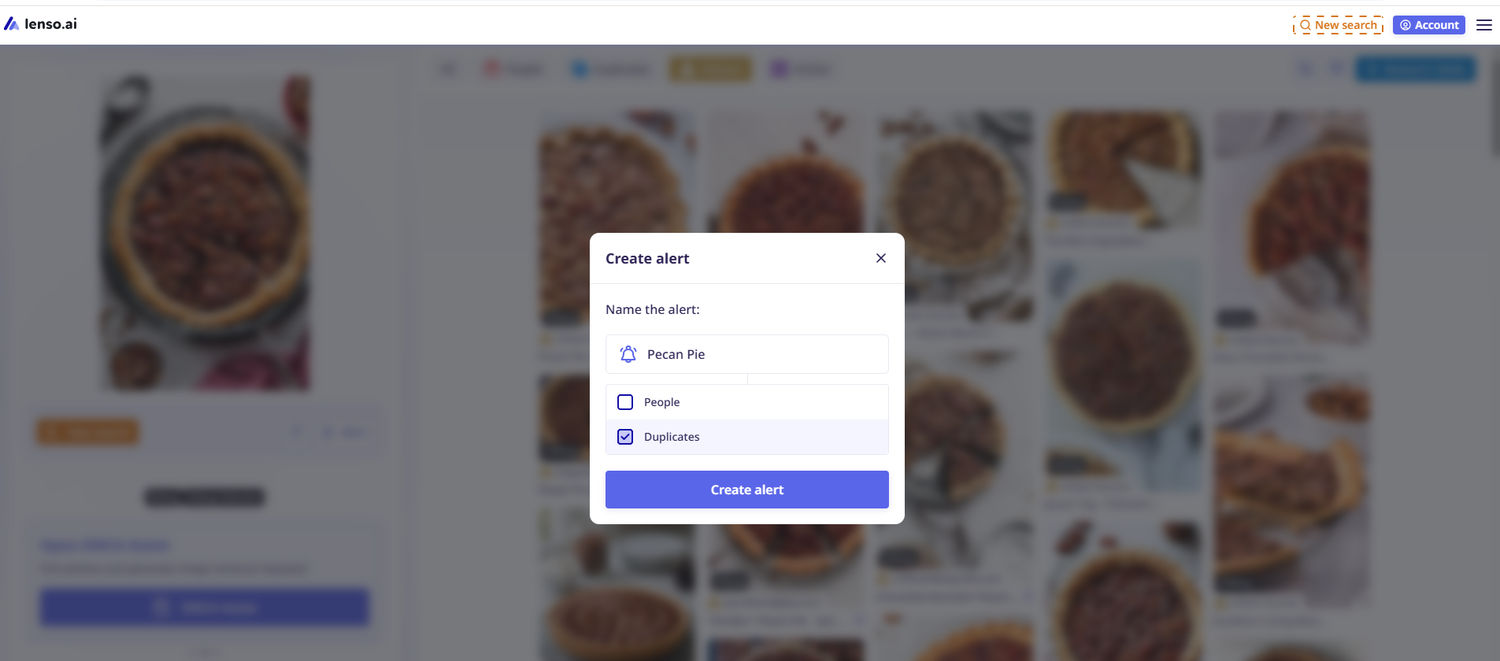
7. If you still have time and are not fully satisfied with the results, create an Alert (you will receive an email notification whenever new matches appear).
8. If you’ve found your recipe, create a shopping list and bring that dish to life!
9. Enjoy your Thanksgiving!

Author
Julia Mykhailiuk
Marketing Specialist
Continue reading

Guides
How to Find Cheating Evidence Online?
Cheating is hard to spot when it happens online and stays on a cheater’s phone. If you suspect you are being cheated on, keep reading. This article brings together tips, tools, and websites that may help you find clarity if you have concerns about your relationship.

Guides
How to Prepare and Convert Images for Reverse Image Search
A product photo, a transparent logo, and a screenshot may arrive in the same folder, but they should not automatically leave it in the same format. Choosing the wrong output can replace transparency with a solid background or soften text that was perfectly readable. These differences matter when preparing images for websites, online platforms, and reverse image search tools.

Guides
Find cozy fall aesthetics online with reverse image search
Fall is the perfect season to shop for cozy, aesthetic finds. With the internet overflowing with autumn posts and inspiration, it can be hard to narrow down what you want. How to find cozy fall aesthetics online with reverse image search?

Guides
How to find the perfect fall photoshoot location from a photo?
Fall is the perfect time for a new photoshoot, whether you want to create fresh content for your personal social media accounts or promote your product or brand with an authentic fall vibe. But first, you need to find the right place. Find out how to discover the perfect fall photoshoot location from a photo.

Guides
What to do in the first ten minutes after you find your own face in a reverse image search?
Finding your own face in a reverse image search is a strange feeling. Not usually because the result is sinister, most of the time it is a conference photo, an old profile picture, a team page from a job you left in 2019, but because you did not put it there and you did not know it was there.