
Preview in:
For anyone looking to find more information about a specific person - or even about themselves - beyond what a simple Google search can offer, there are plenty of tools available.
While many OSINT tools come with a huge price, it's definitely worth exploring the free or freemium options as well.
Let’s find out how OSINT tools can enhance your people or face search investigation.
Best Free OSINT tools for people and face search in 2026
1. Lenso.ai - AI-powered reverse face search tool
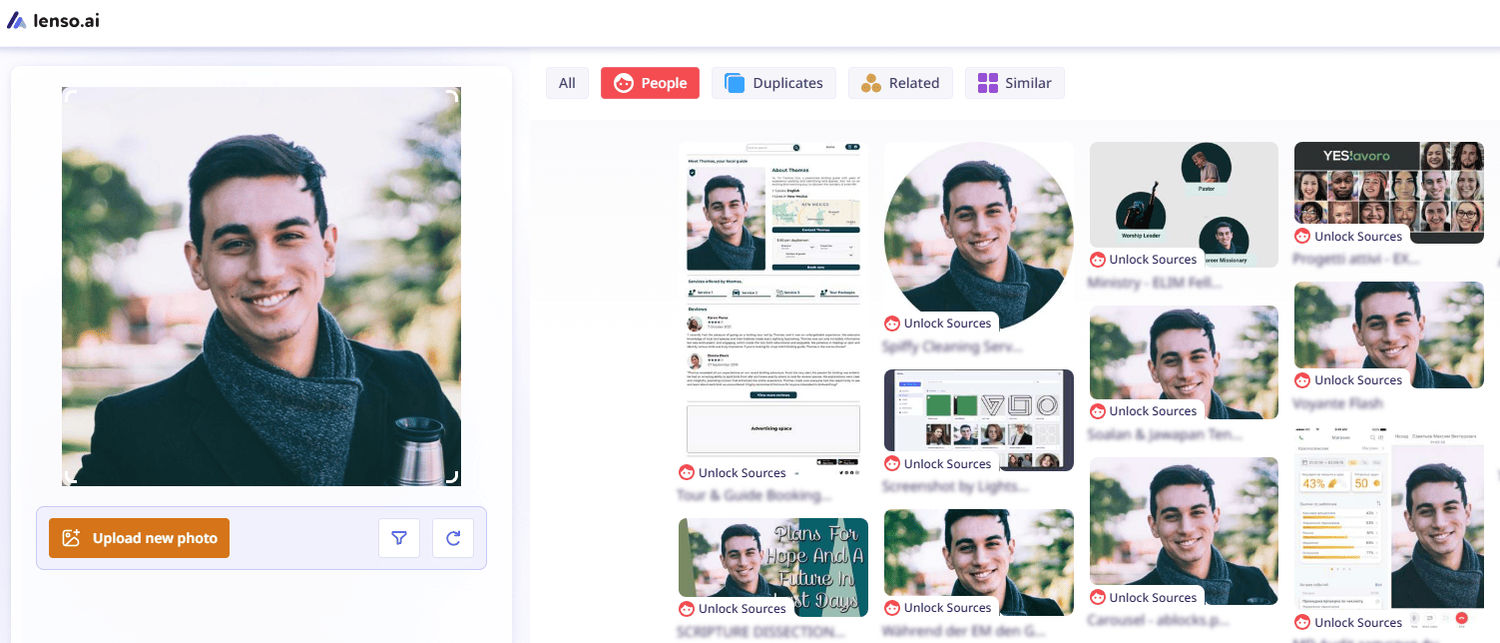
Thanks to face search on lenso.ai, you will be able to find more information about a specific person using only an image. The reverse face search engine implemented on lenso enables you to find a perfect face match and check all available URLs where the image has been published. That certainly brings more light to your investigation process.
Filtering by keyword or specific domain will help you refine the face search. Sorting options (newest/oldest; best/worst match) will eliminate excessive information.
Moreover, you can also create alerts for specific images and receive email notifications whenever new results appear online. That may save you a great deal of research time.
There is also an API available, which can be helpful for OSINT investigators: Best Face Search API | lenso.ai Reverse Image Search
And don’t forget about Research Mode, which can help you find thousands of new face search results that you can easily refine with advanced filters.
2. Eyematch.ai - new AI face search
.png?updatedAt=1769778851783)
Eyematch.ai is another alternative for OSINT investigators that focuses solely on face search. Just upload an image to see a full list of exact matches.
If you have a group photo, you can also upload it to Eyematch, select the face you want to search for, and check the results.
3. Pixalytica - AI-based KYC report tool
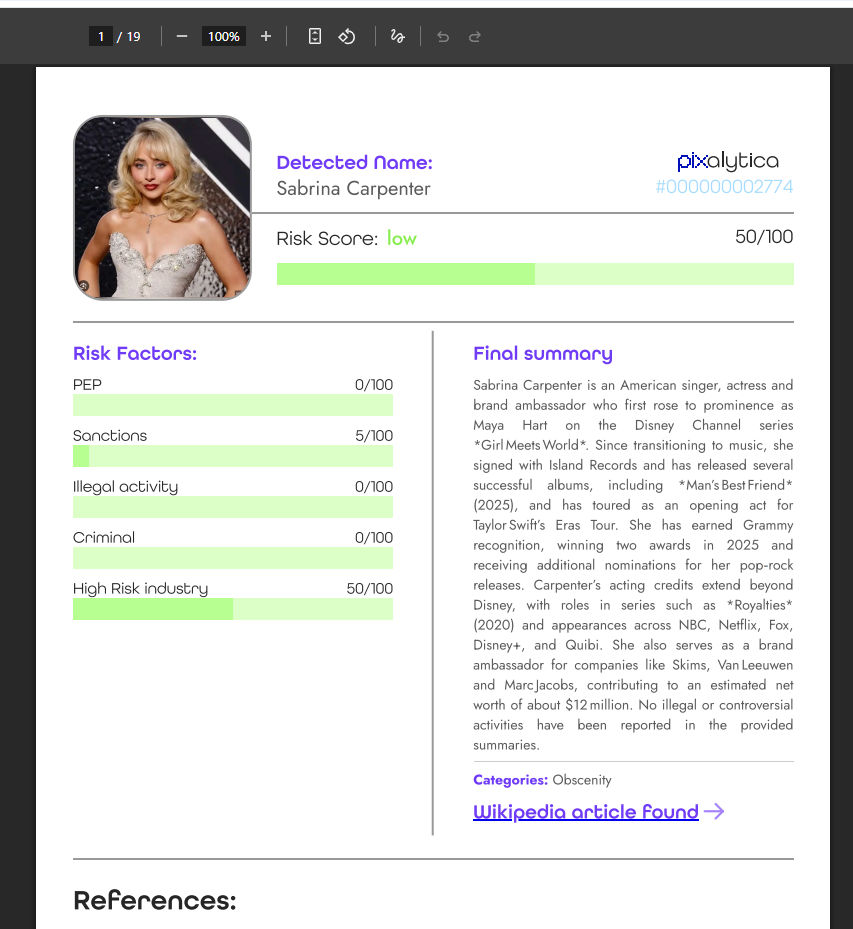
Pixalytica is an advanced OSINT tool that can reveal a full background on a specific person. It also uses a facial recognition engine, so all you need is an image of the person (a name and surname are optional).
In less than 20 seconds, you will receive a full report with a summary of the person’s background, risk factors, any criminal history, and potential suspicious correlations. This can be crucial for OSINT investigators.
4. Spokeo - people search
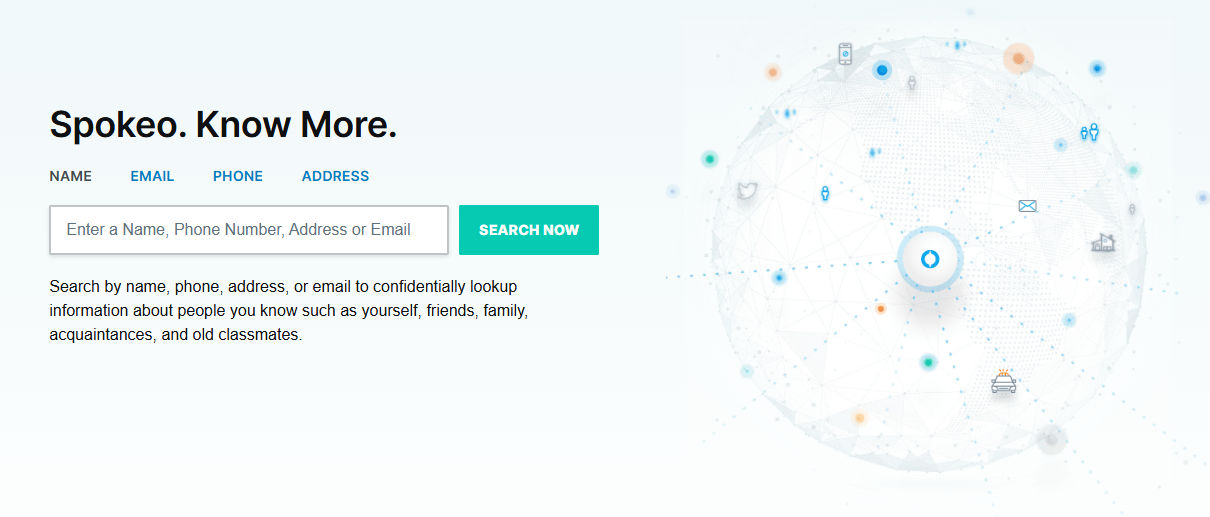
Spokeo specializes in collecting public records, contact details, and social media profiles, giving you a more socially-focused way to search for people. It's a handy tool if you want to gather publicly available data quickly and without spending much.
Spokeo lets you access property records, phone numbers, and email addresses.
5 Best People Search Tools in 2026 | by AI-image-search | Medium
5. Hunter - email finder
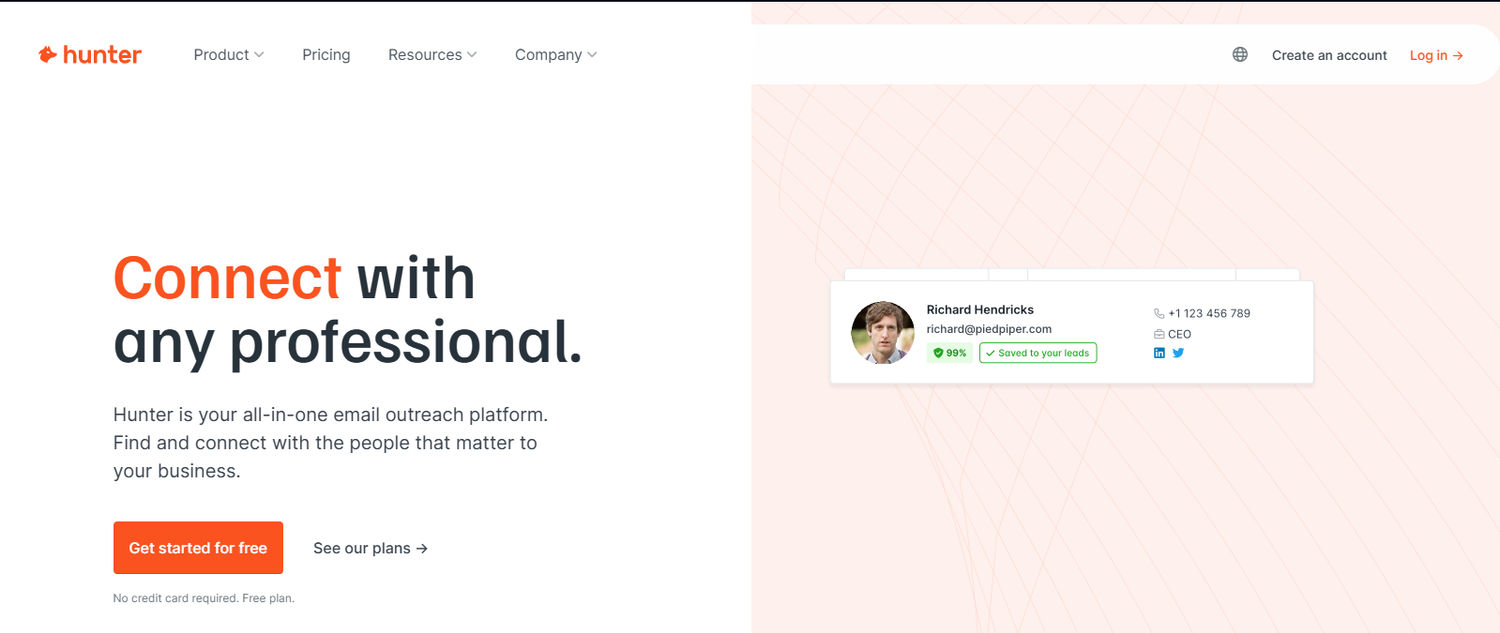
Hunter is another OSINT tool that can be used for email searches of a specific person. All you need is either the company they are associated with or their full name.
How to find information on anyone: The best OSINT tools for people search – Molfar
6. Crimewall by sociallinks
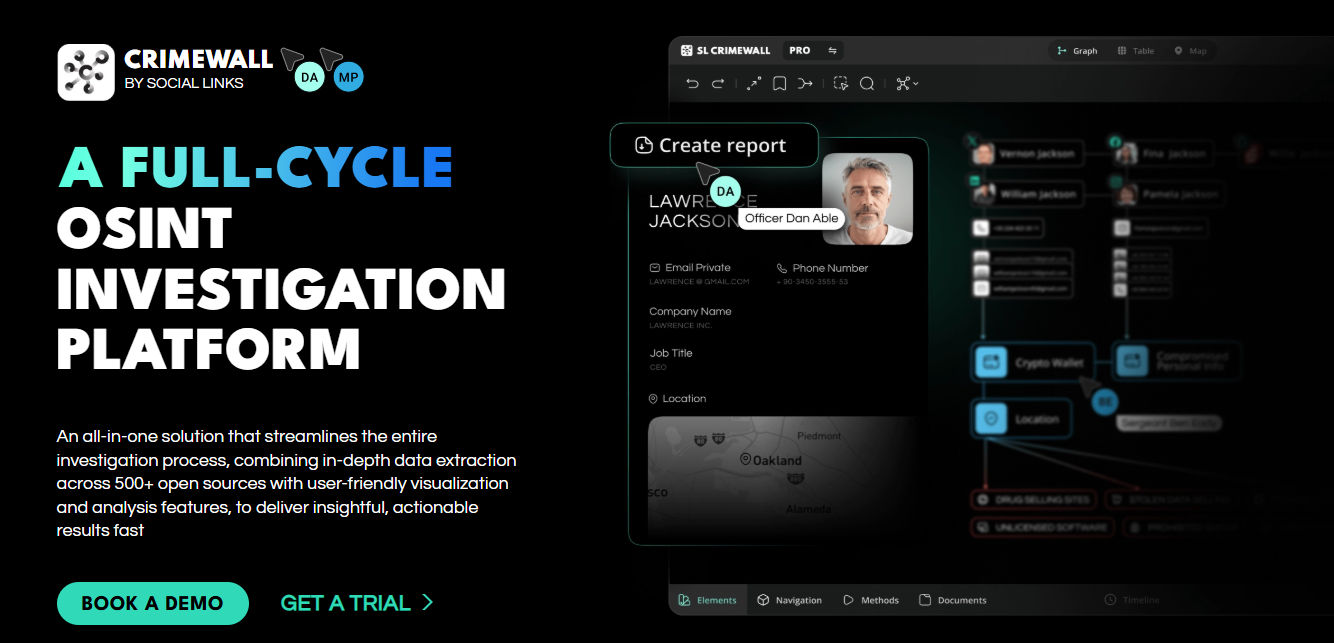
Crimewall is a full-circle OSINT platform that helps you gather information and create reports about your investigation. Besides that, it helps you visualize connections between pieces of information and individuals - which can be crucial when dealing with large amounts of data, where it's easy to overlook important details.
15 Best OSINT (Open Source Intelligence) Tools for 2026
7. Google Dorking
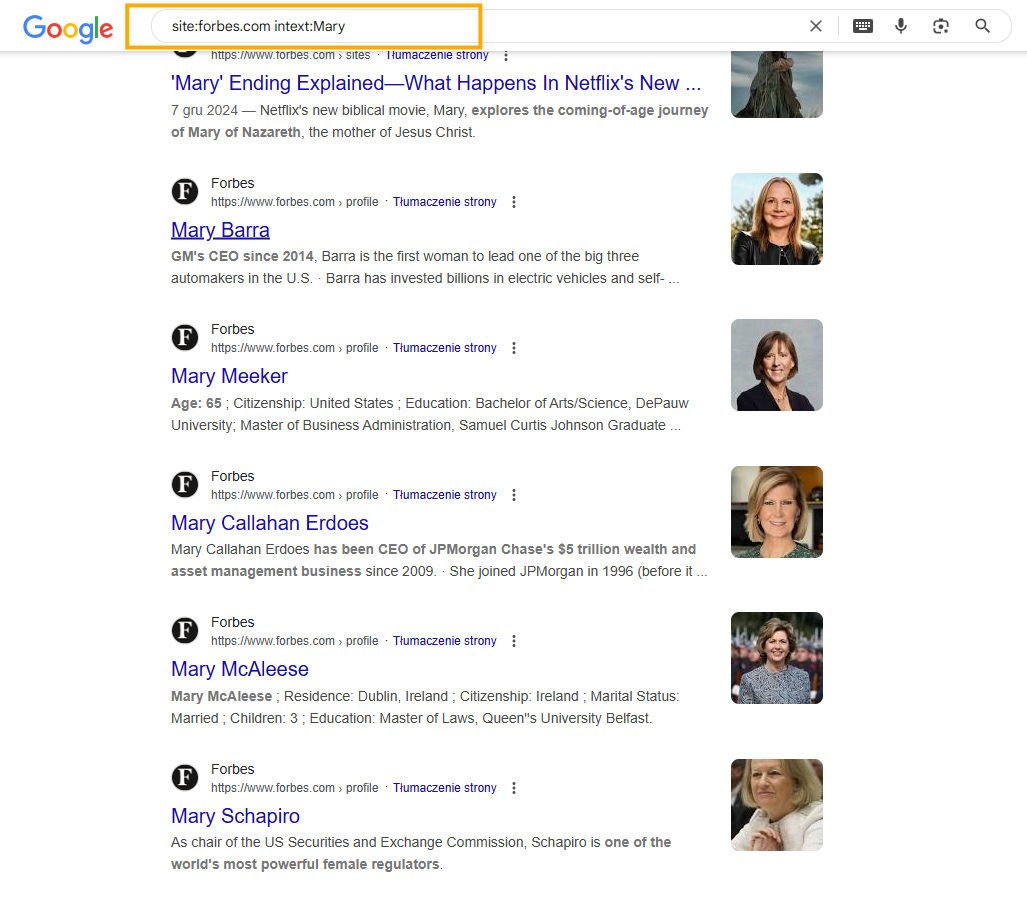
Google Dorking is an advanced technique that takes Google search to the next level by using special search operators. These operators help refine search results and uncover information that’s not easily visible through regular queries.
It's especially useful for finding exposed documents, login pages, or personal data indexed by mistake. It can even help you spot fake login screens used in a browser in the browser attack. With the right search string, Google Dorking can reveal a surprising amount of OSINT-ready information.

Author
Julia Mykhailiuk
Marketing Specialist
Continue reading

News
Lenso.ai One-Time Payment: Reverse Image Search Without a Subscription
If you want to make unlocks on lenso.ai, but you don’t want to be tied to a subscription, here’s a solution you should consider: one-time payment. With one-time payments, you can purchase the product once, make unlocks and decide if you want to switch to a full plan later! This article explains how you can access the one-time payment and all the benefits it offers.

News
Using facial recognition and reverse image search for public security intelligence
Public security intelligence should implement and use only the best and most advanced tools that can help during the investigation process and provide support at different stages. How can facial recognition and reverse image search help?

News
How do Face Search Tools Work? Facial Recognition AI Models Explained.
Have you ever used a facial search tool and wondered how it works? In this article, we will explain the basics of facial recognition and tell you how face search websites build their own AI for face search engines.

News
Top 10 Reasons Why Lenso.ai Is the Best Face Search Tool Online
There are multiple facial search tools available on the internet. Most of them cost a lot, but do very little. Others provide low quality of results, show paywalls before the search even starts, or reel customers in by false advertising. Lenso.ai is the best facial search tool online, and here are some of the top reasons that prove it.

News
How Reverse Image Search Catches Stolen Before-and-After Photos in Home Service Marketing
A tree service in one state removes a storm-damaged oak, photographs the cleanup, and posts the before-and-after shots on Instagram. Eighteen months later, a company three states away is running the exact same photos as their own work on a Google Business Profile, cropped slightly and stamped with a different logo. Nobody at the original company notices, because nobody's looking. Nobody at the second company worries about it, because nobody's ever gotten caught.