
Preview in:
Why should you use apps and tools for learning?
Applications and online tools can help with your studies, making the college experience easy and learning more effective. You can learn anything without online tools, but with their help, your studying speed and effectiveness will be enhanced.
Research supports the idea that digital tools can enhance learning effectiveness and engagement when used with clear goals and structure.
However, it’s important to keep in mind that simply having tools doesn’t guarantee better results. It’s how they’re used that makes the difference.
How to use online learning tools for the best effects?
- Make up a goal in mind - Memorize definitions, understand a concept, organize notes, and collaborate on a project with the help of tools like college chatbots.
- Fewer tools, better results - Don’t use too many tools at once - keep it simple.
- Check your work before submission - Before turning in an assignment, students can use an AI detector for students to review potentially AI-flagged sentences and make necessary revisions.
- Review and adjust - Optimize and remove tools that don’t make your work easier. Swap tools when needed.
- Use different forms of learning - Instead of focusing on one form or medium, like reading or listening, combine a few techniques. Visual learning, like books and publications, or video content, such as online videos and tutorials, are both important in the learning process. Sometimes learners also use short summaries from tools like the Headway app to quickly revisit key ideas between longer study sessions.
lenso.ai
Lenso.ai is an AI-powered reverse image search tool that helps you find images online. It’s useful for copyright protection and academic research.
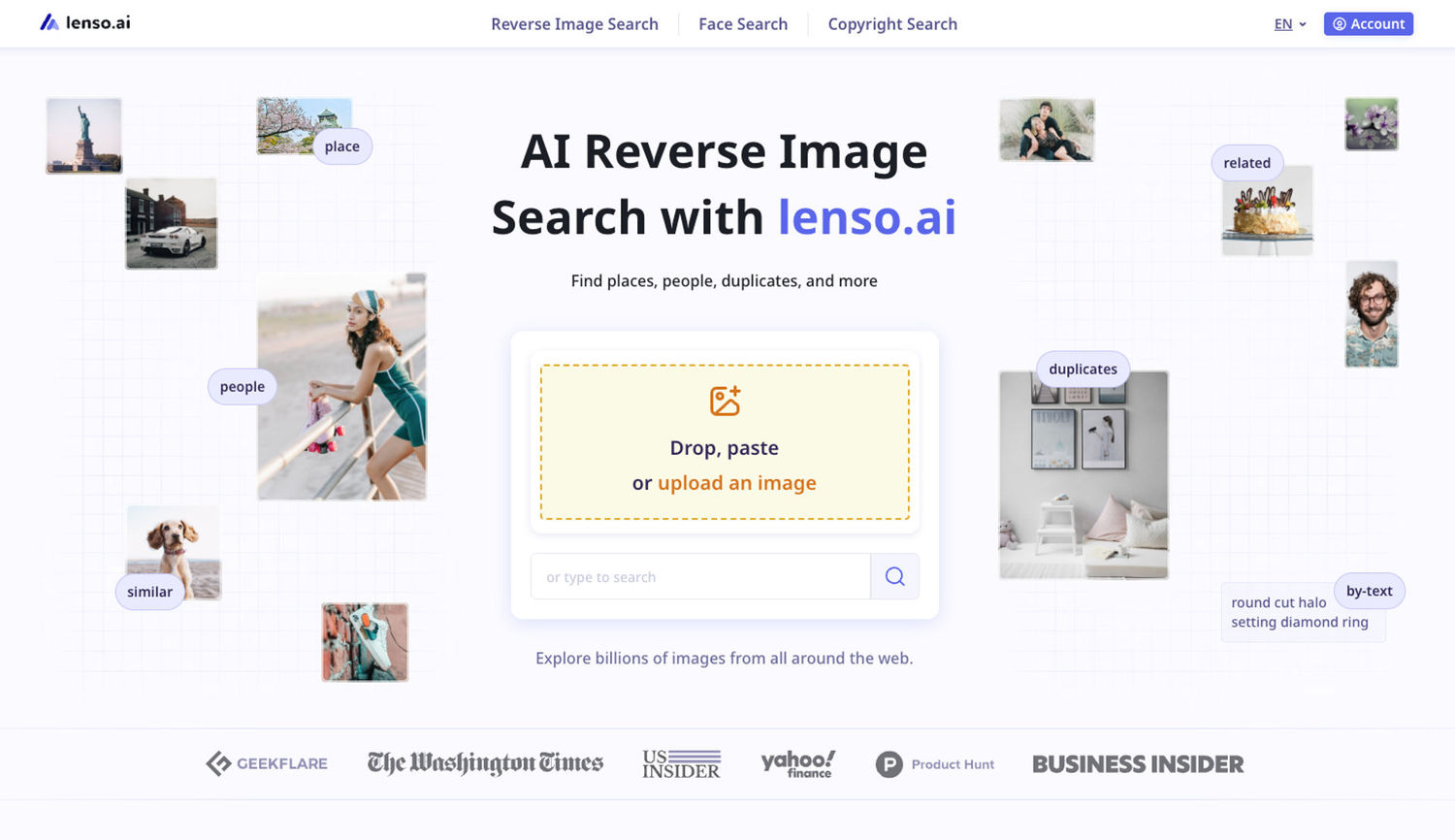
How can lenso.ai help you with your studies?
- It helps you find the original source and context of images used in academic materials.
- It shows you similar or related images when keywords are not enough.
- It helps verify whether images are real, edited, or reused.
- It speeds up visual research for subjects like art, history, biology, or geography
- It helps you avoid copyright issues by checking the original sources.
- It enables advanced exploration through Research Mode.
- It helps you find historical figures from just a photo of their face.
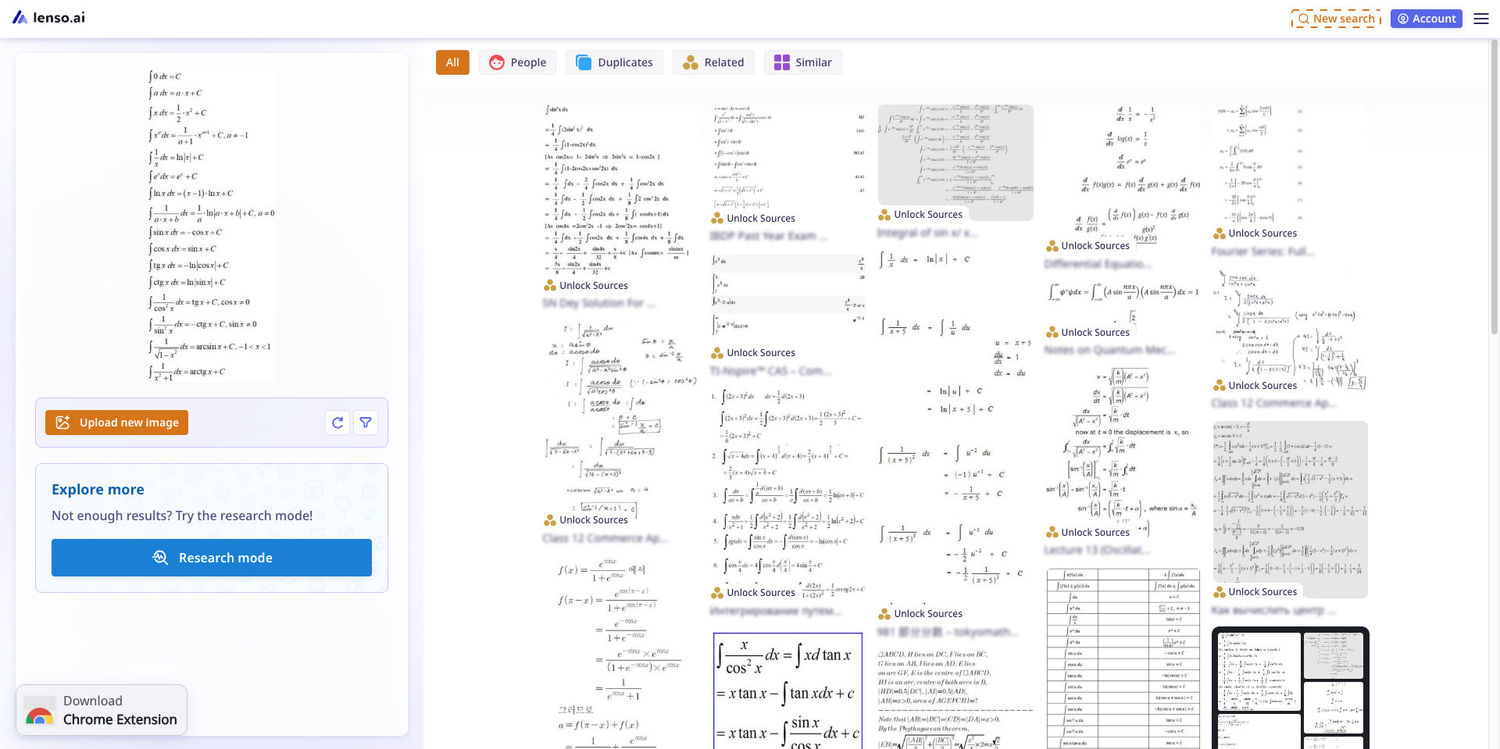
Ai Essay Writer
Ai Essay Writer by essay humanizer is an AI powered writing tool that helps students create structured essays faster. It can generate introductions, outlines, and full drafts from a simple topic. Students can refine tone, expand ideas, and organize arguments to match academic requirements. It’s useful for brainstorming, drafting assignments, and improving clarity before final editing.
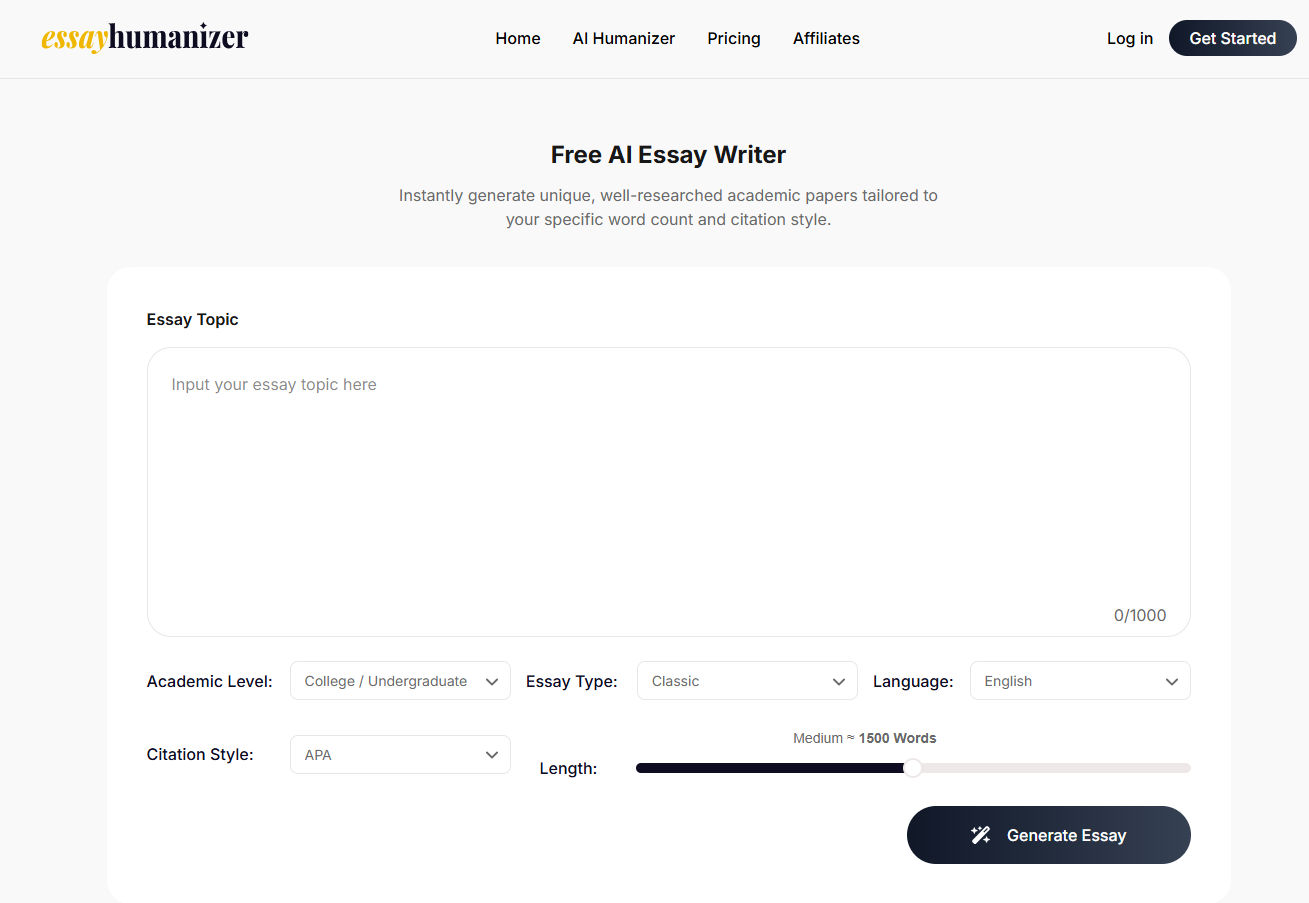
HumanizeAIText.io
HumanizeAIText.io is an AI text humanizer that helps students make AI-generated content sound more natural and readable. It can rewrite AI-generated text to improve its flow, tone, and overall readability while preserving the original meaning.
Students can use it when refining drafts, improving the naturalness of their writing, or reviewing AI-assisted content before submission. It helps remove awkward or repetitive phrasing and gives students more control over how their writing sounds. It can also be used as a final editing step alongside proofreading and grammar-checking tools.
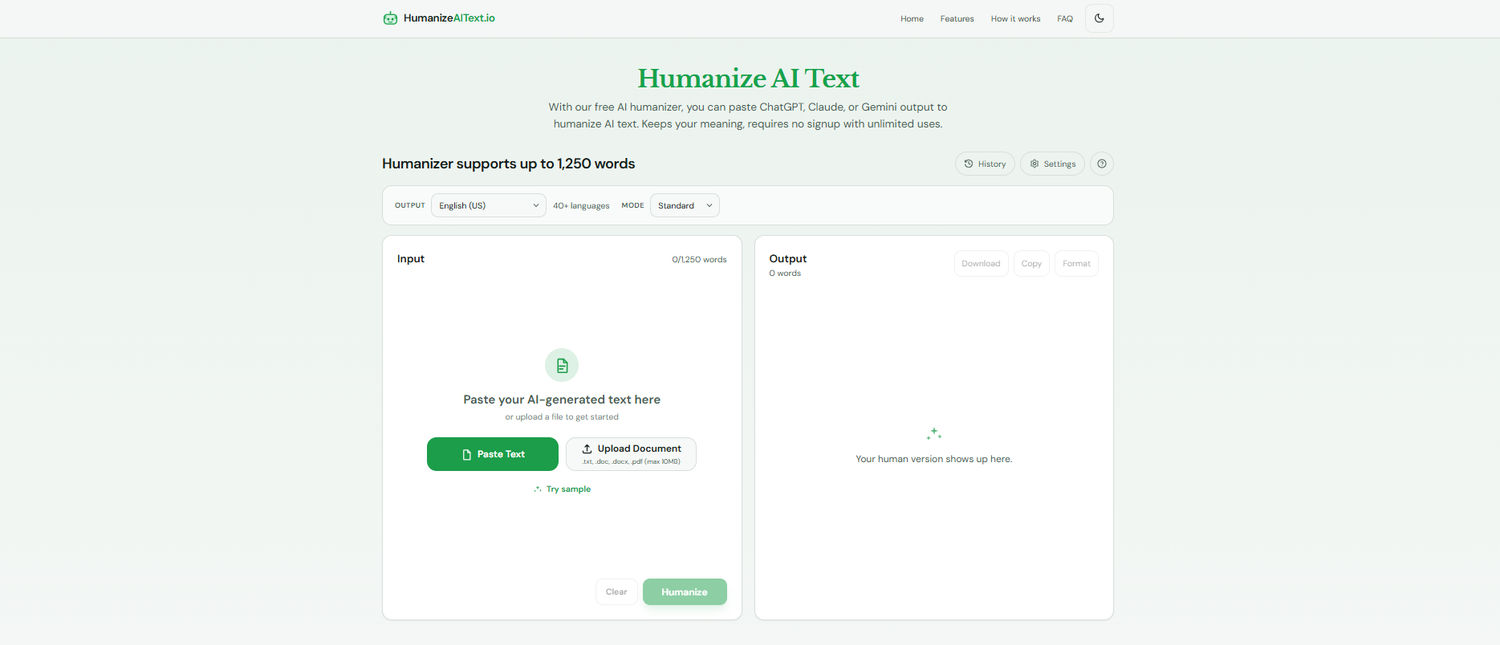
Try HumanizeAIText.io now!
Brighterly
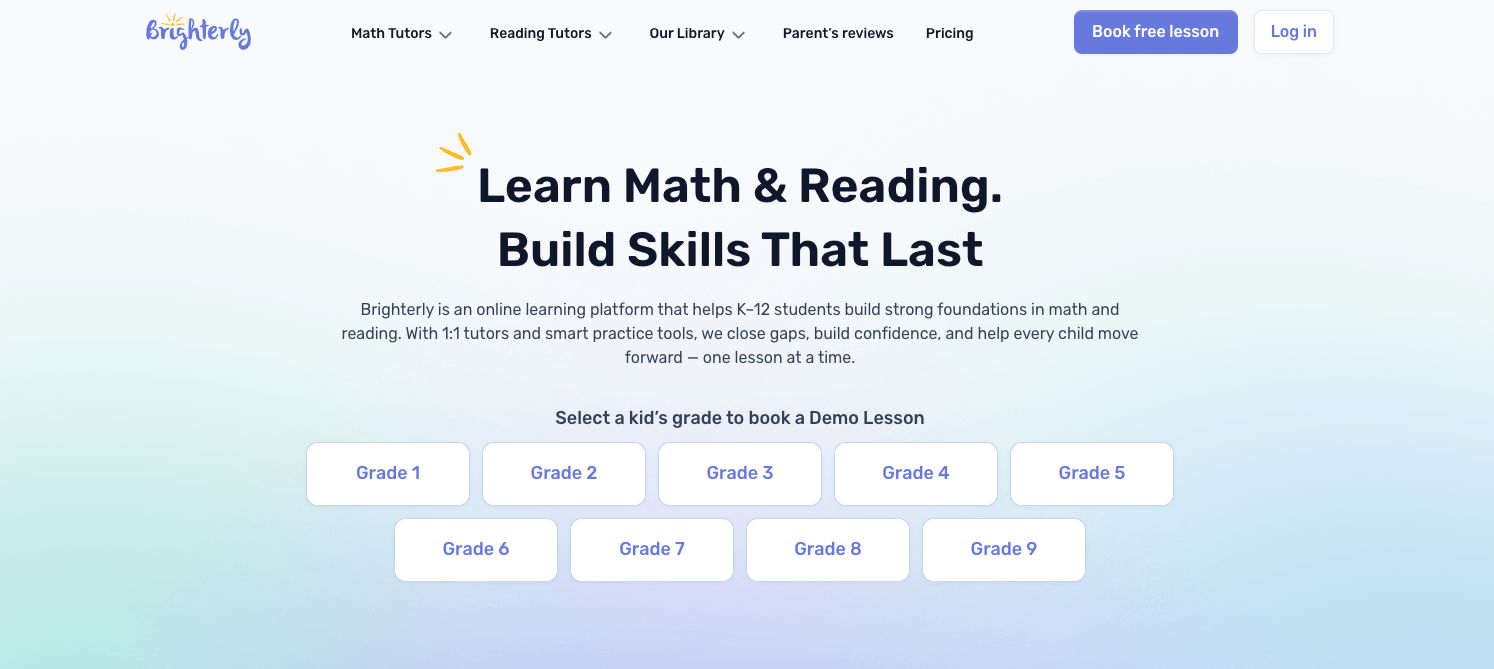
Brighterly is an online learning platform offering 1:1 personalized math and reading lessons for students in grades K–12. It runs a diagnostic check before lessons begin to identify gaps and strengths, assigns a specialized tutor to build foundations first, and keeps parents in the loop with regular progress reports — all while aligning with US educational standards and adapting to each student's individual pace. Pricing starts from $17.7/class.
Promova
Promova is an innovative language learning application for students who want to speak. With Promova, they can improve their conversational skills in no time and expand their vocabulary while applying it right away in real-life situations. Promova supports 13 languages. It contains many lessons that the Promova AI Tutor can fine-tune for each user.
This way, the AI Tutor in Promova perfects the user’s speaking skills and checks their mistakes. Promova can be used during travel, exchange programs, presentations at work, school, or university, and group work with students from all over the world. Promova is free and includes all basic lessons and many vocabulary tools. Some extra tools and functions of Promova can be subscribed to.
Quizlet
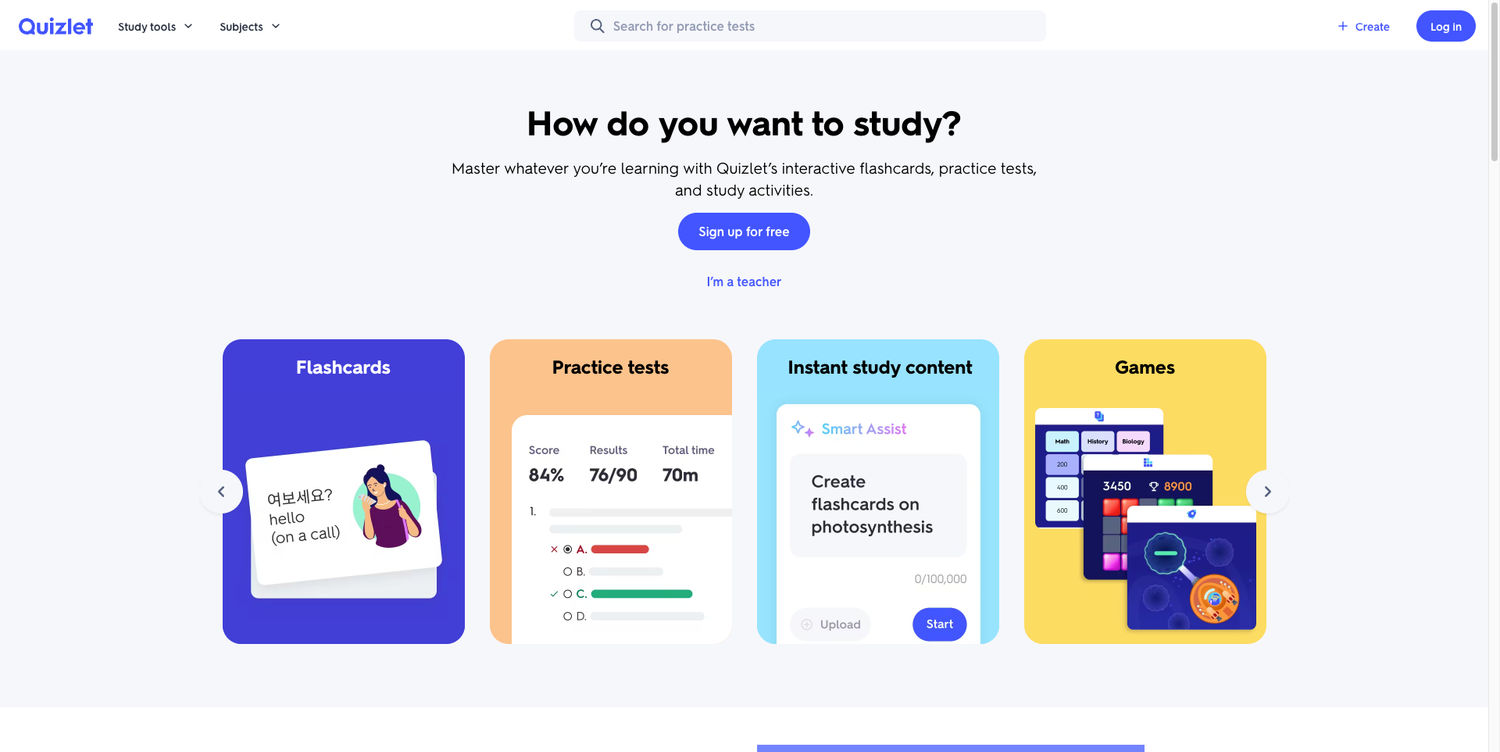
Quizlet is a popular learning app and website for flashcards, quizzes, and practice tests. It makes memorization easier through repetition. Users can add their own cards and test their knowledge before exams. Along with exam preparation, students often juggle complex assignments. When deadlines pile up, EduBirdie professional assignment writers can support with structured academic tasks.
Notion
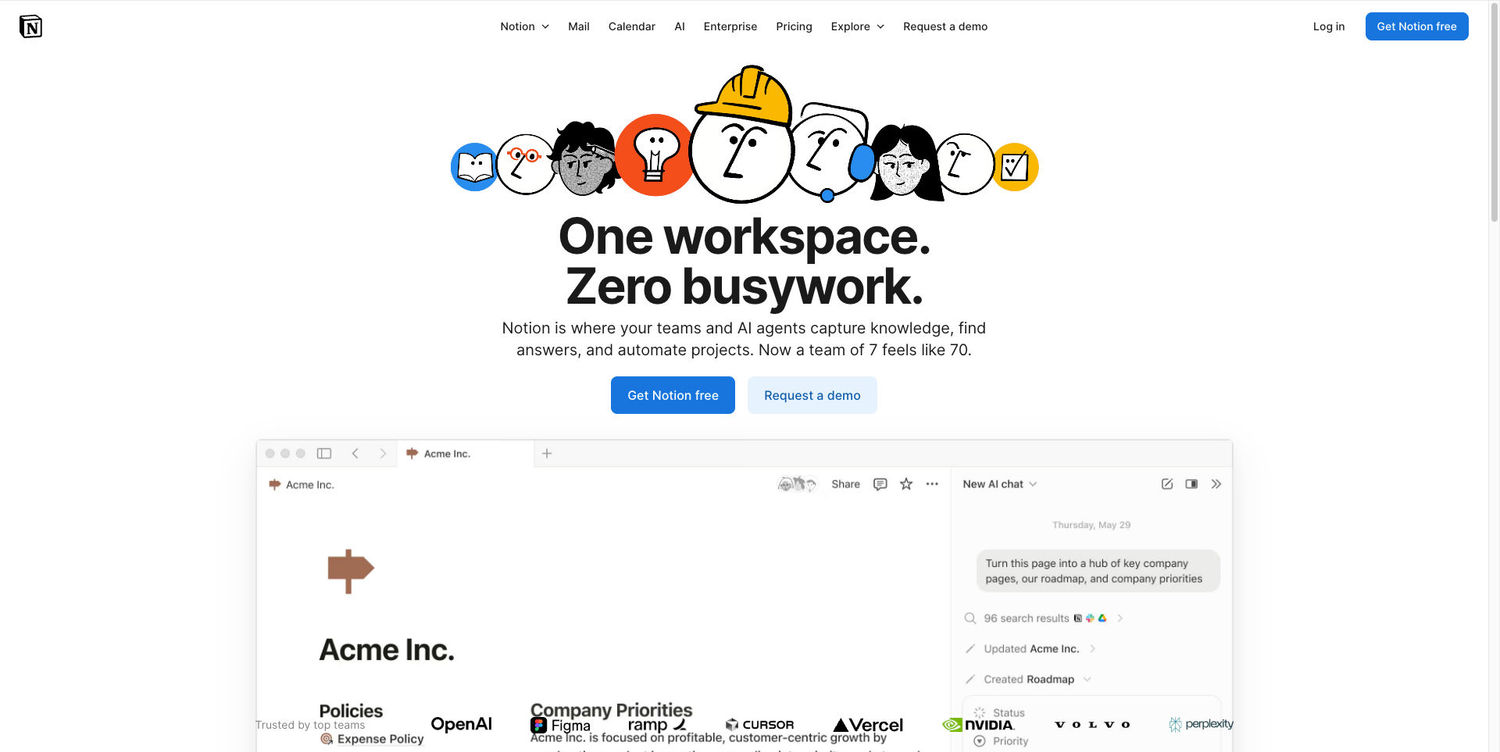
Notion is a workspace for notes, tasks, databases, and collaboration. It helps organize group projects and documents to keep tabs on all tasks. It’s great for working together on multiple files. Teams, startups, and students can also leverage a Notion discount or free tier upgrade to unlock premium features—like unlimited file uploads, extended version history, and advanced workspace tools—at a lower cost.
WriteMyEssay AI
The following AI Checker instantly detects whether text was written by a human or generated by AI tools, boasting a 99.8% accuracy rate and delivering results in under 3 seconds across all major models including ChatGPT, GPT-4, and Claude. Available with a free trial, it helps college students verify their work before submission and maintain academic integrity, all while keeping analyzed text completely private and providing detailed probability scores and confidence levels for informed decisions.

ILovePDF
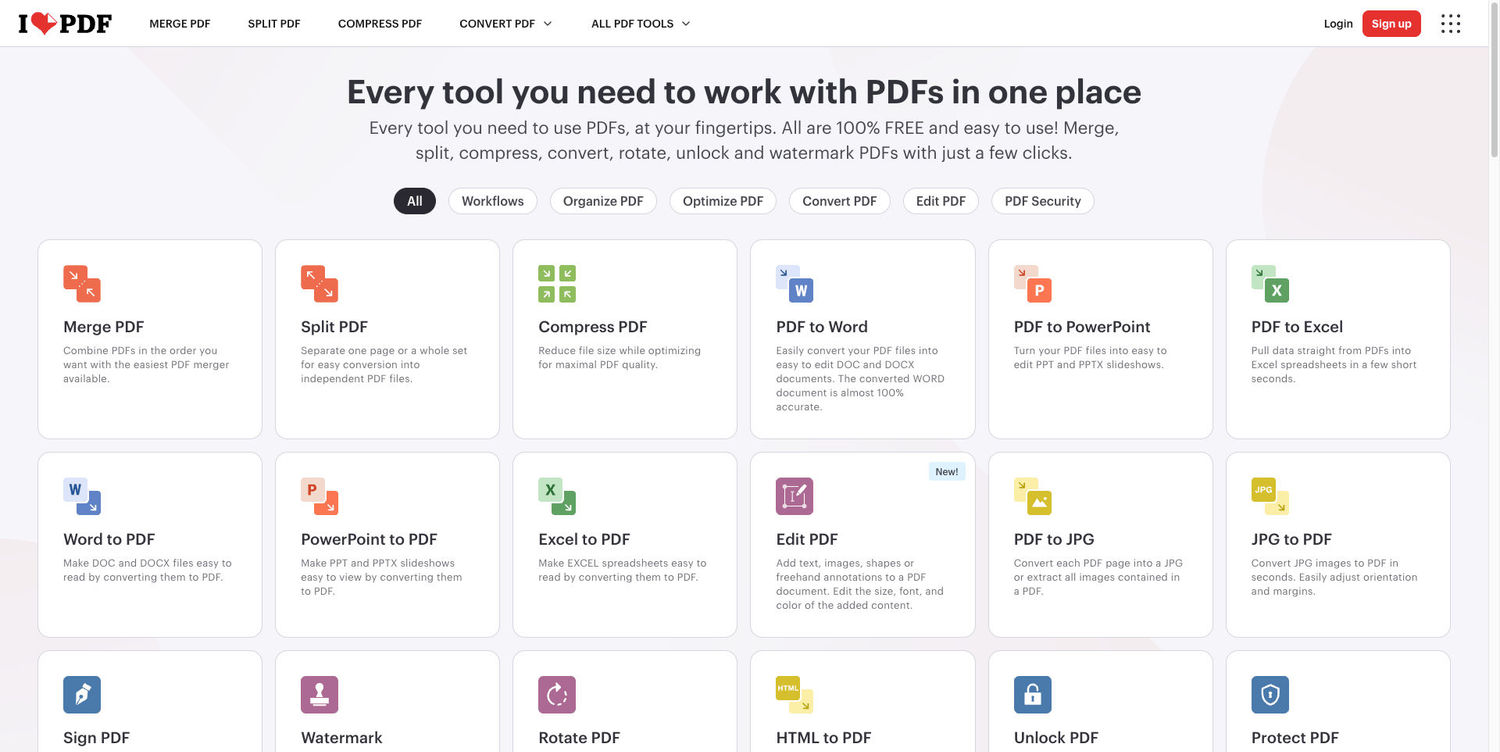
ILovePDF is an online tool for managing PDF files. It can merge, split, compress, and convert documents. It works great as a free OCR when you need to make a quiz out of a document, or need to find certain information quicker with page search. It’s fast, free, and fully online!
BrandCrowd
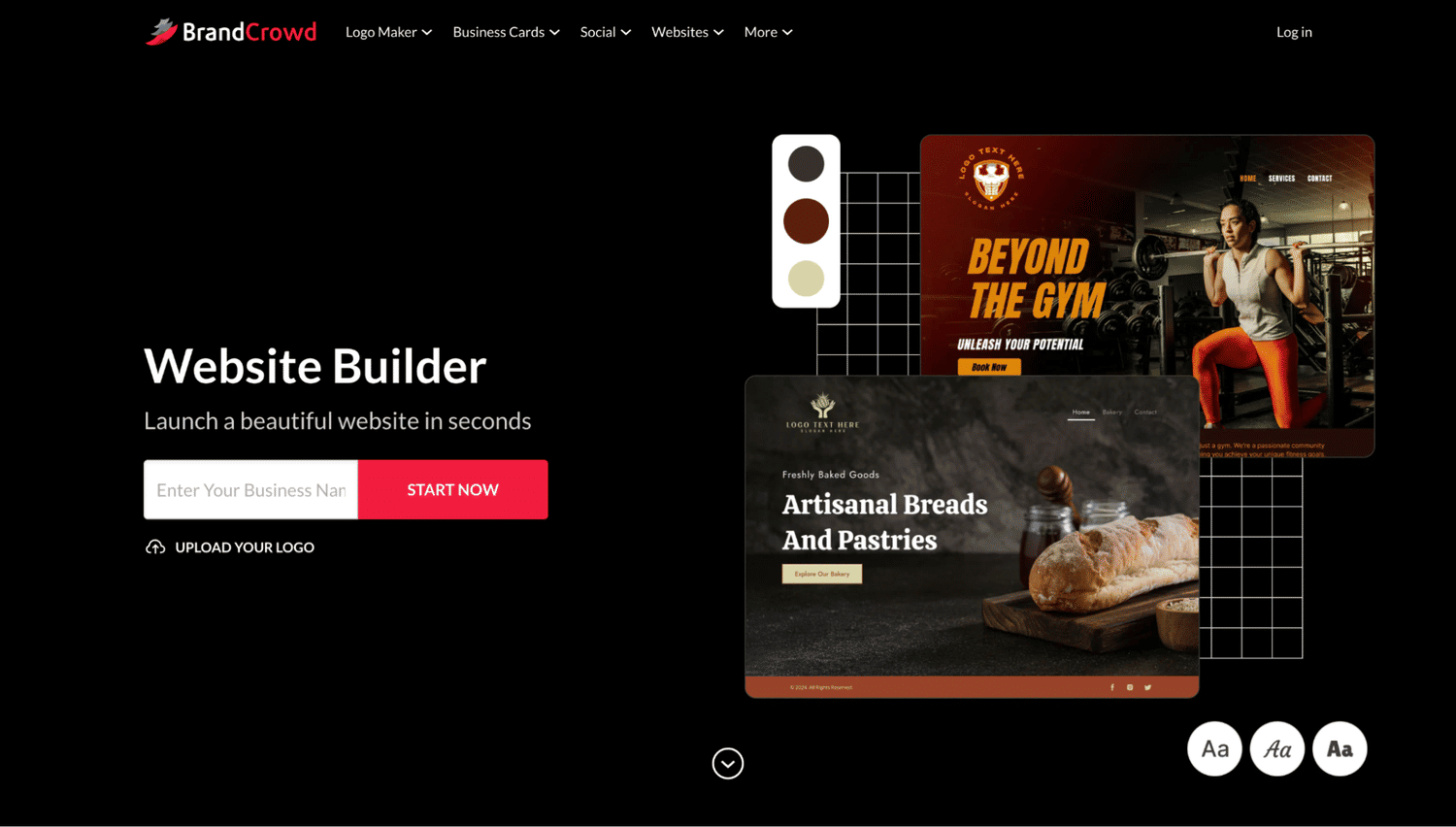
BrandCrowd is a beginner-friendly website builder that lets college students launch a clean, professional website without writing a single line of code. Whether you are building a portfolio for internship applications, showcasing a class project, or starting a side hustle, BrandCrowd gives you 3,000+ customizable templates to get started fast. Students targeting highly selective universities may also use Ivy League consulting to strengthen their application strategy. The editor is simple and fully visual, with built-in tools for contact forms, image galleries, video embedding, and mobile-friendly layouts. A free plan with basic hosting included is available, and paid plans are affordable enough for a student's budget. It is a practical choice for any student who wants a real online presence without the technical headache.
Design.com
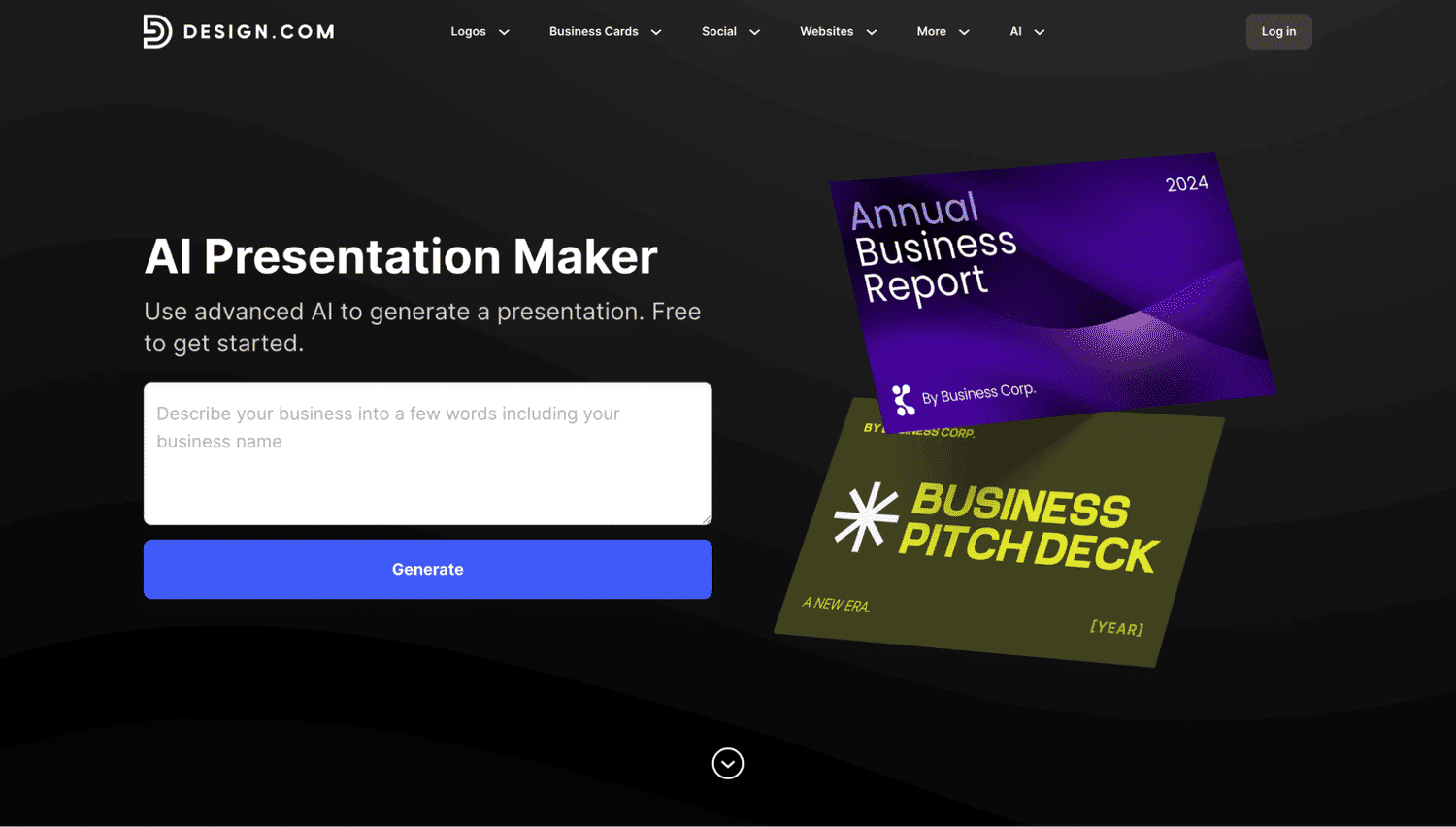
Design.com is an AI-powered presentation tool that helps college students build polished, professional-looking slide decks in minutes. Its AI presentation maker generates ready-to-edit layouts instantly from just a keyword or topic, so there is no need to start from a blank slide or wrestle with complex design software. Students can customize colors, fonts, and content to match their project or personal style, then export directly to PowerPoint or Google Slides. Free presentation templates are available to use right away, making it a great pick for students who need to put together a strong presentation without spending hours on design.
Forest App
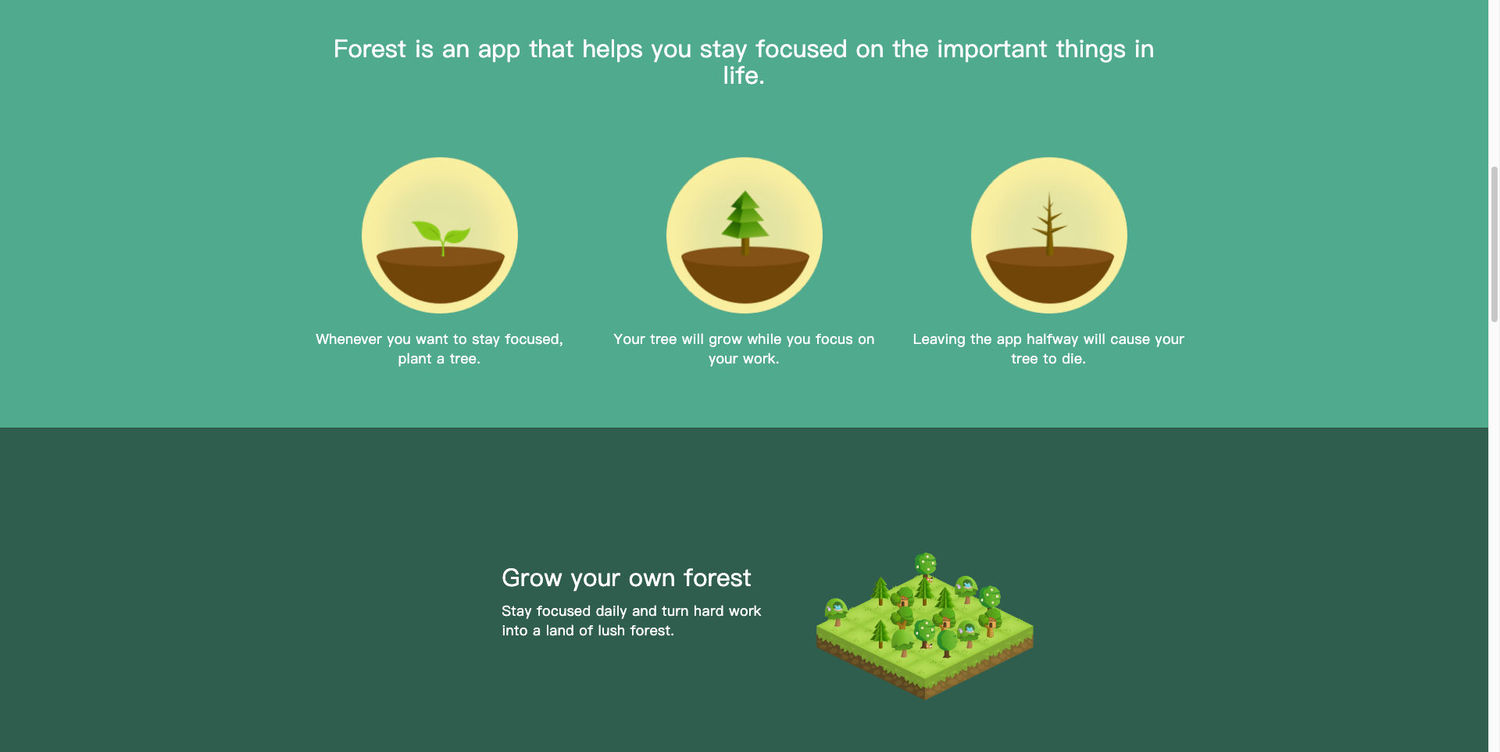
Forest is a productivity app that helps you stay focused by growing a virtual forest while you work. If you exit the app to open other applications, the trees wither, canceling your progress. It’s the best for staying focused!
Datylon Chart Maker
Datylon helps students turn raw data into clean, easy-to-understand charts for reports, presentations, and research projects. Just upload your data and create visuals that make your findings clearer and more engaging.
.jpg)
Memrise
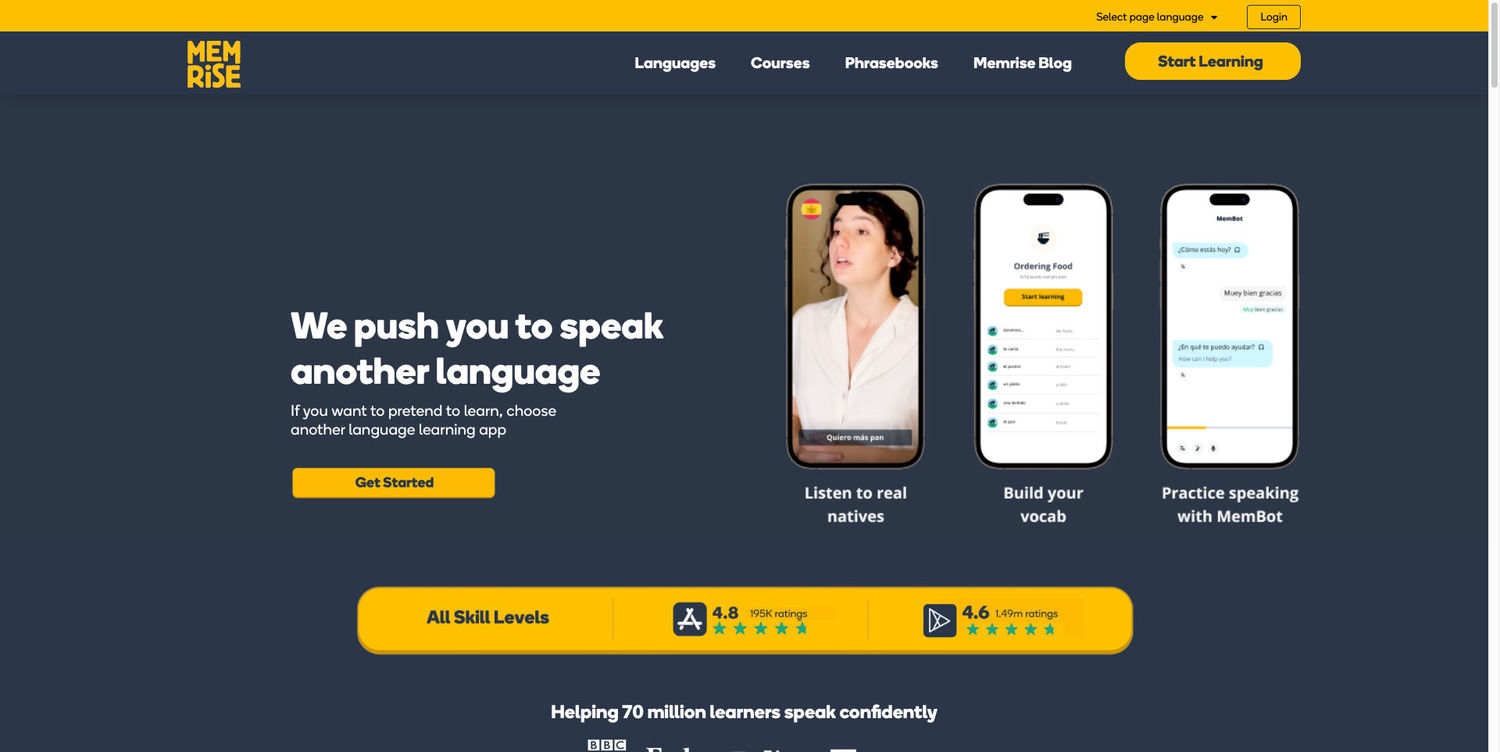
Memrise is a language learning platform that uses short videos and simple learning tasks to improve your language skills. It’s designed to make learning new languages engaging and practical by showing you videos of natives and making you fill out daily quests. It’s a great alternative to apps like Duolingo!
Mindgrasp
Mindgrasp is an AI-powered learning tool that instantly generates notes, summaries, and quizzes from any uploaded document, video, or audio file. It helps you absorb complex material faster without reading everything from scratch. Students can upload lecture recordings, PDFs, or YouTube links and get key takeaways in seconds. It's ideal for reviewing dense textbooks, catching up on missed lectures, or preparing for exams efficiently.
Canva
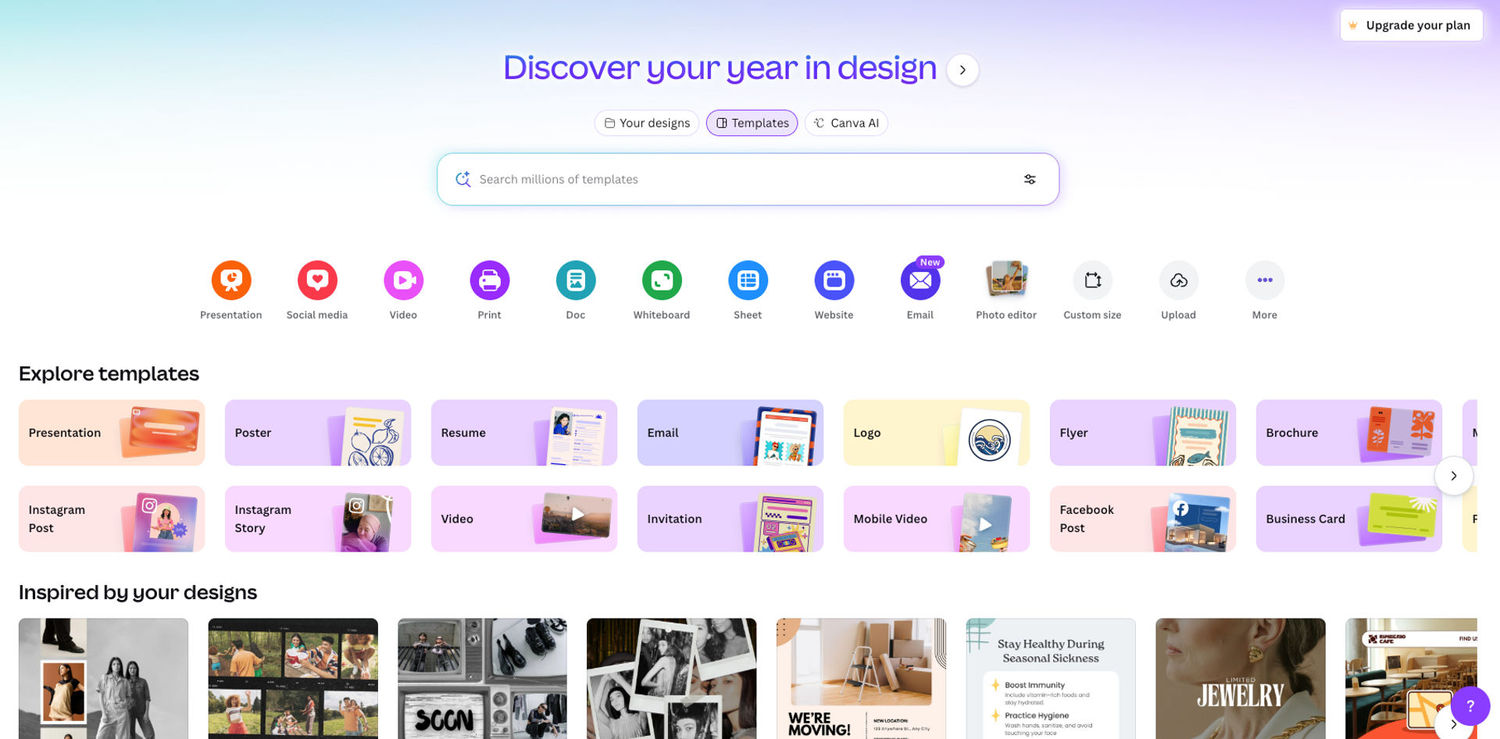
Canva is a graphic design tool that allows users to create presentations, documents, mockups and simple image designs quickly and efficiently. Its drag-and-drop interface makes design accessible to everyone. Unlike many design tools, Canva is free and offers a student discount in the paid version.
Publuu
Looking for a Canva alternative that takes your content beyond static graphics and slides? Publuu makes it effortless to turn PDFs into interactive, visually captivating Digital flip book, ideal for study guides, project portfolios, or research reports. Students can enrich their flipbooks with multimedia, embedded links, and interactive elements, making collaboration on group projects easier and presentations far more engaging. Whether sharing assignments, showcasing creative work, or building a standout digital portfolio, Publuu transforms ordinary content into immersive, memorable experiences that go beyond traditional PDFs and slides.
Discord
Discord is a communication platform that offers text, voice, and video chats. It’s better than more popular WhatsApp or MS Teams student groups due to its advanced features, user-friendly interface, and optimized speed. Discord is used all around the world and offers good video chat quality.

Miro
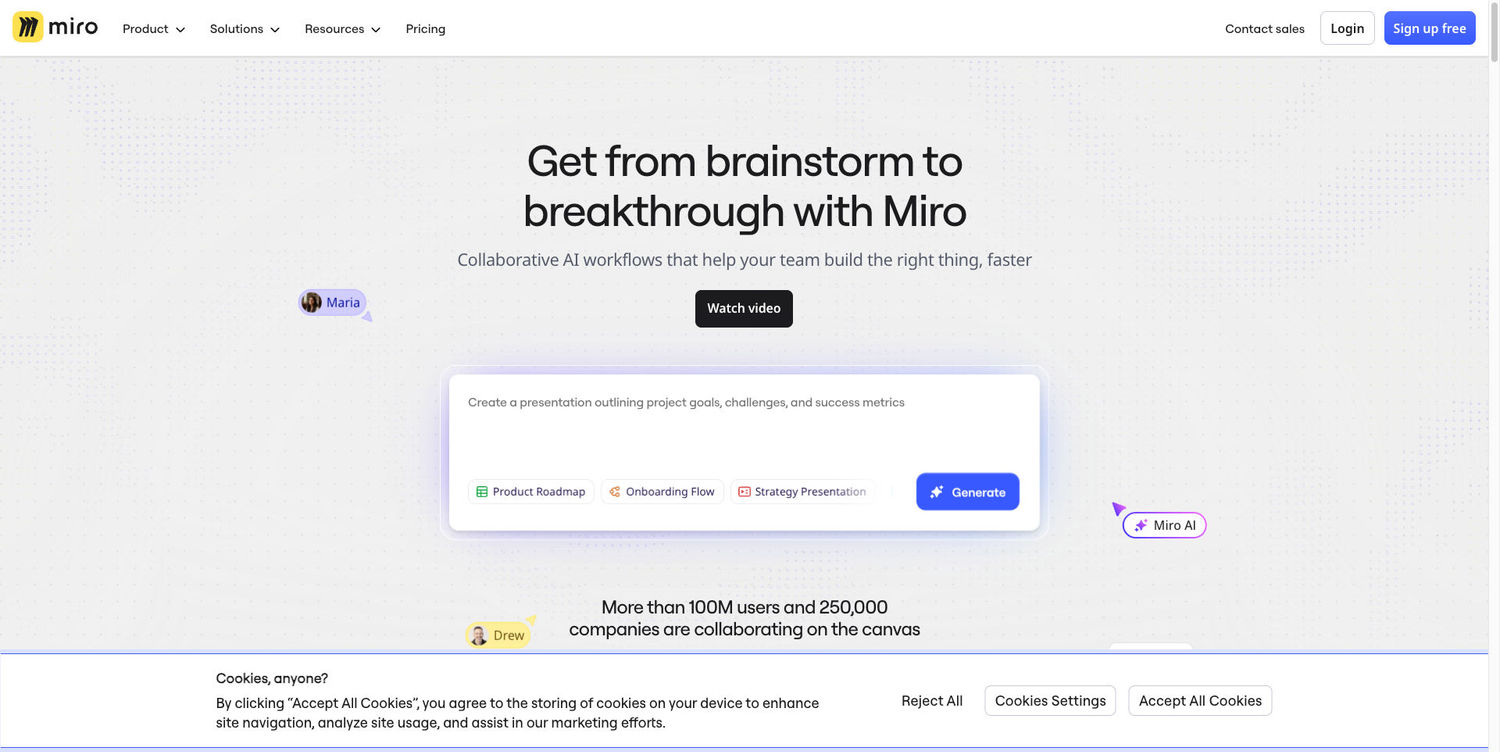
Miro is an online collaborative whiteboard designed for brainstorming, planning, and drawing together. It’s great for working on the same task, for example solving math equations or language learning.
RemNote
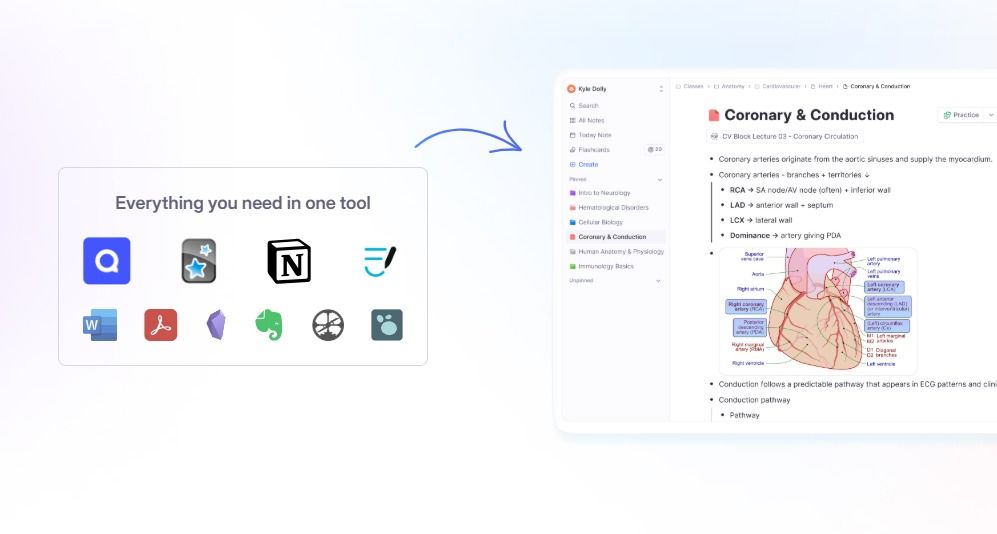
Turn PowerPoint into flashcards effortlessly and make your study sessions more effective with RemNote. By converting static slides into interactive flashcards, you can focus on active recall instead of passive reading. This approach helps you learn faster, retain more information, and revise smarter.
QuillBot
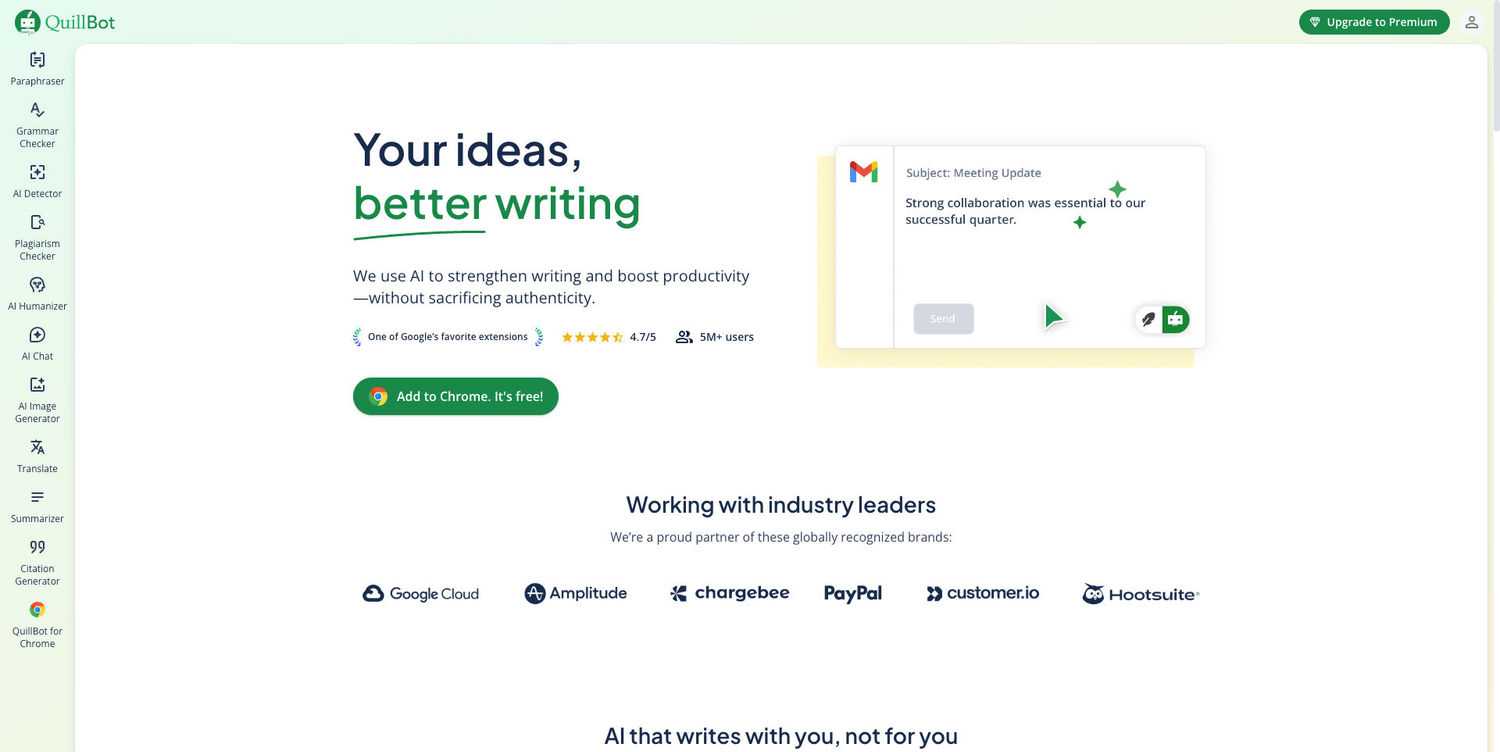
QuillBot is a writing assistant that helps paraphrase, summarize, and improve text clarity. It helps with grammar, punctuation, and spelling. It’s a good alternative to popular tools like Grammarly! It also offers popular AI tools like AI content check or AI humanizer.
Summing up
We hope you found this list helpful! Have you tried any of these tools? Or maybe you have other tools to recommend? If so, share this article with your thoughts on social media, and let others know!

Author
Kinga Jasinska
Marketing Specialist
Continue reading

General
6 Useful Tools for Finding Similar Images and Exploring Visual Matches
An image can communicate an idea in seconds, but sometimes the picture itself raises more questions than it answers.
General
Lenso.ai vs. Yandex. Reverse Image Search + Face Search Compared
Yandex and Lenso.ai are both reverse image search websites that are used by people wanting to find objects, places or people online. Is there a clear winner between the two? Who does what best? In this article, we will compare Lenso.ai and Yandex and we will try to select the website who performs better depending on your personal requirements.

General
AI-Powered Image Tools: From Finding Photos Online to Preparing Them for Official Use
Have you ever looked at a photo and thought where else it might have been used online? Or maybe you need a ready-to-submit passport photo in a short time and have no clue how to get it right? The problem in both cases is that you have to find the right photo and know how to prepare it for official use.

General
Best Online Tools for Image Search and Digital Research
Finding the right information online is not always as simple as typing a few words into a search engine. Sometimes the information you need is contained in an image, while in other situations you may need to work with numbers or technical data to understand what you have found. The right online tools can make these tasks faster and more manageable. For people who regularly work with visual content, research, or digital information, here are some useful tools worth considering.