
Preview in:
Lenso.ai - best face search online in 2026
There are more than enough face search tools available online. Most of them are just pure scams (so please do not pay for anything if you do not see actual results), and there are some that can find something.
But the best face search tool is for sure lenso.ai, as it is a complex tool that can be used for various use cases (copyright misuse; detect a catfish or scam etc.). Moreover, it suits both everyday users and business entities (small or large, it does not matter).
It goes far beyond simple face search, you can search there for almost anything (exact copies of your images, places, related or similar ones).
But let’s check how exactly lenso.ai can help you find your photos online.
How can AI find a person from a photo? Try AI-powered tools for reverse face search
Reverse face search with lenso.ai
With lenso.ai face search, you can find where your photos appear online. To do that, simply go to lenso and upload a clear image of your face (feel free to try different images if, for example, your appearance has changed over the years). Then check the “People” category for exact matches.
.png?updatedAt=1773927707078)
Within each face search result, you will see 2 links:
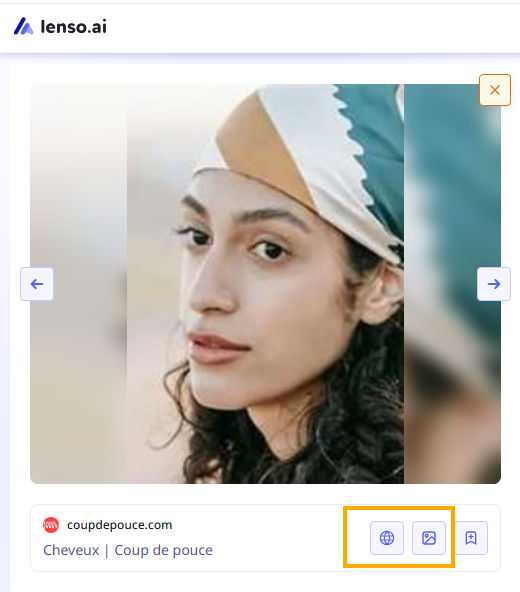
- to the image itself
- to the URL source where it was originally published
Thanks to that, you will be able to gather more information about your image’s appearance online. This can be helpful if you decide to report those pages.
If there are no results, do not leave the page, as they may appear tomorrow. The best thing is to create an Alert, then you will receive an email notification when new results appear online. That is super helpful to keep track of your image usage.
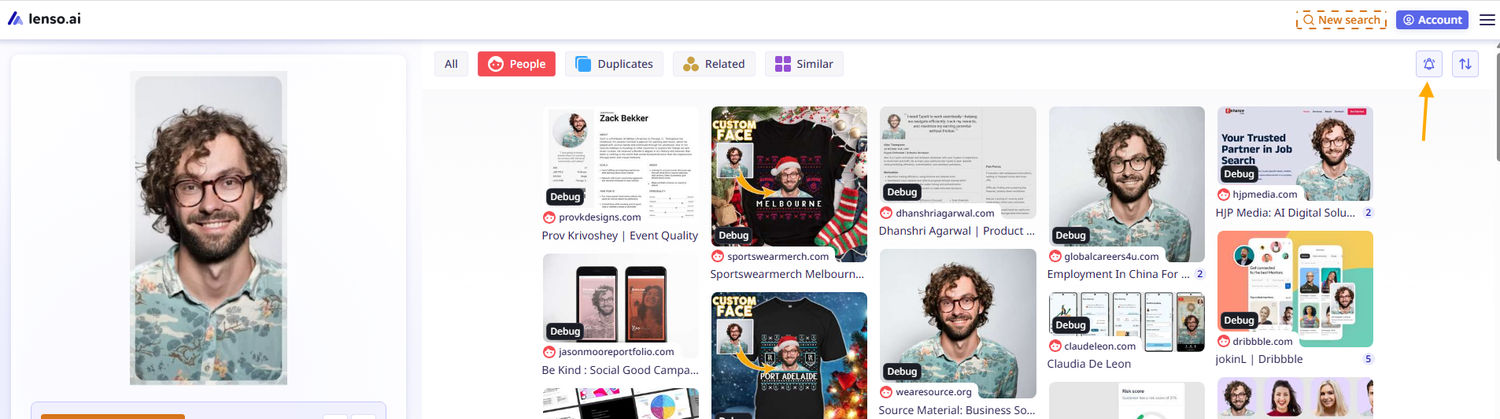
Research Mode on lenso.ai
If you need something more, you can get it by enabling Research Mode on lenso.ai. Then you can receive even more face search results (up to 10,000) and use advanced filters:
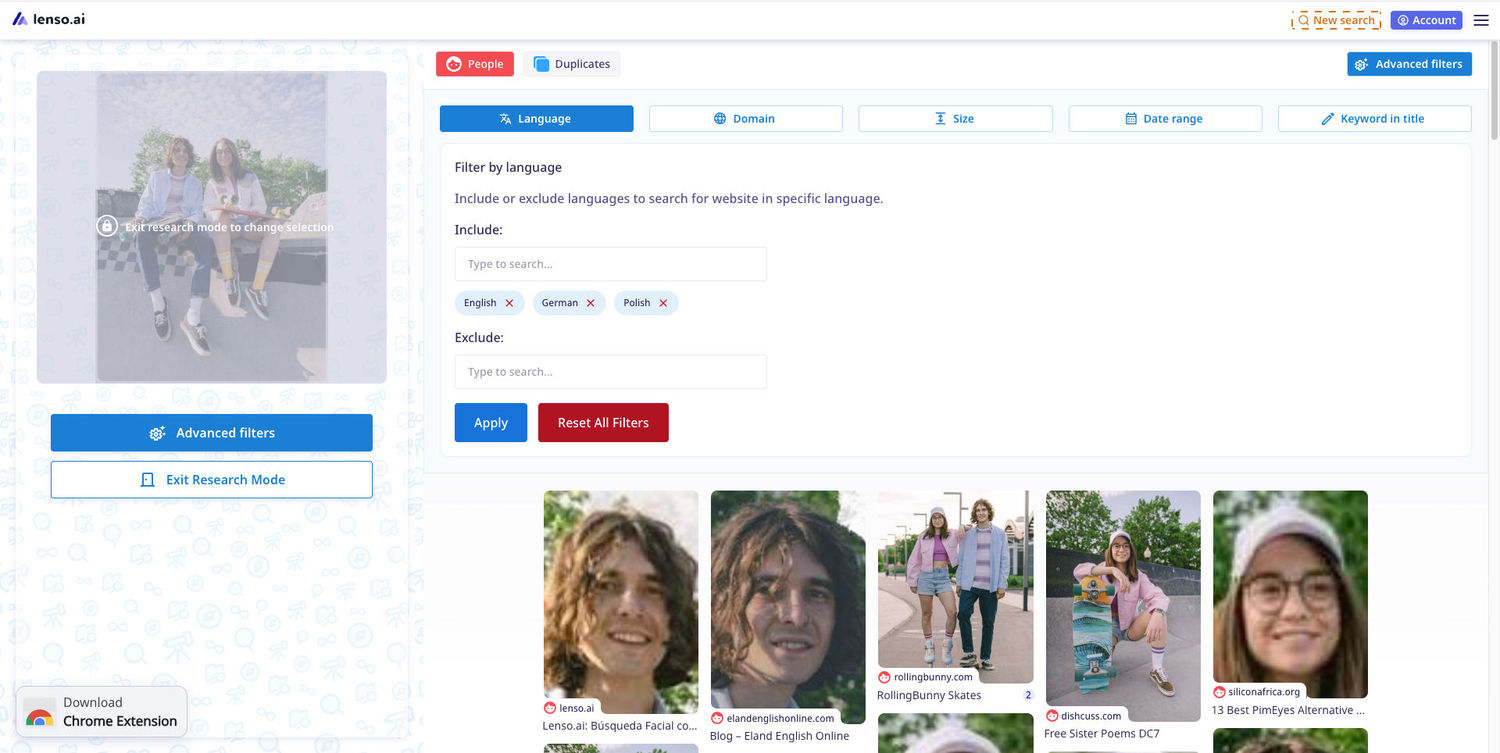
That is a perfect option to dive deeper into your face search, but this option is also great for detectives, investigators, or OSINT enthusiasts.
Research Mode & Advanced Filters | Lenso.ai for Professionals
Face Search API
The next step is to implement face search from lenso.ai into your own system, program, etc. For that, you can use the Face Search API. Such integration can benefit both small companies and large corporations where face search can be useful.
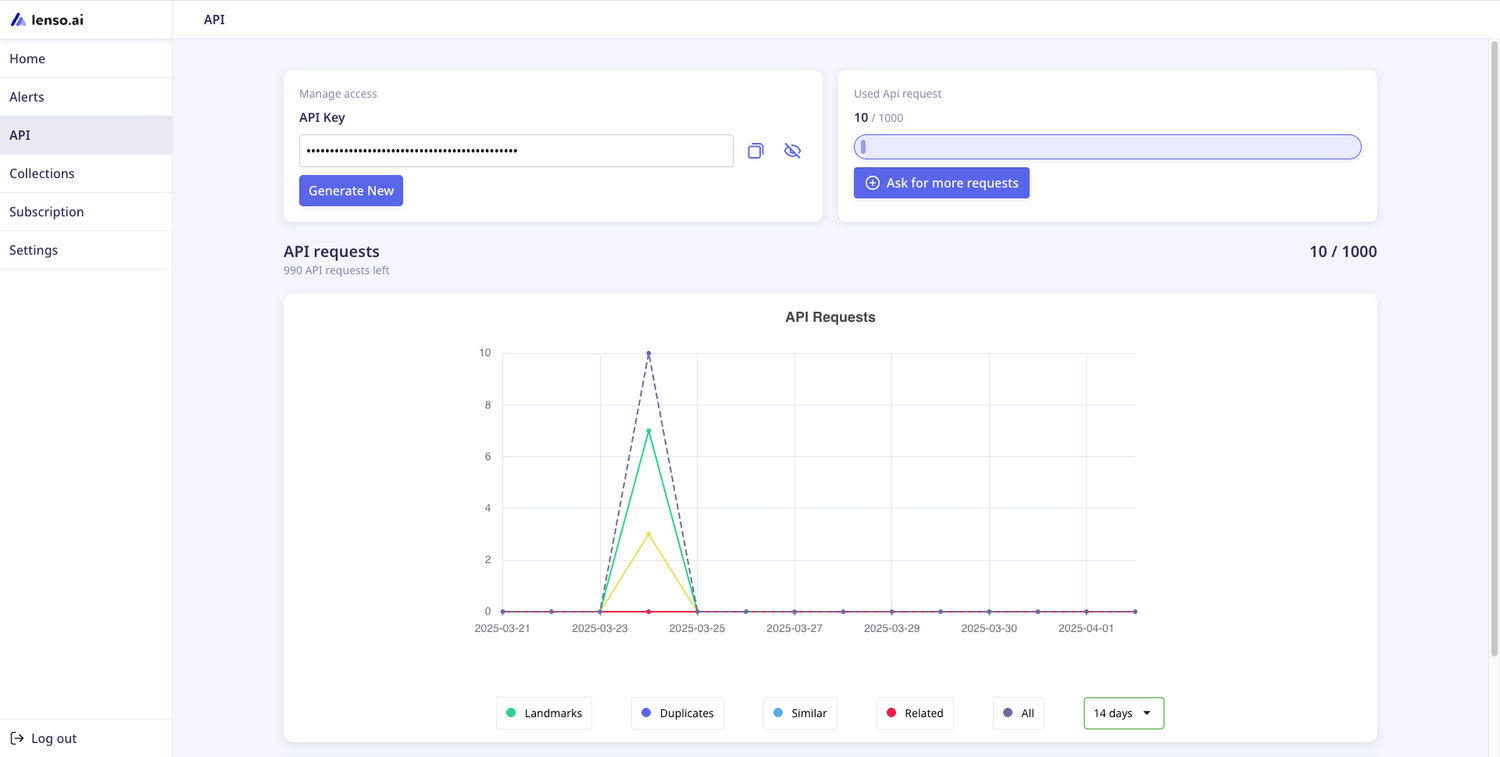
Facial Search APIs in Investigations & Law Enforcement
Lenso.ai alternatives for face search
If you’d like to explore alternatives to lenso.ai, we recommend checking out:

Author
Julia Mykhailiuk
Marketing Specialist
Continue reading

Guides
Find cozy fall aesthetics online with reverse image search
Fall is the perfect season to shop for cozy, aesthetic finds. With the internet overflowing with autumn posts and inspiration, it can be hard to narrow down what you want. How to find cozy fall aesthetics online with reverse image search?

Guides
How to find the perfect fall photoshoot location from a photo?
Fall is the perfect time for a new photoshoot, whether you want to create fresh content for your personal social media accounts or promote your product or brand with an authentic fall vibe. But first, you need to find the right place. Find out how to discover the perfect fall photoshoot location from a photo.

Guides
What to do in the first ten minutes after you find your own face in a reverse image search?
Finding your own face in a reverse image search is a strange feeling. Not usually because the result is sinister, most of the time it is a conference photo, an old profile picture, a team page from a job you left in 2019, but because you did not put it there and you did not know it was there.

Guides
Is your match real? Reverse image search a dating profile
Dating apps are probably the go-to solution for finding a potential date, but unfortunately, they can also be one of the riskiest options. How can you make sure your match is real? Do a reverse image search and find more information using their dating profile picture.