Preview in:
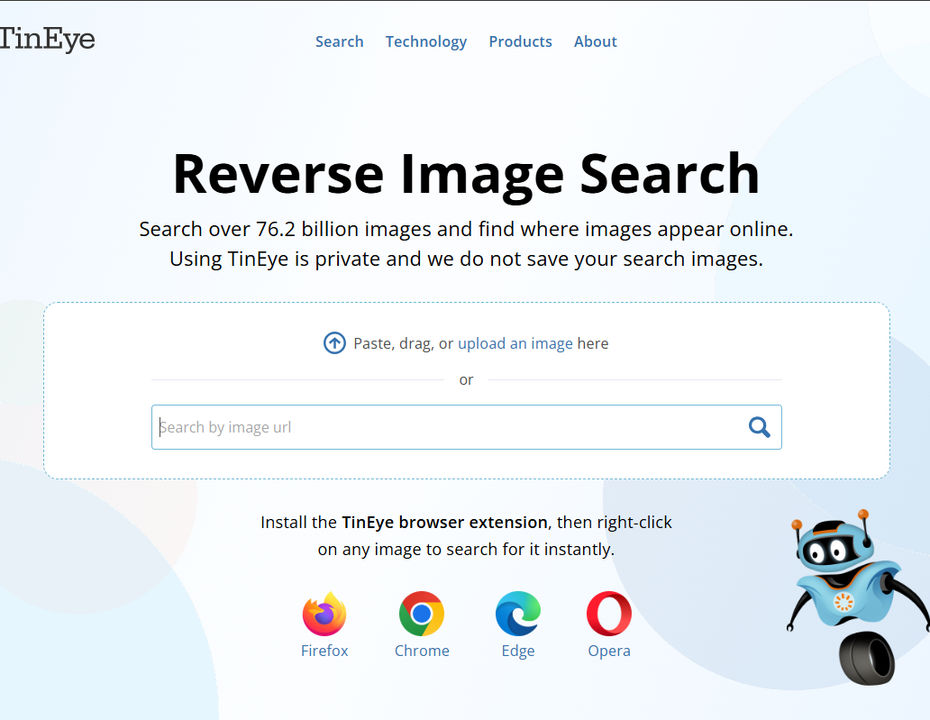
How does TinEye work?
TinEye is a well-known reverse image search tool and is probably one of the first to appear on the market. It’s a free tool that can search for general images or find duplicates of an image.
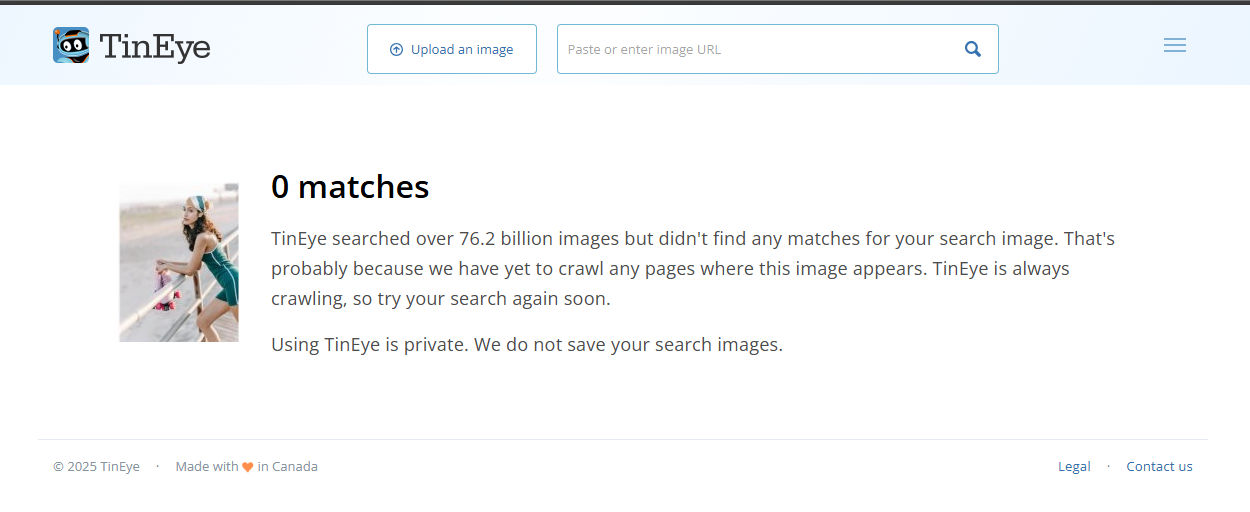
Unfortunately, TinEye hasn’t updated its index in a while, and with a simple comparison, you'll see that some tools provide more results, especially when it comes to specific image searches.
Sample image search comparison with lenso.ai
.png?updatedAt=1752664336368)
Here are the basic features available on TinEye:
Sorting options:
- Best match
- Most changed
- Biggest image
- Newest/Oldest
Besides that, TinEye offers additional products, including:
- MatchEngine – search for duplicates
- WineEngine – wine label recognition
- MulticolorEngine – visual search based on color
- Browser Extension
If you want to perform a reverse face search or a detailed copyright image search - TinEye isn’t capable of that.
So let’s find out which tools can do a better reverse image search!
3 Best TinEye alternatives for reverse image search in 2026
1. Lenso.ai - the best TinEye alternative in 2026
Lenso.ai, as you’ve already seen, has a more updated index, and it continues to grow. In addition to that, it offers a face recognition engine, a copyright image search engine, and a place finder. You can also check for similar assets, making it a true all-in-one reverse image search solution.
You simply upload an image and explore the available categories: People, Duplicates, Places, Related, and Similar images. When you find something interesting, just click on the URL source to see where the image was originally published.
This way, you can easily find out which of your images are available online and exactly where they were published.
On lenso.ai, you can filter image results by:
- Specific domain
- Keywords
And you can sort them by:
- Newest or oldest
- Best or worst match
- Random results
They also recently launched a Chrome extension, which makes reverse image search even easier for PC users.
If you are an OSINT investigator or a digital creator, you should definitely try the alert feature on lenso. Even if there are no image results at first, or if you want to be up to date when new matches appear online, you will receive email notifications automatically.
Lenso.ai - a key competitor to TinEye in 2026
2. Pimeyes
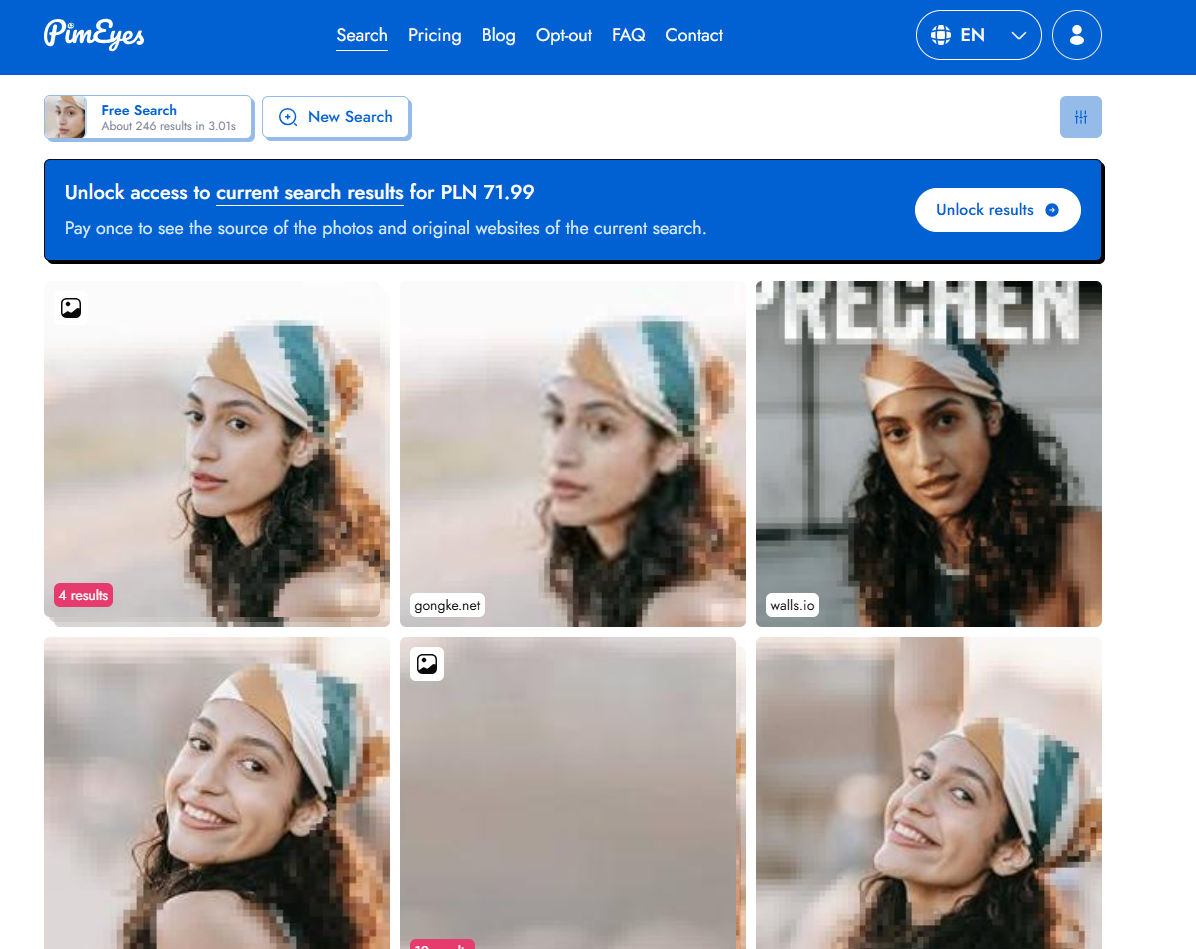
PimEyes is another great alternative that focuses specifically on face search. It has a large image index and can find accurate matches for specific faces.
Within PimEyes, you can sort image results by date, create alerts, and export the results. This tool is especially useful for investigators or users who want to check if their images have been potentially misused.
Best PimEyes Alternatives & Competitors for reverse face search in 2026
3. Copyseeker

Copyseeker is also a good TinEye alternative. While it may not have a large image index, it works very well for specific images, especially when searching for duplicates.
It also displays basic EXIF data of the image and provides direct URLs where the image appears.

Author
Julia Mykhailiuk
Marketing Specialist
Continue reading

News
5 Best reverse image search tools for finding old photos online
You may not even be aware that someone has misused your old photos, or you may have thought your photos were deleted, but they still appear somewhere online. How can you keep track of your online appearance? Use reverse image search! Check which one is the best to use.

News
Lenso.ai One-Time Payment: Reverse Image Search Without a Subscription
If you want to make unlocks on lenso.ai, but you don’t want to be tied to a subscription, here’s a solution you should consider: one-time payment. With one-time payments, you can purchase the product once, make unlocks and decide if you want to switch to a full plan later! This article explains how you can access the one-time payment and all the benefits it offers.

News
Using facial recognition and reverse image search for public security intelligence
Public security intelligence should implement and use only the best and most advanced tools that can help during the investigation process and provide support at different stages. How can facial recognition and reverse image search help?

News
How do Face Search Tools Work? Facial Recognition AI Models Explained.
Have you ever used a facial search tool and wondered how it works? In this article, we will explain the basics of facial recognition and tell you how face search websites build their own AI for face search engines.

News
Top 10 Reasons Why Lenso.ai Is the Best Face Search Tool Online
There are multiple facial search tools available on the internet. Most of them cost a lot, but do very little. Others provide low quality of results, show paywalls before the search even starts, or reel customers in by false advertising. Lenso.ai is the best facial search tool online, and here are some of the top reasons that prove it.