
Preview in:
What is reverse image search?
In simple terms, reverse image search is a technology that allows users to search for images using an image, rather than words.
To use it, you have to upload a photo to an image search website. It does not require any technical skill, and can be done on any device.
For a more in-depth, technical explanation, watch this video:
Google Lens
Most popular example of reverse image search is Google Lens.
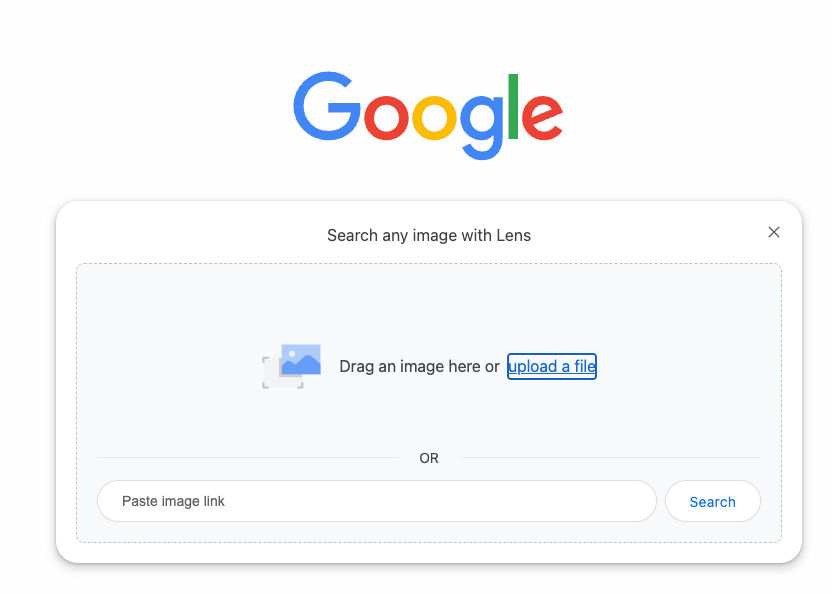
Google Lens is handy for mobile users and people looking for a simple image search for free.
How to use Google Lens?
- Open Google Lens - You can find it in the Google app (tap the camera icon) or in Google Photos (open a picture and tap Lens).
- Point your camera
- Aim your phone at something, like an object, text, or place. Click on the white magnifying glass button.
- Let it scan
- Google Lens will recognize what it sees and show results.
- Choose an option
You can:
- search for what it is
- translate text
- copy text
- find similar products
- Use it on photos
You can also open a photo in Google Photos and tap Lens to scan it.
What can Reverse Image Search like Google Lens be used for?
- Finding copies of photos - looking for an identical copy of a photo can be useful when looking for art, albums, movies etc.
- Finding places - find locations and landmarks from the photo.
- Finding people online - find unknown celebrities, old friends, your own images - it all can be done with proper reverse face search tools.
- Finding similar pictures - finding photos that look alike is a great method for finding inspiration, similar clothes or furniture etc.
Best Reverse Image Search Tools
Here’s our list of top reverse image search tools you can find online.
1. Lenso.ai
.png?updatedAt=1752664336368)
Lenso.ai is a reverse image search tool that helps you find where an image appears online. It can recognize faces, places, and objects, making searches more precise. It also offers advanced filters to narrow down results quickly.
Lenso.ai also offers:
- API for developers
- custom subscription plans
- filtering and sorting
- alerts (email notifications) for new results
2. Google Lens

Google Lens lets you search using your camera or an image instead of text. It can identify objects, translate text, and show similar images instantly. It’s built into many Google apps, so it’s easy to use on mobile devices.
3. TinEye
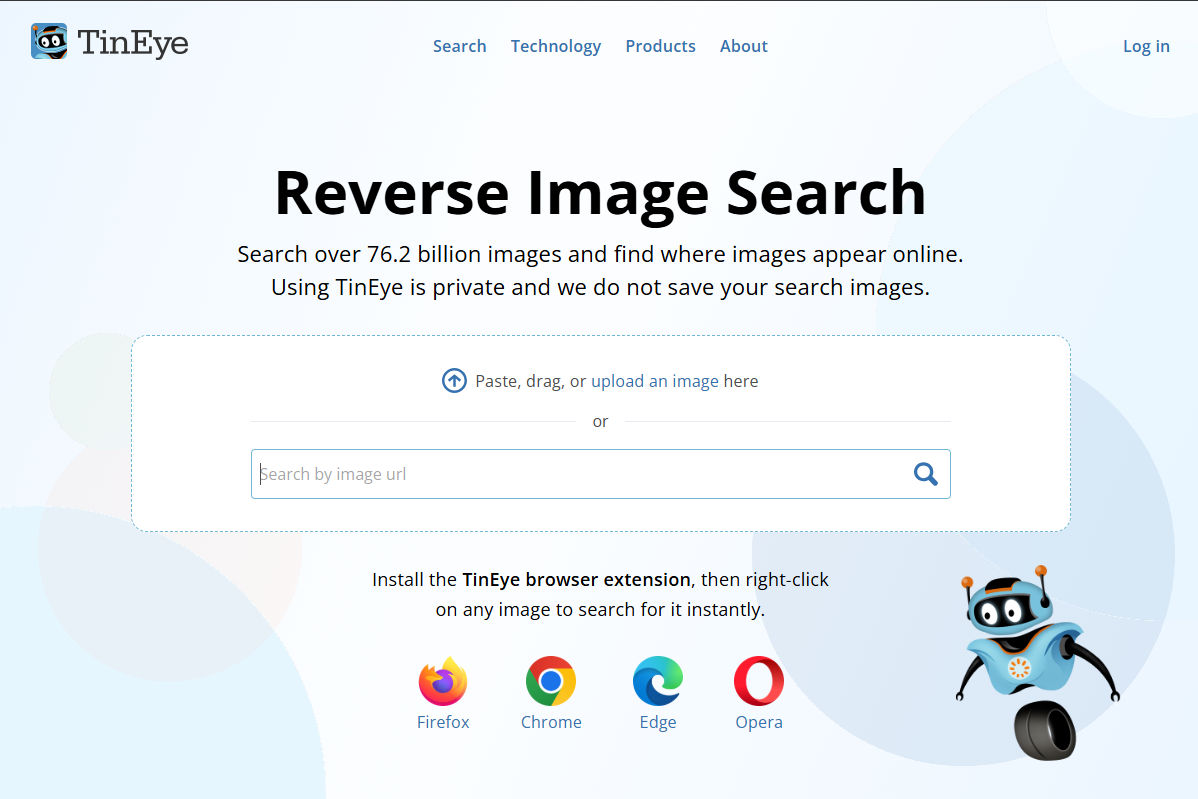
TinEye is a reverse image search engine focused on finding exact matches of images. It shows where an image appears and tracks how it has been used over time. It’s especially useful for verifying image sources and detecting duplicates.
4. Yandex Images

Yandex Images is a visual search engine known for strong facial and object recognition. It can find similar images even if they are cropped or slightly changed. It’s often used for deeper searches when other tools don’t find results.
For more reverse image search tools, check out our list of All Tools for Finding Similar Images.

Author
Kinga Jasinska
Marketing Specialist
Continue reading

News
5 Best reverse image search tools for finding old photos online
You may not even be aware that someone has misused your old photos, or you may have thought your photos were deleted, but they still appear somewhere online. How can you keep track of your online appearance? Use reverse image search! Check which one is the best to use.

News
Lenso.ai One-Time Payment: Reverse Image Search Without a Subscription
If you want to make unlocks on lenso.ai, but you don’t want to be tied to a subscription, here’s a solution you should consider: one-time payment. With one-time payments, you can purchase the product once, make unlocks and decide if you want to switch to a full plan later! This article explains how you can access the one-time payment and all the benefits it offers.

News
Using facial recognition and reverse image search for public security intelligence
Public security intelligence should implement and use only the best and most advanced tools that can help during the investigation process and provide support at different stages. How can facial recognition and reverse image search help?

News
How do Face Search Tools Work? Facial Recognition AI Models Explained.
Have you ever used a facial search tool and wondered how it works? In this article, we will explain the basics of facial recognition and tell you how face search websites build their own AI for face search engines.

News
Top 10 Reasons Why Lenso.ai Is the Best Face Search Tool Online
There are multiple facial search tools available on the internet. Most of them cost a lot, but do very little. Others provide low quality of results, show paywalls before the search even starts, or reel customers in by false advertising. Lenso.ai is the best facial search tool online, and here are some of the top reasons that prove it.