
Preview in:
Is it possible your photos are being shared online without your knowledge?
Yes, anyone can save your images online, or even take photos of you without your knowledge. That’s why making reverse image search of your face is a good idea. Thanks to facial recognition technology that’s popular today, systems can locate images of your face online and return results in seconds.
How to check if someone impersonates you on fake profiles?
Checking for your photos online is possible with face search tools. This technology grew in popularity in recent years, and it’s the best way to find your photos anywhere on the internet.
Learn how to use Reverse Image Search for Finding Faces Online
Top 4 Reverse Image Search Tools to Check if Someone Uses Your Photos Online
1. Lenso.ai
Lenso.ai is the best tool for checking if your photos are being shared online, because it offers many features designed for personal privacy.
Lenso.ai’s facial search technology is extremely accurate. It finds images no matter the pose, facial expression or setting.
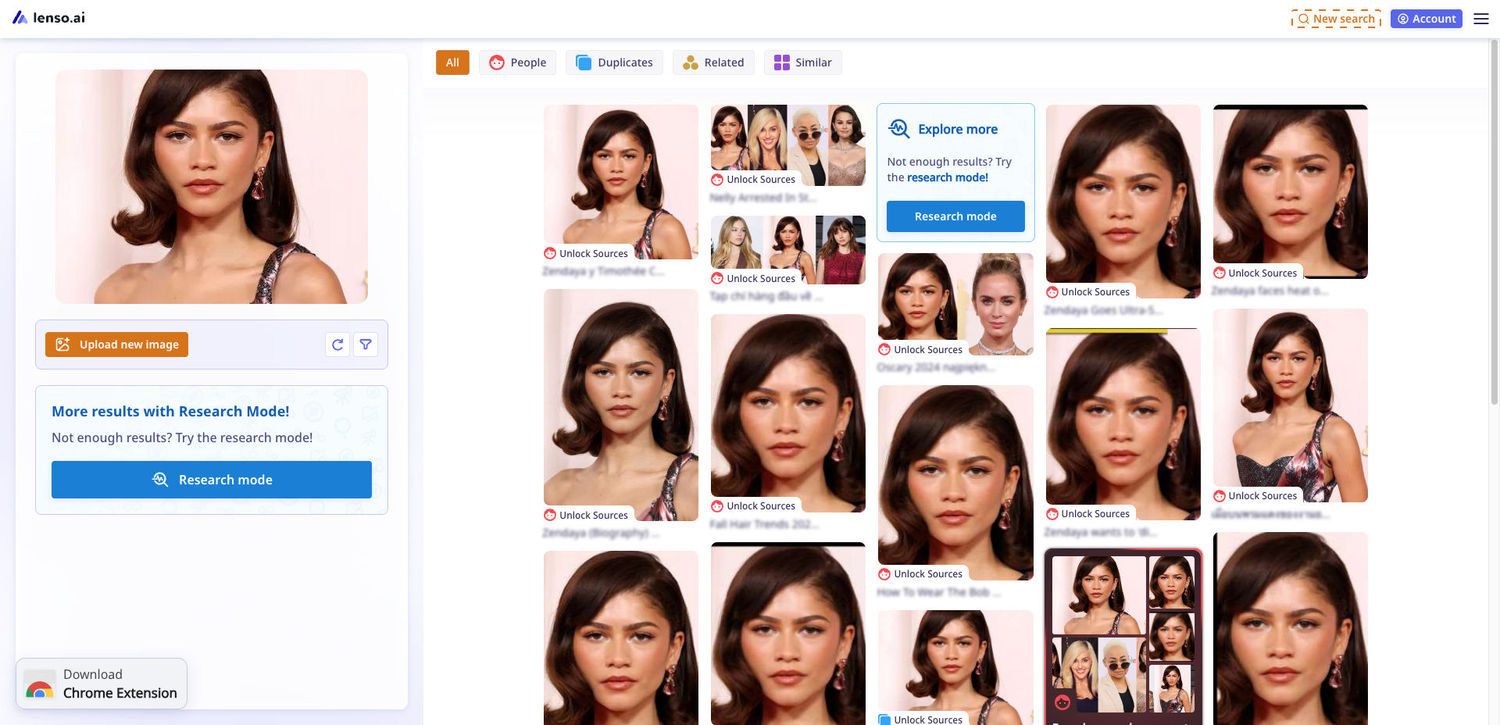
There are also additional tools on lenso.ai that were made for keeping your photos safe:
- Alerts - with alerts, you can set up notifications for your photo. There is no need for manual checks, because Lenso will locate your images online and notify you by email, or on your profile.
- Advanced Filters - Advanced Filters are available in Research Mode. They allow you to sort by Language, Keyword in the title, Domain, Image Size and Date range. Thanks to this advanced sorting system, you can find your images on specific websites or in specific timeframes, which makes it easier to spot the unwanted impersonations.
- DMCA and Opt-out Forms - in case you want your image gone from the results, you can always request the removal of your face or of a specific image of yourself.
2. Eyematch.ai
Eyematch is a simple reverse face search tool that works by finding your photos on the internet and showing you all the results on one easy-to-navigate website.
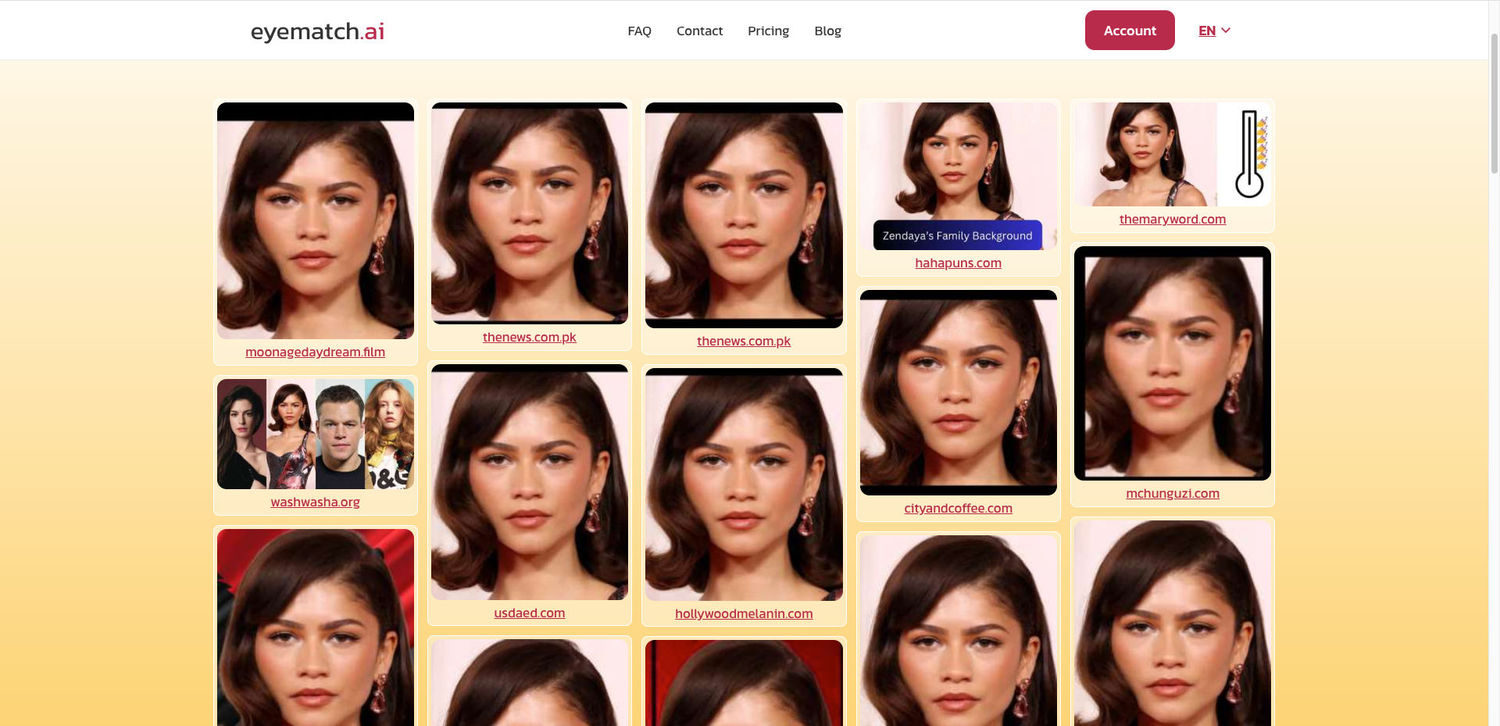
Eyematch doesn’t offer advanced features and filters, but the simplicity of the system is what made it grow in popularity in recent months.
3. Pimeyes.com
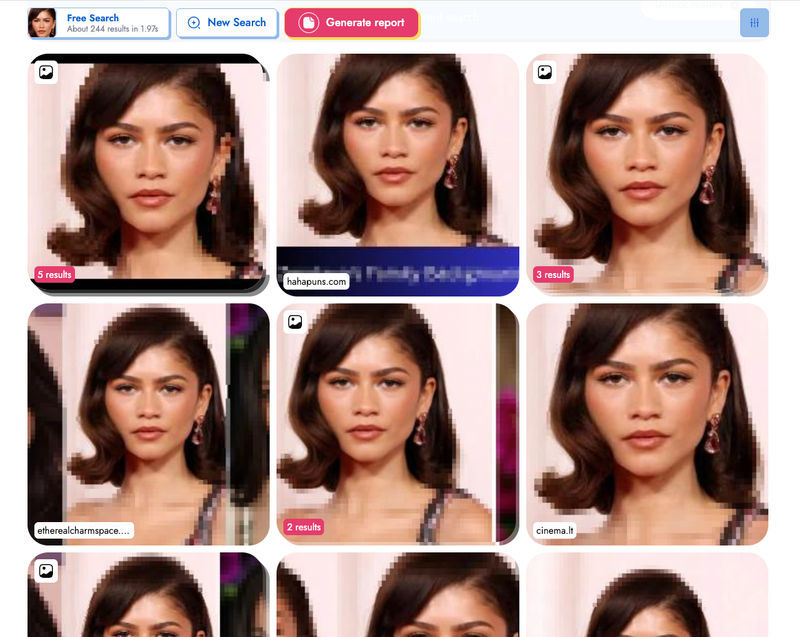
Pimeyes is the classic reverse image search tool for finding your photos on the internet. It’s often the most accurate for finding older photos that have been posted years back, but it also finds newer results.
Pimeyes offers alerts and report generation in higher tiers, which makes it easier to find and store evidence of your photos being used online.
Watch the tutorial
See our ranking of best face search tools and how to use them:
What to do if I found stolen photos of myself online?
Here’s what to do if you find stolen photos of yourself online:
-
Save the evidence
- Copy and save the page URLs.
- Take screenshots showing the photo, website name, profile/page name, and date.
- Do not delete your own messages or reports related to the case.
-
Find where else the photos appear
- Use reverse image search tools.
- Set up face/image alerts on websites like lenso.ai or Pimeyes so you can be notified if your face appears somewhere new.
-
Report the content to the website
- Use the platform’s report button.
- If someone is pretending to be you, report the profile for impersonation.
- Ask friends not to interact with the fake account and to report it too.
-
Report it to authorities
- If the photos are being used for blackmail, threats, harassment, scams, sexual content, or impersonation, contact your local police or cybercrime unit.
- Bring the evidence you saved: URLs, screenshots, usernames, dates, and messages.

Author
Kinga Jasinska
Marketing Specialist
Continue reading

News
5 Best reverse image search tools for finding old photos online
You may not even be aware that someone has misused your old photos, or you may have thought your photos were deleted, but they still appear somewhere online. How can you keep track of your online appearance? Use reverse image search! Check which one is the best to use.

News
Lenso.ai One-Time Payment: Reverse Image Search Without a Subscription
If you want to make unlocks on lenso.ai, but you don’t want to be tied to a subscription, here’s a solution you should consider: one-time payment. With one-time payments, you can purchase the product once, make unlocks and decide if you want to switch to a full plan later! This article explains how you can access the one-time payment and all the benefits it offers.

News
Using facial recognition and reverse image search for public security intelligence
Public security intelligence should implement and use only the best and most advanced tools that can help during the investigation process and provide support at different stages. How can facial recognition and reverse image search help?

News
How do Face Search Tools Work? Facial Recognition AI Models Explained.
Have you ever used a facial search tool and wondered how it works? In this article, we will explain the basics of facial recognition and tell you how face search websites build their own AI for face search engines.

News
Top 10 Reasons Why Lenso.ai Is the Best Face Search Tool Online
There are multiple facial search tools available on the internet. Most of them cost a lot, but do very little. Others provide low quality of results, show paywalls before the search even starts, or reel customers in by false advertising. Lenso.ai is the best facial search tool online, and here are some of the top reasons that prove it.