
Preview in:
OSINT investigations Toolkit
OSINT investigators rely on effective online tools that can help in finding more information about a specific person, such as personal details (like an email address or phone number) or even a location.
Besides that, there are plenty of tools that support the research by combining different pieces of information into one bigger picture. Many professional investigation firms, including Nathans Investigations, use advanced digital tools like this to enhance their private investigations and background check processes, ensuring more accurate and efficient results for their clients.
And there are people/face search tools that, in some cases, can help uncover even more about a specific person. Basically, all you need is a photo of that person, ideally, a couple of them.
Best Free OSINT tools for people and face search in 2025
Let’s check how one of the finest reverse face search tools can assist in OSINT investigations.
Lenso.ai - the best people finder tool for OSINT investigations
Lenso.ai is definitely one of the best people finder tools. It has an extremely precise face recognition engine. Thanks to lenso, you can boost your OSINT investigations and:
- search for a missing person
- conduct research about a specific person (politician, well-known personality)
- do a background check
- bring more evidence regarding a specific crime
- detect potential catfish
- reveal a romance scammer
Face recognition on lenso.ai can find matches despite different lighting conditions, angles, and positions. It can match a face in a group photo or find a younger/altered version of a person. It also searches for exact duplicates of a photo. So it is probably the most effective way to find more information about a person using only an image.
Let’s check how it works!
How does lenso.ai work?
1. As we mentioned, all you need is an image. Simply upload it to lenso.ai.

2. Then check the results. You can review all results at once or explore specific categories.
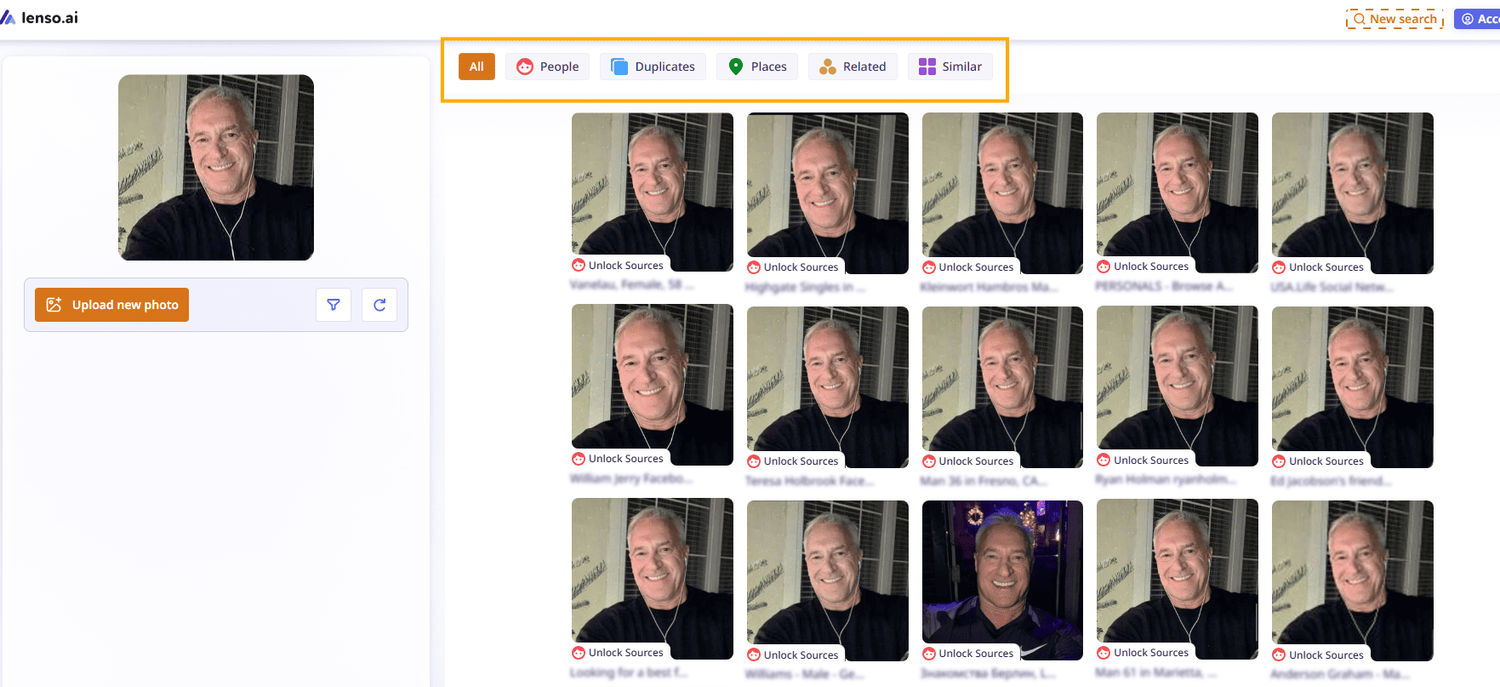
3. If you want to find more face matches, go to the “People” category
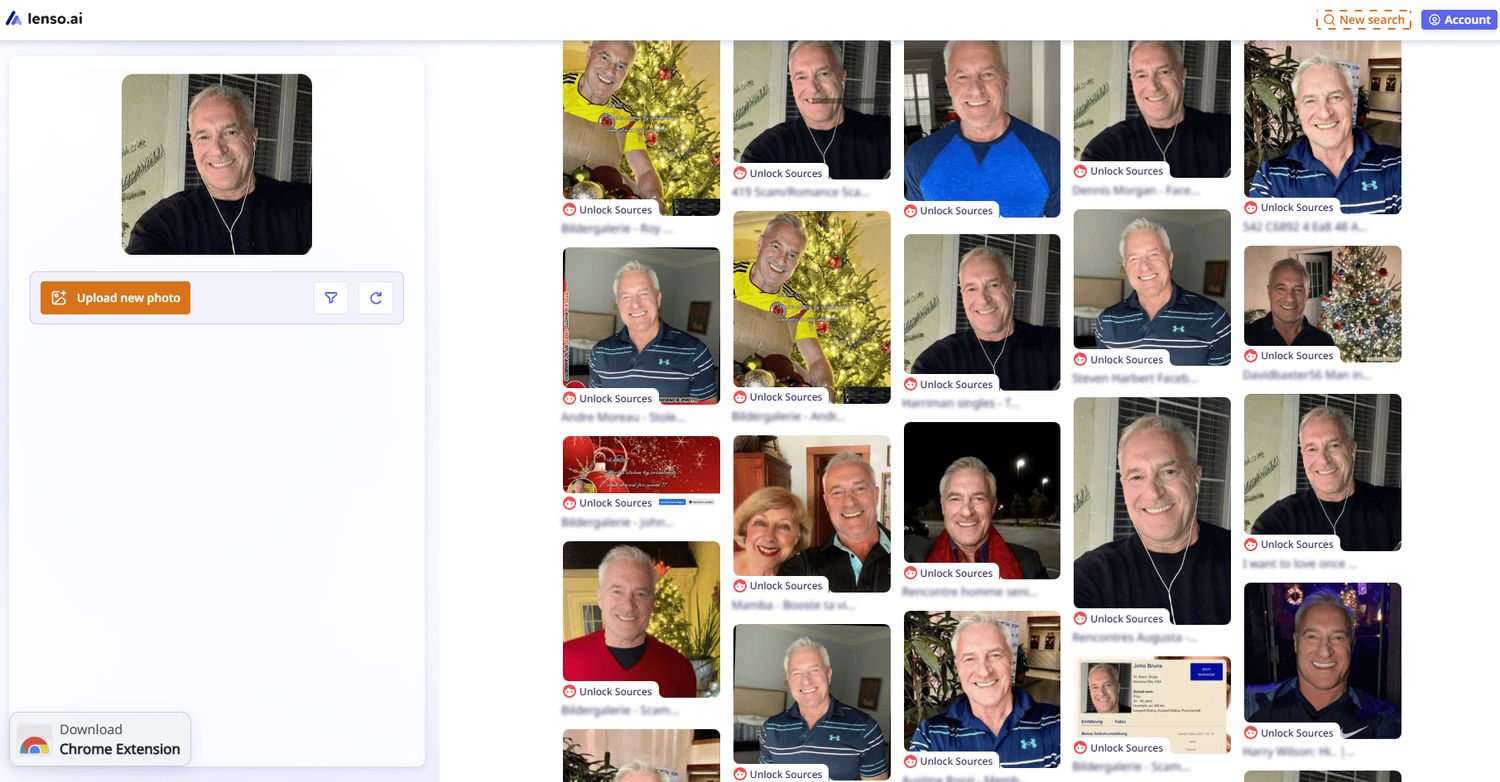
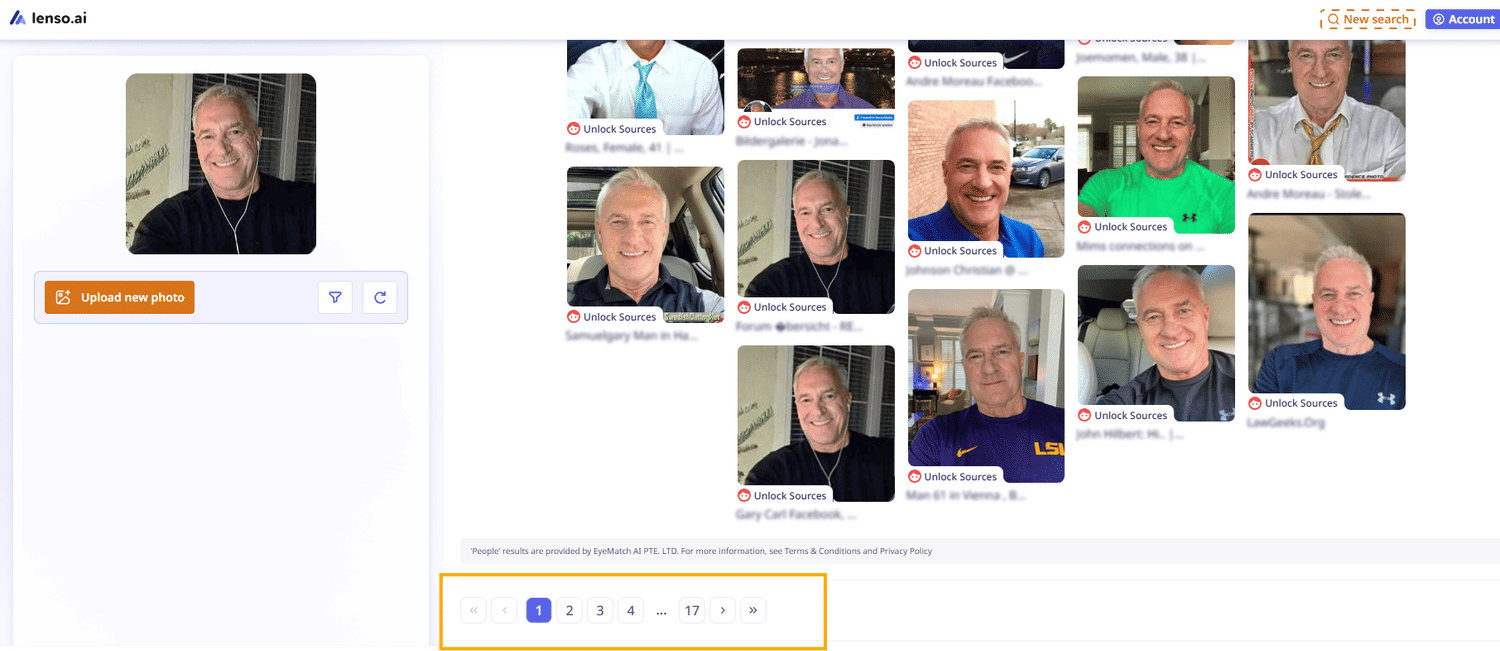
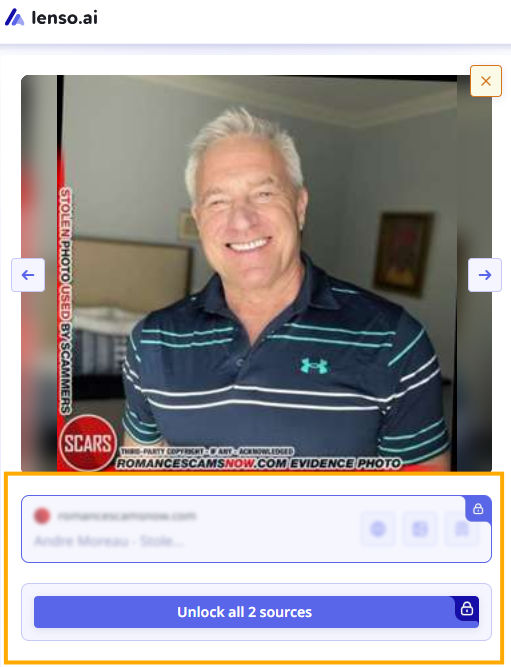
4. Check the URL(s) under each image.
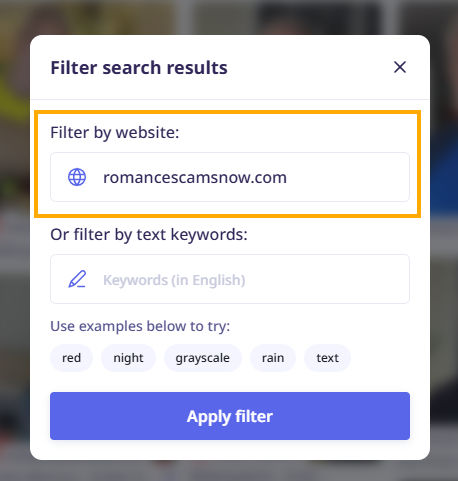
5. Filter results by domain or keyword.
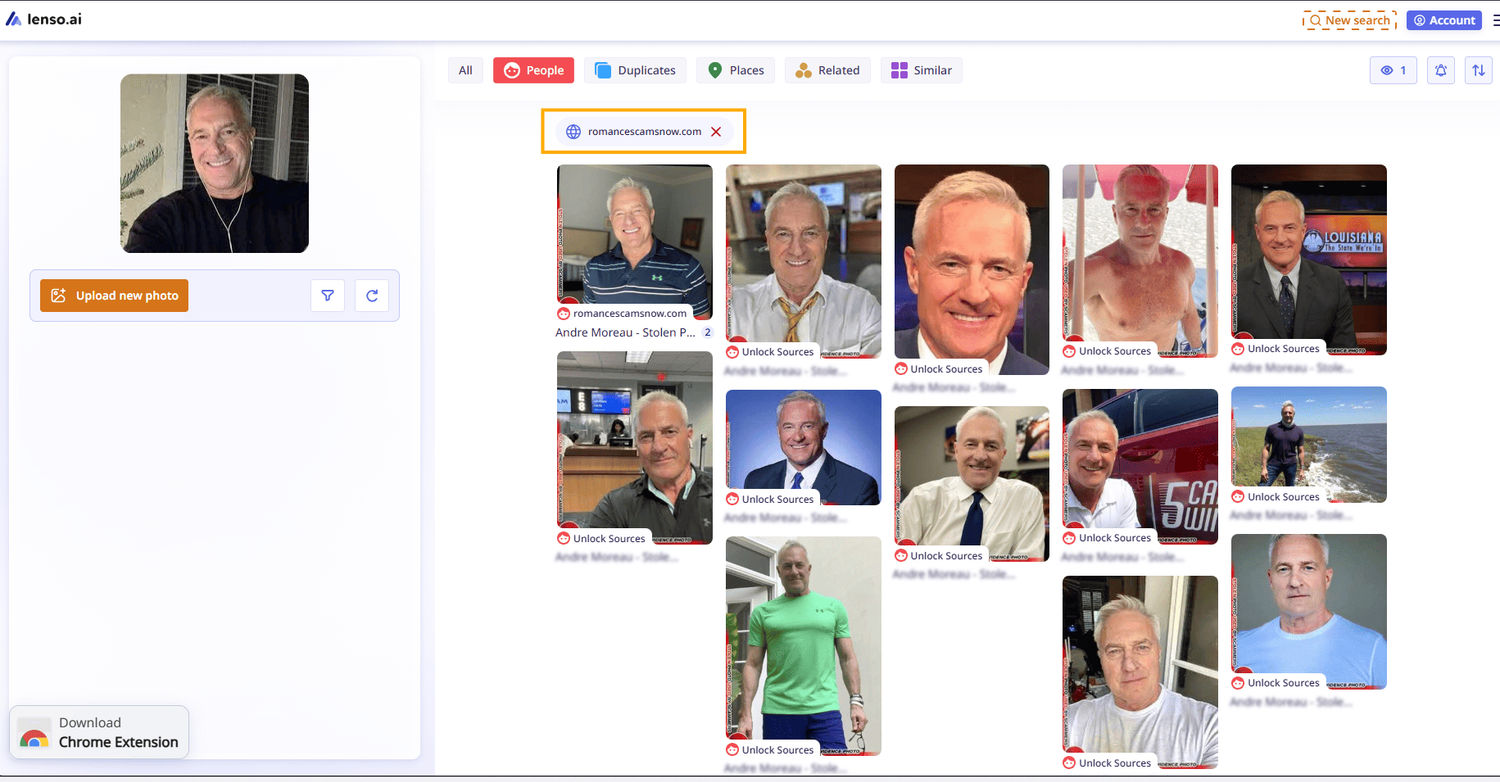
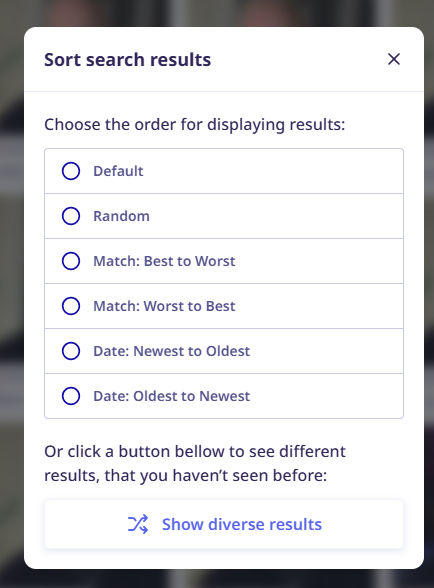
6. Sort image results.
7. Explore other categories and follow the same steps
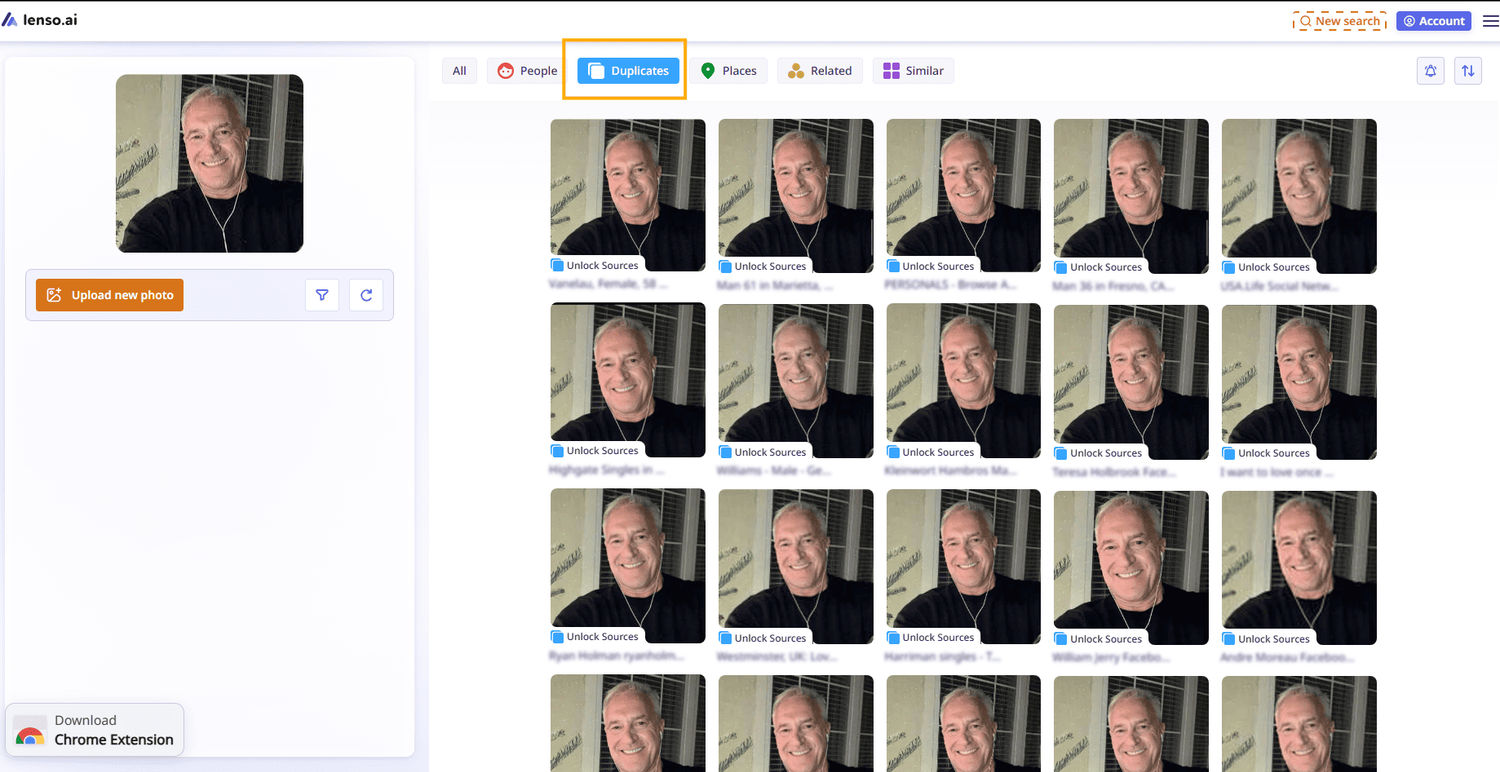
It’s an easy to use tool that can reveal a lot of hidden information behind a photo, and it may shed new light on your current investigation.
If you want to check some alternatives, feel free to read our previous article: Best 6 Reverse Image Search Sites to Find People, Places and Duplicates
Create Alerts on lenso.ai for further OSINT investigations
There are situations when you don’t have much information about a person and nothing new shows up, even after manually searching over and over.
With lenso.ai alerts, the platform does the work for you! And the best part? You get 3 alerts for free!
How to set up an alert on lenso.ai?
- Upload an image
- Click “Create an alert” or click the alert button
- Choose a category (the most useful ones are People or Duplicates)
- Save it
As soon as there are new image results under your selected category, you’ll receive an email notification.
Face search API from lenso.ai
If you own an OSINT platform, the face search API from lenso.ai can be an extremely helpful feature. Thanks to this,you can integrate it with your other tools and make the entire investigation process easier and faster.
With the face search API, you can run essentially the same reverse image search as discussed above.
In a single request, you can refine the search category, specify a domain, and set sorting preferences. In return, you’ll receive a list of images (in base64 format),along with URLs to the image and the website where it was originally published, plus a confidence score.

Author
Julia Mykhailiuk
Marketing Specialist
Continue reading

General
PimEyes not finding your photos? Here's what to try instead
If you're reading this article, you're probably already familiar with Pimeyes and how to use it. But you may be looking for PimEyes alternatives because you haven't found enough results or simply want to try another face search tool. Check out what you can try instead of Pimeyes.

General
Designing "Find Similar Products" UI Patterns for E-Commerce Websites
Every online store has the same quiet moment of truth. A shopper lands on a product that is almost right. The color is close but not quite, the price is a little high, or the size they need is sold out. What happens next decides whether they keep exploring your catalog or close the tab.
General
Best AI photo protection tools in 2026
Information, and especially photos, spreads online very quickly. And basically, you cannot control it – at least not by checking manually. The best way is to use an AI photo protection tool to prevent any potential misuse or keep an eye on where your photos appear online and in what context. Let’s check out the best AI photo protection tools.

General
7 Steps to Build a More Efficient Digital Workflow for Your Team
Every team has its own workflow. This process is usually not well thought out. It’s not created as a finished, ready-to-use item, but develops through the process of formation through spreadsheets, everyday messaging applications, informal agreements, and accumulated experience.

General
Visual Product Education: 6 Ways Ecommerce Brands Can Use Images to Build Customer Confidence
High product understanding is a direct prerequisite for high purchase intent. That’s why ensuring your target audience understands your solutions and their value is essential for guiding them toward conversion. However, communicating product benefits can be slightly more challenging online than in-store.