Preview in:
Reverse image search is basically a process of finding more information using an image or verifying someone using only an image.
What is reverse image search? A complete guide (how it works + best tools)
Below, we will explore different use cases for reverse image search and how lenso.ai, as an example of an image search engine, can be implemented in each of these solutions.
Client verification: background checks using images
One of the most basic and effective uses of reverse image search is client verification. Many organizations require a basic background check, and sometimes all you have is an image of a potential client.
Thanks to reverse image search with a facial recognition engine, you can find exact face matches for the image.
.png)
Moreover, with lenso.ai face search, you can find images of the person when:
- they were younger
- the image was altered or edited
- they appear in group photos
Each result includes the URL where the image was originally found. This can help you gather basic information about the person and confirm whether the provided information is accurate.
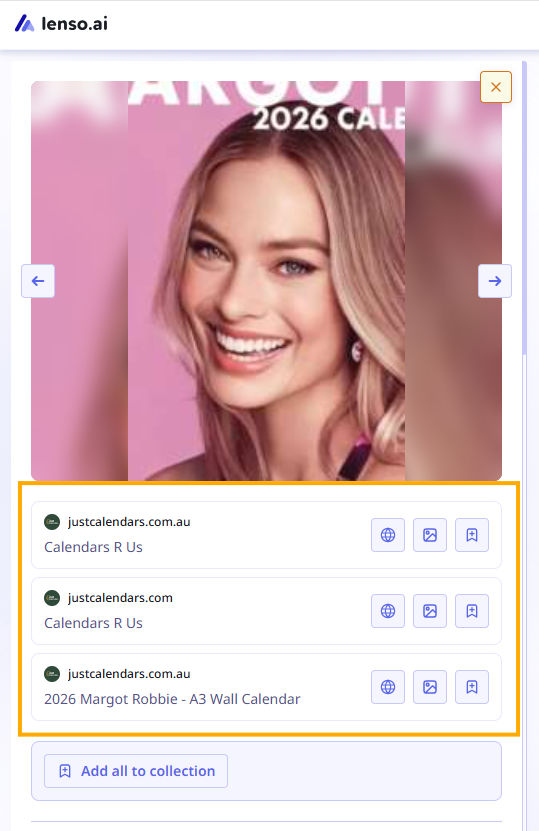
Lenso.ai also offers an API that can be easily integrated into your internal system, making the verification process even easier.
Best Background Check Tools of 2026
Image authenticity verification for e-commerce and rental platforms
We buy everything online, sometimes without considering whether it is a real picture of a product or not. Unfortunately, there are more and more scam websites offering fake products.
Find clothes by picture using reverse image search engine
On the other hand, there is a huge rental market that also mainly relies on images. Even if you decide to rent an apartment for a longer period, or just for a city break or vacation, you will most likely rely only on images.
In both cases, reverse image search is a perfect solution.
Lenso.ai offers a “Duplicate” category, which allows you to find exact copies of the image you searched for. So how can it be helpful?
.png)
- You can check whether the image has been used elsewhere (e.g., on stock image platforms or scam websites which is a huge red flag)
- There are many tools that verify whether an image is AI-generated, and this can also be detected via lenso.ai
- In rental platforms, you can check whether the same images have been used in multiple listings, which may be suspicious
Brand protection & copyright monitoring
With lenso.ai copyright image search, you can do even more: you can check where your logo, product images, or copyrighted photos of yours appear online and whether they have been misused.
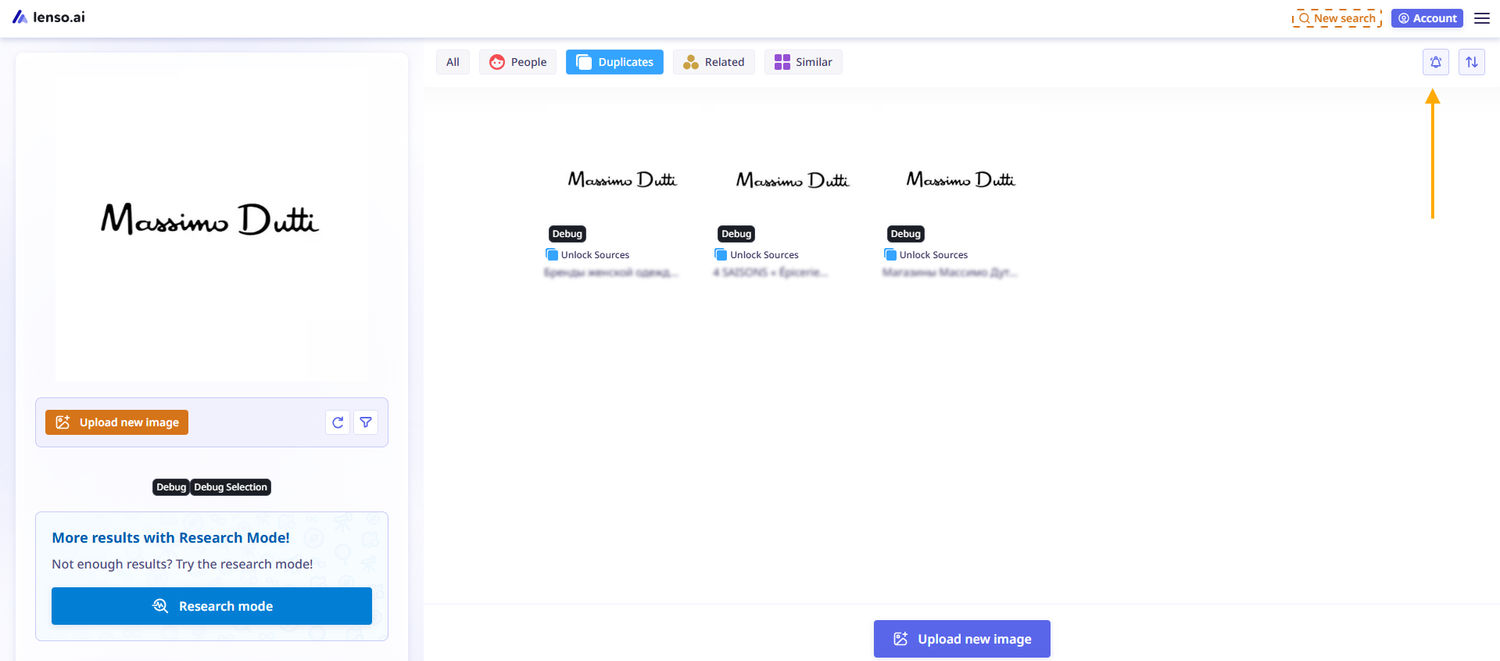
Moreover, lenso.ai offers an Alert feature, which can be very helpful if you want to monitor new image appearances online. This way, you can detect misuse early and report it as soon as possible.
How to find your copyrighted pictures online? Simple Tutorial
OSINT Investigations
For OSINT investigators, a reverse image search tool is a must-have in their toolkit, as it can help with:
- ongoing investigations
- finding clues
- revealing new information
- confirming the data you already have
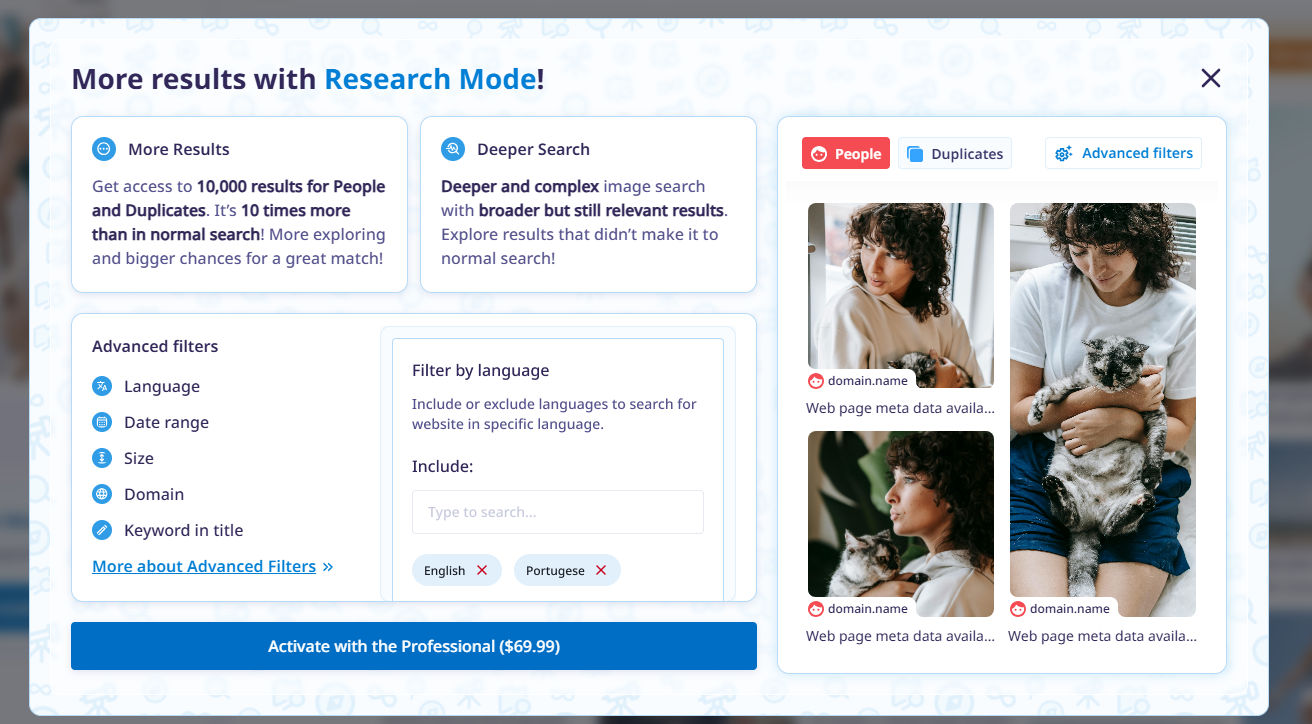
Lenso.ai has also recently released a research mode that allows you to dive deeper into searches,find up to 10,000 results, and use advanced filters to refine them:
- include/exclude domain
- include/exclude language
- keywords in title
- date range
- image size
Best Free OSINT tools for people and face search in 2026
We could make this list even longer. The point is that reverse image search is not just a feature for playing with images, it can be a great helper in verification, background checks, and image authenticity confirmation. However, if you want all of this, you need to carefully choose and use only reliable image search tools.

Author
Julia Mykhailiuk
Marketing Specialist
Continue reading

General
Visual Product Education: 6 Ways Ecommerce Brands Can Use Images to Build Customer Confidence
High product understanding is a direct prerequisite for high purchase intent. That’s why ensuring your target audience understands your solutions and their value is essential for guiding them toward conversion. However, communicating product benefits can be slightly more challenging online than in-store.
General
The Best Reverse Image Search for Photographers. Set Up Copyright Notifications!
If you are a photographer looking for a smart way to find your copyrighted content shared online, this is the place for you! In this article, we will explain how you can search for your photos being reposted, and the best ways you can automate the searching.

General
Face Search API by lenso.ai for businesses: Top 5 Industries and use cases
If you run a business and wonder how to boost your user engagement or add a feature that may become a game changer – we do have a solution! You need to implement the face search API from lenso.ai. Check whether your use case may be a good fit for reverse face search integration.

General
How Teams Can Improve Their Image Search Skills with AI-Powered Tools
AI-powered visual tools are changing how photographers, digital marketers, content creators, and researchers work. In a single day, one person might trace the source of a photo, check a campaign image for duplicates, and look for similar visuals for a new project. The tools evolve quickly, and training often struggles to keep up.