
Preview in:
What is online face search?
Online Face Search is a reverse image search service focused on finding people online. Instead of using their name, email, location, or phone number, all you need to do is upload their image to the facial search page. These websites find other photos of that person online in seconds.
Is face search safe?
To make sure the face search website you are using is safe, check if the company is legitimate. You can do that by checking if their Privacy Policy and Terms of Service point to a specific, registered company. You can also use different online tools or social networks like LinkedIn.
Risks of using fake face search websites
If the company is not registered, or if it looks like a scam, you risk:
- Privacy violations
- Identity theft
- Malware and phishing
- Losing your money
Legitimate face search websites
There are two easy-to-use, legitimate face search sites that we recommend.
Lenso.ai
Lenso.ai is a facial search website that’s registered in Poland. It’s privacy-focused and doesn’t store the images uploaded by users permanently, and offers clear and detailed Privacy Policy and Terms of Service.
You can learn more about privacy protection on lenso.ai on the Privacy Protection page.
You can also find the proof of the company’s existence on this Company Registration Page.
Pimeyes
PimEyes is a facial recognition search that allows users to locate all online images of a person using a photo. The service is operated by EMEA Robotics, a company headquartered in Dubai, with Giorgi Gobronidze, based in Tbilisi, Georgia, who is the owner and CEO.
More information on the company can be found on Wikipedia.
How to find a person online from a photo?
- Visit lenso.ai
- Upload a photo of the person
- Open the People tab (Can’t see any results? Lenso.ai didn't find my face. Why?)
- Check the images lenso.ai found
- Click on the image you like to open more options
- Unlock the source to check the source website
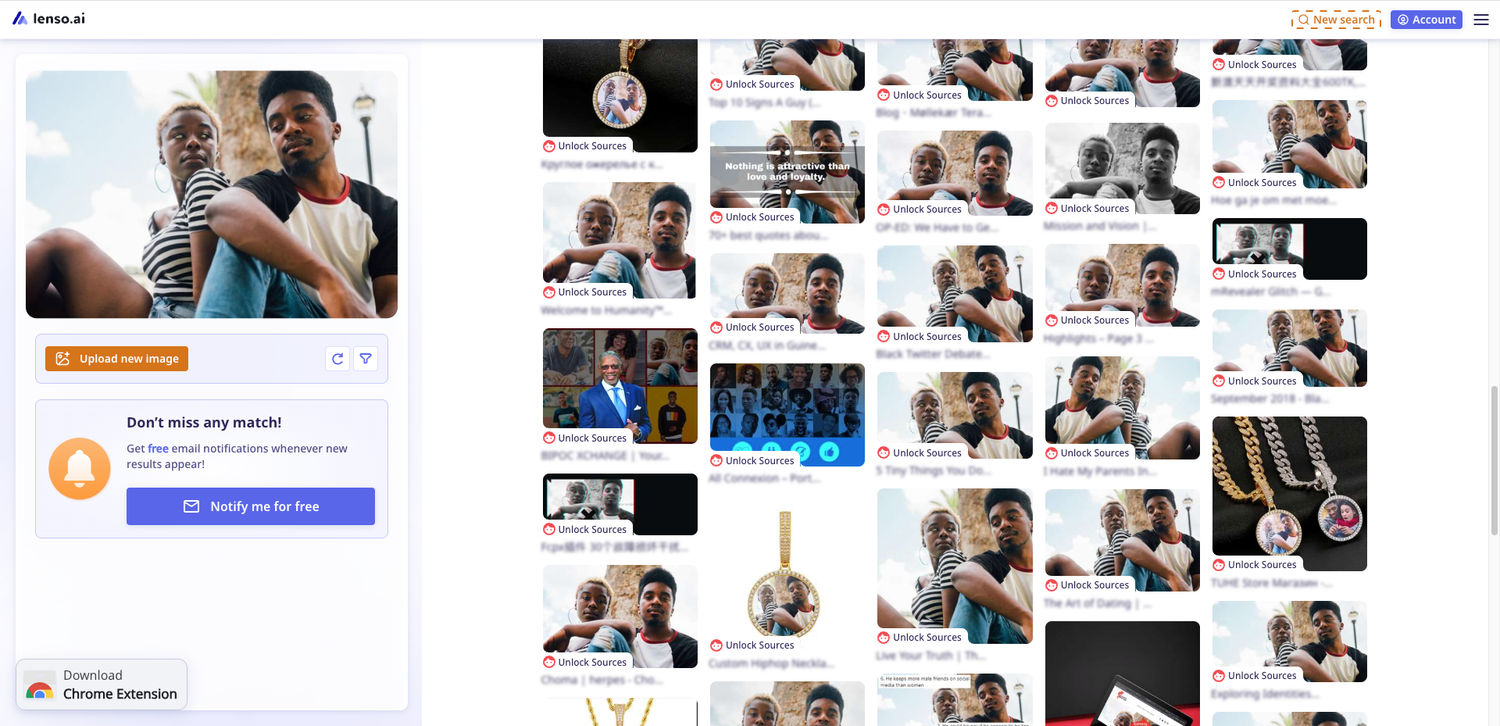 Facial search in the People category
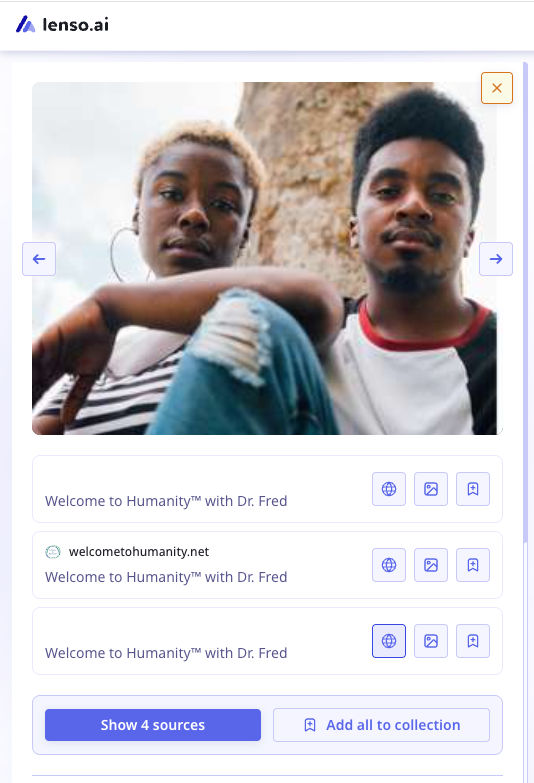 Unlocked result
Set up an alert
Can’t find your face? Set up an alert on lenso.ai to get notified when new results appear.
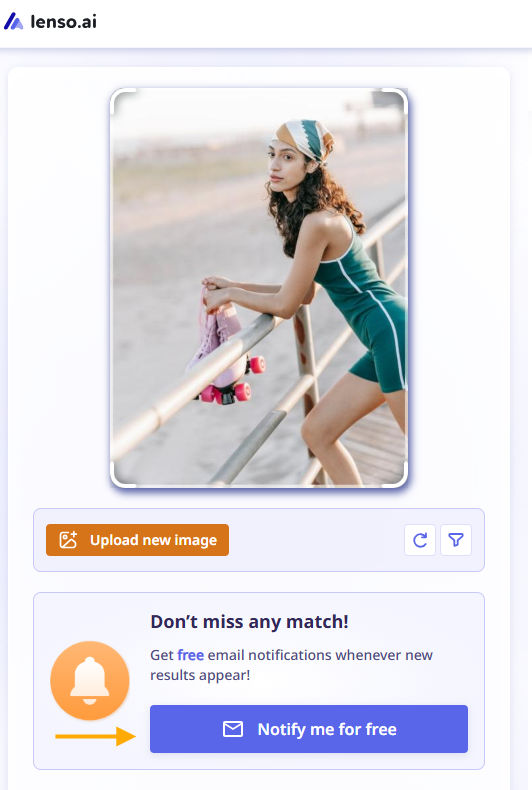 Set up an alert on lenso.ai

Author
Kinga Jasinska
Marketing Specialist
Continue reading

Guides
7 Ways Brands Can Use Reverse Image Search to Protect Themselves
Most brands monitor their name. They set up Google Alerts, track hashtags, and keep an eye on reviews.
%20(1).jpg?tr=w-768,h-auto)
Guides
How to Prepare and Convert Images for Reverse Image Search
A product photo, a transparent logo, and a screenshot may arrive in the same folder, but they should not automatically leave it in the same format. Choosing the wrong output can replace transparency with a solid background or soften text that was perfectly readable. These differences matter when preparing images for websites, online platforms, and reverse image search tools.

Guides
Find cozy fall aesthetics online with reverse image search
Fall is the perfect season to shop for cozy, aesthetic finds. With the internet overflowing with autumn posts and inspiration, it can be hard to narrow down what you want. How to find cozy fall aesthetics online with reverse image search?

Guides
How to find the perfect fall photoshoot location from a photo?
Fall is the perfect time for a new photoshoot, whether you want to create fresh content for your personal social media accounts or promote your product or brand with an authentic fall vibe. But first, you need to find the right place. Find out how to discover the perfect fall photoshoot location from a photo.

Guides
What to do in the first ten minutes after you find your own face in a reverse image search?
Finding your own face in a reverse image search is a strange feeling. Not usually because the result is sinister, most of the time it is a conference photo, an old profile picture, a team page from a job you left in 2019, but because you did not put it there and you did not know it was there.