Preview in:
Copyright infringement is becoming a major issue in the online community, as nearly everything is accessible to everyone. With increased anonymity, people often feel less accountable for using someone else's work without permission.
This is why it's crucial to keep track of how your work is used online and to identify any potential misuse. A reverse image search tool offers an effective solution for this need.
Copyright Laws Regarding Images - How to Protect Your Business?
What is lenso.ai?
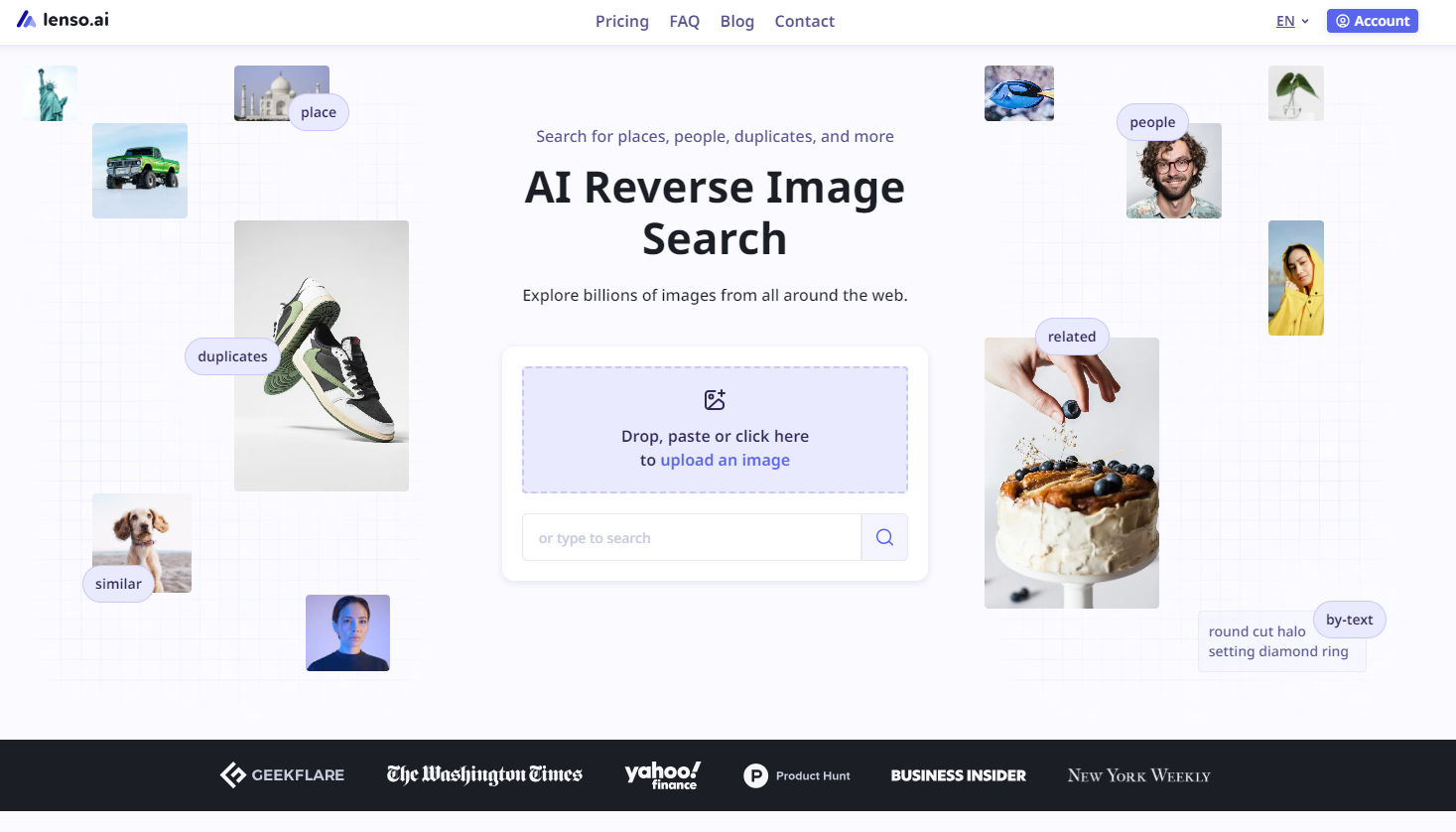
Lenso.ai is an image search engine that offers a variety of features for copyright owners and companies that provide similar services.
With lenso.ai you can search for:
- Duplicates
- People
- Places
- Similar
- Related images
For an in-depth search, you can filter results (by keywords or domain) or sort them by (newest/oldest; best/worst match; random).
Besides that, you can create an alert for a specific category and receive email notifications when new results appear.
Finding duplicated and copied images online with lenso.ai
Copyright protection for photographers with lenso.ai - a real use case story
Lenso.ai proves to be a valuable tool for copyright protection, as demonstrated by one of our clients' success stories.
PhotoClaim is probably the best available service for photographers to protect their copyrights. It tracks their portfolio, researches cases of copyright infringement and then connects them with their partner lawyers who help win them back their money.

Partners at PhotoClaims emphasize that: Our company operates on a "no win, no fee" basis which means our clients only pay us for successful cases. We have a track record of recovering over 12 million euro for photographers who put their trust in us.
Beside that, researching cases of copyright infringement is a very important part of our workflow and we're always on the lookout for new technology to make our research even more thorough, so that no copyright infringement escapes us. When researching new reverse image search engine options, we stumbled upon lenso.ai.
How does lenso.ai help PhotoClaim?
We use lenso.ai to discover new copyright infringements alongside our own crawler and Google Reverse Image search, with very satisfying results. Combining the 3, gives us possibly the best results on the market right now.
With the help of the reverse image search engine, our partners at PhotoClaim can quickly detect where specific images have been misused. To streamline the process and avoid daily manual checks, they rely on the Alert feature - We set up alerts for the duplicates of the most often stolen photos of our clients. We then review these alerts every 2 weeks or so and if we find a new match that fulfills our criteria, we open a new case against the infringing company.
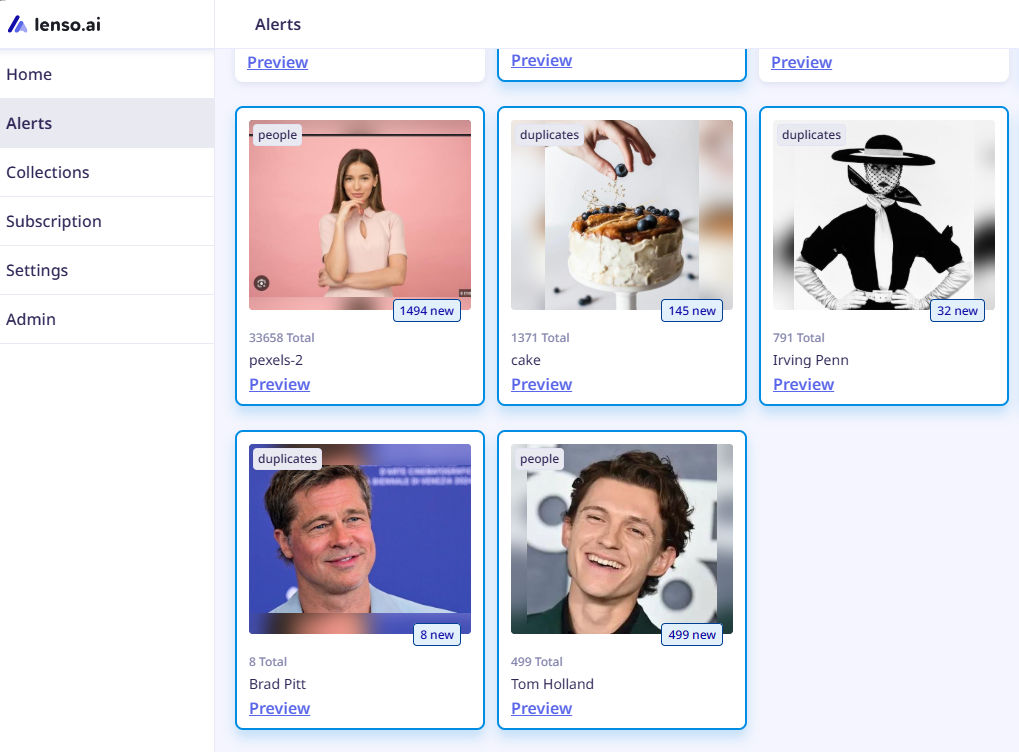
The main advantage of the Alert feature that PhotoClaim finds useful is that it allows us to see new matches and we only have to upload the photo once. And it's a valuable tool to discover potential copyright infringements.

Author
Julia Mykhailiuk
Marketing Specialist
Continue reading

Guides
How to find the perfect fall photoshoot location from a photo?
Fall is the perfect time for a new photoshoot, whether you want to create fresh content for your personal social media accounts or promote your product or brand with an authentic fall vibe. But first, you need to find the right place. Find out how to discover the perfect fall photoshoot location from a photo.

Guides
What to do in the first ten minutes after you find your own face in a reverse image search?
Finding your own face in a reverse image search is a strange feeling. Not usually because the result is sinister, most of the time it is a conference photo, an old profile picture, a team page from a job you left in 2019, but because you did not put it there and you did not know it was there.

Guides
Is your match real? Reverse image search a dating profile
Dating apps are probably the go-to solution for finding a potential date, but unfortunately, they can also be one of the riskiest options. How can you make sure your match is real? Do a reverse image search and find more information using their dating profile picture.