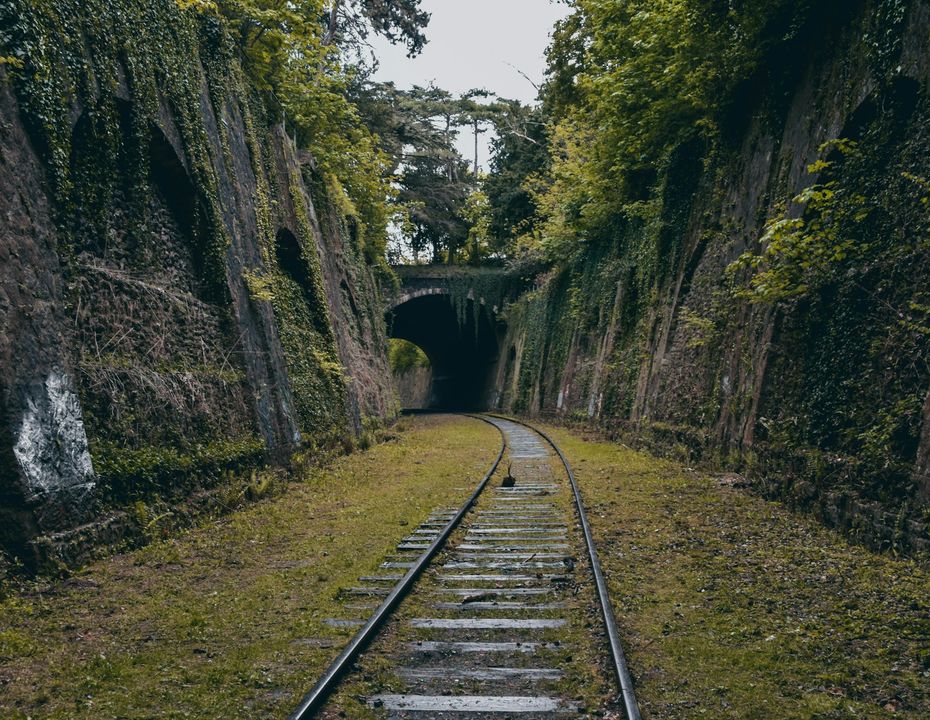
Preview in:
How does Place Search from an image work?
Place Search from an image works by using AI and computer vision (like Google Lens) to analyze visual features (shapes, colors, textures) in your photo, compare them to an index of images, identify recognizable elements (buildings, signs, natural features), and match them to known locations.
It's a form of reverse image search that focuses on geographical context, using features like landmarks and specific objects to find location matches.
Check out our ranking of top 4 place search websites!
Why is Place Search useful?
Place Search is useful because it helps you quickly find real-world locations using images.
Place Search might be needed in many cases, such as:
- Finding where an old family photo was taken
- Finding the location of a crime or an accident
- Searching for lost media
- Detecting unknown locations from holidays
And many more.
How to Search for Places with Images?
To find a place from an image, it’s best to use reverse place search.
Here’s a simple tutorial:
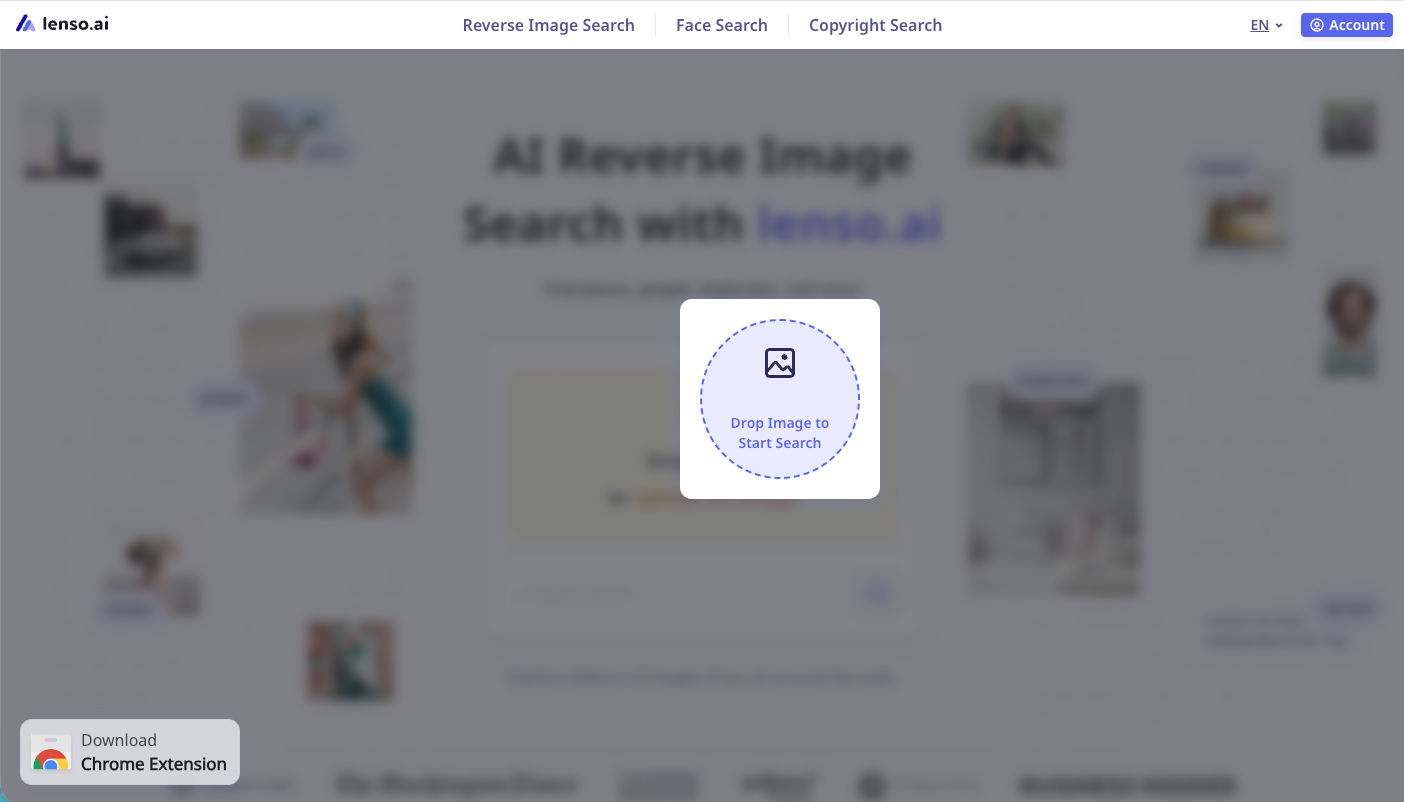
Open lenso.ai and upload your image
Go to lenso.ai’s main page. Upload your photo by dragging, pasting or uploading from your drive.
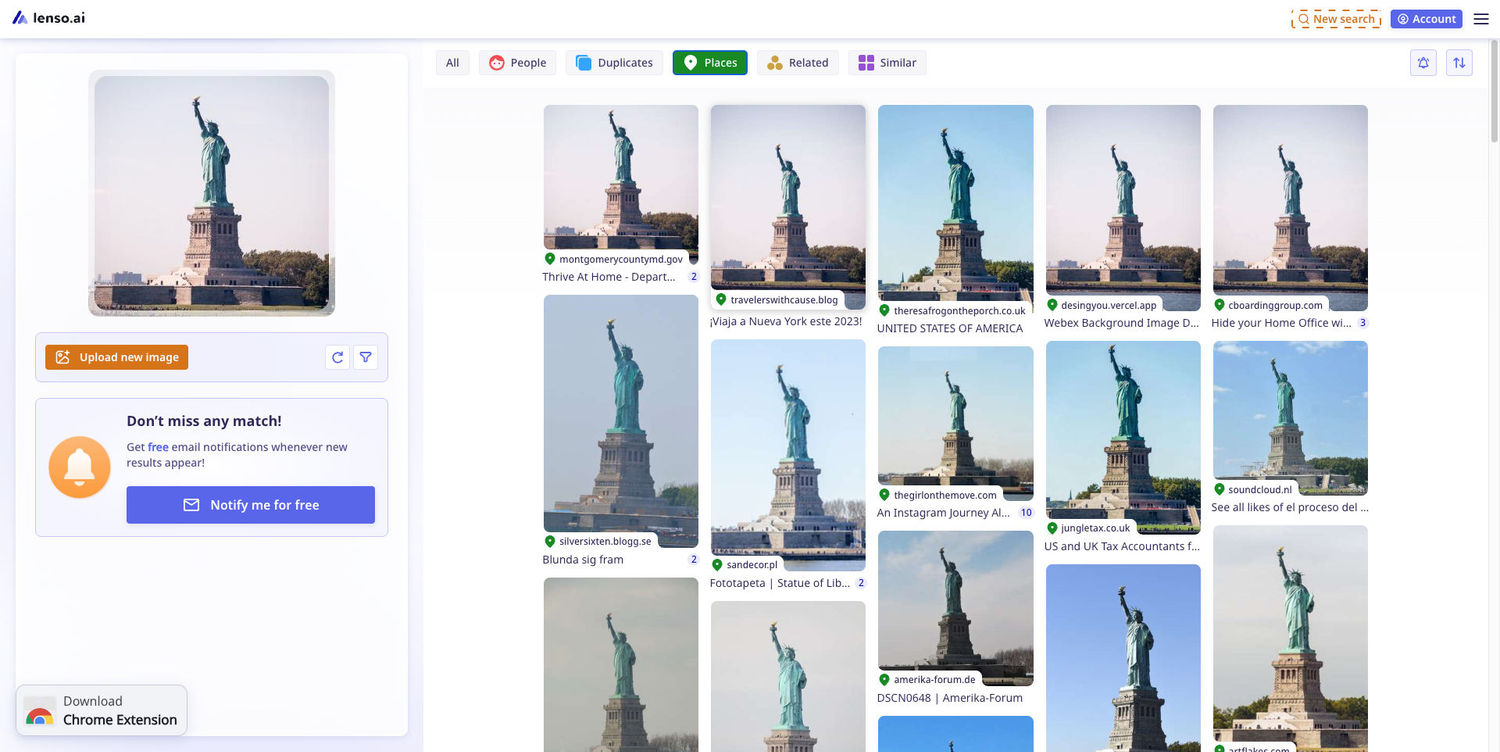
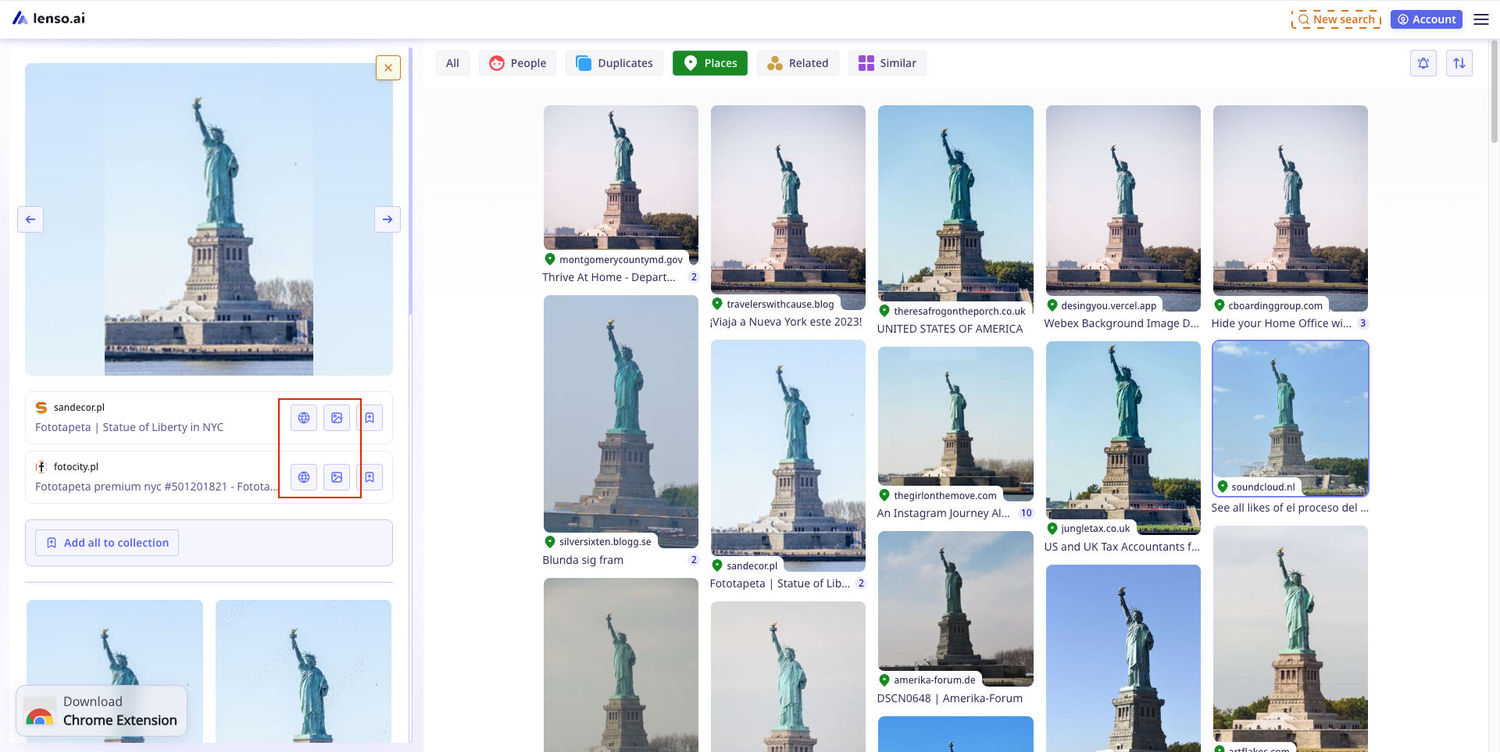
Open the “Places” category
To see matches for places, you need to open the “Places” category. It will only show the visual matches for the location.
Refine the search
If needed, add keywords or sort your results.
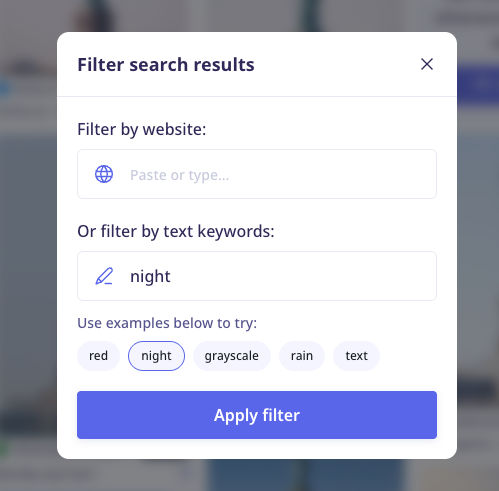
For example, the keyword “night” (written in English) returns images taken at night.
Unlock the results you like most
To unlock the result, click on the result, then on the blurred field. Once it’s unlocked, click on the image icon or the web icon to see the image in full resolution or to open the source.
Find locations from image with lenso.ai
If you are looking for places, buildings and locations, visit Lenso AI! It’s a great reverse place search tool - try it!

Author
Kinga Jasinska
Marketing Specialist
Continue reading

Guides
7 Ways Brands Can Use Reverse Image Search to Protect Themselves
Most brands monitor their name. They set up Google Alerts, track hashtags, and keep an eye on reviews.
%20(1).jpg?tr=w-768,h-auto)
Guides
How to Prepare and Convert Images for Reverse Image Search
A product photo, a transparent logo, and a screenshot may arrive in the same folder, but they should not automatically leave it in the same format. Choosing the wrong output can replace transparency with a solid background or soften text that was perfectly readable. These differences matter when preparing images for websites, online platforms, and reverse image search tools.

Guides
Find cozy fall aesthetics online with reverse image search
Fall is the perfect season to shop for cozy, aesthetic finds. With the internet overflowing with autumn posts and inspiration, it can be hard to narrow down what you want. How to find cozy fall aesthetics online with reverse image search?

Guides
How to find the perfect fall photoshoot location from a photo?
Fall is the perfect time for a new photoshoot, whether you want to create fresh content for your personal social media accounts or promote your product or brand with an authentic fall vibe. But first, you need to find the right place. Find out how to discover the perfect fall photoshoot location from a photo.

Guides
What to do in the first ten minutes after you find your own face in a reverse image search?
Finding your own face in a reverse image search is a strange feeling. Not usually because the result is sinister, most of the time it is a conference photo, an old profile picture, a team page from a job you left in 2019, but because you did not put it there and you did not know it was there.