
Preview in:
Testing Environment
To ensure fairness, we conducted three searches using different images: a place, a person, and an object (a plain eggplant image in this case). While results may vary depending on location, this serves as a good test of search personalization and accuracy. Without further ado, let’s dive into the experiment.
Images Used
Here are the images we used. Feel free to try the search yourself — simply copy the pictures and upload them to any search engine!



Google Lens
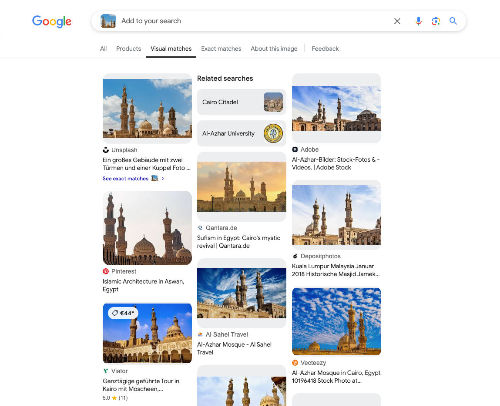
A major advantage of Google’s place search is its ability to detect and display the exact location, as long as it can be identified.
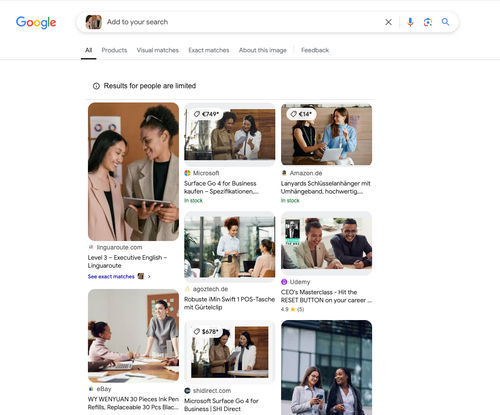
When searching for people, Google isn’t the best solution. It can locate copies of the same image but struggles to find multiple images of the same individual.
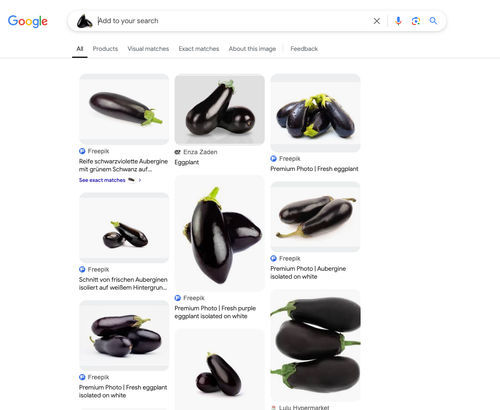
Google found numerous similar images from Freepik but not the exact one. The original image is available in the “Exact matches” tab, but it’s not the first result.
Lenso.ai
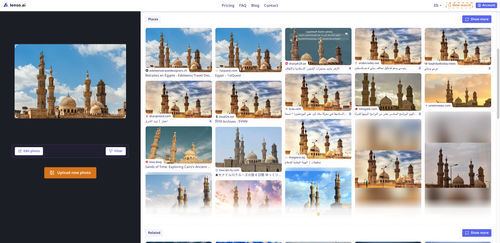
Lenso.ai retrieved various images of the same place from different perspectives. It also identified the same image on multiple websites.
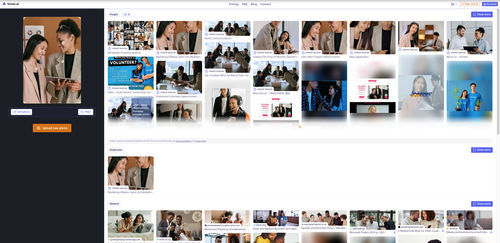
Lenso.ai features built-in facial recognition, allowing users to find the same person in different photos.
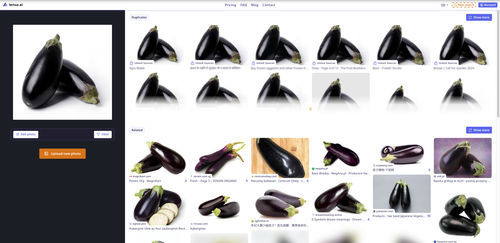
Lenso.ai categorized its findings into duplicates, related images, and similar images. Each category provided distinct results, including the exact image, as well as various images of eggplants or other vegetables.
Bing
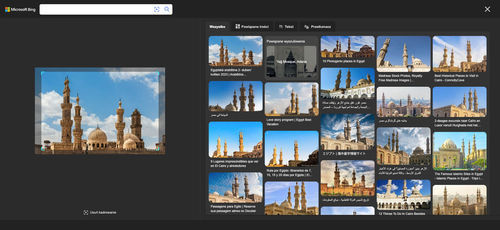
Bing successfully located the exact image, though not from the original source. It also identified the location where the photo was taken.
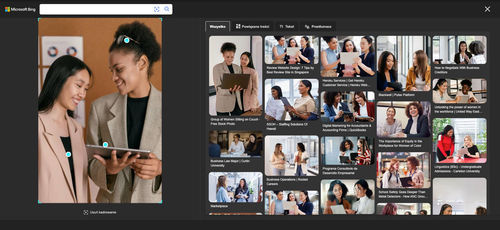
Bing’s search quality was comparable to Google’s. It found a different image of the same woman and a few similar images of other individuals.
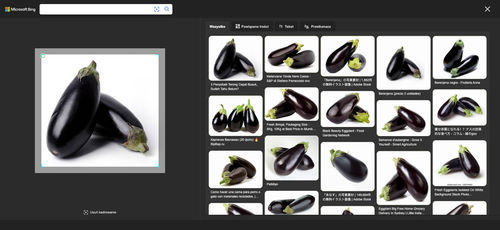
Bing located the exact image in several places, along with many similar pictures.
TinEye
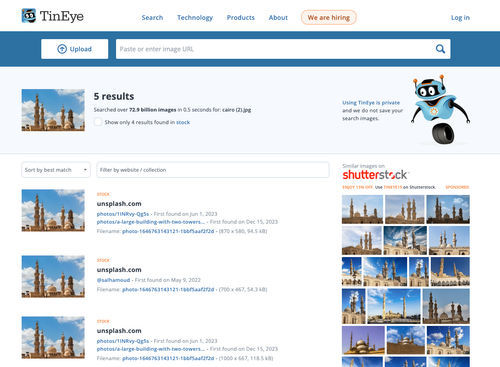
TinEye identified the original source of the image but did not display any similar images.
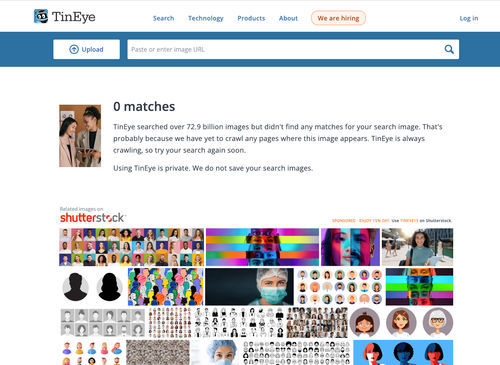
TinEye didn’t find any results for this image.
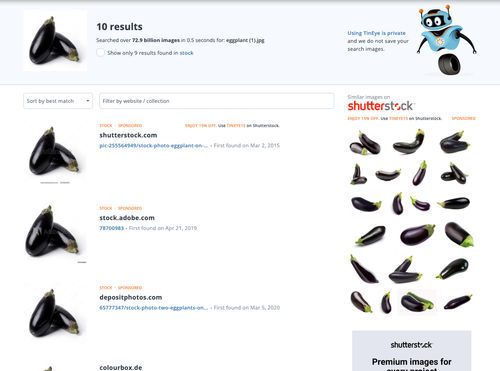
It located a few copies of the same image.
Yandex
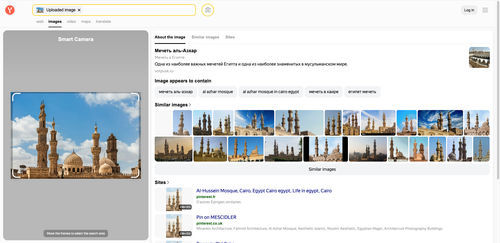
Yandex found both copies and different perspectives of the place. It also displayed the location’s name, but only in Russian.
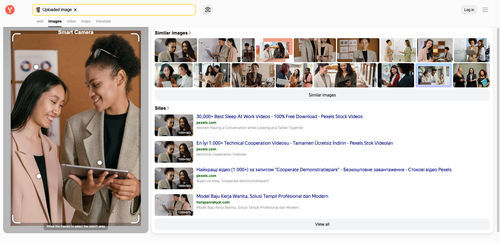
Yandex provided more results for the same woman, though not as many as Lenso.ai.
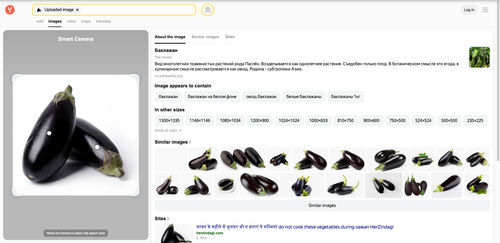
Yandex located a mix of identical and similar images and included a brief description of the vegetable.
Conclusion
While most reverse image search engines performed fairly well, we ranked them based on overall experience and search quality:
- Lenso.ai
- Yandex
- Google Lens
- Bing
- TinEye
According to our research, lenso.ai outperformed others by finding all the images and categorizing them. Additionally, it was the only tool capable of identifying faces. However, it didn’t provide additional information about places or objects.
Yandex ranked second, delivering good search quality. However, it didn’t identify faces, and its interface was limited to Russian.
Google Lens performed adequately but struggled with face recognition and finding identical matches.
Bing Search offered similar results to Google but lacked categorization, and its interface was less intuitive.
Lastly, TinEye ranked lowest, as it failed to find results for one image and provided fewer results overall.
Share this article on social media and let us know which reverse image search website is your favorite! See you in the next one!

Author
Kinga Jasinska
Marketing Specialist
Continue reading

General
The Best Reverse Image Search for Photographers. Set Up Copyright Notifications!
If you are a photographer looking for a smart way to find your copyrighted content shared online, this is the place for you! In this article, we will explain how you can search for your photos being reposted, and the best ways you can automate the searching.

General
Face Search API by lenso.ai for businesses: Top 5 Industries and use cases
If you run a business and wonder how to boost your user engagement or add a feature that may become a game changer – we do have a solution! You need to implement the face search API from lenso.ai. Check whether your use case may be a good fit for reverse face search integration.

General
How Teams Can Improve Their Image Search Skills with AI-Powered Tools
AI-powered visual tools are changing how photographers, digital marketers, content creators, and researchers work. In a single day, one person might trace the source of a photo, check a campaign image for duplicates, and look for similar visuals for a new project. The tools evolve quickly, and training often struggles to keep up.
General
Lenso.ai vs. Yandex. Reverse Image Search + Face Search Compared
Yandex and Lenso.ai are both reverse image search websites that are used by people wanting to find objects, places or people online. Is there a clear winner between the two? Who does what best? In this article, we will compare Lenso.ai and Yandex and we will try to select the website who performs better depending on your personal requirements.